Package selection guidance compiled from public package information, community data, and project usage.
ShakyAnimatedListView is a Flutter package that provides dynamic list item animations to visually track scroll changes or the initial appearance of items in a list. It enhances user experience by applying customizable transition effects when items enter the viewport or during scrolling. Ideal for creating engaging, responsive lists with smooth entry and movement animations, it supports multiple platforms including Android, iOS, Web, macOS, Windows, and Linux. The package is lightweight and integrates seamlessly into existing Flutter projects.
Use cases
Enhancing list item entry animations
Visual feedback during scrolling
Creating interactive UIs with dynamic transitions
Improving user engagement in scrollable lists
Animating lists on multi-platform apps
Key features
Customizable transition rules
Smooth entry animations for list items
Scroll-aware animation tracking
Supports all major Flutter platforms
Lightweight and easy to integrate
Suitable for
Developers building interactive lists
UI designers seeking visual polish
Apps requiring animated list entries
Cross-platform Flutter applications
Projects focused on user experience enhancement
Considerations
May impact performance with very large lists
Requires careful tuning of animation parameters
Limited documentation available
Best suited for moderate list sizes
Not ideal for static or simple lists
Original README
Original README snapshot from the linked source repository. Visit the repository for the latest content.
ListView Scroll animations will enable your to implement the scroll animations with full control on animations space and duration please don't add vertical margins to your elements, you can use the spaceBetween to give a space between elements and extendedSpaceBetween to control the scroll animations space.
Also you can use duration to control the reverse animations duration based on your needs
for example you can simply do this to show ListView vertical Scroll animations
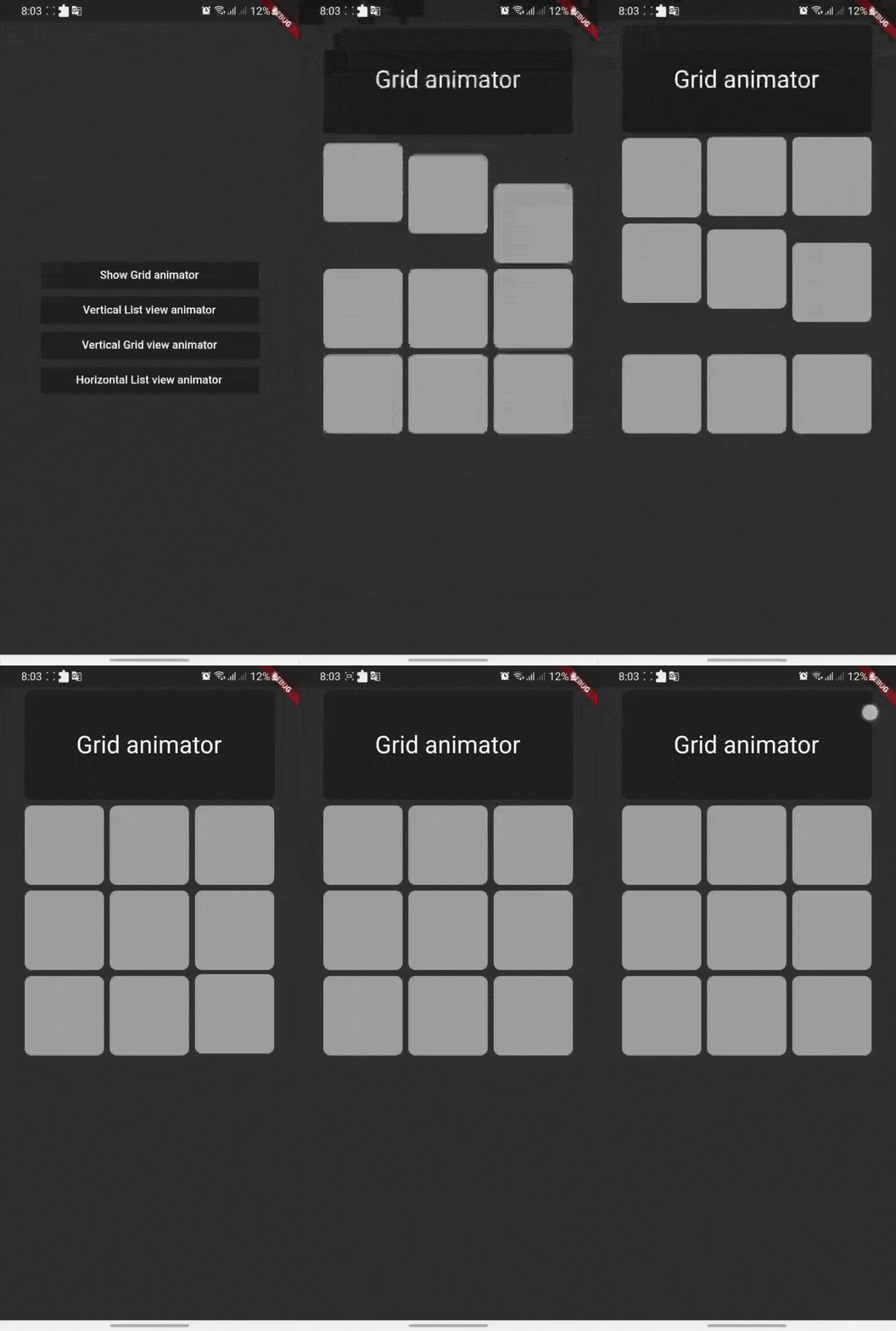
Grid Scroll animations will enable your to implement the scroll animations on a grid view, one little change here is that we will implement the delegate, this is a design issue that we run into so you will have to
to specify your crossAxisCount, crossAxisSpacing, mainAxisSpacing, and duration and we will take it from here,you can use any other default supported parameters in GridView.
for example you can simply do this to show Grid vertical Scroll animations
if you want to add a horizontal animations, all what you have to do is to add a scroll direction to the widget and that's it
for example you can simply do this to show ListView horizontal Scroll animations