Search packages, repositories and app categories

shirne_dialog cover
Package detailsv4.9.0

shirne_dialog

A flutter package to use alert, toast, popup, snack, imagePreview, loading etc. with customizable style in anywhere.

AndroidiOSWebmacOSWindowsLinux
30-day downloads
217
Likes
51
Pub points
150

Install package

flutter pub add shirne_dialog

Package Overview

Package selection guidance compiled from public package information, community data, and project usage.

shirne_dialog is a Flutter package that provides a versatile set of customizable UI components such as alerts, toasts, popups, snackbars, image previews, and loading indicators. Designed for ease of use, it allows developers to display these elements anywhere in the app with consistent, stylish appearances. The package supports multiple platforms including Android, iOS, Web, macOS, Windows, and Linux, making it ideal for cross-platform applications. With simple integration via pub add, it enhances user experience through intuitive and responsive feedback mechanisms.

Use cases

  • Displaying alerts and confirmations
  • Showing temporary notifications (toasts)
  • Implementing loading spinners
  • Previewing images in modals
  • Creating custom snackbars
  • Enhancing user feedback

Key features

  • Customizable styles
  • Cross-platform support
  • Easy integration
  • Multiple dialog types
  • Lightweight and fast
  • Reusable components

Suitable for

  • Beginner to advanced Flutter developers
  • Apps needing rich UI feedback
  • Cross-platform projects
  • Rapid prototyping
  • User-facing interactive elements

Considerations

  • Requires understanding of Flutter context
  • May need additional styling for complex designs
  • Limited to basic dialog functionality
  • Not suitable for highly customized modal workflows
  • Depends on proper widget tree structure

Original README

Original README snapshot from the linked source repository. Visit the repository for the latest content.

Shirne Dialog

A flutter package to use alert, confirm, prompt, toast, popup, snack, imagePreview, loading etc. with customizable style in anywhere.

pub package

Features

  • ✅ toast

  • ✅ alert

  • ✅ confirm

  • ✅ prompt [new]

  • ✅ modal

  • ✅ popup

  • ✅ imagePreview

  • ✅ snack

  • ✅ loading

  • ✅ dropdown [new]

  • 🚧 imagePreview support hero

  • 🚧 modal adaptive & more style

  • 🚧 guide

Notice

You must initialize ShirneDialogTheme on theme.extensions between flutter version 3.0.0 - 3.0.4

Above 3.0.5 dialog will use default theme when not provide in ThemeData.extends

Preview

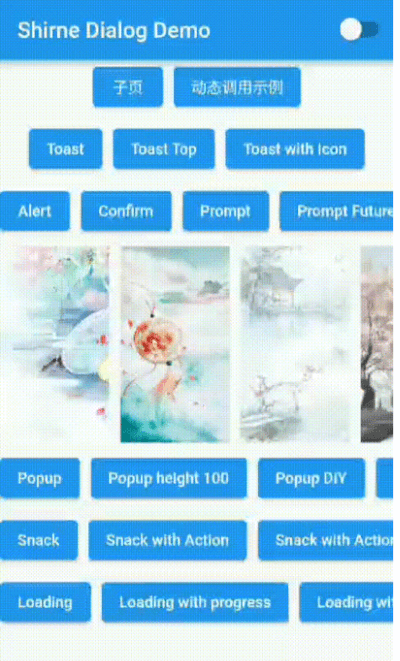
Online Demo

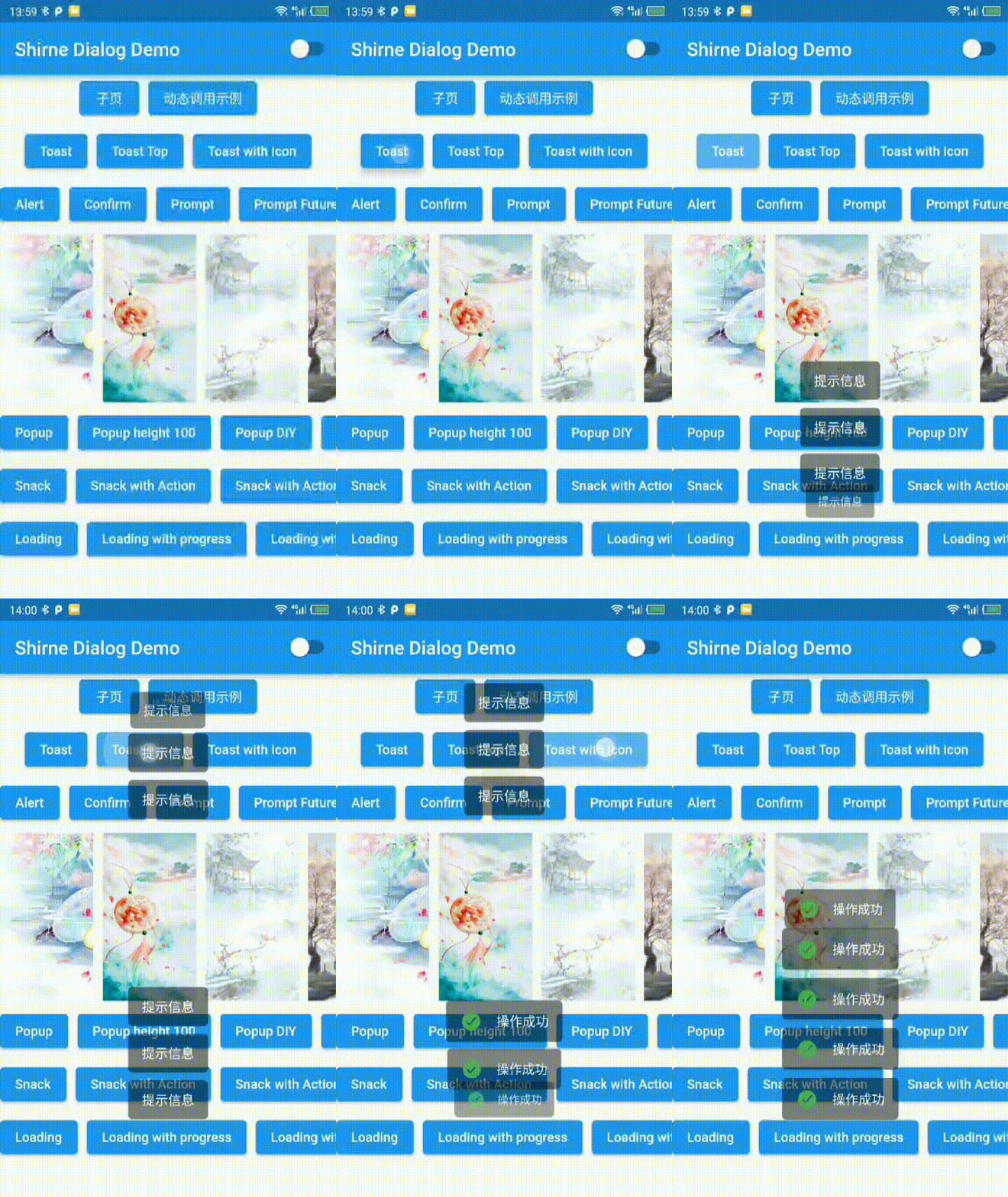
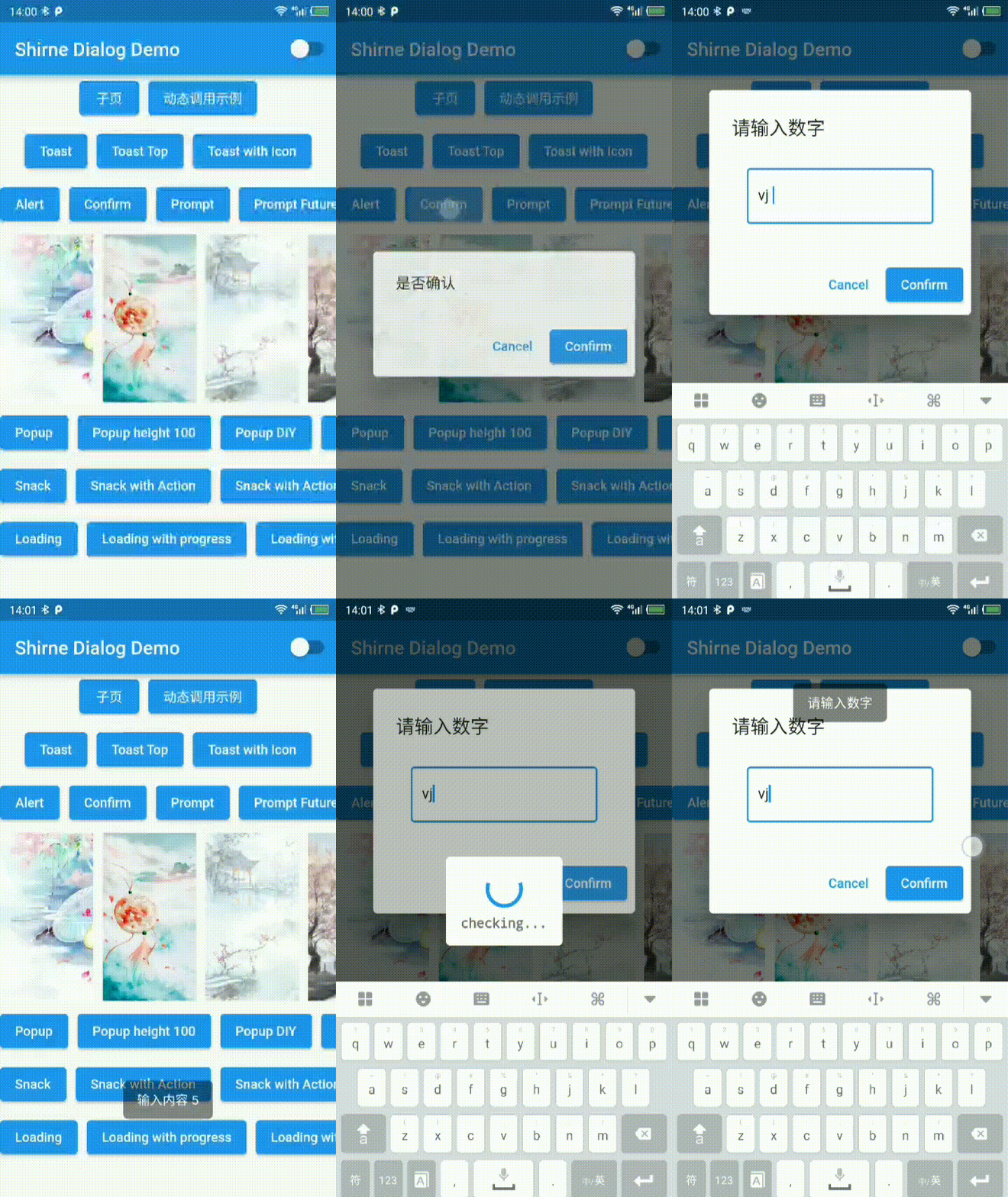
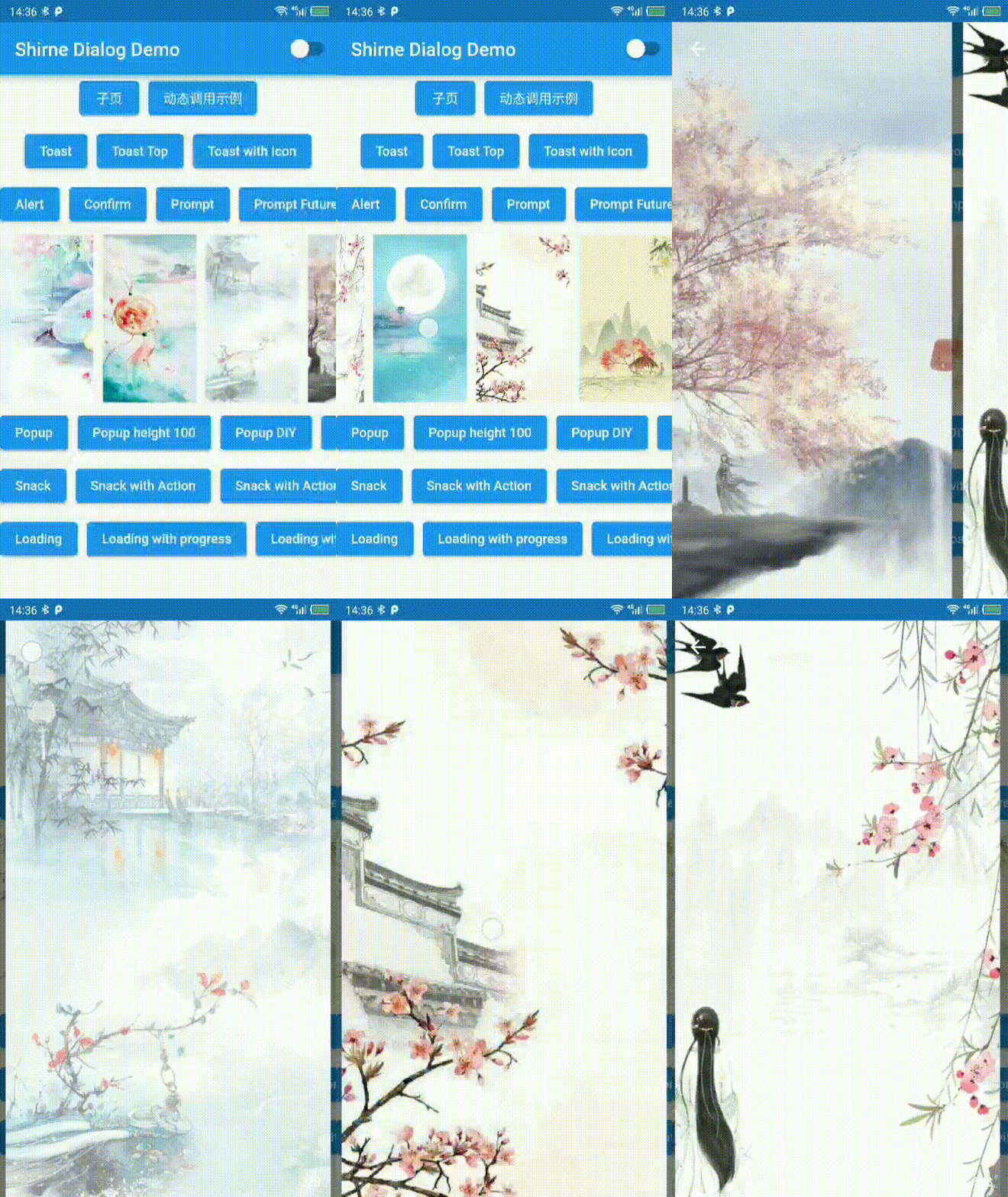
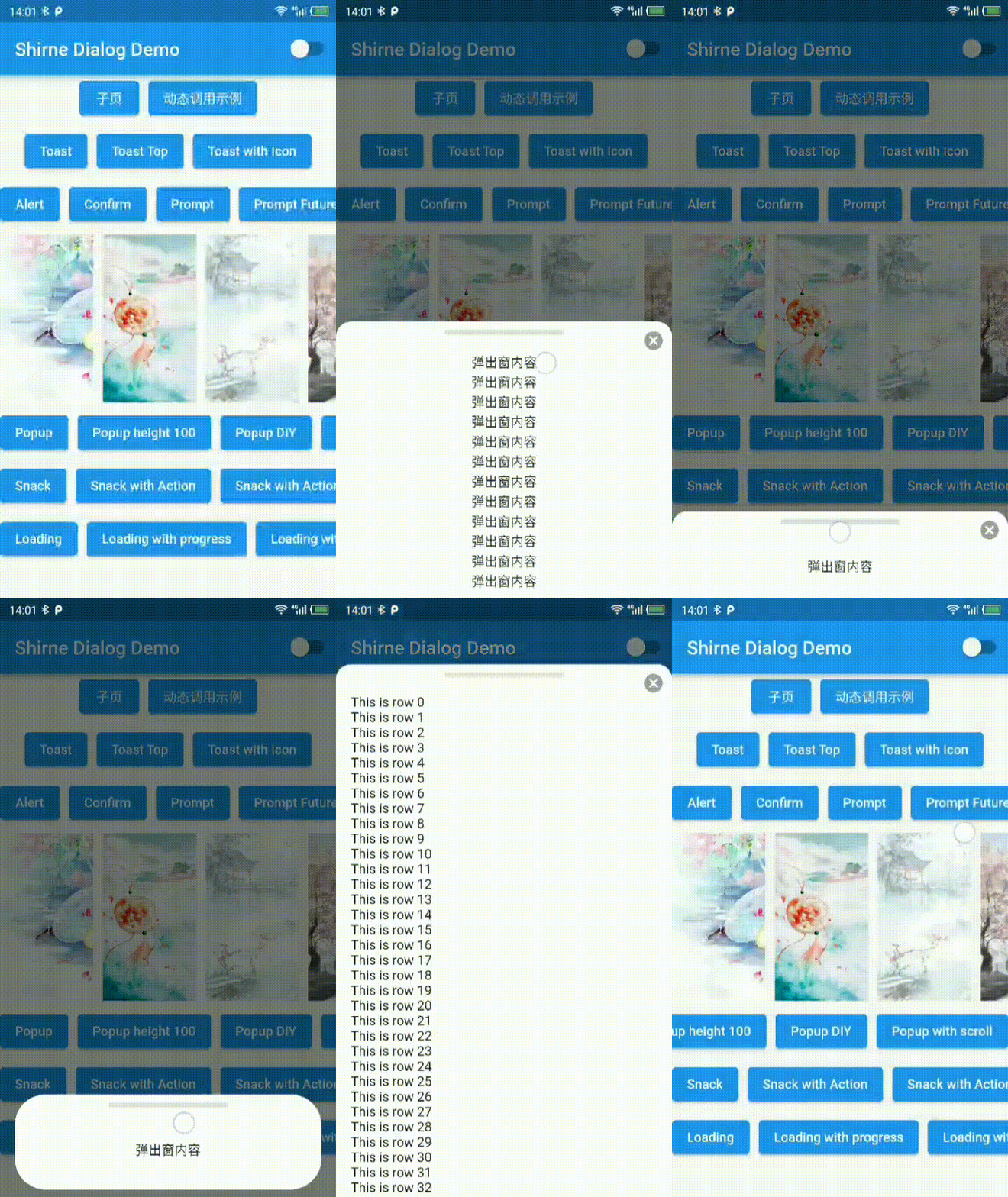
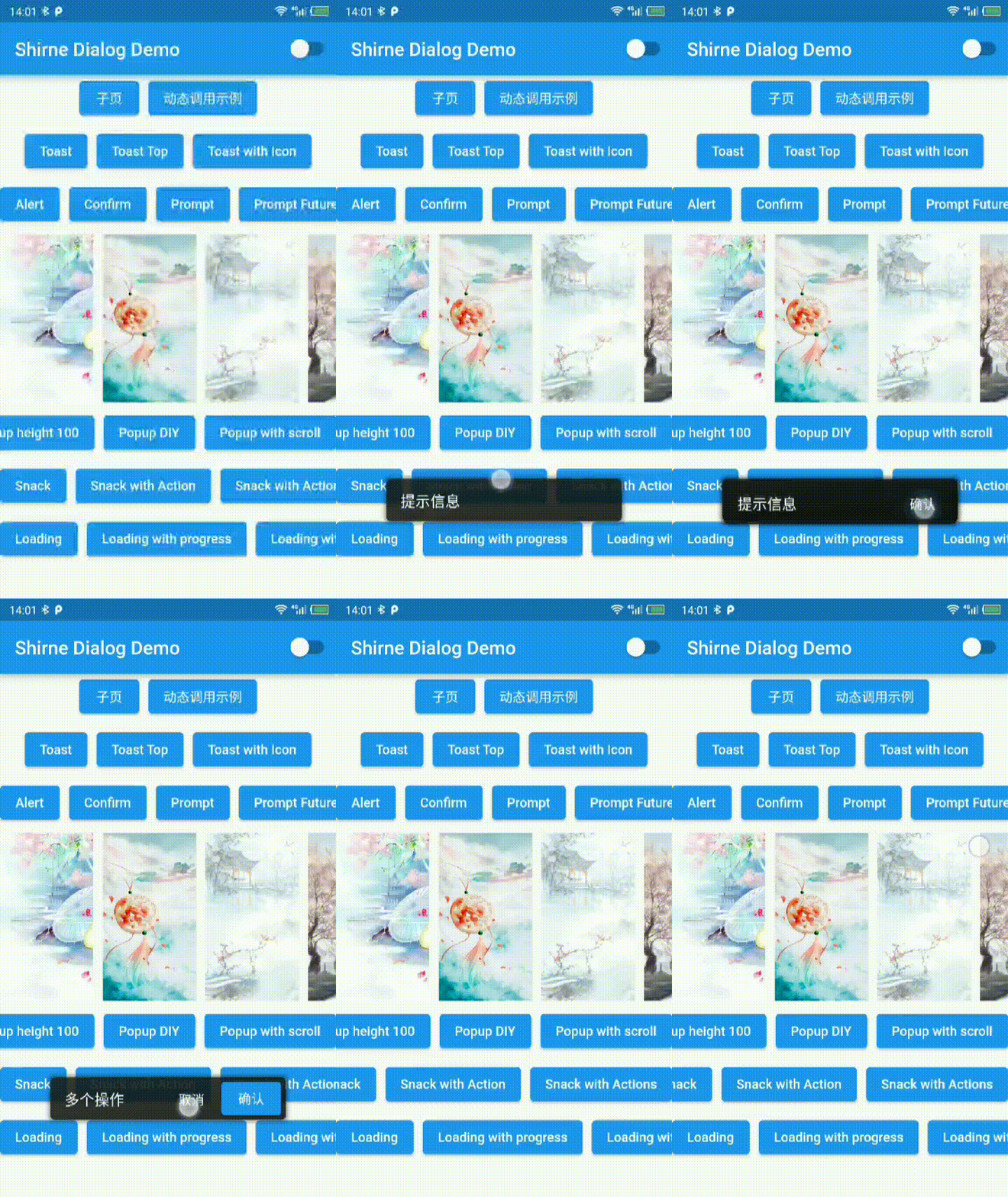
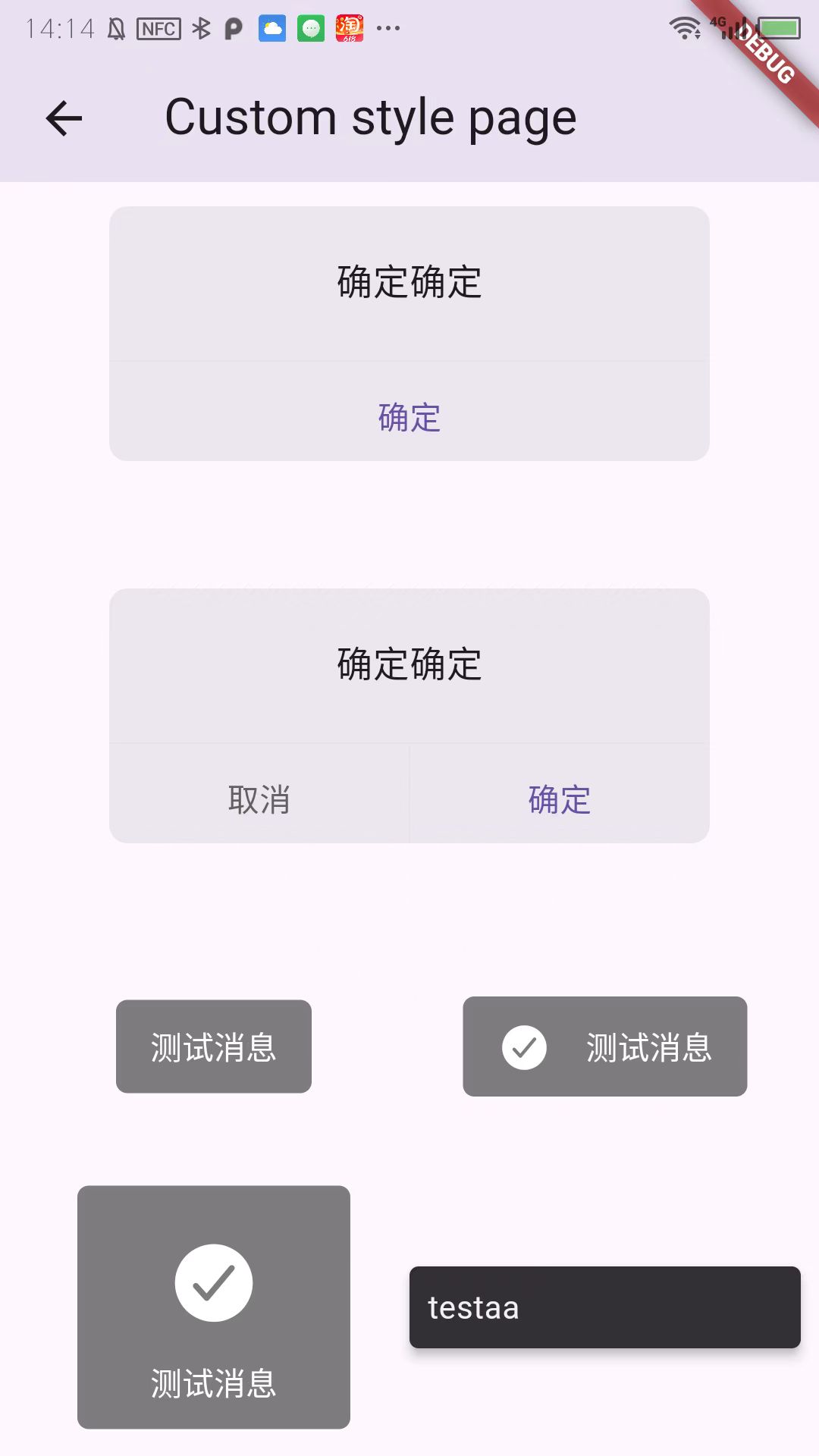
Toast Dialog ImagePreview
toast dialog imagePreview
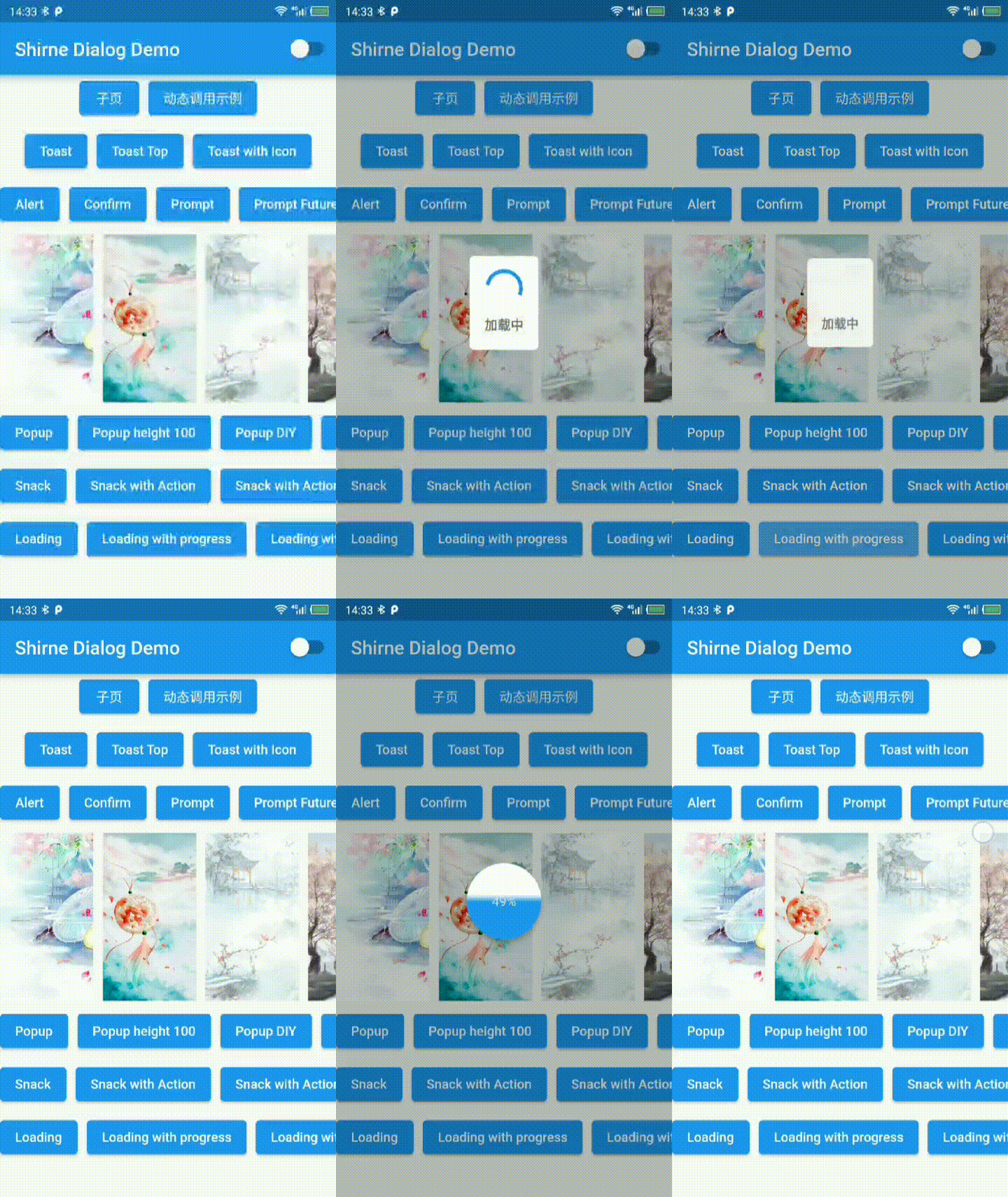
Loading Popup Snackbar
loading popup snack
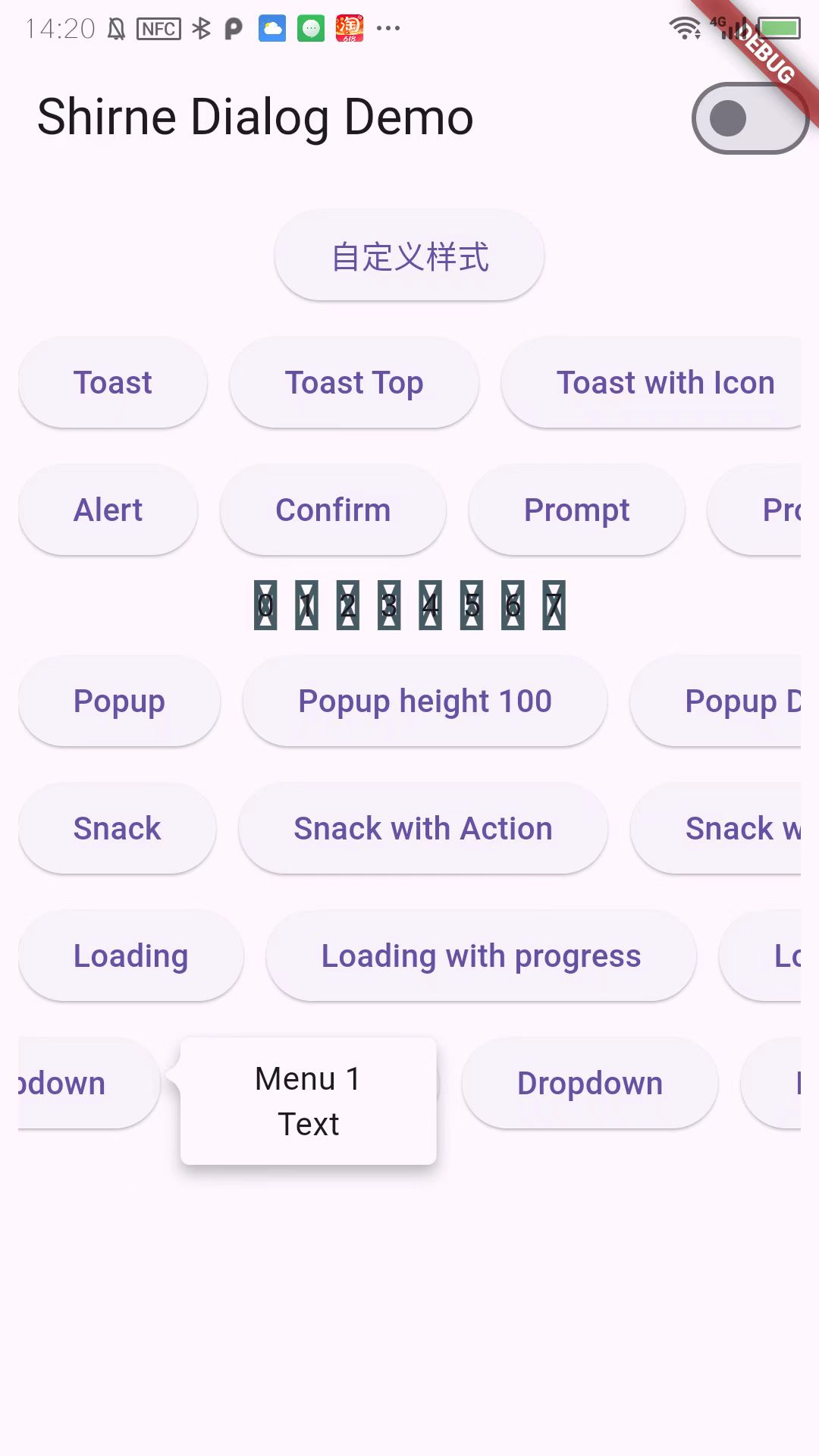
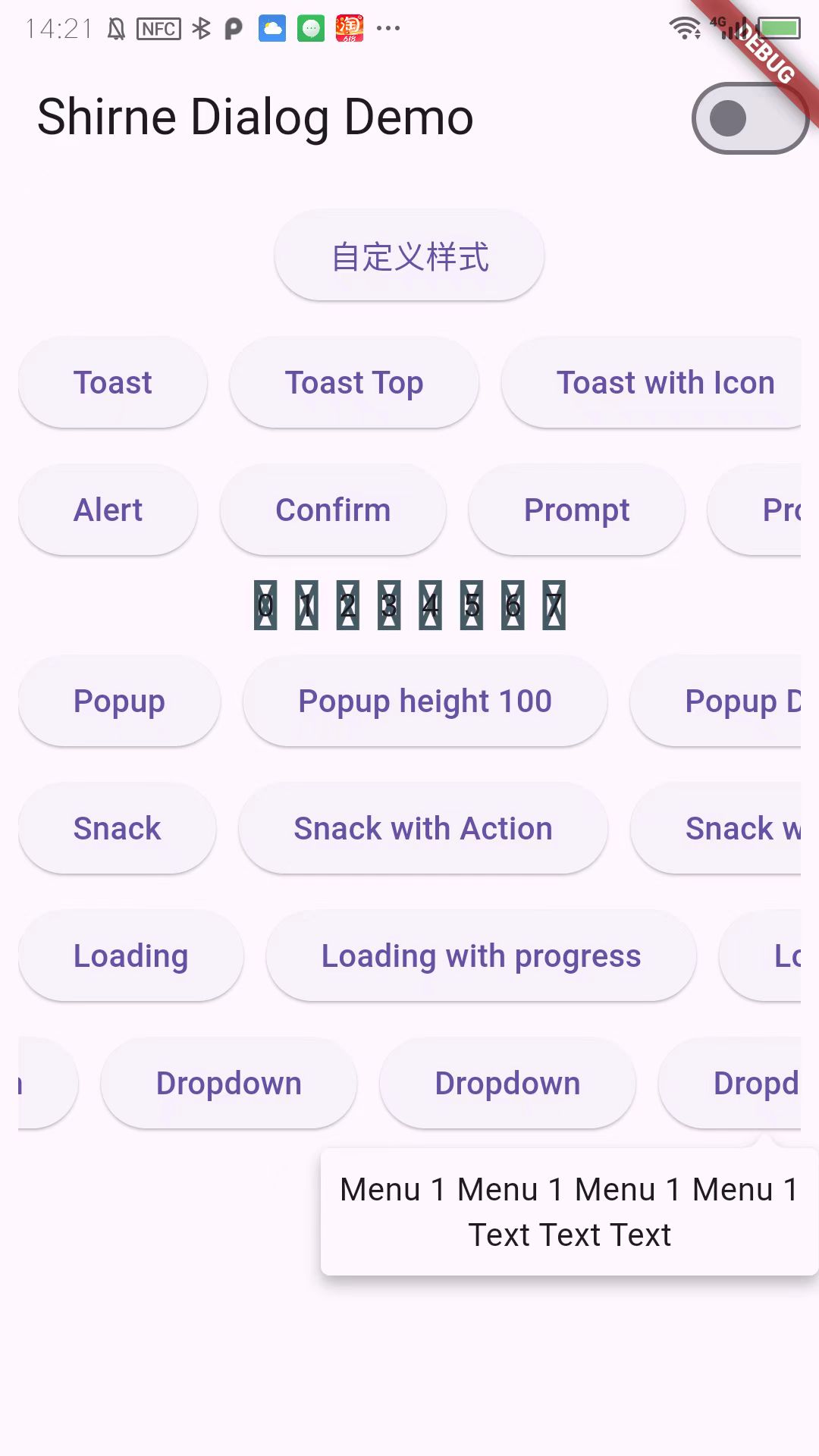
Dropdown Dropdown Customize
loading popup snack

Usage

add localizations

dependencies:
    #...
  flutter_localizations:
    sdk: flutter
    #...

Recommanded usage


// Use Mydialog.navigatorKey with MaterialApp
// and set theme for dialog
MaterialApp(
    // ...
    navigatorKey: MyDialog.navigatorKey,
    localizationsDelegates:[
        ShirneDialogLocalizations.delegate,

        // flutter locals see [https://docs.flutter.dev/development/accessibility-and-localization/internationalization]
        GlobalMaterialLocalizations.delegate,
        GlobalWidgetsLocalizations.delegate,
        GlobalCupertinoLocalizations.delegate,
    ],
    theme: ThemeData.light().copyWith(extensions: [const ShirneDialogTheme()]);
    // ...
);

// Use with MaterialApp.router
MaterialApp.router(
    routerDelegate: AppRouterDelegate(),
);
class AppRouterDelegate<T> extends RouterDelegate<T> with PopNavigatorRouterDelegateMixin{
  
  @override
  GlobalKey<NavigatorState>? get navigatorKey => MyDialog.navigatorKey;

  // ...
}

// Use with Getx
MyDialog.navigatorKey = Get.key;
 

// call in anywhere
MyDialog.confirm('aaa');
MyDialog.alert('test');
MyDialog.toast('test');

In 2.x and earlier


MyDialog.of(context).toast('tip message');

MyDialog.of(context).alert(Text('alert message'));

MyDialog.of(context).confirm(Text('alert message')).then((v){

});

MyDialog.of(context).popup(Text('popup contents'));

MyDialog.of(context).snack('tip');


// initialize in MaterialApp
 MaterialApp(
    //...
    navigatorKey: MyDialog.navigatorKey,
    //...
);

// and then call in anywhere
MyDialog.confirm('aaa');
MyDialog.alert('test');
MyDialog.toase('test');

Categories

Dependencies

Dependency list 1 items

  • combined_animation>=0.3.1 <1.0.0

Source repository

Projects using this package

No data available yet.