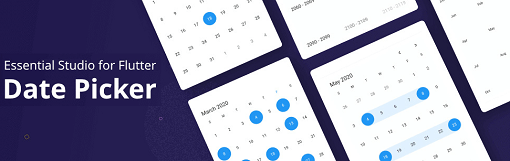
The Flutter Date Range Picker widget allows users to easily select dates or a range of dates. It has four built-in views that allow quick navigation to the desired date.
Package selection guidance compiled from public package information, community data, and project usage.
The Syncfusion Flutter Date Picker provides a customizable date and date range selection widget for Flutter apps. It supports four built-in views—day, month, year, and decade—for intuitive navigation across dates. Users can select single dates or date ranges with ease, making it ideal for scheduling, booking, and form inputs. The widget is highly configurable and integrates smoothly across Android, iOS, Web, macOS, Windows, and Linux platforms.
Use cases
Booking systems
Scheduling applications
Form date inputs
Travel planning tools
Event registration
Data filtering by date
Key features
Four navigation views (day, month, year, decade)
Date range selection support
Cross-platform compatibility
Customizable UI and styling
Built-in localization
Accessibility enhancements
Suitable for
Developers building calendar-based features
Apps requiring date range selection
Enterprise-level Flutter applications
Multi-platform date input needs
Users needing rich date interaction
Considerations
Requires additional package dependency
May increase app size slightly
Advanced customization requires deeper knowledge of Syncfusion components
Limited to Syncfusion's licensing terms
Not suitable for minimalistic date pickers without advanced features
Original README
Original README snapshot from the linked source repository. Visit the repository for the latest content.
Syncfusion Flutter Widgets
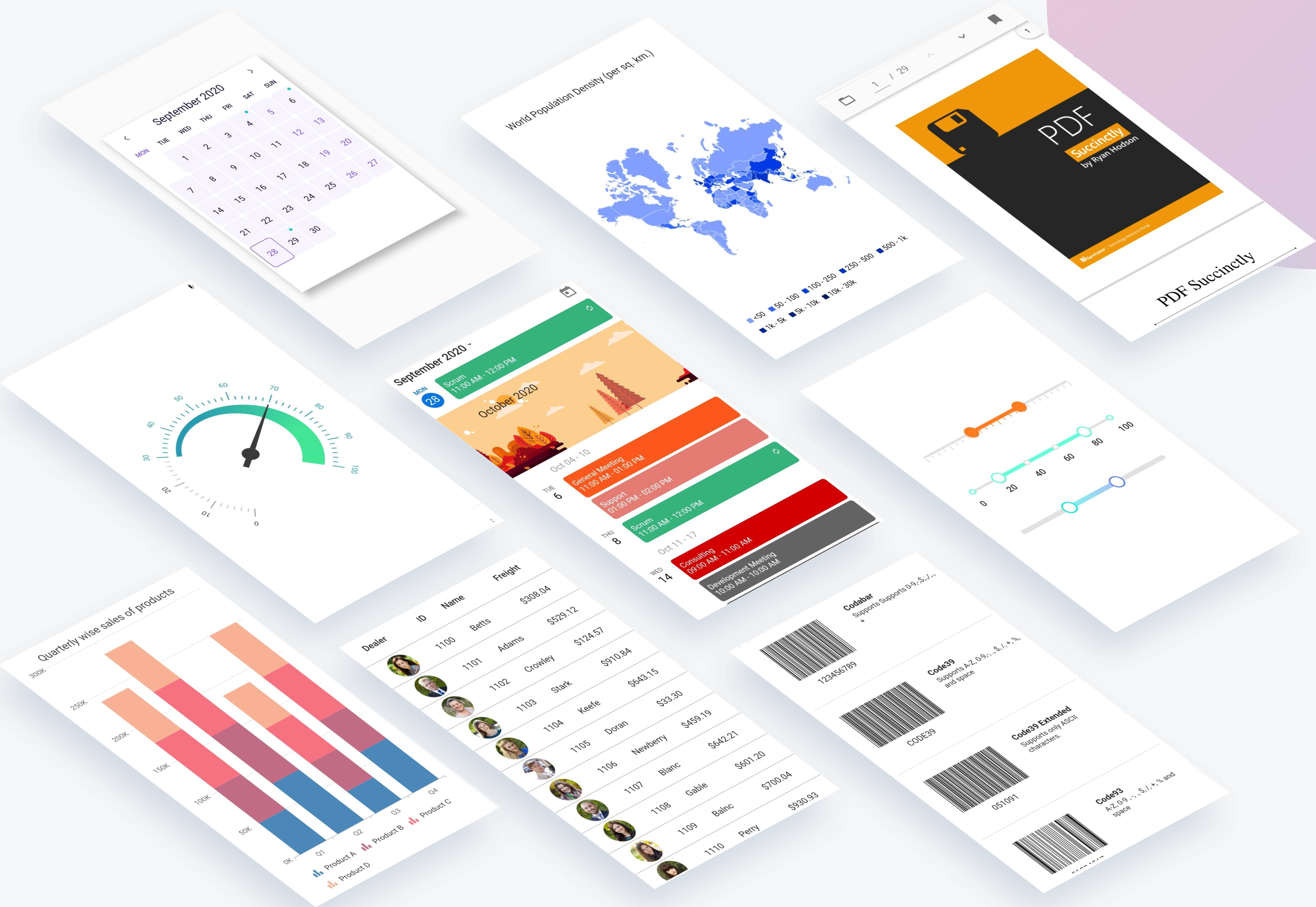
Syncfusion Flutter widgets libraries include high-quality UI widgets and file-format packages to help you create rich, high-quality applications for iOS, Android, and web from a single code base. Please find the supported platforms for our Flutter widgets.
Disclaimer: This is a commercial package. To use our packages, you need to have either the Syncfusion Commercial License or Syncfusion Community license. For more details, please check the LICENSE file.
This repository holds the source code of all the Syncfusion Flutter widgets and libraries. Source code of the widget, a working example, read me, changelog, etc., files are available in the packages directory.
Refer the required package in your application's pubspec.yaml file by mentioning its local path. For example, here we have referred the charts package.
Run the following command to get the required packages.
$ flutter pub get
Note: In the example, packages are referred from the local folder which is available in this repository. If you wish, you can also refer the packages from pub.
Step 4
Run your application either using F5 or Run > Start Debugging.
Get the demo application
Explore the full capabilities of our Flutter widgets on your device by installing our sample browser applications from the below app stores, and view samples code in GitHub.
Useful links
Take a look at the following to learn more about Syncfusion Flutter widgets:
To renew the subscription, click renew or contact our sales team at salessupport@syncfusion.com | Toll Free: 1-888-9 DOTNET.
About Syncfusion
Founded in 2001 and headquartered in Research Triangle Park, N.C., Syncfusion has more than 20,000 customers and more than 1 million users, including large financial institutions, Fortune 500 companies, and global IT consultancies.