
v2.1.0
animated_svg
用于显示和动画化可缩放矢量图形 1.1 文件的 Flutter 包。
113喜欢 978近 30 天下载160Pub 分数
AndroidiOSWebmacOSWindowsLinux
用于显示和动画化可缩放矢量图形 1.1 文件的 Flutter 包。该包完全使用 Dart 语言编写。
以下为英文项目原文快照,最新内容请访问 GitHub。
Flutter package for displaying and animating Scalable Vector Graphics 1.1 files. The package has been written solely in Dart language.




 |
 |
|---|
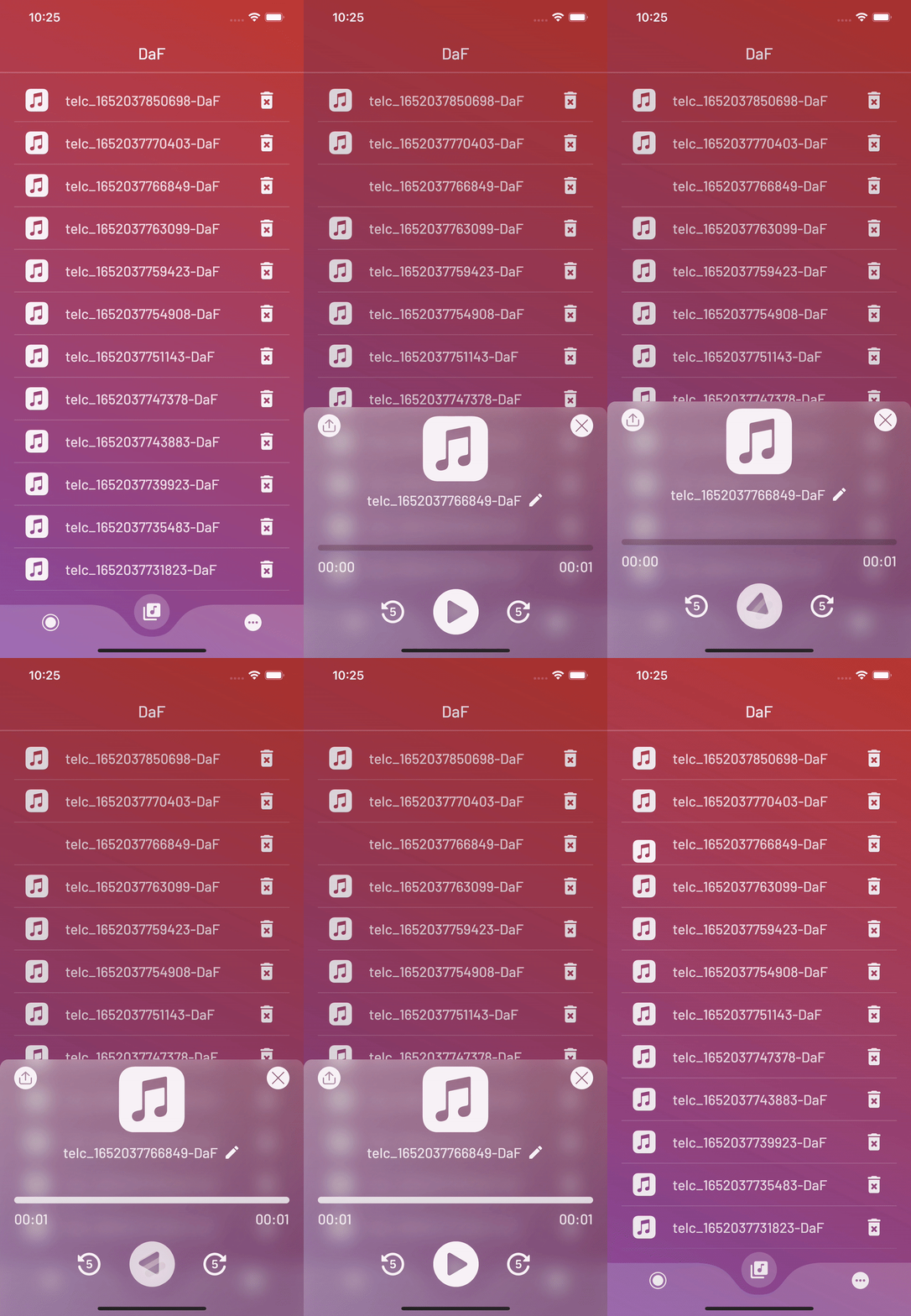
A powerful and fully customizable widget. With this package, you can animate SVGs without effort and make your UI look more lovely.
The AnimatedSvg widget creates a smooth transition between the two SVGs you assign.
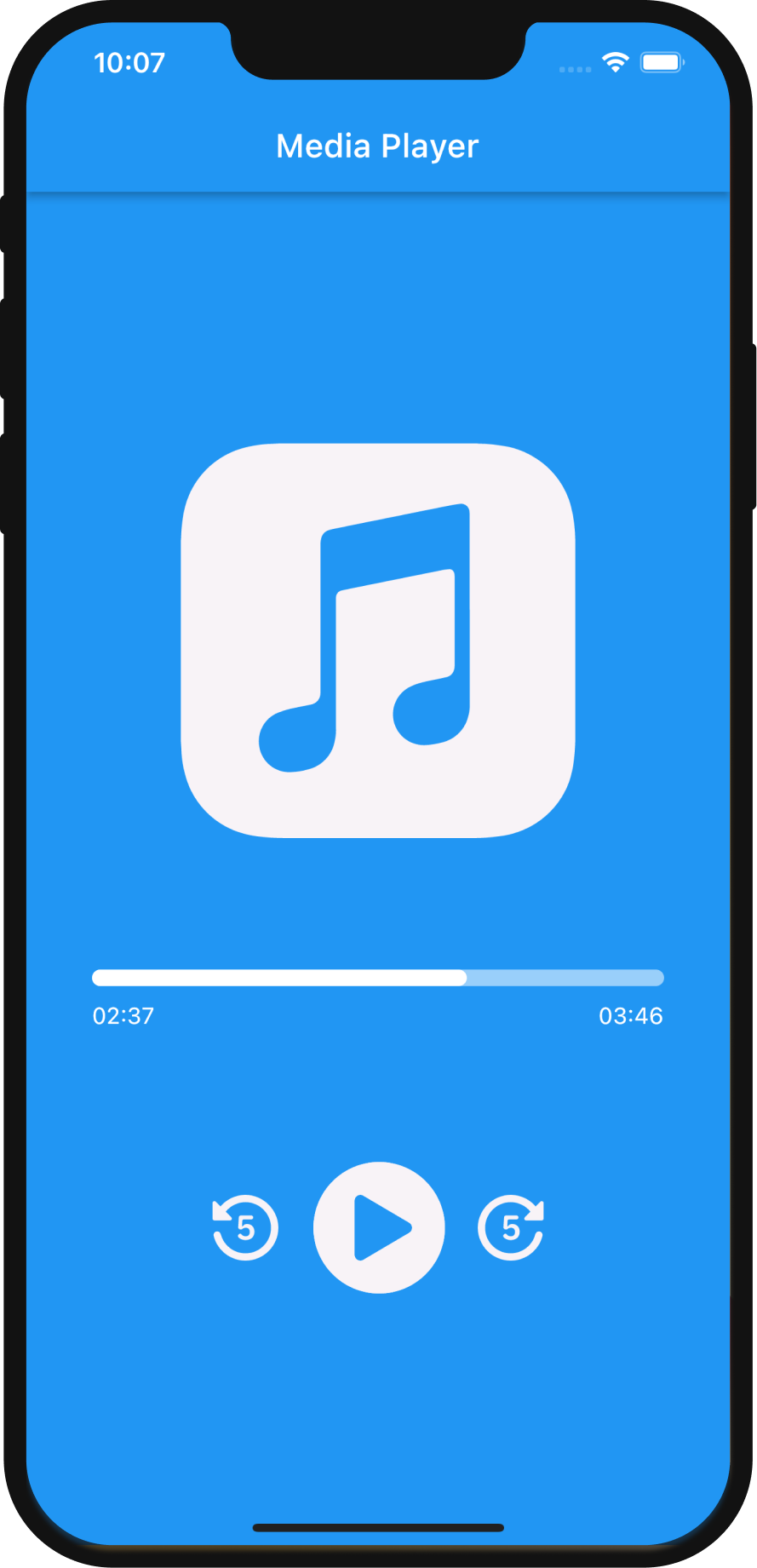
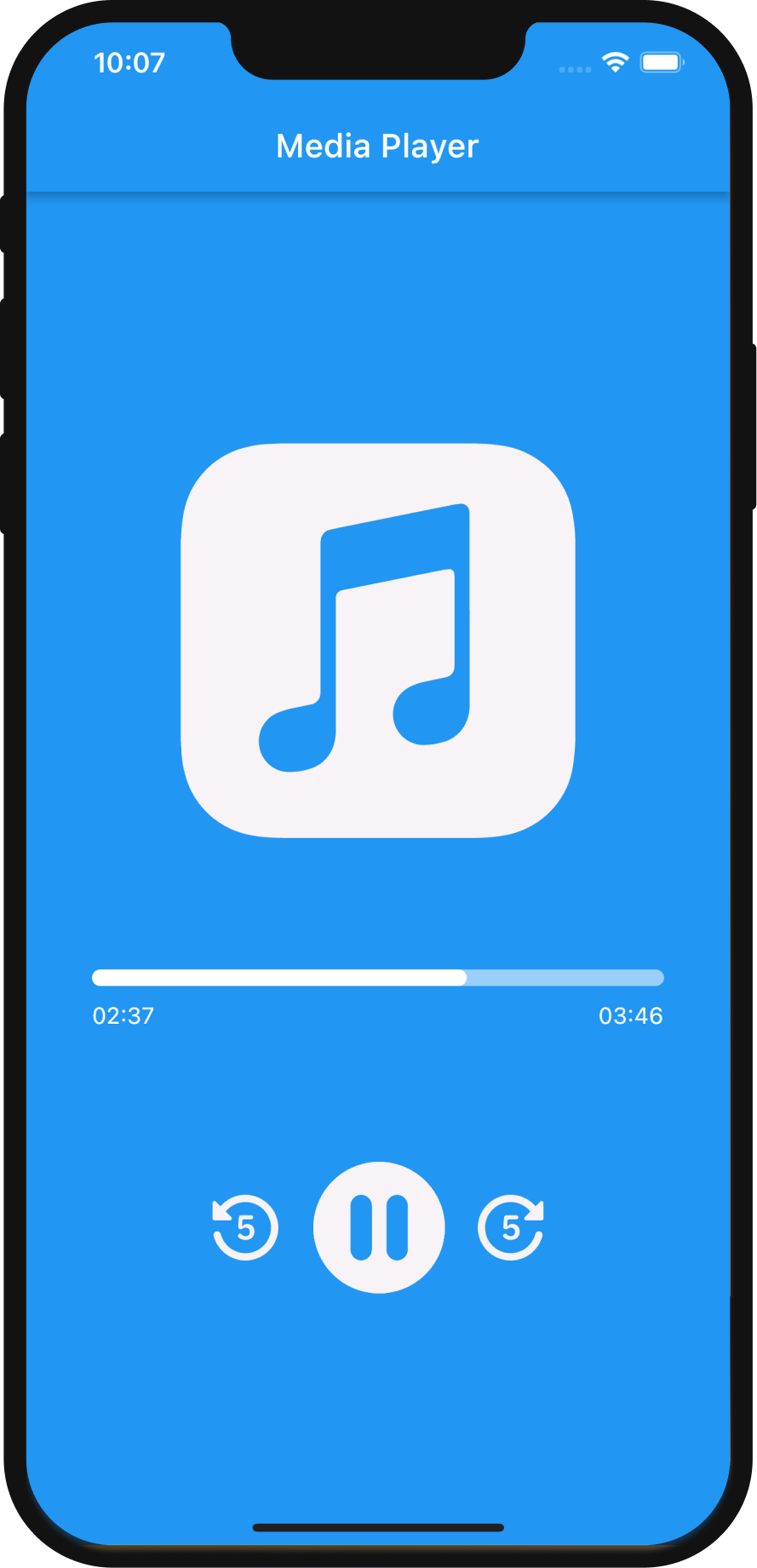
Let's take a look at how to implement AnimatedSvg to quickly create cool transition animation between SVGs.
First, add the following line to pubspec.yaml:
animated_svg: ^2.1.0
Second, import AnimatedSvg:
import 'package:animated_svg/animated_svg.dart';
Basic usage example:
main.dart
// Define an SvgController
late final SvgController controller;

@override
void initState() {
    // Initialize SvgController
    controller = AnimatedSvgController();
    super.initState();
}

@override
void dispose() {
    // Dispose SvgController
    controller.dispose();
    super.dispose();
}

@override
Widget build(BuildContext context) {
    // Call the AnimatedSvg widget anywhere in your widget tree.
    return AnimatedSvg(
        controller: controller,
        duration: const Duration(milliseconds: 600),
        onTap: () {},
        size: 80,
        clockwise: false,
        isActive: true,
        children: [
            SvgPicture.asset(
                'assets/play.svg',
            ),
            SvgPicture.asset(
                'assets/pause.svg',
            ),
        ],
    );
}
More examples can be found in /example folder on GitHub.
Media Player - an example of basic implementation of AnimatedSvg. Simple project that simulates a media player. As usual, the player needs play and pause buttons. Thanks to the AnimatedSvg package, it is so easy to create a smooth transition between play and pause SVGs.
This package has been written solely in Dart Language yet it has the flutter_svg as a dependency.
For more information please visit GitHub.
Please file feature requests and bugs at the issue tracker.

依赖清单 6 项
{"sdk":"flutter"}^2.0.10+1^5.0.0{"sdk":"flutter"}^1.0.4>=6.0.0 <11.0.0先按使用场景筛选,再比较项目活跃情况,最后到原始仓库核对使用要求。
“A repository is the most basic element of GitHub.”
GitHub Docs — About repositories ↗