搜索插件、代码仓与 APP 分类

插件详情v2.1.0

animated_svg

用于显示和动画化可缩放矢量图形 1.1 文件的 Flutter 包。

AndroidiOSWebmacOSWindowsLinux
近 30 天下载
878
喜欢数
113
Pub 分数
160

安装插件

flutter pub add animated_svg

插件介绍

基于插件公开信息、社区数据与项目使用情况整理的选型参考。

Animated SVG 是一个 Flutter 包,可使 Flutter 应用程序中显示和动画化可缩放矢量图形 (SVG) 文件。它支持 SVG 1.1 格式,并允许开发者在多个平台上以平滑的动画渲染矢量图形。该包可无缝集成到 Flutter 项目中,为动态、与分辨率无关的视觉效果提供轻量级解决方案。它特别适用于创建交互式 UI 元素、加载指示器或动画插图。支持 Android、iOS、Web、macOS、Windows 和 Linux,确保在各种设备上的一致渲染。

适合场景

  • 创建动画加载指示器
  • 使用动画渲染可缩放图标
  • 构建交互式UI插图
  • 显示动画徽标
  • 提升应用入门体验

主要特点

  • 支持 SVG 1.1 格式
  • 平滑动画播放
  • 跨平台兼容性
  • 轻量且高效
  • 与 Flutter 的轻松集成
  • 动态 SVG 渲染

适合对象

  • 需要矢量动画的应用程序开发者
  • 设计师集成SVG资产
  • 需要可扩展 UI 元素的项目
  • 交互式移动和网络应用
  • 以用户界面为重点的应用程序,具有视觉叙事

使用建议

  • 限于 SVG 1.1(不支持 SMIL 或高级功能)
  • 性能可能因复杂的 SVG 而有所不同
  • 需要对 SVG 文件进行适当的优化
  • 不适用于高度动态或基于脚本的 SVG
  • 动画控制在高级用例中需要手动设置

原始 README

以下为关联源码仓库的 README 原文快照,最新内容请访问源码仓库。

Animated SVG | Flutter Package

Flutter package for displaying and animating Scalable Vector Graphics 1.1 files. The package has been written solely in Dart language.

animated_svg coverage style: very good analysis License: MIT

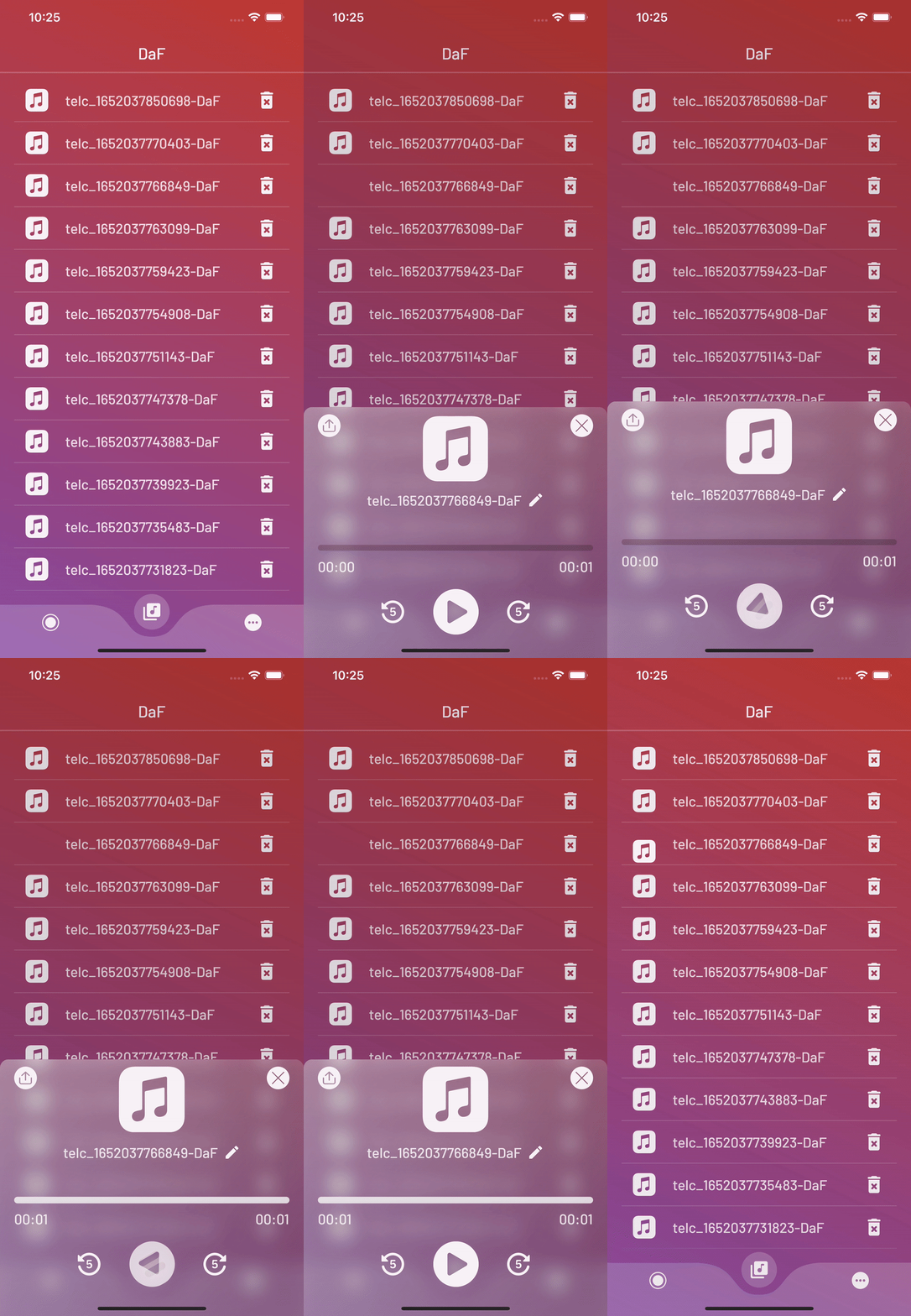
animated_svg_first_gif animated_svg_second_gif

Features

A powerful and fully customizable widget. With this package, you can animate SVGs without effort and make your UI look more lovely.

The AnimatedSvg widget creates a smooth transition between the two SVGs you assign.


Getting started

Let's take a look at how to implement AnimatedSvg to quickly create cool transition animation between SVGs.

First, add the following line to pubspec.yaml:

animated_svg: ^2.1.0

Second, import AnimatedSvg:

import 'package:animated_svg/animated_svg.dart';

Usage

Basic usage example:

main.dart

// Define an SvgController
late final SvgController controller;

@override
void initState() {
    // Initialize SvgController
    controller = AnimatedSvgController();
    super.initState();
}

@override
void dispose() {
    // Dispose SvgController
    controller.dispose();
    super.dispose();
}

@override
Widget build(BuildContext context) {
    // Call the AnimatedSvg widget anywhere in your widget tree.
    return AnimatedSvg(
        controller: controller,
        duration: const Duration(milliseconds: 600),
        onTap: () {},
        size: 80,
        clockwise: false,
        isActive: true,
        children: [
            SvgPicture.asset(
                'assets/play.svg',
            ),
            SvgPicture.asset(
                'assets/pause.svg',
            ),
        ],
    );
}

Example

More examples can be found in /example folder on GitHub.

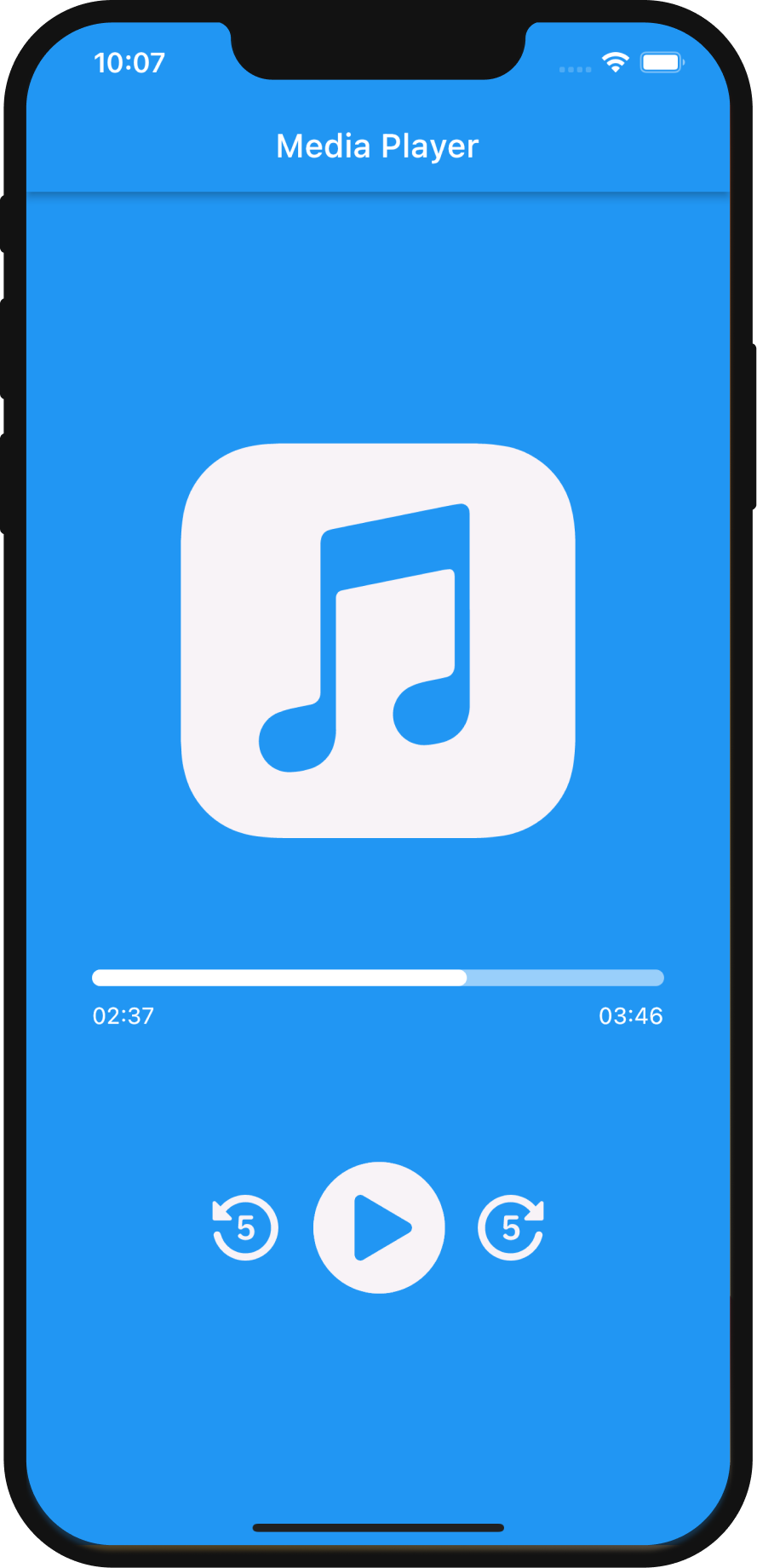
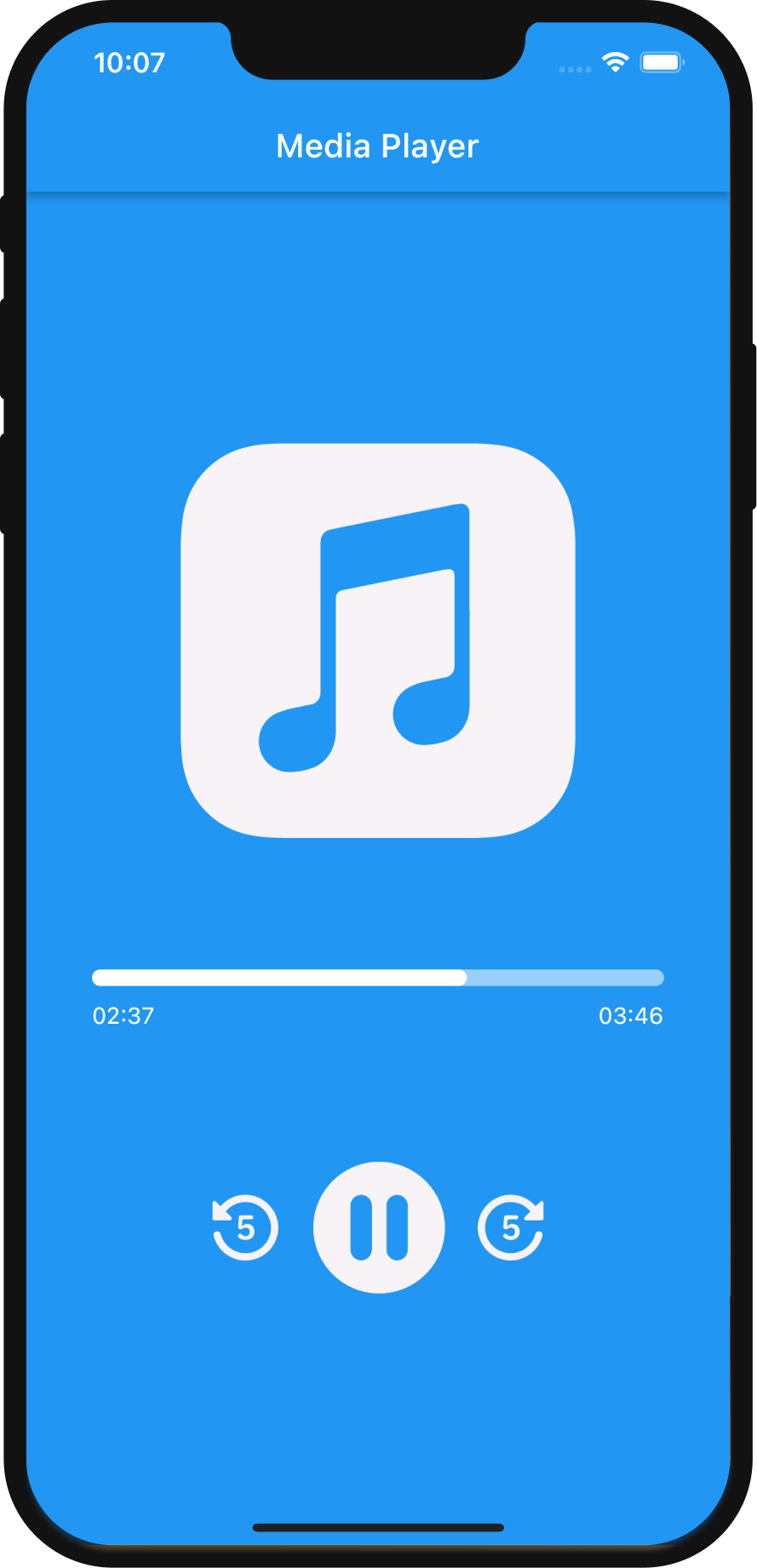
Media Player - an example of basic implementation of AnimatedSvg. Simple project that simulates a media player. As usual, the player needs play and pause buttons. Thanks to the AnimatedSvg package, it is so easy to create a smooth transition between play and pause SVGs.

Additional information

This package has been written solely in Dart Language yet it has the flutter_svg as a dependency.

For more information please visit GitHub.

Feature requests and bugs

Please file feature requests and bugs at the issue tracker.

Maintainers

所属分类

依赖

依赖清单 1 项

源码仓库

使用此插件的项目

暂无相关数据。