


v1.3.3+5
fast_cached_network_image
一个用于轻松缓存网络图片的 Flutter 包。您可以添加漂亮的加载器、百分比指示器和错误构建器。
228喜欢 489近 30 天下载140Pub 分数
AndroidiOSWebmacOSWindowsLinux
一个无需原生依赖即可快速缓存网络图片的Flutter包。

以下为英文项目原文快照,最新内容请访问 GitHub。
A flutter package to cache network image easily, with loader, error builder, and smooth fade transitions. You can also add beautiful loaders and percentage indicators with the total and download size of the image.
Use fast_cached_network_image: 1.2.9 (without "^") for projects with Flutter SDK version < 3.27.1.


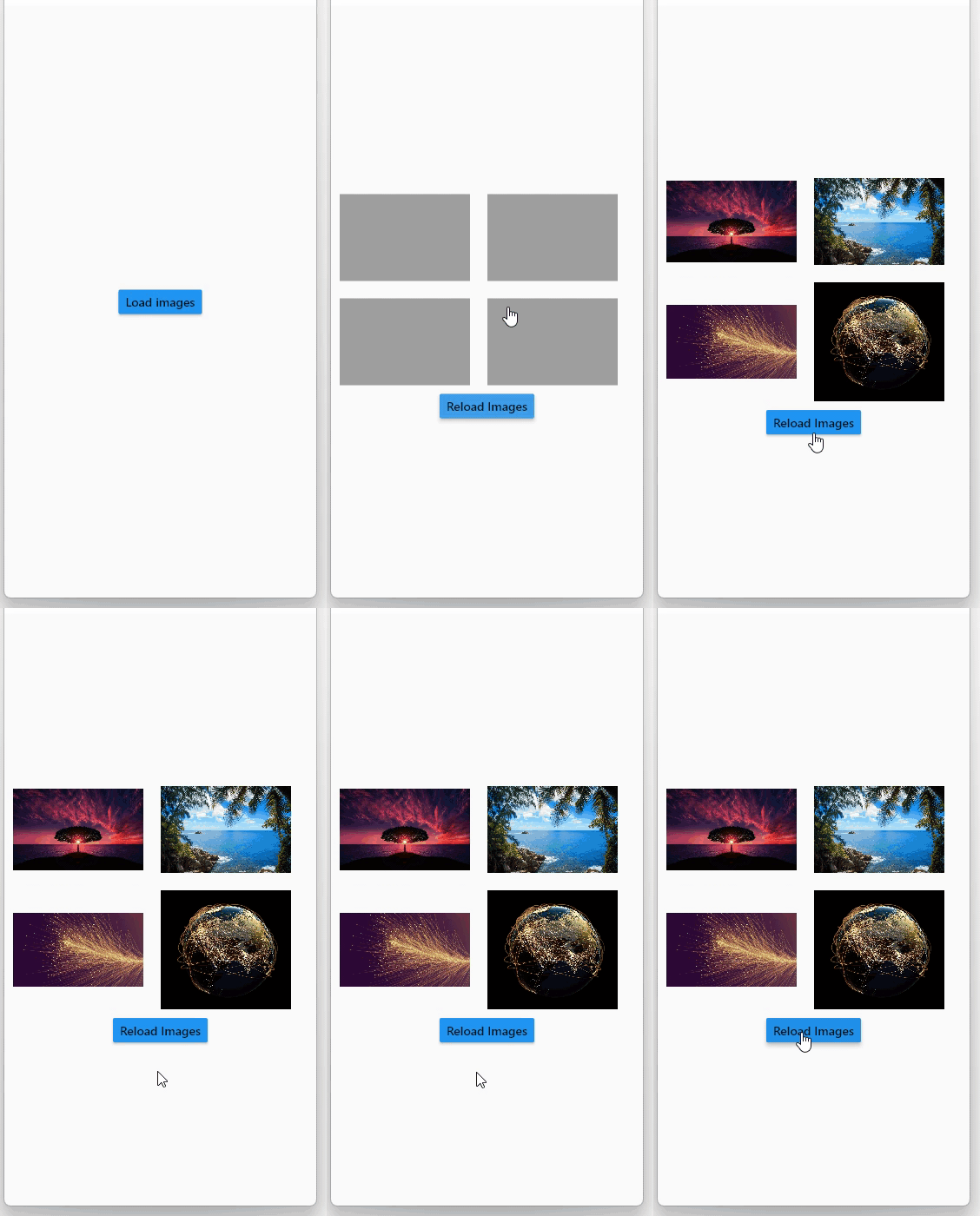
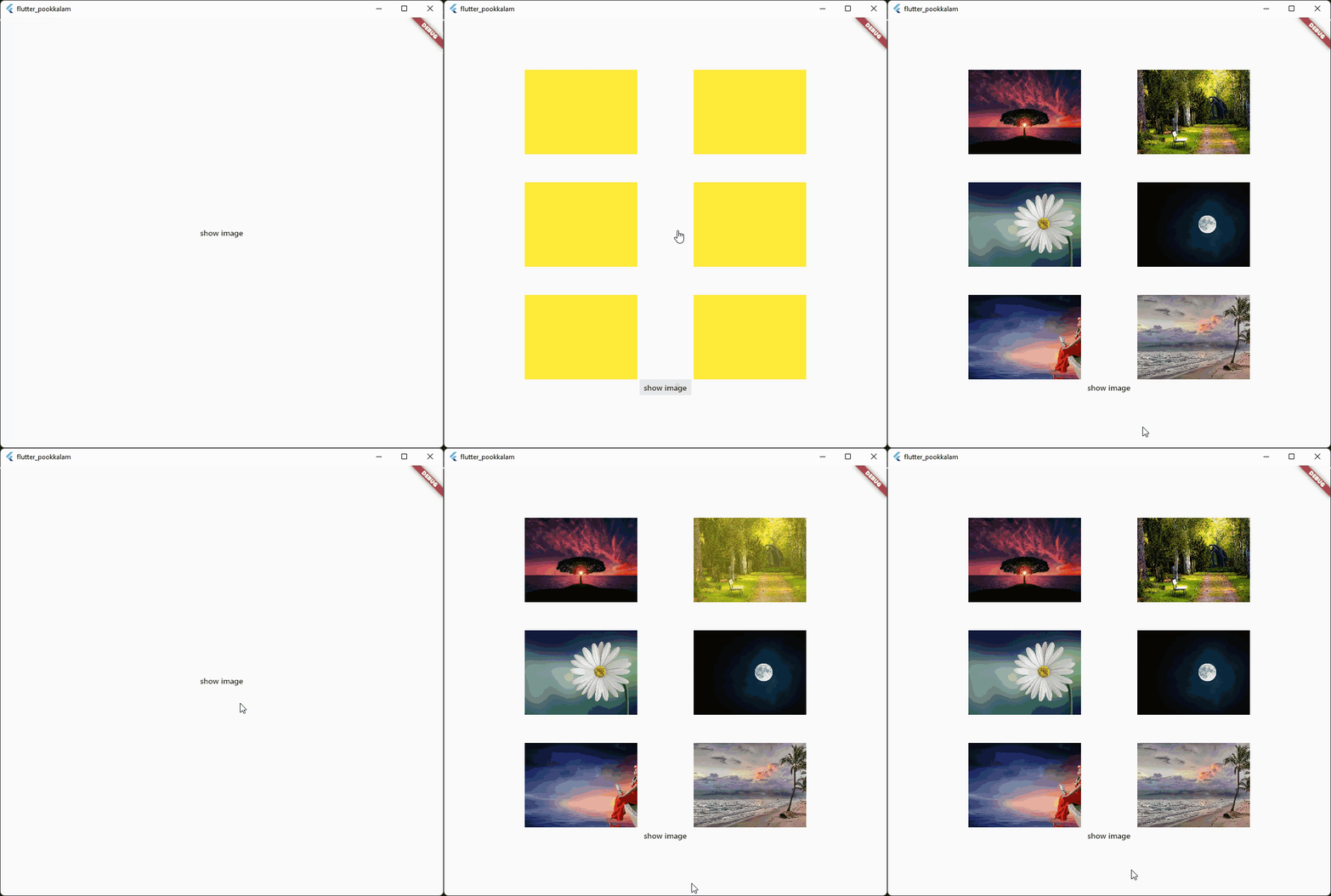

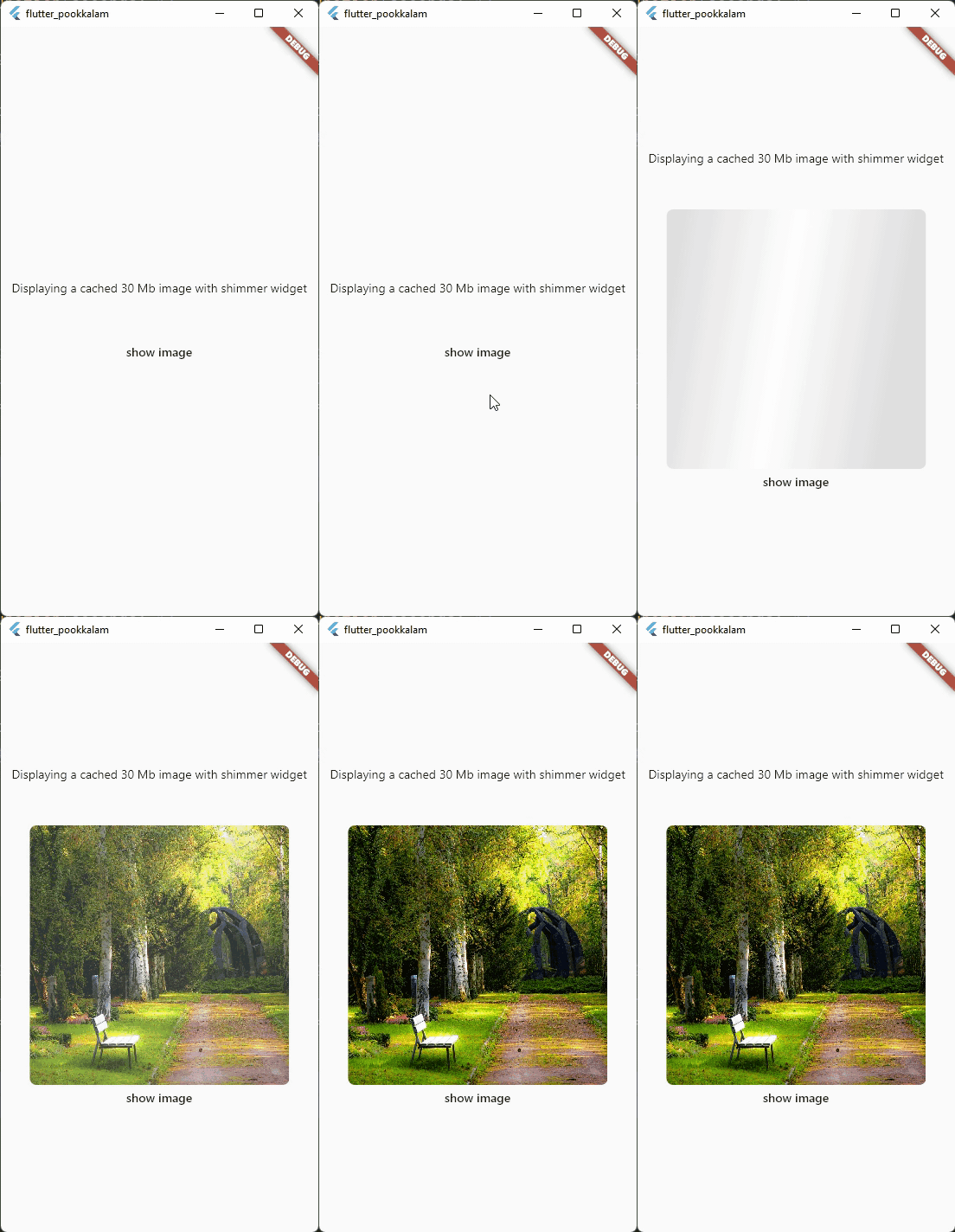 Use shimmer package to create a beautiful loading widget.
Import it
import 'package:fast_cached_network_image/fast_cached_network_image.dart';
This package uses Hive as cache container, which uses getApplicationDocumentsDirectory() to get the default path in case subDir is not specified
Initialize the cache configuration in the main function.
await FastCachedImageConfig.init();
The init function takes 2 arguments which are subDir, and clearCacheAfter. Both are optional.
To set a custom directory for your storage box, you can use path_provider
String storageLocation = (await getApplicationDocumentsDirectory()).path;
and then pass the storageLocation to the subDir parameter.
The clearCacheAfter property is used to set the Duration after with the cached image will be cleared. By default its set to 7 days, which means an image cached today will be deleted when you open the app after 7 days.
Use it as a Widget
child: FastCachedImage(url: url)
errorBuilder: (context, exception, stacktrace) {
  return Text(stacktrace.toString());
},
errorBuilder property needs to return a widget. This widget will be displayed if there is any error while loading the provided image.
loadingBuilder: (context, progress) {
  return Container(
    color: Colors.yellow,
    child: Stack(
      alignment: Alignment.center,
      children: [
        if (progress.isDownloading && progress.totalBytes != null)
          Text('${progress.downloadedBytes ~/ 1024} / ${progress.totalBytes! ~/ 1024} kb',
              style: const TextStyle(color: Colors.red)),
        SizedBox(
            width: 120,
            height: 120,
            child:
            CircularProgressIndicator(color: Colors.red, value: progress.progressPercentage.value)),
      ],
    ),
  );
},
loadingBuilder property can be used to display a loading widget such as a shimmer. This widget will be displayed while the image is being downloaded and processed. loadingBuilder provides a progress property which can be used to display the image download progress with the size(in bytes) of the image.
fadeInDuration: const Duration(seconds: 1);
fadeInDuration property can be use to set the fadeInDuration between the loadingBuilder and the image. Default duration is 500 milliseconds
FastCachedImageConfig.isCached(imageUrl: url));
You can pass in a url to this method and check whether the image in the url is already cached.
FastCachedImageConfig.deleteCachedImage(imageUrl: url);
This method deletes the image with given url from cache.
FastCachedImageConfig.clearAllCachedImages();
This method removes all the cached images. This method can be used in situations such as user logout, where you need to clear all the images corresponding to the particular user.
If an image had some errors while displaying, the image will be automatically re - downloaded when the image is requested again.
FastCachedImage have all other default properties such as height, width etc. provided by flutter.
If you want to use an image from cache as image provider, use
FastCachedImageProvider(url);
import 'package:fast_cached_network_image/fast_cached_network_image.dart';
import 'package:flutter/material.dart';

void main() async {
  WidgetsFlutterBinding.ensureInitialized();

  await FastCachedImageConfig.init(clearCacheAfter: const Duration(days: 15));

  runApp(const MyApp());
}

class MyApp extends StatefulWidget {
  const MyApp({super.key});

  @override
  State<MyApp> createState() => _MyAppState();
}

class _MyAppState extends State<MyApp> {
  String url1 = 'https://www.sefram.com/images/products/photos/hi_res/7202.jpg';

  bool isImageCached = false;
  String? log;

  @override
  Widget build(BuildContext context) {
    return MaterialApp(
        home: Scaffold(
            body: Center(
              child: Column(
                mainAxisAlignment: MainAxisAlignment.center,
                children: [
                  SizedBox(
                    height: 150,
                    width: 150,
                    child: FastCachedImage(
                      url: url1,
                      fit: BoxFit.cover,
                      fadeInDuration: const Duration(seconds: 1),
                      errorBuilder: (context, exception, stacktrace) {
                        return Text(stacktrace.toString());
                      },
                      loadingBuilder: (context, progress) {
                        return Container(
                          color: Colors.yellow,
                          child: Stack(
                            alignment: Alignment.center,
                            children: [
                              if (progress.isDownloading && progress.totalBytes != null)
                                Text('${progress.downloadedBytes ~/ 1024} / ${progress.totalBytes! ~/ 1024} kb',
                                    style: const TextStyle(color: Colors.red)),

                              SizedBox(
                                  width: 120,
                                  height: 120,
                                  child:
                                  CircularProgressIndicator(color: Colors.red, value: progress.progressPercentage.value)),
                            ],
                          ),
                        );
                      },
                    ),
                  ),

                  const SizedBox(height: 12),

                  Text('Is image cached? = $isImageCached', style: const TextStyle(color: Colors.red)),

                  const SizedBox(height: 12),

                  Text(log ?? ''),

                  const SizedBox(height: 120),

                  MaterialButton(
                    onPressed: () async {
                      setState(() => isImageCached = FastCachedImageConfig.isCached(imageUrl: url1));
                    },
                    child: const Text('check image is cached or not'),
                  ),

                  const SizedBox(height: 12),

                  MaterialButton(
                    onPressed: () async {
                      await FastCachedImageConfig.deleteCachedImage(imageUrl: url1);
                      setState(() => log = 'deleted image $url1');
                      await Future.delayed(const Duration(seconds: 2), () => setState(() => log = null));
                    },
                    child: const Text('delete cached image'),
                  ),

                  const SizedBox(height: 12),

                  MaterialButton(
                    onPressed: () async {
                      await FastCachedImageConfig.clearAllCachedImages();
                      setState(() => log = 'All cached images deleted');
                      await Future.delayed(const Duration(seconds: 2), () => setState(() => log = null));
                    },
                    child: const Text('delete all cached images'),
                  ),
                ],
              ),
            )));
  }
}
Feel free to contribute and support.
Big thanks go to these wonderful people:
 Author: Christo Pananjickal |
 Contributor: Wouter van Wijk |
 Contributor: Merdan Atamyradow |
 Contributor: Steve |
 Contributor: Suyog Patil |
依赖清单 6 项
{"sdk":"flutter"}^5.8.0+1^2.2.0^4.5.1{"sdk":"flutter"}^5.1.1先按使用场景筛选,再比较项目活跃情况,最后到原始仓库核对使用要求。
“A repository is the most basic element of GitHub.”
GitHub Docs — About repositories ↗