

v0.1.0
platform_ui
平台特定的 Widget 和 UI 工具包
41喜欢 19近 30 天下载40Pub 分数
平台暂无数据
Flutter 平台特定的 Widget 和抽象

以下为英文项目原文快照,最新内容请访问 GitHub。
by @KRTirtho
Flutter platform specific UI widgets
It mimics the native UI widgets (android, iOS, macOS, linux and windows) as much as possible in Flutter & has a wide collection of platform specific widgets. The names and APIs are similar to Flutter's Material UI widgets to make the Flutter developer feel at home. It's utilizes:
TargetPlatform for overriding platform design in another platform (it's crazy but cool)Run following in a terminal:
$ flutter pub add platform_ui fluent_ui macos_ui libadwaita adwaita
https://krtirtho.github.io/platform_ui/
Import the package:
import 'package:platform_ui/platform_ui.dart';
import 'package:flutter/material.dart';
import 'package:platform_ui/platform_ui.dart';

void main() {
  runApp(MyApp());
}

class MyApp extends StatelessWidget {
  @override
  Widget build(BuildContext context) {
    return PlatformApp(
      title: 'Platform UI',
      home: MyHomePage(),
    );
  }
}

class MyHomePage extends StatelessWidget {
  @override
  Widget build(BuildContext context) {
    return PlatformScaffold(
      appBar: PlatformAppBar(
        title: Text('Platform UI'),
      ),
      body: Center(
        child: PlatformText(
          'Hello World',
          style: TextStyle(fontSize: 30),
        ),
      ),
    );
  }
}
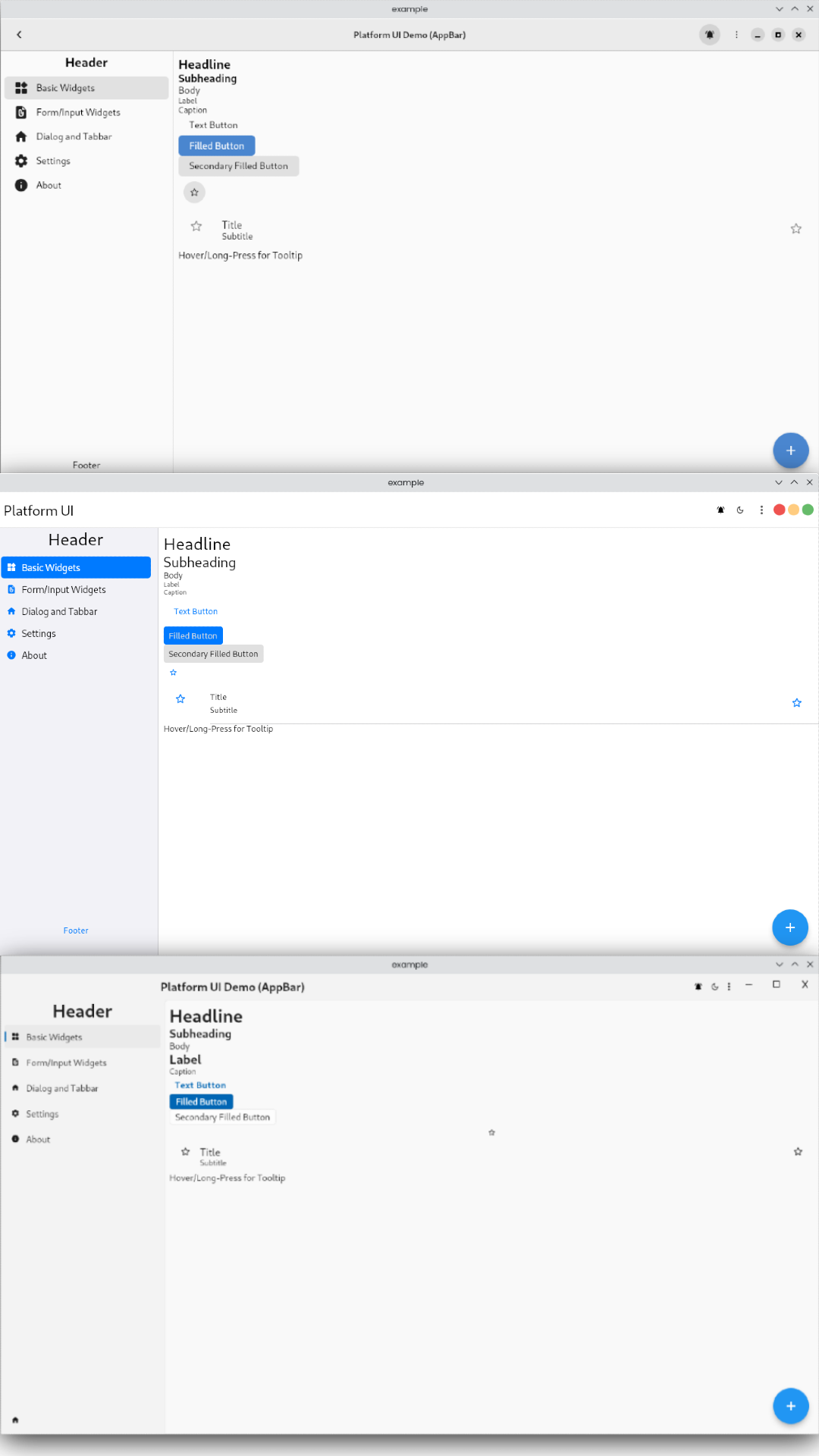
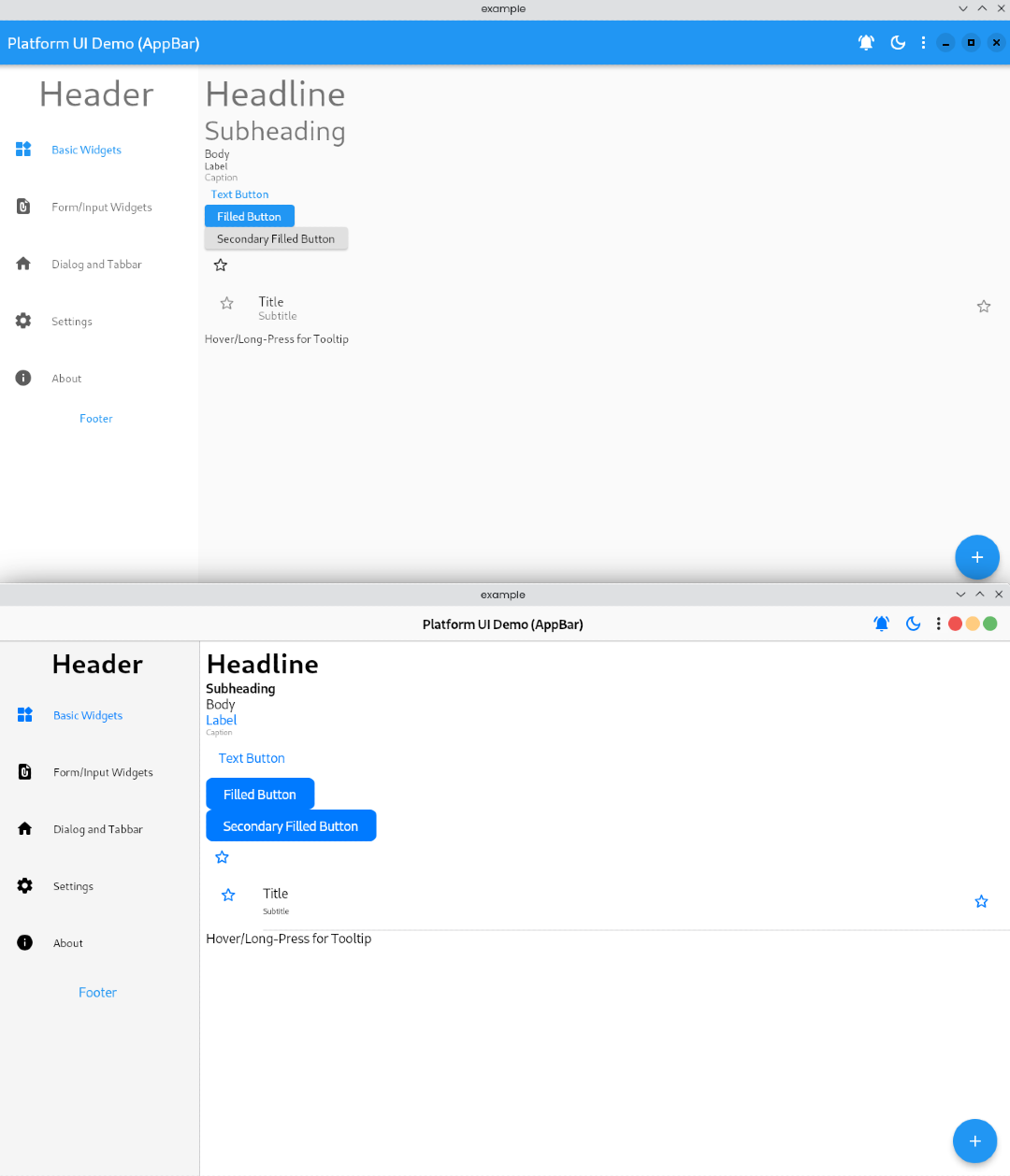
If you like this project, please consider supporting it by:

依赖清单 12 项
{"sdk":"flutter"}{"sdk":"flutter"}^4.3.0^1.9.1^1.2.5^0.5.2^1.16.0^0.5.4^0.2.6+3^1.1.6{"sdk":"flutter"}^2.0.0先按使用场景筛选,再比较项目活跃情况,最后到原始仓库核对使用要求。
“A repository is the most basic element of GitHub.”
GitHub Docs — About repositories ↗