v14.0.1
firebase_storage
适用于 Firebase Cloud Storage 的 Flutter 插件,这是一项功能强大、简单且成本效益高的对象存储服务,适用于 Android 和 iOS。
1760喜欢 96.1万近 30 天下载140Pub 分数
AndroidiOSWebmacOSWindows
一个Flutter应用程序,用户可以在其附近位置范围内交换书籍。

以下为英文项目原文快照,最新内容请访问 GitHub。




The project is for all book lovers who want to find other book lovers to either exchange books, discuss about books or get to know people who have similar preference when it comes to reading.


Step 1: Fork this repository
Step 2: Clone the repository
Cloning will create the copy of the forked repository in your local machine.
Copy the URL from here.

Open Git Bash or terminal and run the following command:
git clone https://github.com/<Your GitHub Username>/Flutter-UI.git
upstream to sync with it. Run this command to add upstream:git remote add upstream https://github.com/Project-Easter/Flutter-UI.git
Step 3: Create a branch:
Navigate to the folder where the repository is cloned, which will be named Flutter-UI.
Now, in the terminal, create a branch in Git using the following command:
git checkout -b <explr/your-first-name>
Use the same name in the branch created in GitHub.
Step 4: Make necessary changes and commit
git add <file names>
git pull upstream main
git commit -m'<Relevant commit message>'
Step 5: Push changes
Push your changes using the command:
git push origin <explr/your-first-name>
Step 6: Make a Pull request
Go to your forked GitHub repository, you will see a Compare & pull request button. Click on it.

Please read CONTRIBUTING for details on our CODE OF CONDUCT, and the process for submitting pull requests to us as mentioned above.
analysis_option.yaml to avoid unnecessary warningsPS: Feel free to share your ideas and opening issues for new bugs or features 😇. Just make sure that you don't put any labels on it or assign it to yourself or anyone. Tag us(@Mohitmadhav and @ankitoscar) in your issue, we will reach out to your issues and assign it to you with proper labels.
You can participate in our discussions at Github Discussions which has the following topics:
Welcome : Here you can introduce yourself and get a basic idea about the project from maintainers and contributors.
Code Refactoring : Here you can share ideas about refactoring and adding modularity in the codebase and also mention where these changes cahn be done.
Features to be implemented:
⭐️ this repository if you liked our work!
适用于 Firebase Cloud Storage 的 Flutter 插件,这是一项功能强大、简单且成本效益高的对象存储服务,适用于 Android 和 iOS。
Flutter 的首选非商业地图客户端:易于使用、功能多样、无供应商依赖、完全跨平台,且 100% 纯 Flutter
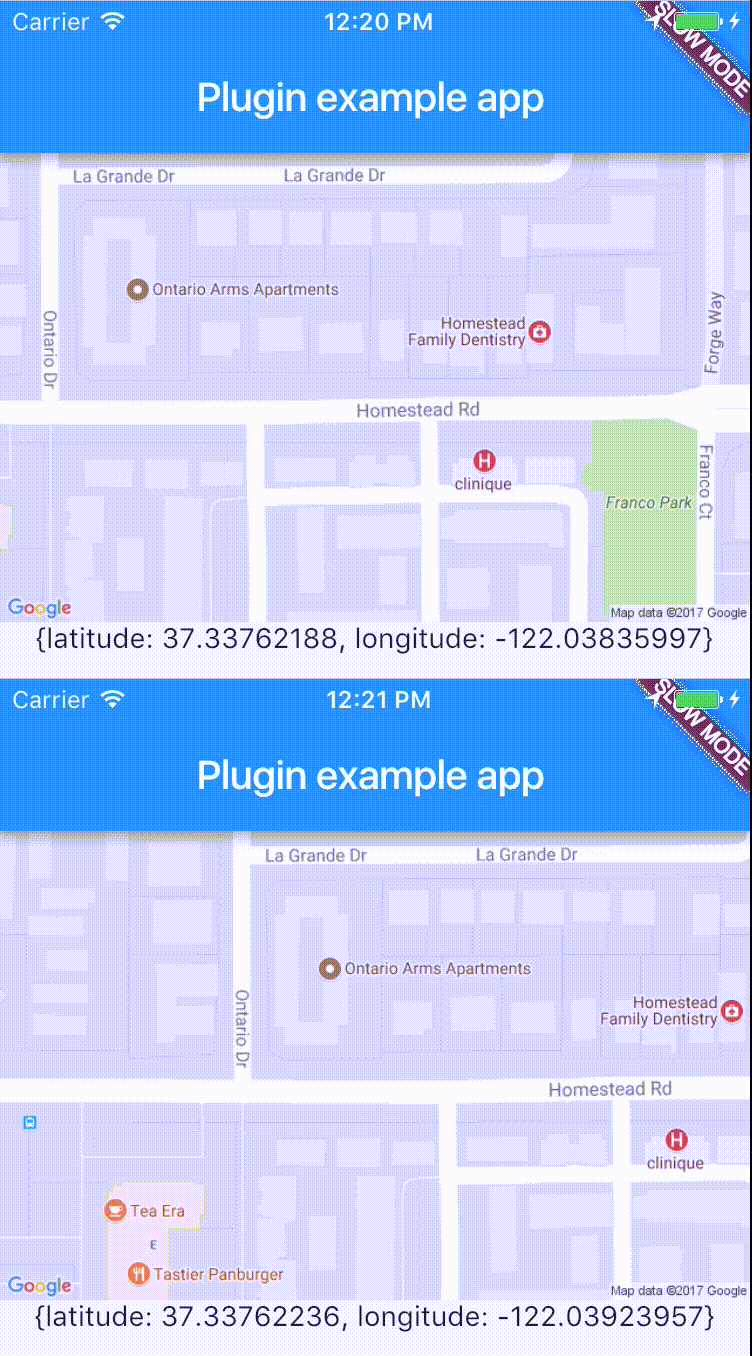
跨平台插件,可轻松实时访问设备位置。
一个适用于 Android、iOS 和 Web 的 Flutter 插件,支持图像裁剪
PIN码输入(OTP)文本字段,iOS短信自动填充,Android短信自动填充一次性验证码,密码,口令,验证码,安全,优惠券,Wowcher,2FA,两步验证
一个允许动态展开和折叠文本的 Flutter 包,同时支持与文本模式(如标签、URL 和提及)的交互。
一个 Flutter 地理编码插件,提供便捷的地理编码和逆地理编码功能。
通过 Facebook 登录。轻松在您的应用程序中添加 Facebook 登录功能。包含用户个人资料信息。
用于常见纬度和经度计算的轻量级库
用于发起地理编码请求的包。它提供了两种方法,可将坐标转换为位置,或将地址转换为坐标。
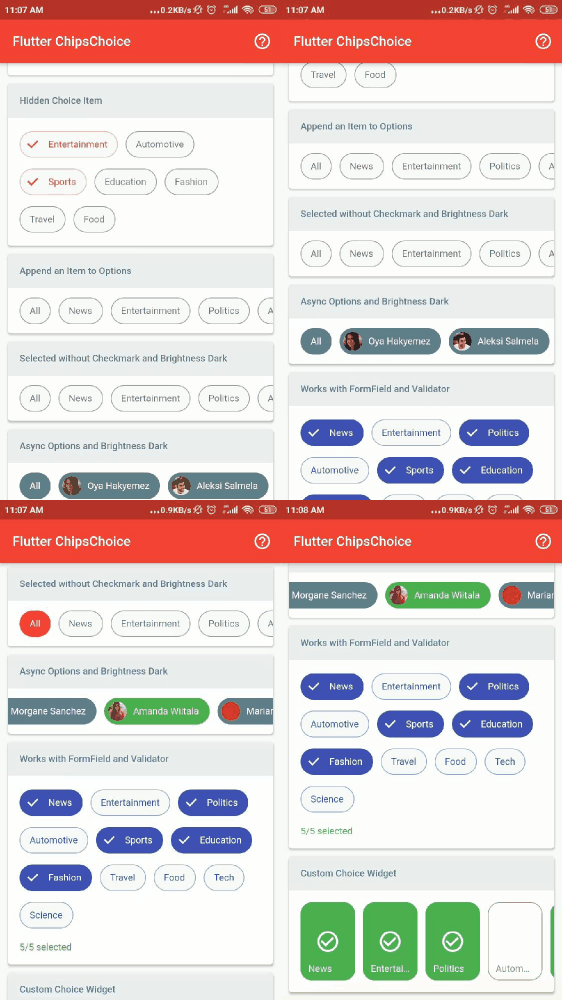
smart_select 包的精简版本,零依赖,轻松提供单选或多选芯片。
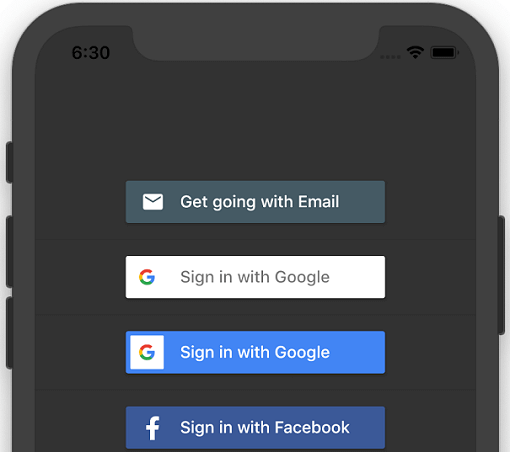
一个用于 iOS 和 Android 的 Flutter 插件,用于生成不同社交媒体账户的登录按钮。
依赖清单 27 项
^9.2.0{"sdk":"flutter"}^1.8.0^3.1.4^2.5.4^10.0.6^2.1.0^2.1.0^5.2.0^1.1.0^4.3.0^6.0.1^0.8.4+3^1.4.1^2.0.8^0.17.0^0.13.4^2.0.1^1.0.1^0.14.0^0.8.1^6.0.12^4.2.1^1.2.1^2.0.2^2.0.0^1.19.2先按使用场景筛选,再比较项目活跃情况,最后到原始仓库核对使用要求。
“A repository is the most basic element of GitHub.”
GitHub Docs — About repositories ↗