
 v3.13.1
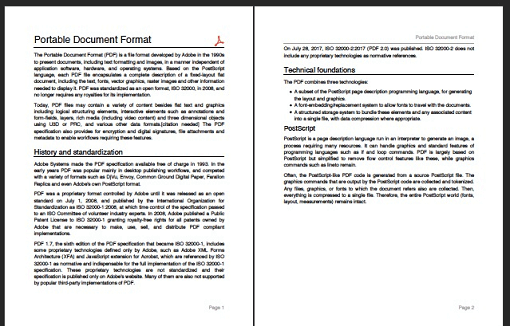
一个用于 Dart 的 PDF 生成器。它可以在 Web 或 Flutter 中创建 PDF 文件。
3050喜欢 202万近 30 天下载160Pub 分数
AndroidiOSWebmacOSWindowsLinux
Markdown 编辑器应用可轻松创建和编辑 Markdown 文件。它可直接从资源管理器打开 ".md" 文件,提供文本样式选项、轻松添加链接、浅色和深色主题模式、多种视图模式。该应用使用 Flutter 开发,主要面向移动设备,因为目前尚无独立的 Markdown 编辑器可用。
 v3.13.1
一个用于 Dart 的 PDF 生成器。它可以在 Web 或 Flutter 中创建 PDF 文件。
 v5.15.1
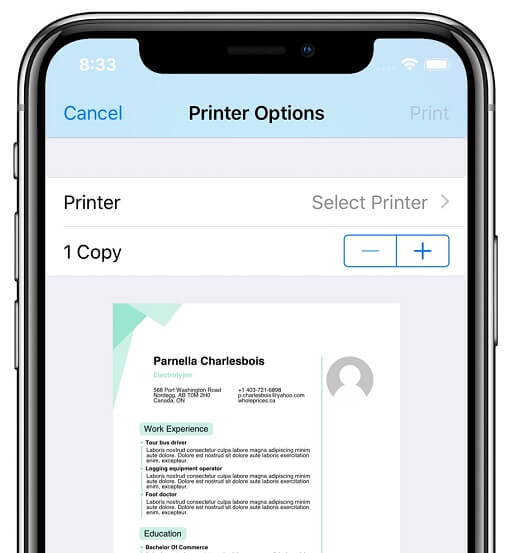
该插件允许 Flutter 应用程序在 Android、iOS、macOS、Windows 和 Linux 上以及 Web 打印,将文档生成并打印到兼容的打印机。
Flutter 包,用于将 HTML 渲染为小部件,重点关注正确性和可扩展性。
 v2.3.2+8
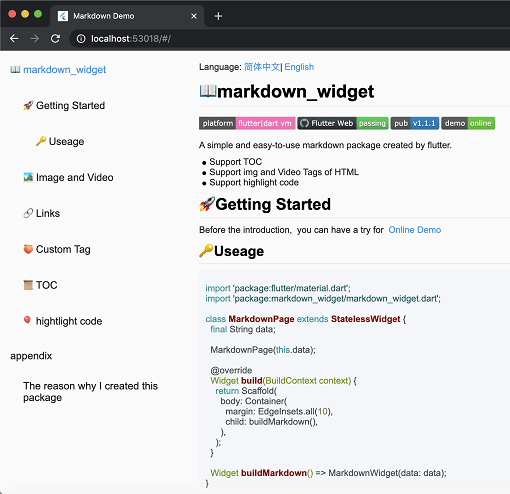
一个新的 markdown 包。它支持目录(TOC)功能、代码高亮,并且支持所有平台。
 v5.0.1
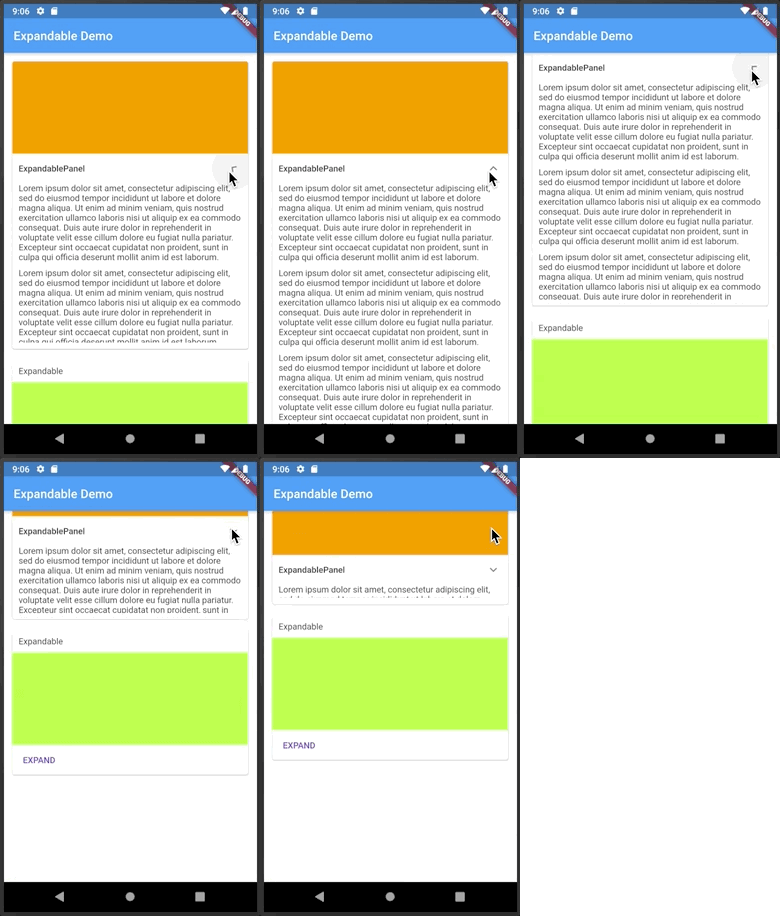
一个可点击标题或图标来展开或收起的 Flutter 小部件。
一个用 Dart 编写的可移植 Markdown 库,可用于将 Markdown 解析为 HTML。
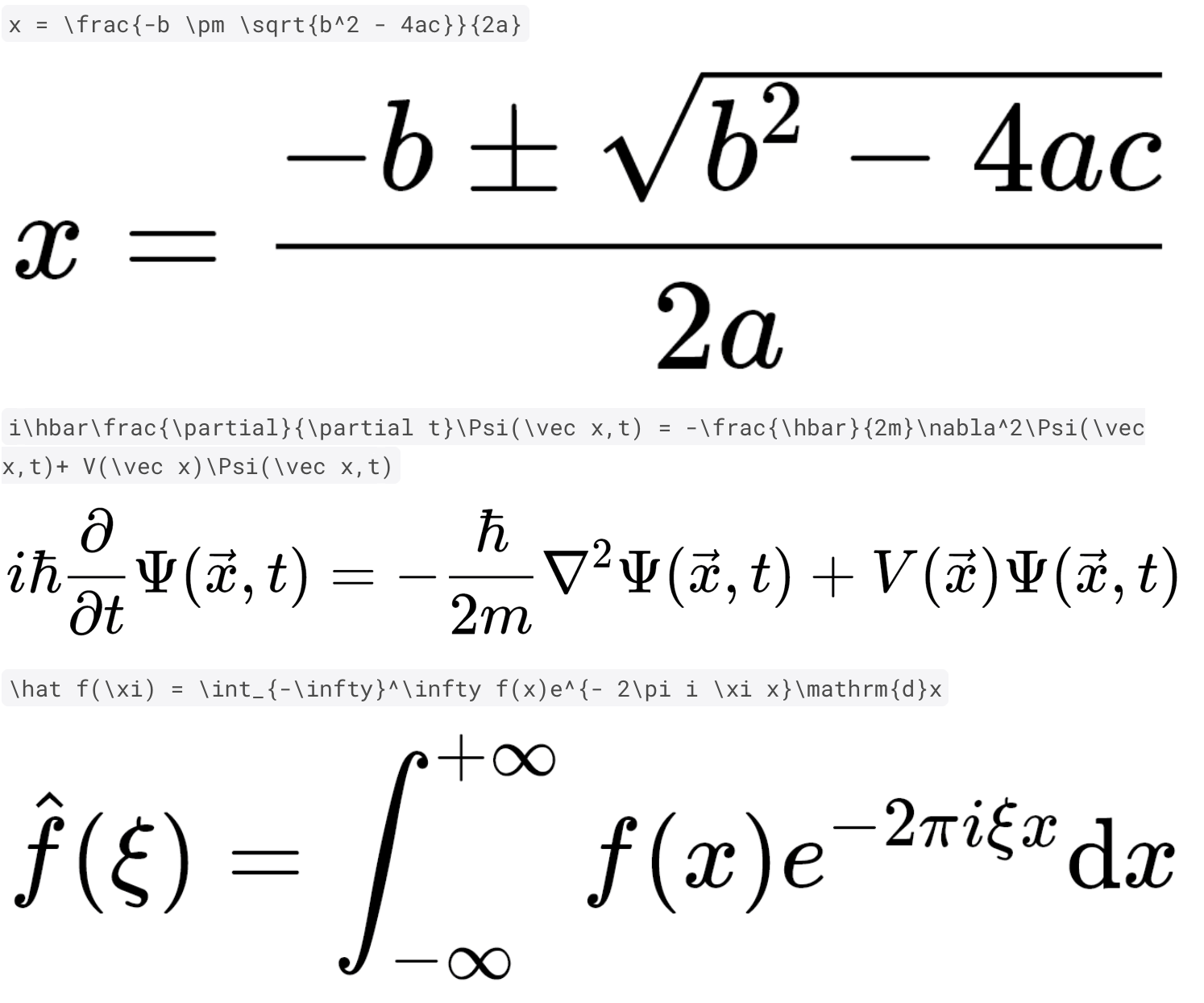 v0.7.4
使用纯 Dart 和 Flutter 快速且高质量地渲染 TeX 数学公式。
一个 Dart 包,可将 HTML 和 Markdown 富文本内容转换为高质量的 PDF 小部件。通过无缝地将您的结构化文本内容转换为可打印的专业 PDF,简化 PDF 文档的创建。非常适合生成报告、发票等!
依赖清单 23 项
^1.8.1^5.0.1^11.0.2{"sdk":"flutter"}{"sdk":"flutter"}^0.7.4^2.2.4^0.17.2^8.0.2^0.15.6^2.0.1any^7.3.1^2.3.2+8^2.1.5^3.12.0^12.0.1^5.14.3^12.0.2^2.5.5^6.3.2^6.0.0{"sdk":"flutter"}以下为英文项目原文快照,最新内容请访问 GitHub。
Introducing the Markdown Editor app, the perfect tool for anyone who needs to create and edit markdown files with ease. With the ability to open ".md" files directly from the explorer, you can easily access your files and start working on them right away.
The app also offers a convenient way to style your text with options such as bold, italics, headings, and more. Adding links is also a breeze with the simple interface.
In addition, you can preview JPEG, PNG, GIF, WebP, BMP, and WBMP image formats right within the app. You can easily open links from the preview, making it easy to navigate between different files and sources.
Choose between Light and Dark Theme Modes, use Dynamic Color for improved theme customization, and use the Dual View Mode to simultaneously view both the preview and editing views. Alternatively, you can use Single View Mode to focus on either the preview or editing view.
The app also offers the ability to share your markdown files as plain text, markdown, or PDF, clear text and start from scratch, as well as create new .md files or edit existing ones.
This Editor was developed using Flutter and is mainly targeted for mobile devices as currently there aren't any standalone markdown editors available.
Please star⭐ the repo if you like what you see😊.
| Platform | Installation Links |
|---|---|
| Android |
Get it on Google Play
Get it on F-Droid APK download |
| Linux |
Download .AppImage
Download .deb Download .rpm Get it from the Snap Store |
| Windows | Download Windows Installer |
| Web App | Web App |
Light Mode Image Dark Mode Image File Explorer Image Add Link Image Markdown Preview Image Markdown Editor Image
| Name | Usage |
|---|---|
| dynamic_color | For improved theme customization |
| expandable | To create expandable header buttons |
| file_picker | To open markdown files directly from the app |
| flutter_localizations | Internationalizing app |
| flutter_math_fork | Help with LaTeX support |
| flutter_svg | To Display Svg Images |
| flutter_widget_from_html_core | To add html display support |
| google_fonts | To add custom fonts support |
| html | To help display html format |
| htmltopdfwidgets | To convert html to pdf for printing |
| intl | Provides internationalization and localization facilities |
| markdown | To convert markdown to html format |
| markdown_widget | To help display markdown/custom markdown |
| To help save/create a pdf | |
| permission_handler | To get storage permissions for opening and saving .md files |
| printing | To help printing a pdf |
| share_plus | To share markdown files in various formats |
| shared_preferences | To store device preferences for persistence |
| url_launcher | To launch markdown links |
| flutter_lints | For linting |
Copyright (c) 2023 Aditya R MIT LICENCE