

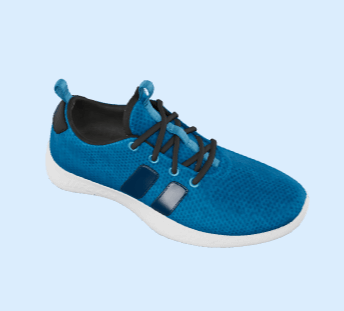
 v3.1.3
o3d
在移动和Web平台上轻松控制Flutter 3D对象(glb格式)
206喜欢 931近 30 天下载130Pub 分数
AndroidiOSWeb
Flutter 3D 对象简易控制器(glb 格式)

以下为英文项目原文快照,最新内容请访问 GitHub。
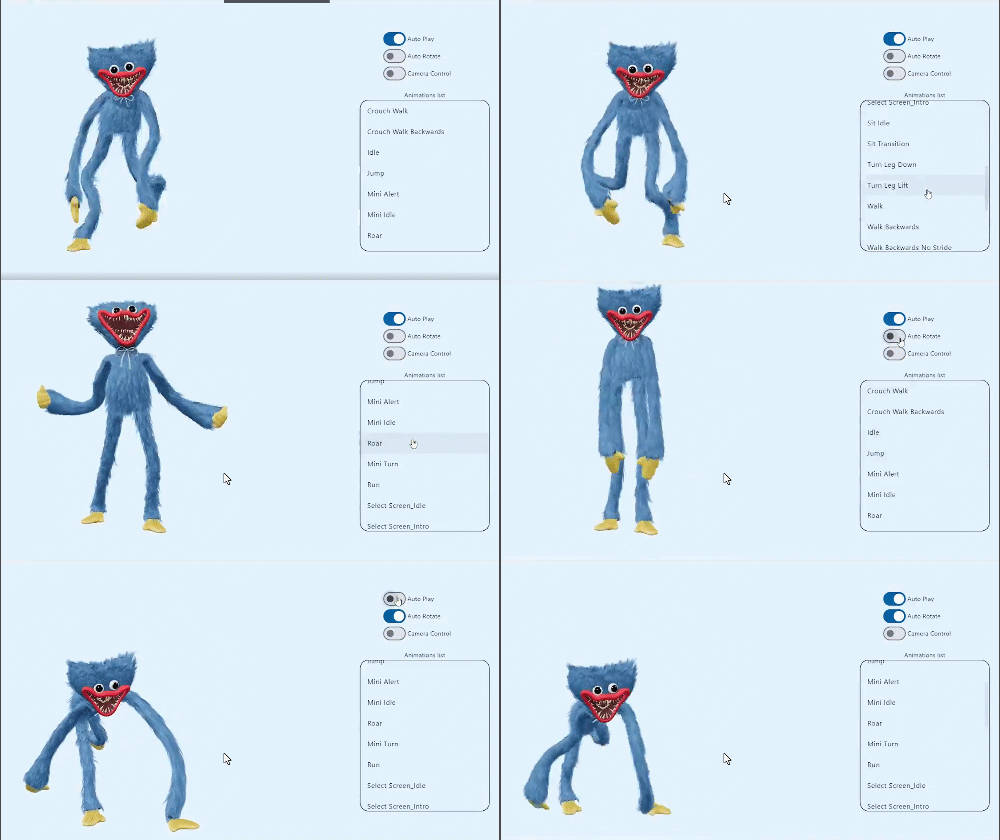
This is a Flutter widget for rendering interactive
3D models in the glTF and GLB formats.
The widget embeds Google's <model-viewer>
web component in a WebView.
online demo 1: https://babakcode.github.io/ui_3d_test/ / source code
online demo 2: https://babakcode.github.io/ui_3d_flutter/ / source code
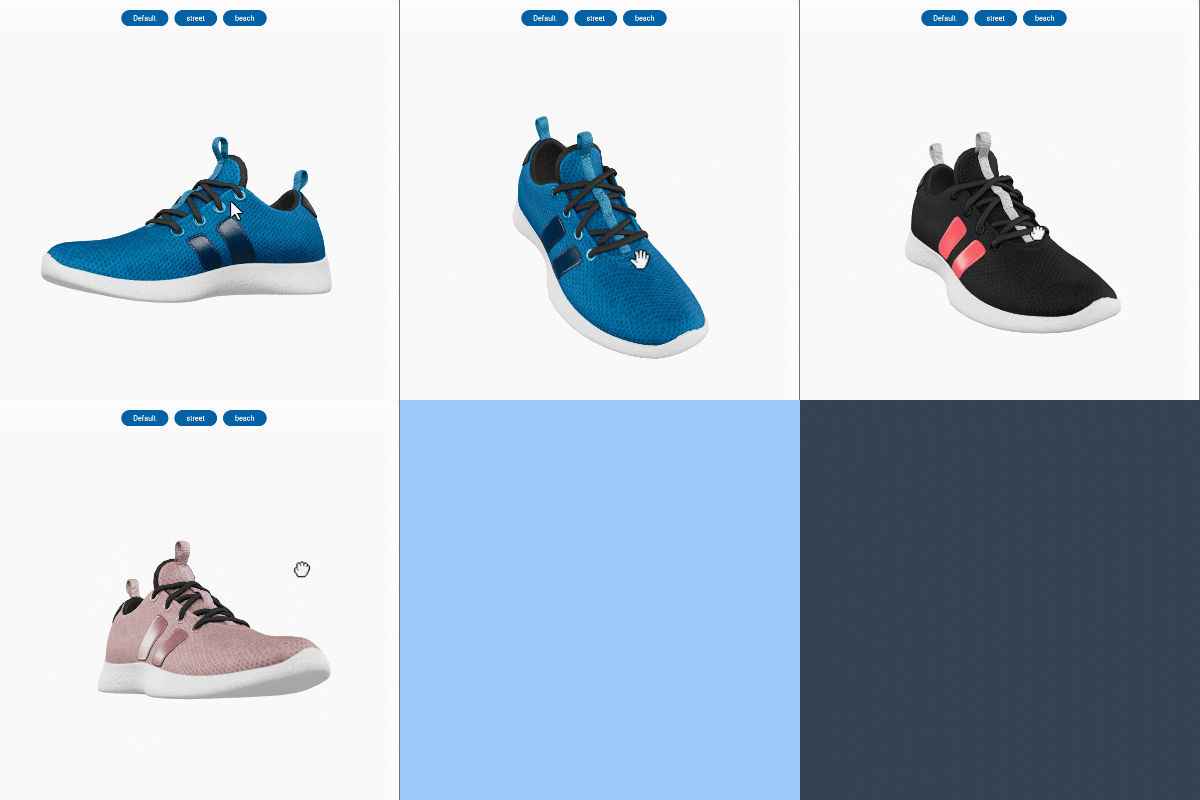
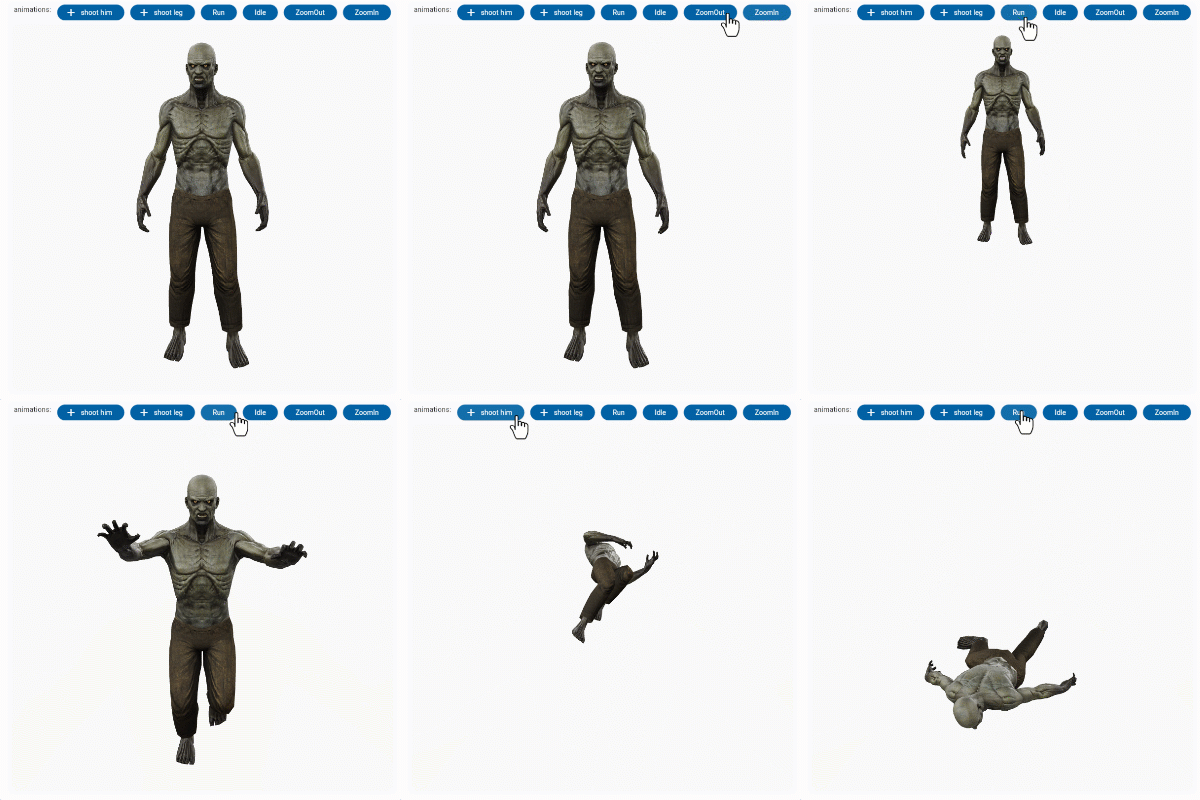
O3DController controller = O3DController();x, y, z(theta)deg, (phi)deg, (radius)m[optional] repetitions => play(repetitions: 2)in pubspec.yaml
dependencies:
  o3d: ^3.1.0
AndroidManifest.xml (Android 9+ only)Test on real device and to use this widget on Android 9+ devices, your app must be permitted to make an HTTP connection
to http://localhost:XXXXX.
Android 9 (API level 28) changed the default for android:usesCleartextTraffic from true
to false,
so you will need to configure your app's android/app/src/main/AndroidManifest.xml as follows:
+    <uses-permission android:name="android.permission.INTERNET"/>

     <application
        android:name="${applicationName}"
        android:icon="@mipmap/ic_launcher"
        android:label="example"
+       android:usesCleartextTraffic="true">
        <activity
            android:name=".MainActivity"
This does not affect Android 8 and earlier.
app/build.gradle (Android only)Change minSdkVersion to 21.
defaultConfig {
    ...
    minSdkVersion 21
    ...
}
Info.plist (iOS only)To use this widget on iOS, you need to opt-in to the embedded views preview
by adding a boolean property to your app's ios/Runner/Info.plist file, with
the key io.flutter.embedded_views_preview and the value YES:
<key>io.flutter.embedded_views_preview</key><true />
web/index.html (Web only)Modify the <head> tag of your web/index.html to load the JavaScript, like so:
<head>
    <!-- Other stuff -->
    <script type="module" src="./assets/packages/o3d/assets/model-viewer.min.js" defer></script>
</head>
import 'package:o3d/o3d.dart';
O3D widgetclass _MyHomePageState extends State<MyHomePage> {
// to control the animation
O3DController controller = O3DController();
@override
Widget build(BuildContext context) {
return Scaffold(
appBar: AppBar(
backgroundColor: Theme.of(context).colorScheme.inversePrimary,
title: Text(widget.title),
actions: [
IconButton(
onPressed: () =>
controller.cameraOrbit(20, 20, 5),
icon: const Icon(Icons.change_circle)),
IconButton(
onPressed: () =>
controller.cameraTarget(1.2, 1, 4),
icon: const Icon(Icons.change_circle_outlined)),
],
),
body: O3D.asset(
src: 'assets/glb/jeff_johansen_idle.glb',
controller: controller,
),
);
}
}
O3D.asset(
  src: 'assets/MyModel.glb',
  // ...
),
body: O3D.network(
   src:'https://modelviewer.dev/shared-assets/models/Astronaut.glb',
   // ...
),
This is not available on Web.
class HomePage extends StatelessWidget {
   const HomePage({super.key});

   @override
   Widget build(BuildContext context) {
      return O3D(src: 'file:///path/to/MyModel.glb',
      // ...
      );
   }
}
| babak code | Tassio Gustavo | Vaibhav Chandolia |
|---|---|---|
 |
 |
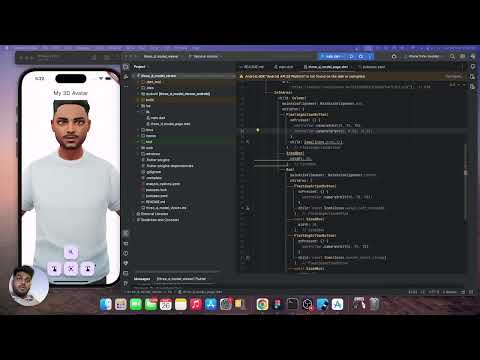 |
| youtube video link | linkedin post link | Youtube channel |
We use
the Google APP
, com.google.android.googlequicksearchbox to display interactive 3D models on Android.
The model displays in 'ar_preferred' mode by default, Scene Viewer launches in AR native mode as the
entry mode.
If Google Play Services for AR (ARCore, com.google.ar.core)
isn't present, Scene Viewer gracefully falls back to 3D mode as the entry mode.
Note that due to browsers' CORS security restrictions, the model file
must be served with a Access-Control-Allow-Origin: * HTTP header.
A: There are several reasons why your model URL could fail to load and render:
依赖清单 10 项
^5.0.2{"sdk":"flutter"}^1.9.0^6.2.6^1.0.0^4.10.0^4.1.0^3.16.3{"sdk":"flutter"}^5.0.0先按使用场景筛选,再比较项目活跃情况,最后到原始仓库核对使用要求。
“A repository is the most basic element of GitHub.”
GitHub Docs — About repositories ↗