搜索插件、代码仓与 APP 分类

o3d 封面
插件详情v3.1.3

o3d

在移动和Web平台上轻松控制Flutter 3D对象(glb格式)

AndroidiOSWeb
近 30 天下载
931
喜欢数
206
Pub 分数
130

安装插件

flutter pub add o3d

插件介绍

基于插件公开信息、社区数据与项目使用情况整理的选型参考。

o3d 是一个 Flutter 包,可简化在移动和 Web 平台上集成 GLB 格式 3D 对象的过程。它提供了一个易于使用的控制器,用于渲染、动画和交互 3D 模型,而无需深入了解 3D 图形编程。专为希望增强应用沉浸式 3D 内容的开发者设计,o3d 可高效地加载和管理 3D 资产。该包支持 Android、iOS 和 Web,非常适合需要轻量级 3D 可视化的跨平台应用。

适合场景

  • 添加交互式3D产品预览
  • 创建教育类3D可视化
  • 提升游戏体验
  • 构建虚拟游览
  • 在AR/VR应用中集成3D模型

主要特点

  • 支持 GLB 3D 模型格式
  • 跨平台兼容性(Android、iOS、Web)
  • 用于加载和控制3D对象的简单API
  • 内置动画和交互处理
  • 轻量且针对性能进行了优化

适合对象

  • Flutter 开发者初识 3D
  • 需要3D模型显示的应用程序
  • 教育和电子商务应用
  • 互动式网络和移动体验

使用建议

  • 需要 GLB 格式的 3D 模型
  • 仅限基本的3D交互
  • 性能在低端设备上可能有所不同
  • 无内置物理或高级动画

原始 README

以下为关联源码仓库的 README 原文快照,最新内容请访问源码仓库。

O3D - Model Viewer for Flutter

This is a Flutter widget for rendering interactive 3D models in the glTF and GLB formats. The widget embeds Google's <model-viewer> web component in a WebView.

Flutter 3D model viewer with O3D

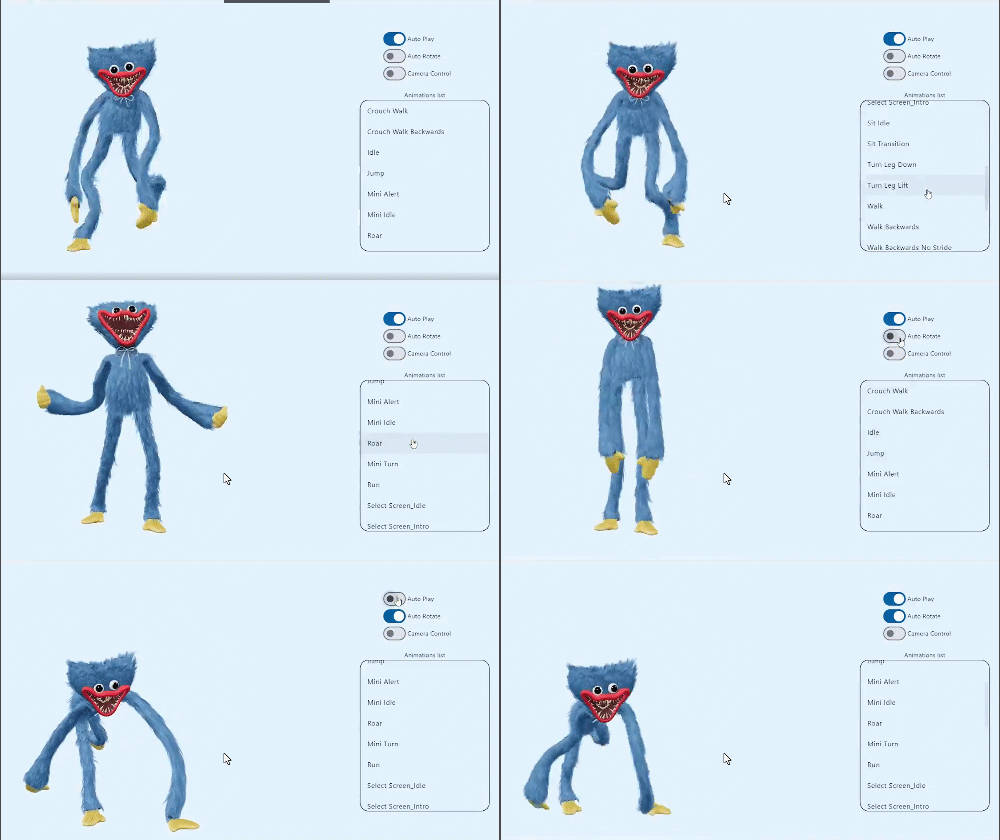
Screenshot

online demo 1: https://babakcode.github.io/ui_3d_test/ / source code

online demo 2: https://babakcode.github.io/ui_3d_flutter/ / source code

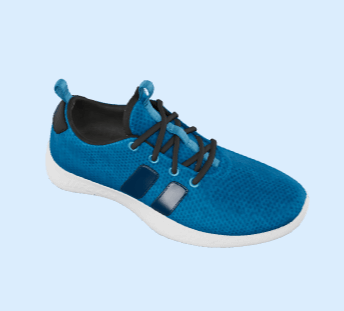
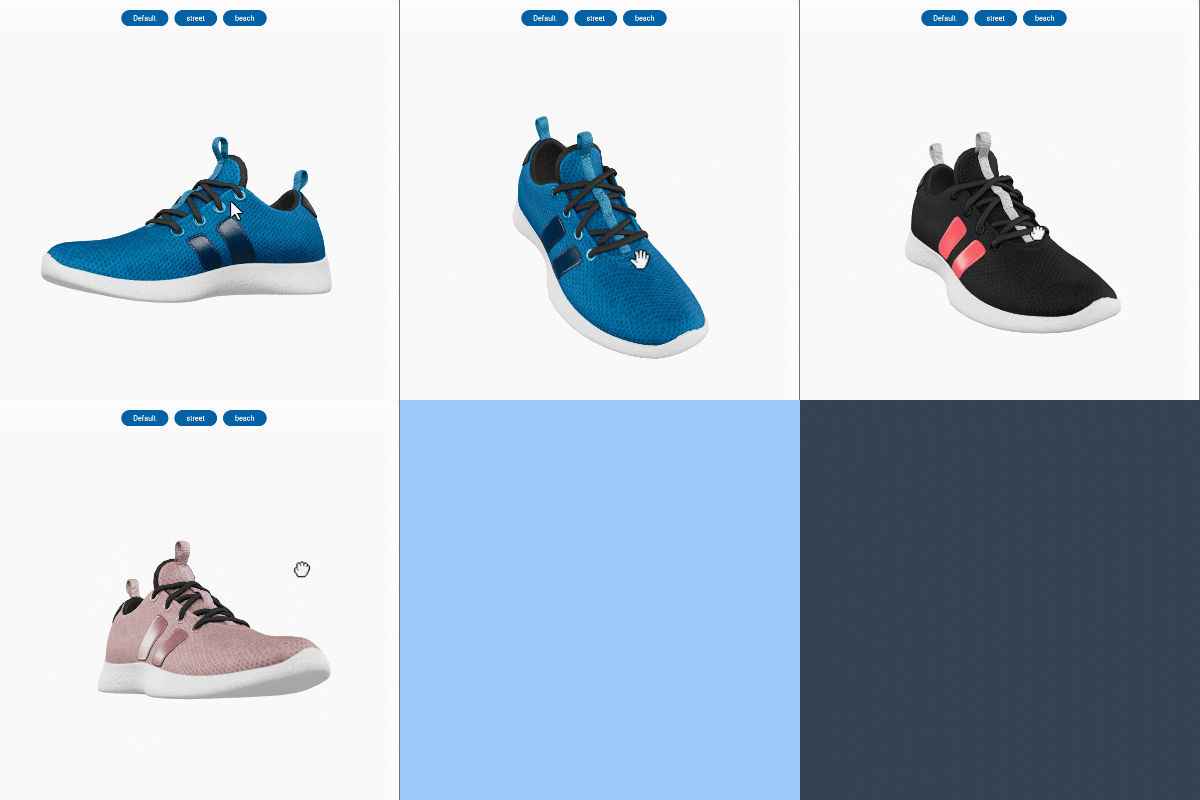
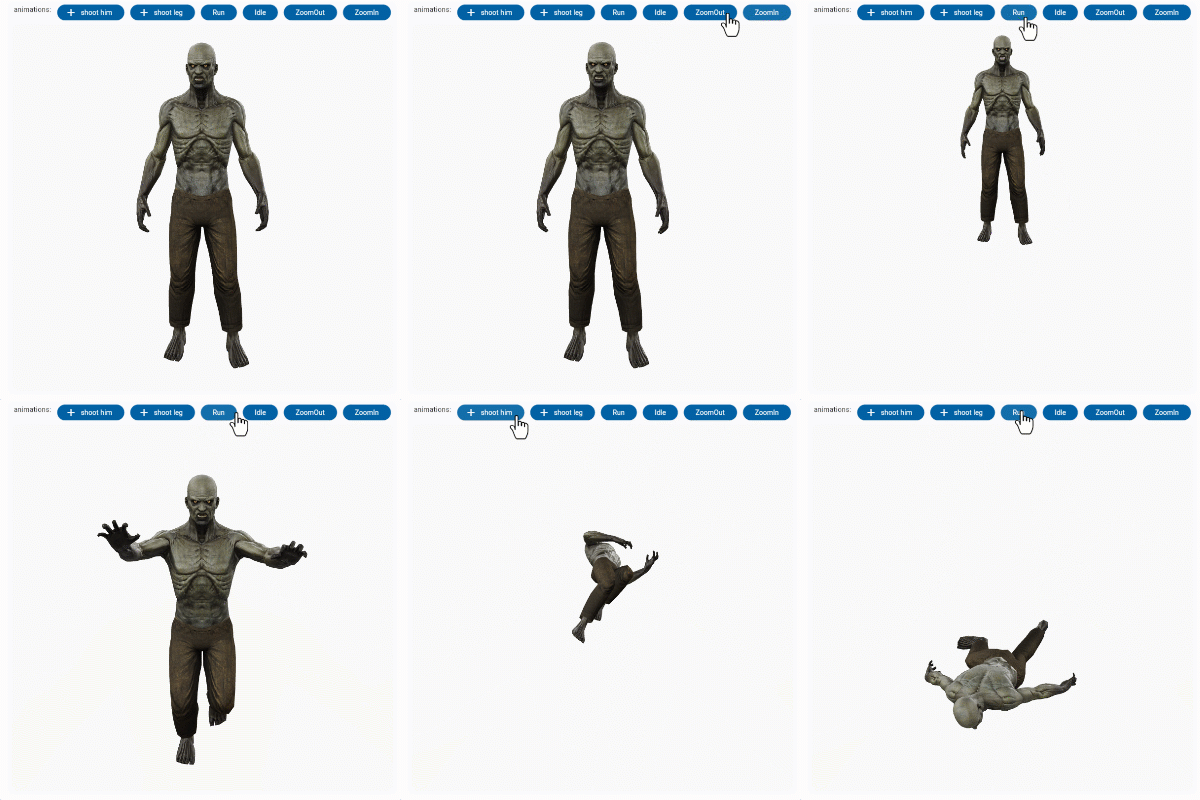
Flutter 3d model Flutter 3d model

Features

  1. O3DController controller = O3DController();
  2. cameraTarget: use controller.cameraTarget(20, 20, 5) x, y, z
  3. cameraOrbit: use controller.cameraOrbit(1.2, 1, 4) (theta)deg, (phi)deg, (radius)m
  4. availableAnimations: use controller.availableAnimations().then((animations) => log("Available animations: $animations"));
  5. play: use controller.play() [optional] repetitions => play(repetitions: 2)
  6. pause: use controller.pause()
  7. Renders glTF and GLB models. (Also, USDZ models on iOS 12+.)
  8. Supports animated models, with a configurable auto-play setting.
  9. Optionally supports launching the model into an AR viewer.
  10. Optionally auto-rotates the model, with a configurable delay.
  11. Supports a configurable background color for the widget.

Installation

in pubspec.yaml

dependencies:
  o3d: ^3.1.0
AndroidManifest.xml (Android 9+ only)

Test on real device and to use this widget on Android 9+ devices, your app must be permitted to make an HTTP connection to http://localhost:XXXXX. Android 9 (API level 28) changed the default for android:usesCleartextTraffic from true to false, so you will need to configure your app's android/app/src/main/AndroidManifest.xml as follows:


+    <uses-permission android:name="android.permission.INTERNET"/>

     <application
        android:name="${applicationName}"
        android:icon="@mipmap/ic_launcher"
        android:label="example"
+       android:usesCleartextTraffic="true">
        <activity
            android:name=".MainActivity"

This does not affect Android 8 and earlier.

app/build.gradle (Android only)

Change minSdkVersion to 21.

defaultConfig {
    ...
    minSdkVersion 21
    ...
}
Info.plist (iOS only)

To use this widget on iOS, you need to opt-in to the embedded views preview by adding a boolean property to your app's ios/Runner/Info.plist file, with the key io.flutter.embedded_views_preview and the value YES:


<key>io.flutter.embedded_views_preview</key><true />
web/index.html (Web only)

Modify the <head> tag of your web/index.html to load the JavaScript, like so:

<head>
    <!-- Other stuff -->
    <script type="module" src="./assets/packages/o3d/assets/model-viewer.min.js" defer></script>
</head>

Examples

Importing the library
import 'package:o3d/o3d.dart';
Creating a O3D widget
class _MyHomePageState extends State<MyHomePage> {
  
  // to control the animation
  O3DController controller = O3DController();

  @override
  Widget build(BuildContext context) {
    return Scaffold(
      appBar: AppBar(
        backgroundColor: Theme.of(context).colorScheme.inversePrimary,
        title: Text(widget.title),
        actions: [
          IconButton(
              onPressed: () => 
                  controller.cameraOrbit(20, 20, 5),
              icon: const Icon(Icons.change_circle)),
          IconButton(
              onPressed: () =>
                  controller.cameraTarget(1.2, 1, 4), 
              icon: const Icon(Icons.change_circle_outlined)),
        ],
      ),
      body: O3D.asset(
         src: 'assets/glb/jeff_johansen_idle.glb', 
         controller: controller,
      ),
    );
  }
}
Loading a bundled Flutter asset
O3D.asset(
  src: 'assets/MyModel.glb',
  // ...
),
Loading a model from the web
body: O3D.network(
   src:'https://modelviewer.dev/shared-assets/models/Astronaut.glb',
   // ...
),
Loading a model from the file system

This is not available on Web.

class HomePage extends StatelessWidget {
   const HomePage({super.key});
   
   @override
   Widget build(BuildContext context) {
      return O3D(src: 'file:///path/to/MyModel.glb',
      // ...
      );
   }
}

projects

babak code Tassio Gustavo Vaibhav Chandolia
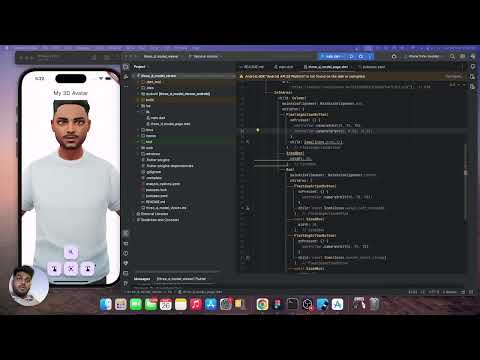
BabakCode BabakCode Vaibhav Chandolia youtube video
youtube video link linkedin post link Youtube channel

Compatibility

Notes

We use the Google APP , com.google.android.googlequicksearchbox to display interactive 3D models on Android. The model displays in 'ar_preferred' mode by default, Scene Viewer launches in AR native mode as the entry mode. If Google Play Services for AR (ARCore, com.google.ar.core) isn't present, Scene Viewer gracefully falls back to 3D mode as the entry mode.

Note that due to browsers' CORS security restrictions, the model file must be served with a Access-Control-Allow-Origin: * HTTP header.

Frequently Asked Questions

Q: Why doesn't my 3D model load and/or render?

A: There are several reasons why your model URL could fail to load and render:

  1. It might not be possible to parse the provided glTF or GLB file. Some tools can produce invalid files when exporting glTF. Always run your model files through the glTF Validator to check for this.

所属分类

依赖

依赖清单 7 项

源码仓库

使用此插件的项目

暂无相关数据。