
Flexify
基于离线优先的健身追踪器,支持力量训练和有氧运动,具备进度图表、休息计时器和自定义主题功能。使用 Flutter 构建。

- 星标
- 452
- 复刻
- 50
- 最近推送(UTC)
- 2026年11月9日
- 项目状态
- 未归档
原始 README
以下为英文项目原文快照,最新内容请访问 GitHub。

Flex
Track your training. Flex on people.
A private, offline-first workout tracker for logging gym sessions and building strength over time.



Features
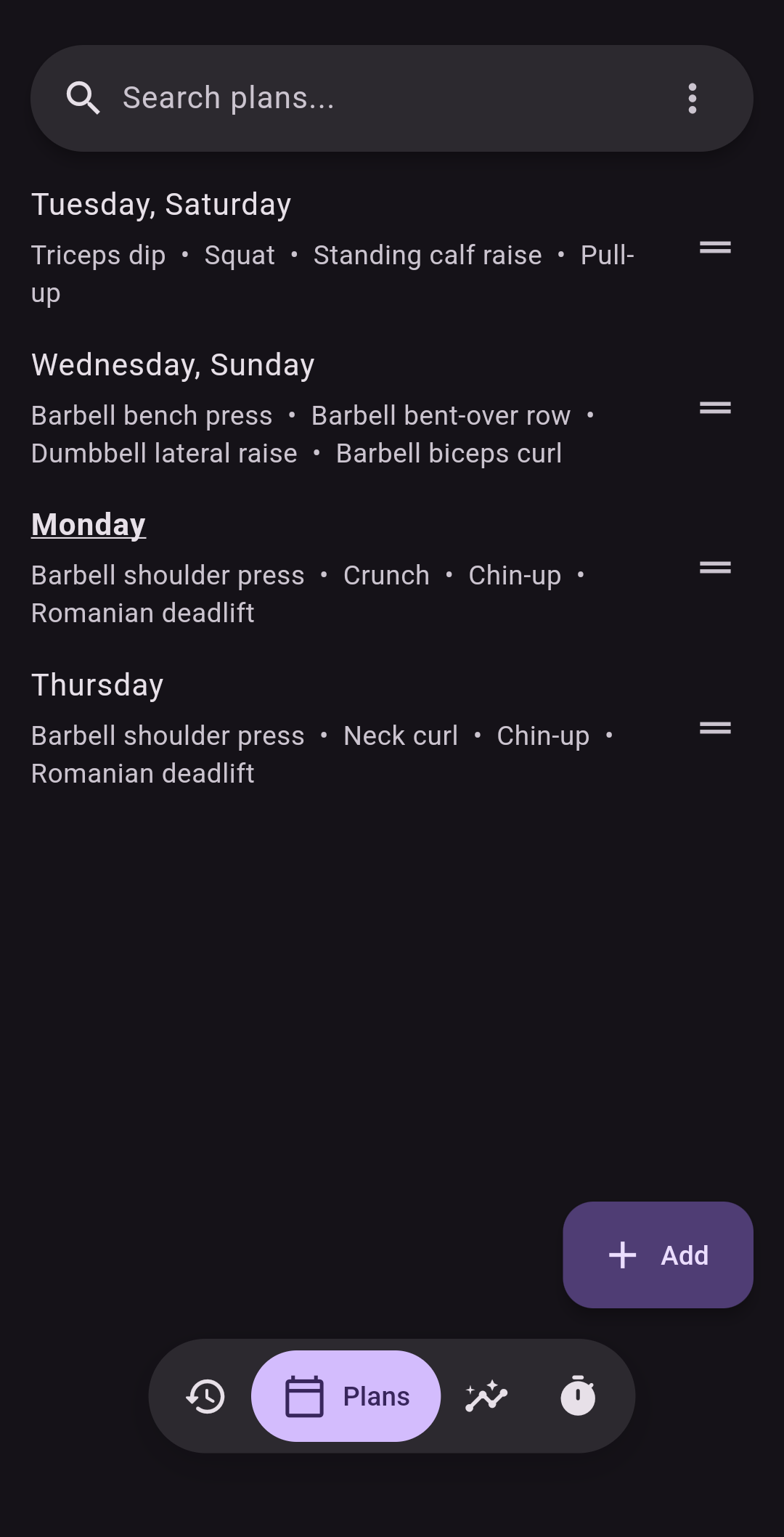
- Build custom workout plans
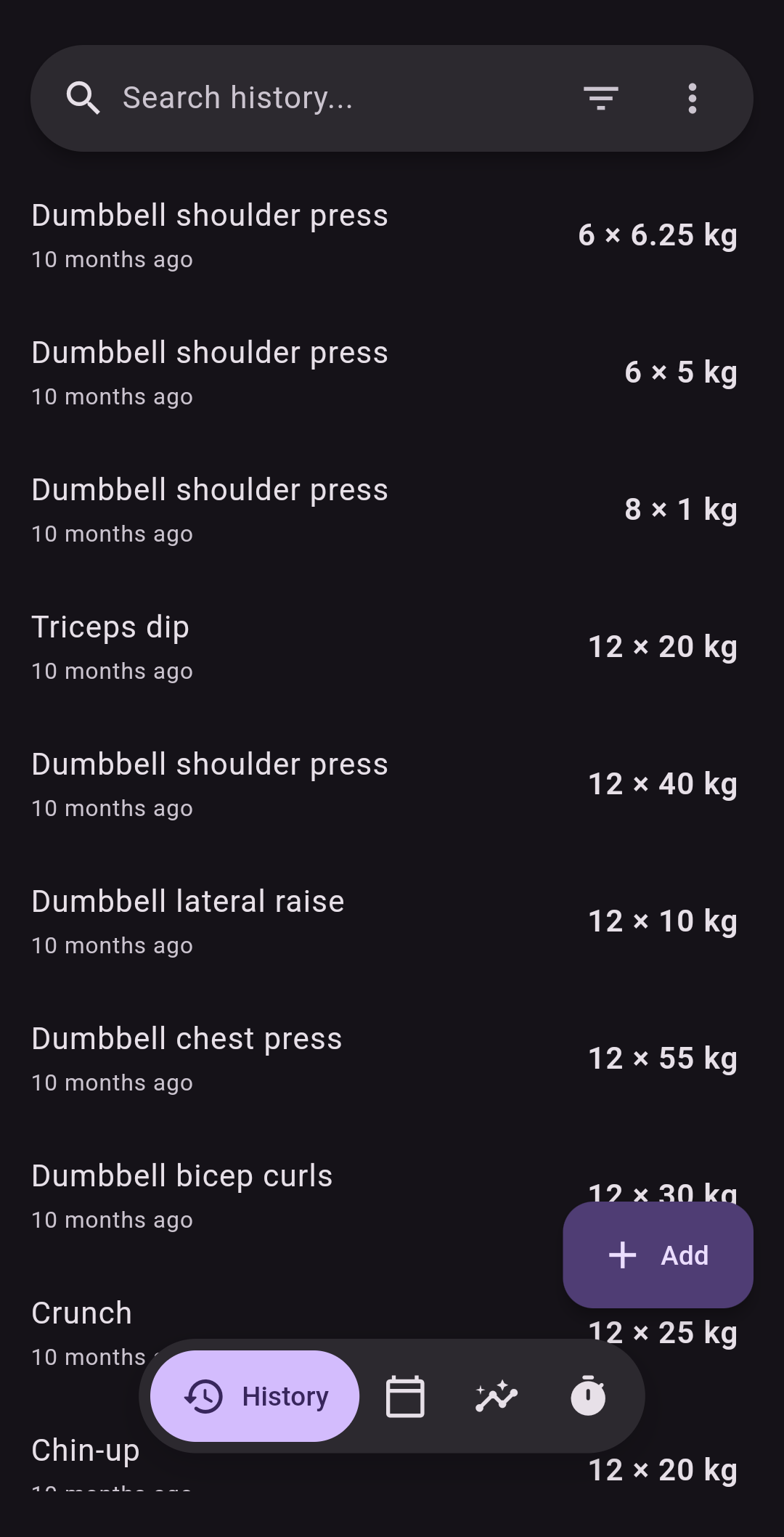
- Log weights, reps, cardio, and rest periods as you train
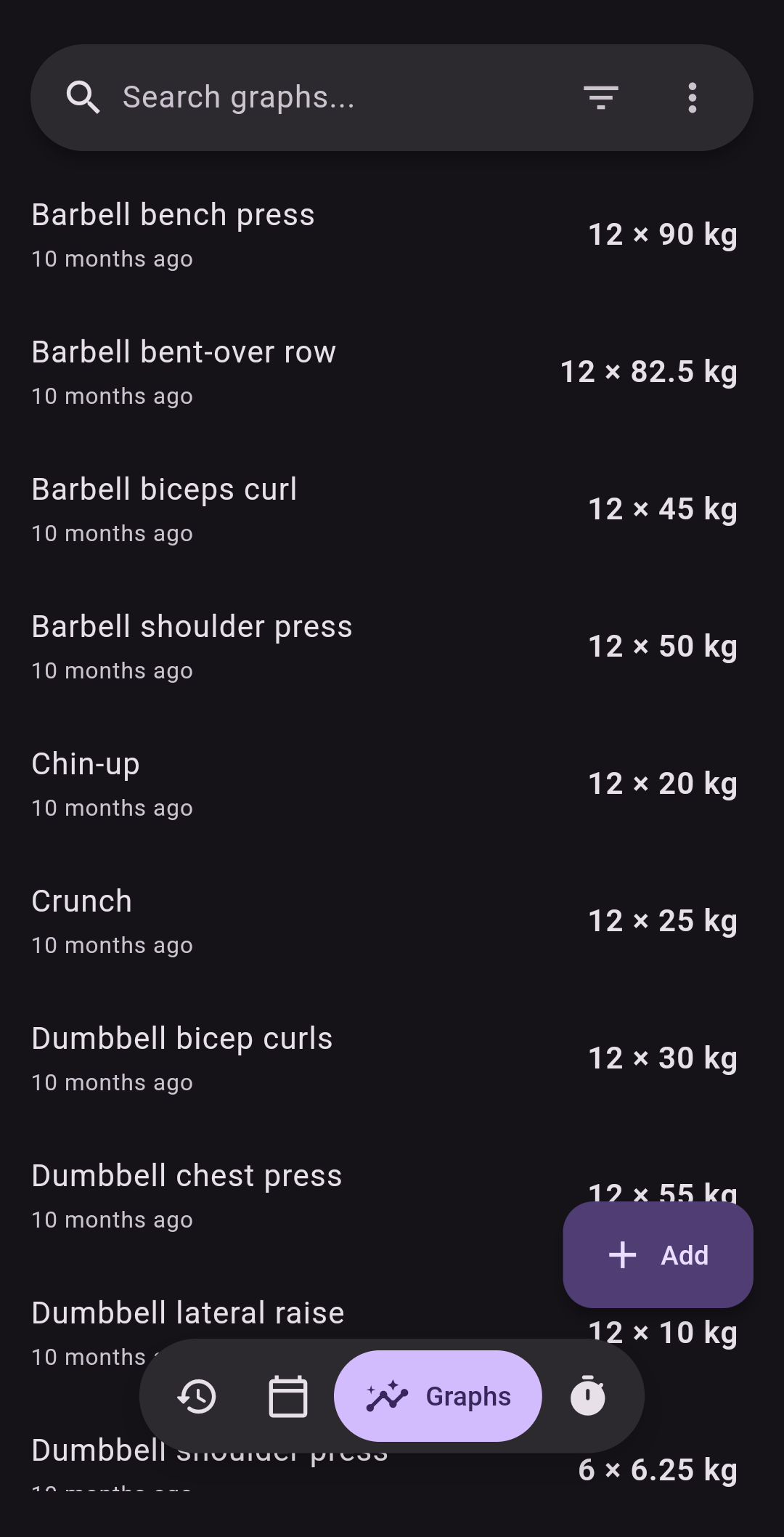
- Follow your progress with exercise history and graphs
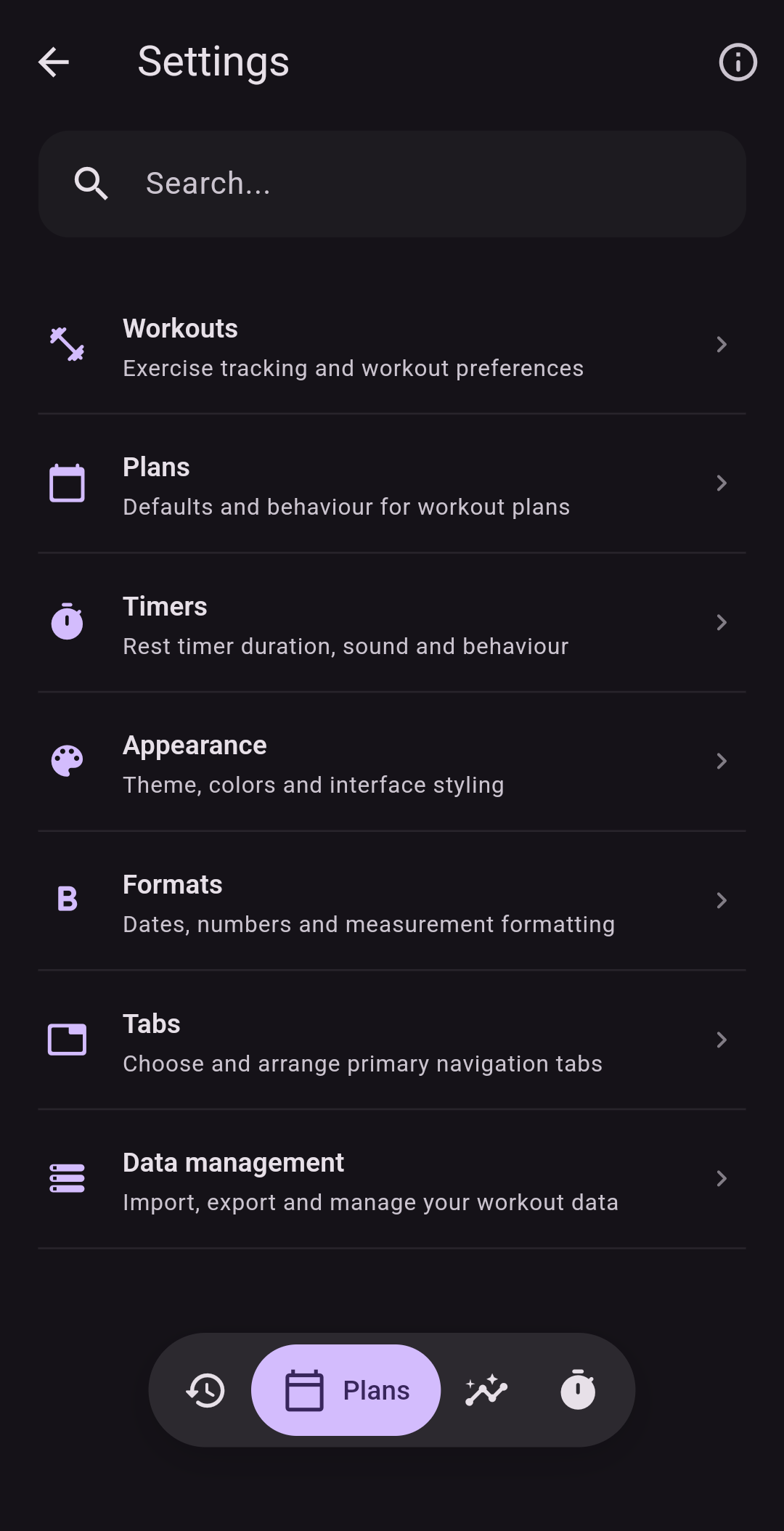
- Customize the app to your hearts desire
- Keep your data on your device—Flex works without an internet connection
Screenshots
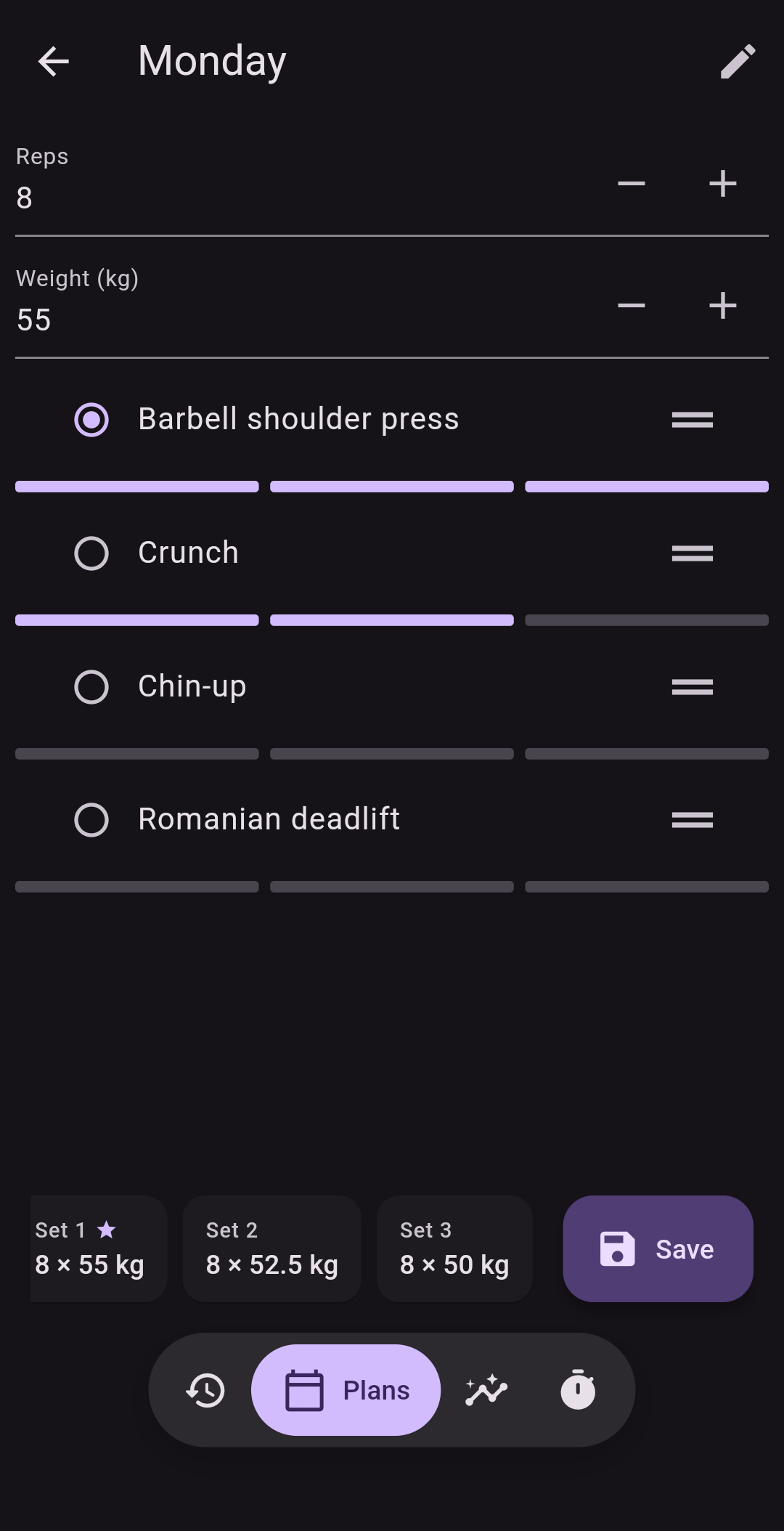
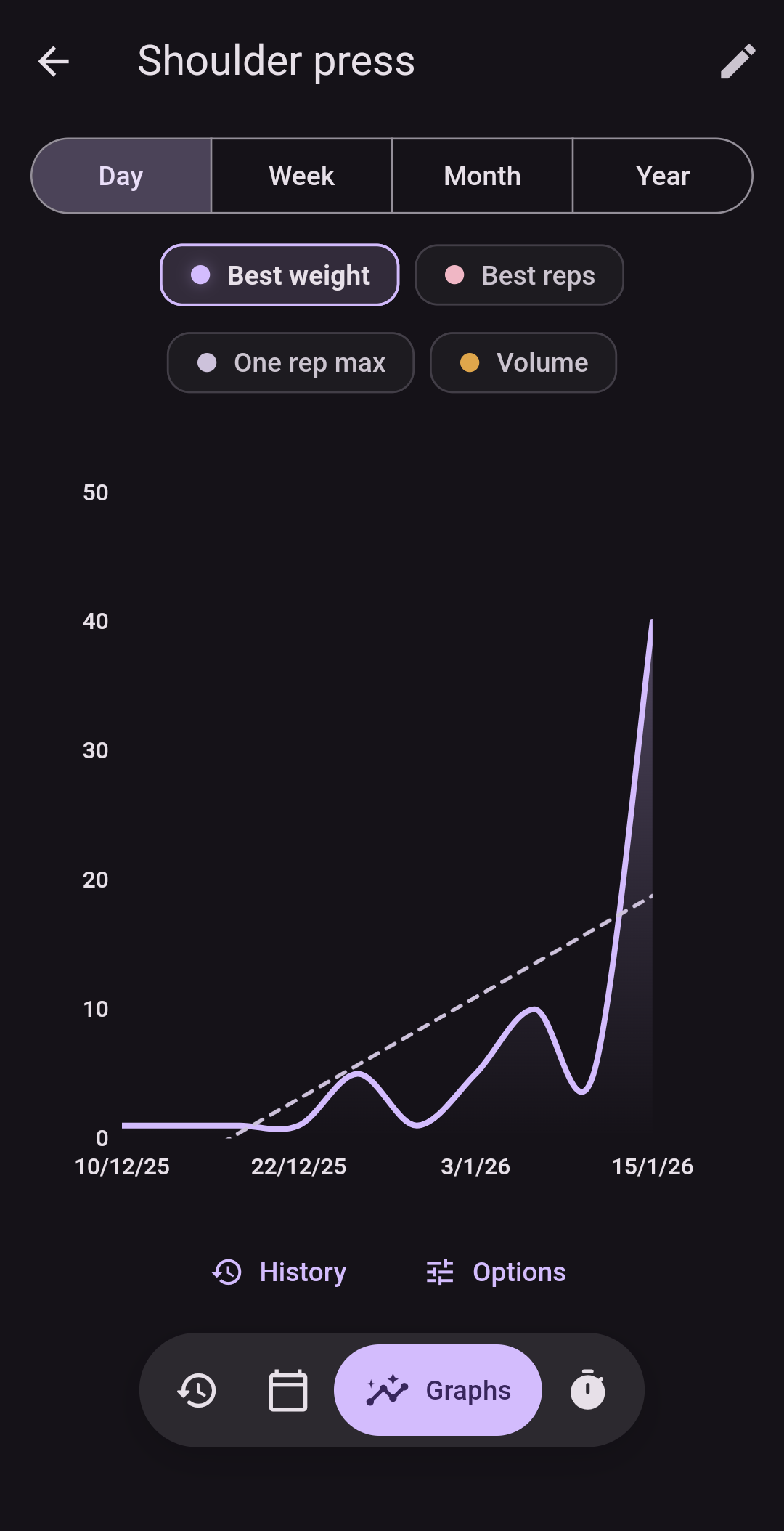
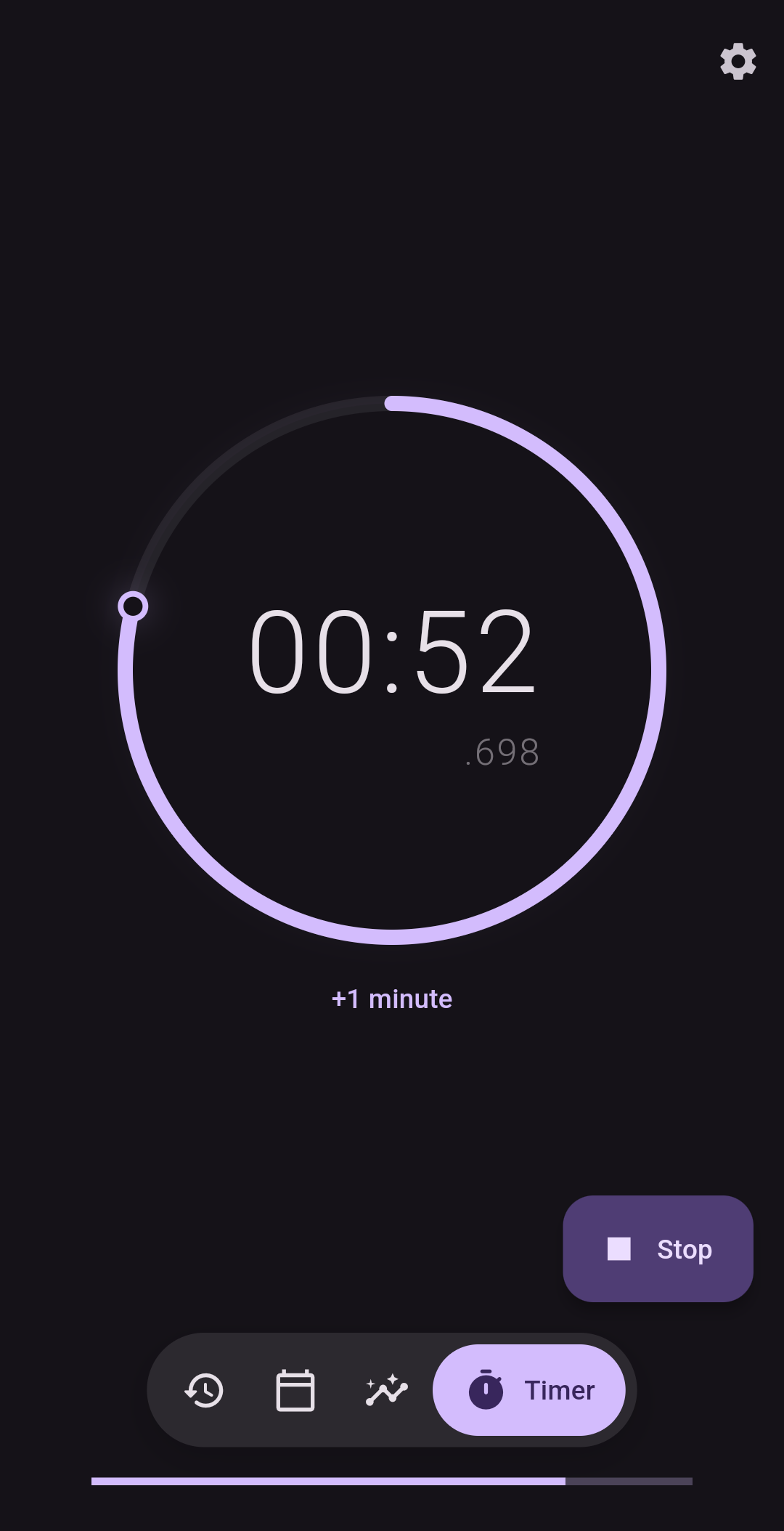
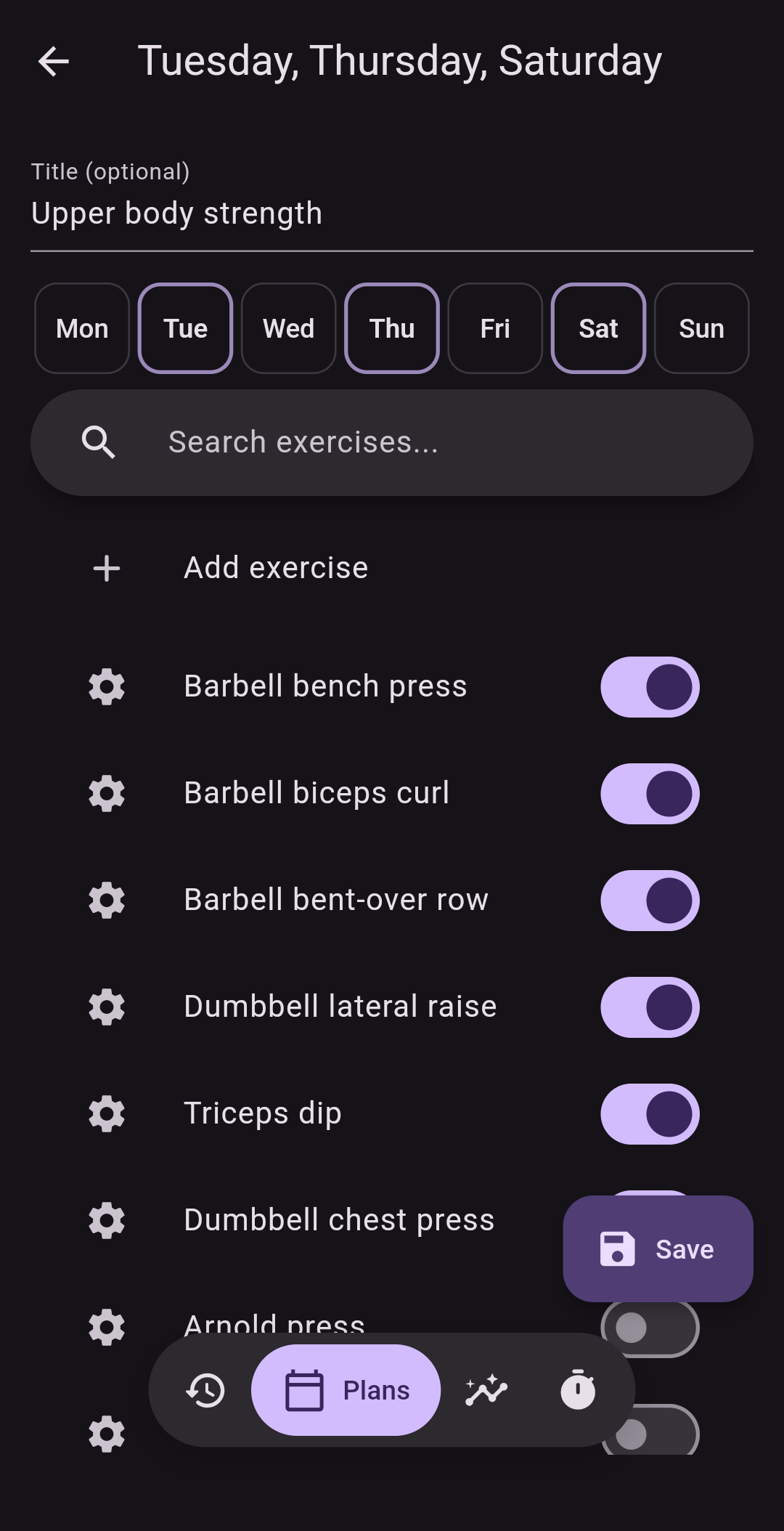
Build from source
Flex is open source and built with Flutter.
flutter pub get
flutter run
Contributions are welcome—see CONTRIBUTING.md. Flex is available under the MIT License.
Support Flex
Contributions to Flex are directly correlated with gains.
- Bitcoin:
bc1qzlte8featxzf7xvtp3rjv7qqtwkgpup8hu85gp - Monero (XMR):
85tmLfWKbpd8nxQnUY878DDuFjmfcoCFXPWR7XYKLHBSbDZV8wxgoKYUtHtq1kHWJg4m14sdBXhYuUSbxEDA29d19XuREL5 - GitHub Sponsors

GitHub 作者
Brandon Dick ↗
语言DartJavaScriptKotlinShellC++PythonCMakePowerShellRubySwiftCHTMLObjective-C
分类
使用的依赖
依赖清单 33 项
- flutter
{"sdk":"flutter"} - flutter_localizations
{"sdk":"flutter"} - talker_flutter
5.1.20 - drift
^2.35.2 - path_provider
^2.1.2 - path
^1.8.3 - csv
^8.0.0 - intl
^0.20.2 - permission_handler
^13.0.0 - provider
^6.1.1 - dynamic_color
^1.9.0 - sqlite3
^3.5.1 - archive
^4.0.2 - file_picker
^13.1.0 - share_plus
^13.3.0 - audioplayers
^6.5.0 - package_info_plus
^10.2.1 - url_launcher
^6.2.6 - wakelock_plus
^1.7.0 - flutter_local_notifications
^22.2.0 - msvcredist
{"git":{"url":"https://github.com/insertjokehere/flutter_msvcredist.git","ref":"main"}} - timeago
^3.2.2 - sqlite3_web
^0.9.4 - drift_dev
^2.35.1 - drafter
^0.3.0 - integration_test开发依赖
{"sdk":"flutter"} - flutter_test开发依赖
{"sdk":"flutter"} - flutter_lints开发依赖
^6.0.0 - image开发依赖
^4.8.0 - build_runner开发依赖
^2.15.1 - flutter_launcher_icons开发依赖
^0.14.4 - path_provider_platform_interface开发依赖
^2.1.3 - msix开发依赖
{"git":{"url":"https://github.com/insertjokehere/msix.git","ref":"msvc_redist"}}
如何选择适合项目的代码仓?
先按使用场景筛选,再比较项目活跃情况,最后到原始仓库核对使用要求。
- 通过仓库名、作者或描述搜索,再按技术分类缩小范围。
- 结合星标、复刻与最近推送比较项目;星标反映社区关注,不代表质量保证。
- 使用前在 GitHub 核对 README、许可证与 Issues。
来源与维护
“A repository is the most basic element of GitHub.”
GitHub Docs — About repositories ↗