

v0.10.10
workmanager
Flutter Workmanager。此插件允许您在 Android 和 iOS 上安排后台工作。
2430喜欢 37.1万近 30 天下载140Pub 分数
AndroidiOS
私密、离线的成瘾康复与戒断追踪工具,支持里程碑、日记记录、通知提醒和自定义戒断旅程。

以下为英文项目原文快照,最新内容请访问 GitHub。

Track your quitting journey without turning it into someone else's data.
A free and open-source quit tracker built around local data, useful milestones, and a calm interface.


No tracking · Local data · Multiple journeys · Fully customisable
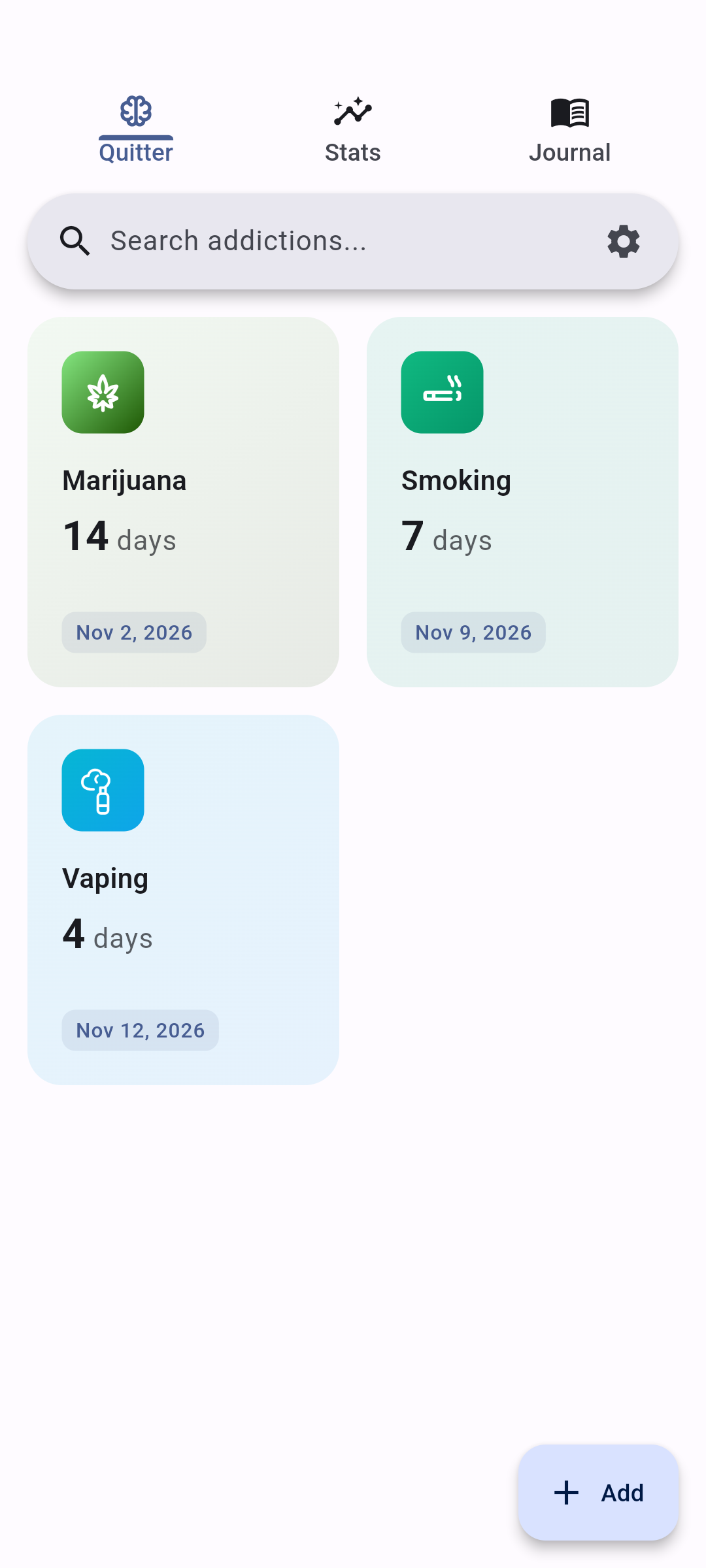
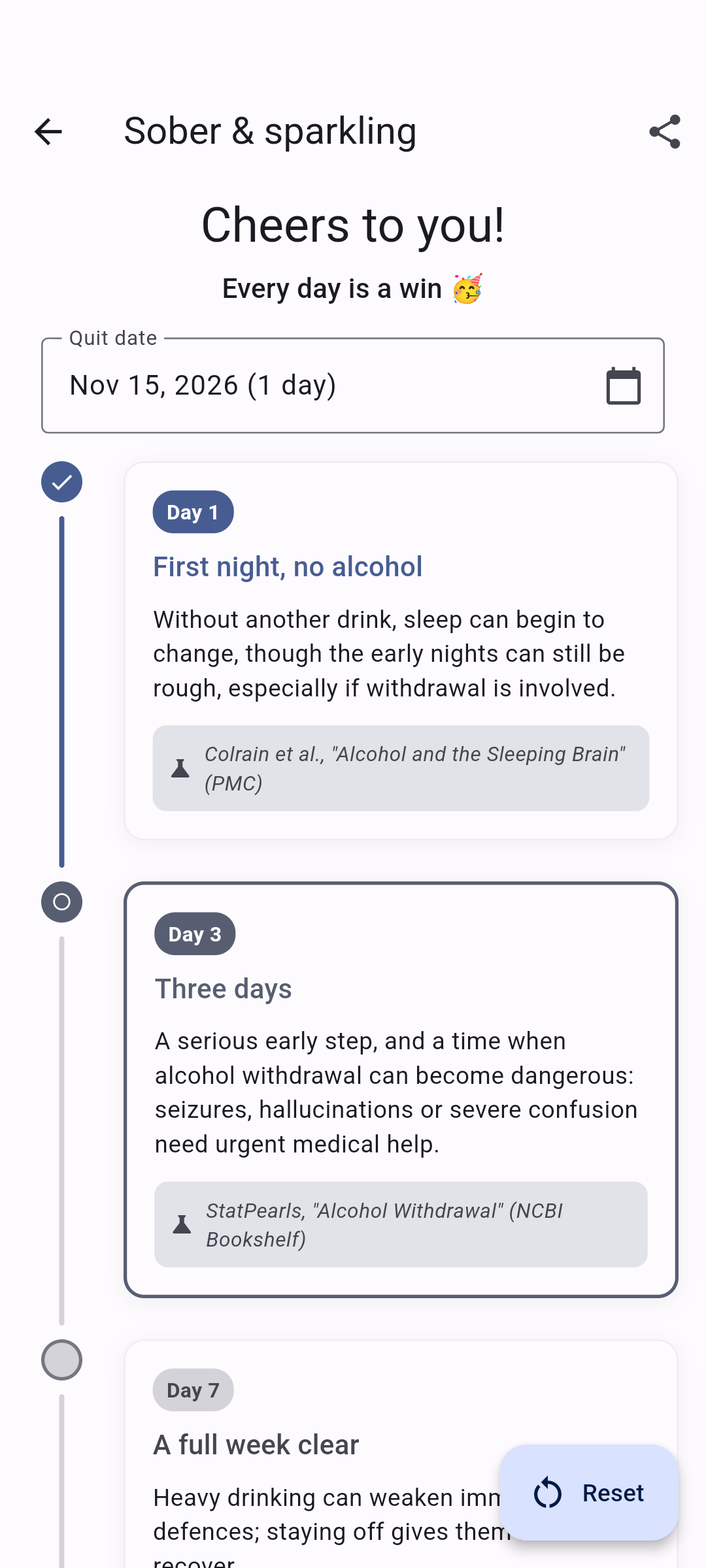
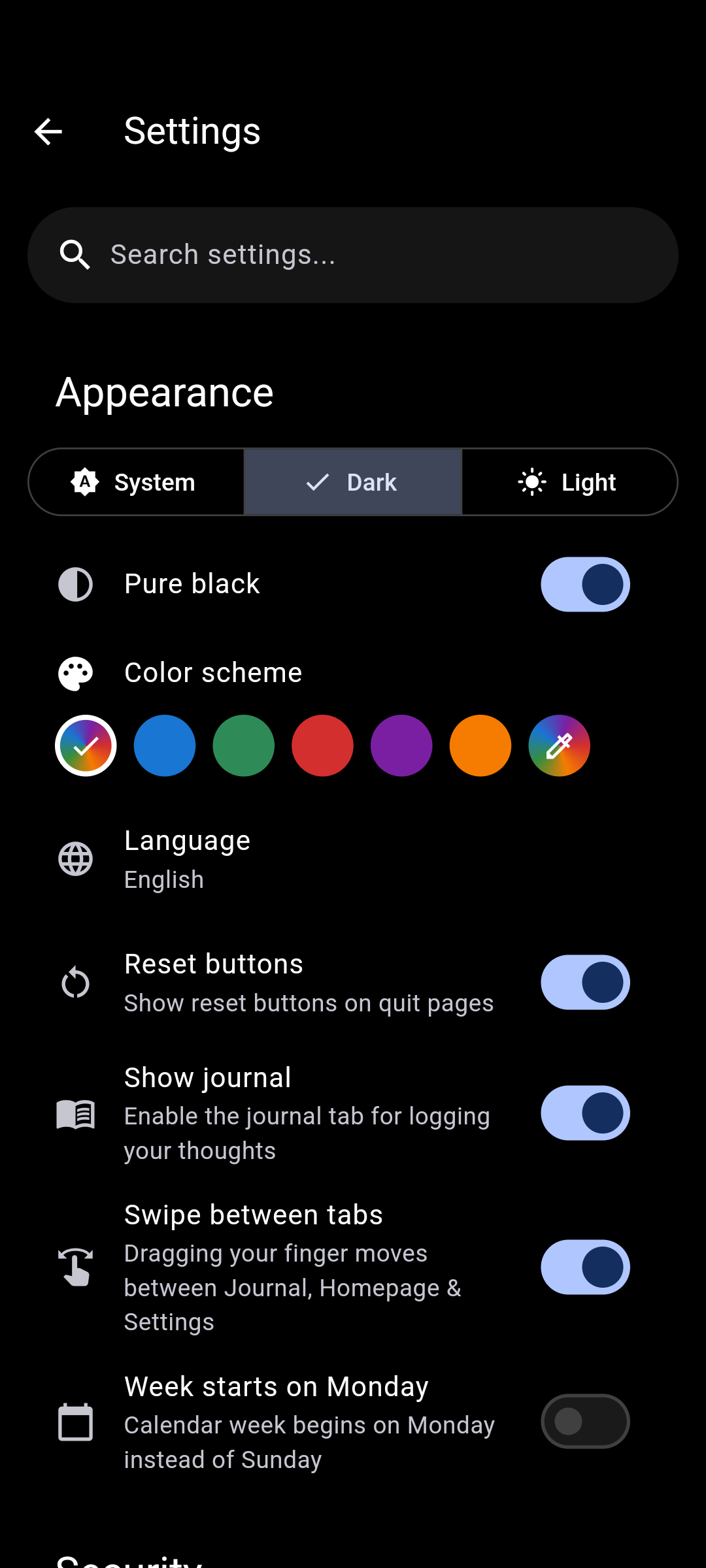
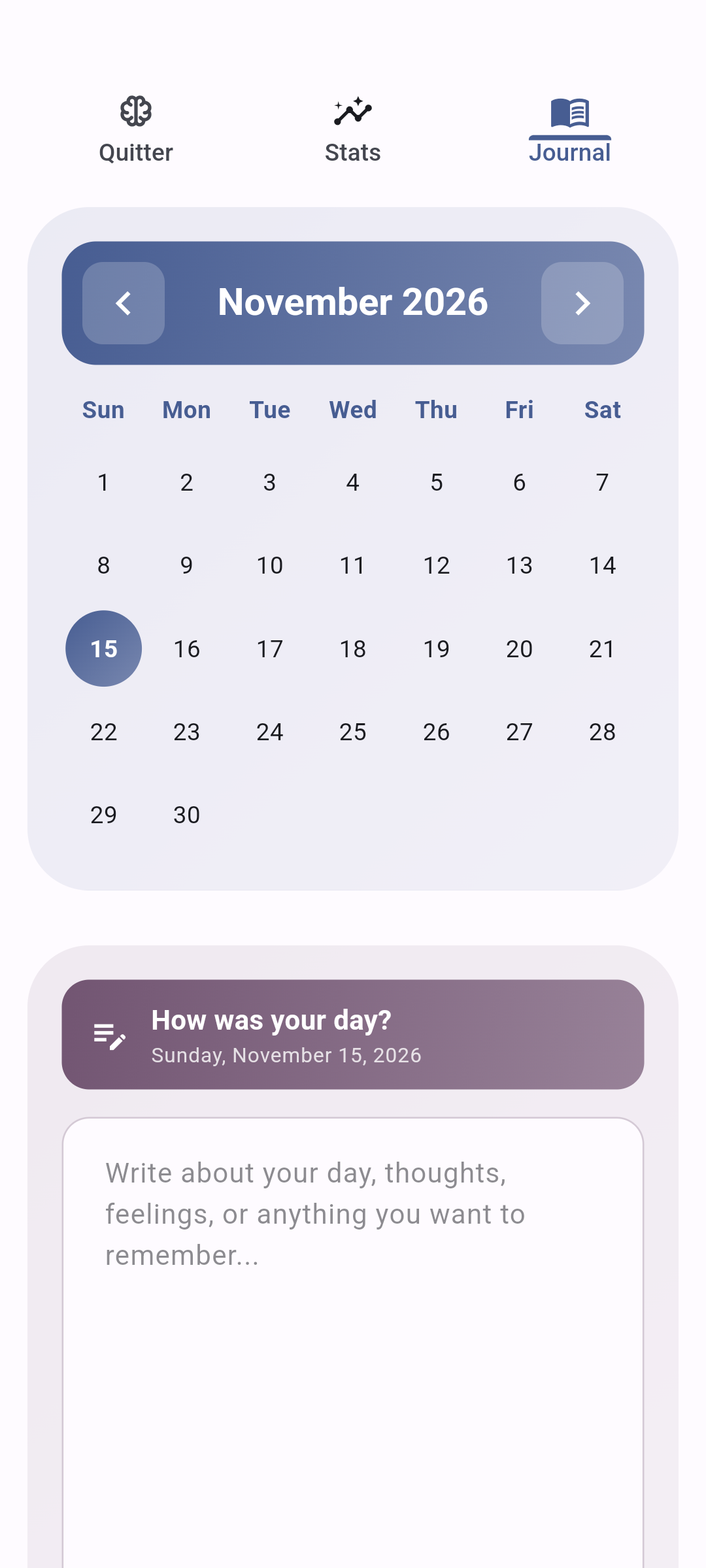
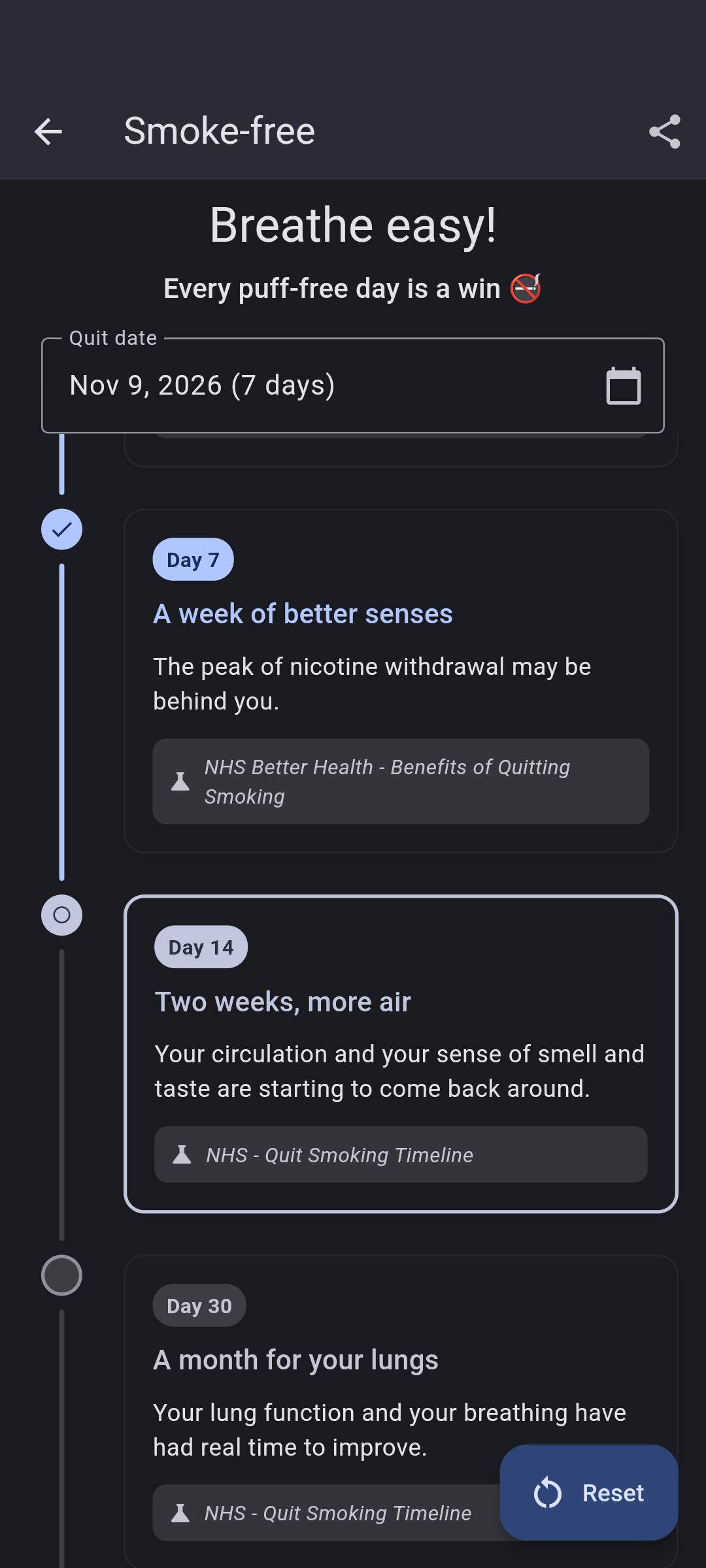
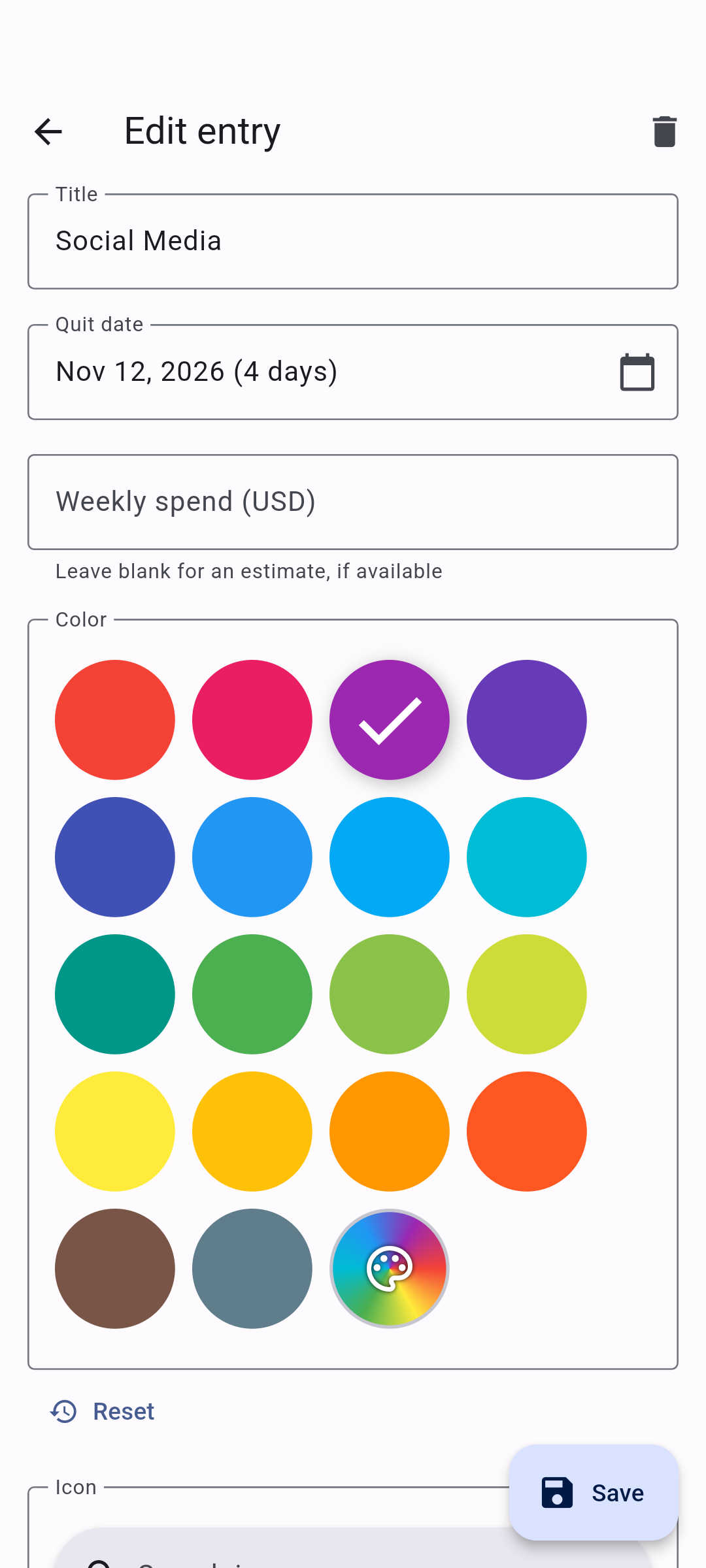
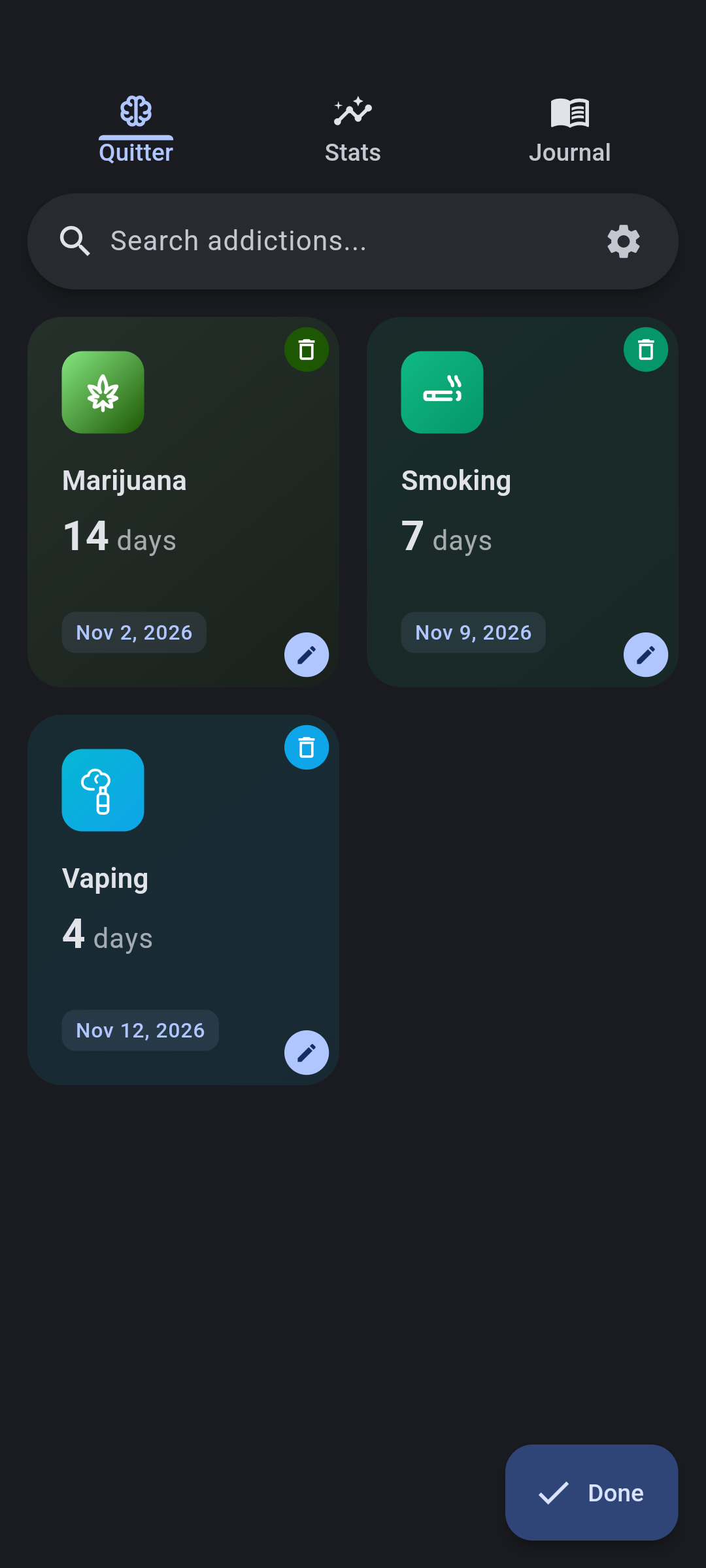
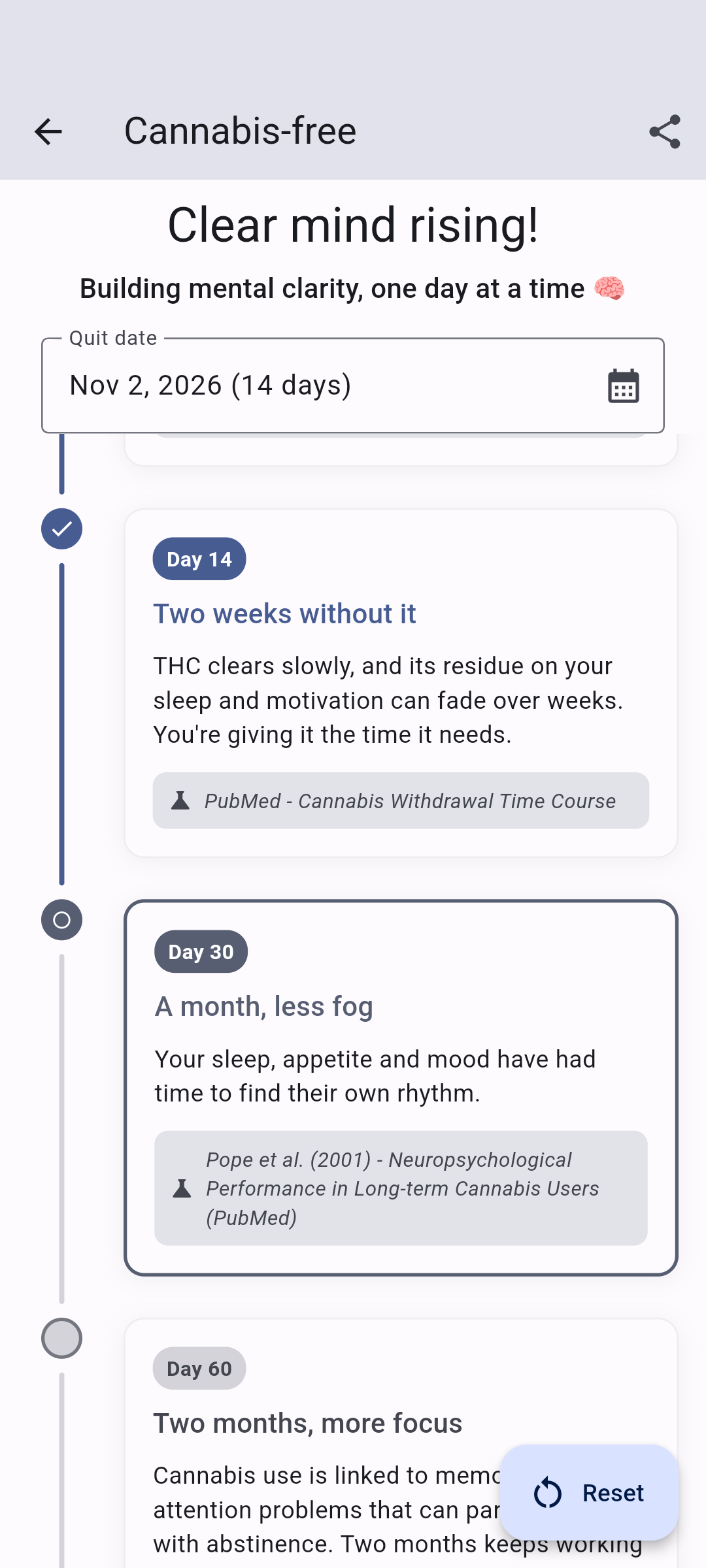
Private by design. Quitter doesn't track you. Your progress is stored locally instead of being sent to an account or analytics service.
More than one goal. Track multiple habits at once, follow milestones, journal how things are going, and get progress notifications when you want them.
Make it yours. Choose colours and themes, create custom entries, and turn features on or off so the app stays focused on what matters to you.
Translations are maintained directly in lib/l10n/. Contributions for any supported language are welcome through normal pull requests.
Quitter is built with Flutter.
git clone --recursive https://github.com/brandonp2412/Quitter.git quitter
cd quitter
flutter pub get
flutter run
Quitter is available under the MIT License.
依赖清单 28 项
{"sdk":"flutter"}5.1.20{"sdk":"flutter"}^1.0.8^2.5.3^6.1.5^1.8.1^2.0.13^22.0.1^12.0.1^0.9.0+2^6.3.2^3.16.12^10.2.0^0.20.2^2.1.3^12.0.0-beta.7^4.5.1^13.2.0^0.9.3^3.0.6^2.2.8{"sdk":"flutter"}4.8.0^6.0.0^0.14.4{"sdk":"flutter"}{"sdk":"flutter"}先按使用场景筛选,再比较项目活跃情况,最后到原始仓库核对使用要求。
“A repository is the most basic element of GitHub.”
GitHub Docs — About repositories ↗
