


 v0.0.2
reorderable_staggered_scroll_view
一个用于创建可重新排序的交错网格视图的 Flutter 包。
37喜欢 94近 30 天下载160Pub 分数
AndroidiOSWebmacOSWindowsLinux
itisnajim/reorderable_staggered_scroll_view open-source repository details.

以下为英文项目原文快照,最新内容请访问 GitHub。


A Flutter package for creating reorderable and draggable staggered grid and list views. This package provides a smooth and intuitive way to reorder items in both grid and list layouts, making it perfect for creating interactive and user-friendly applications.
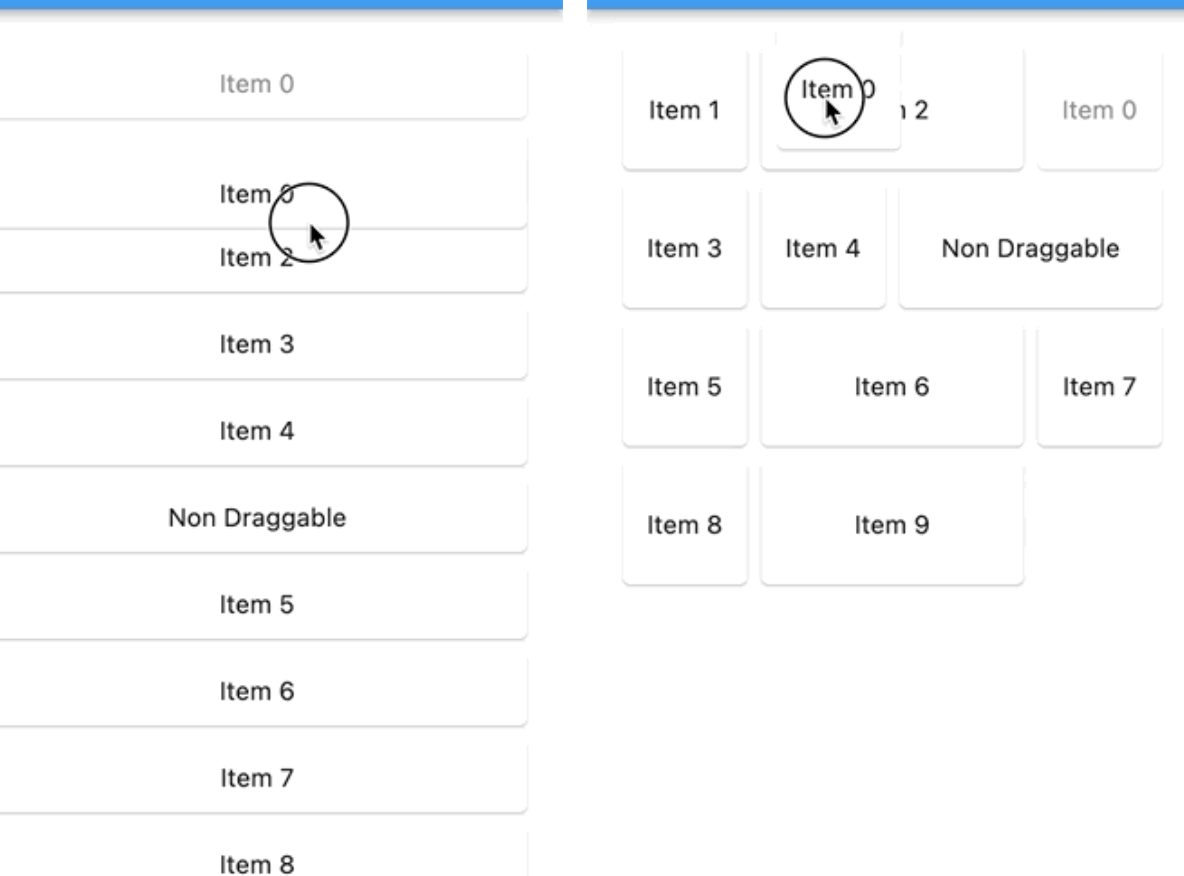
| List Demo | Grid Demo |
|---|---|
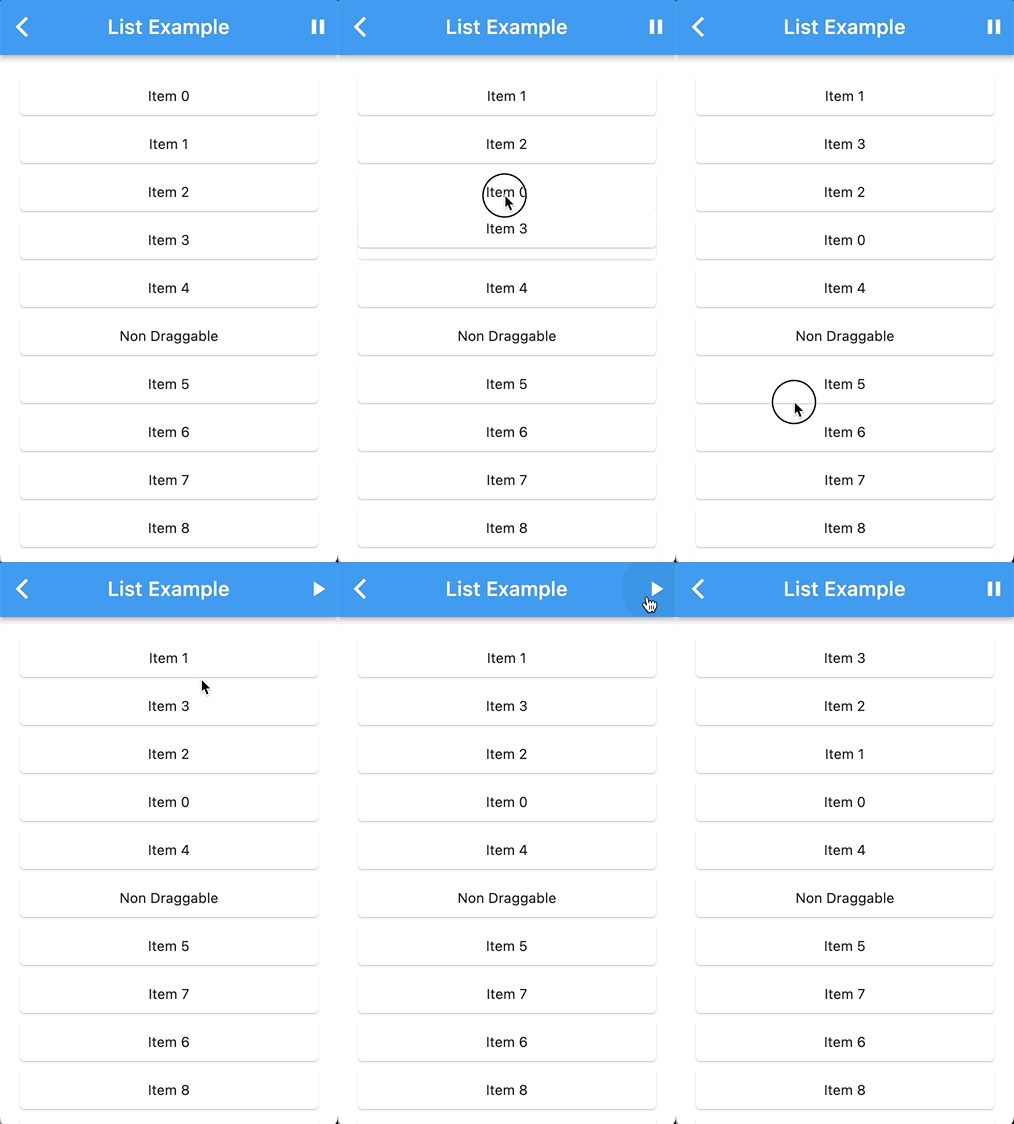 |
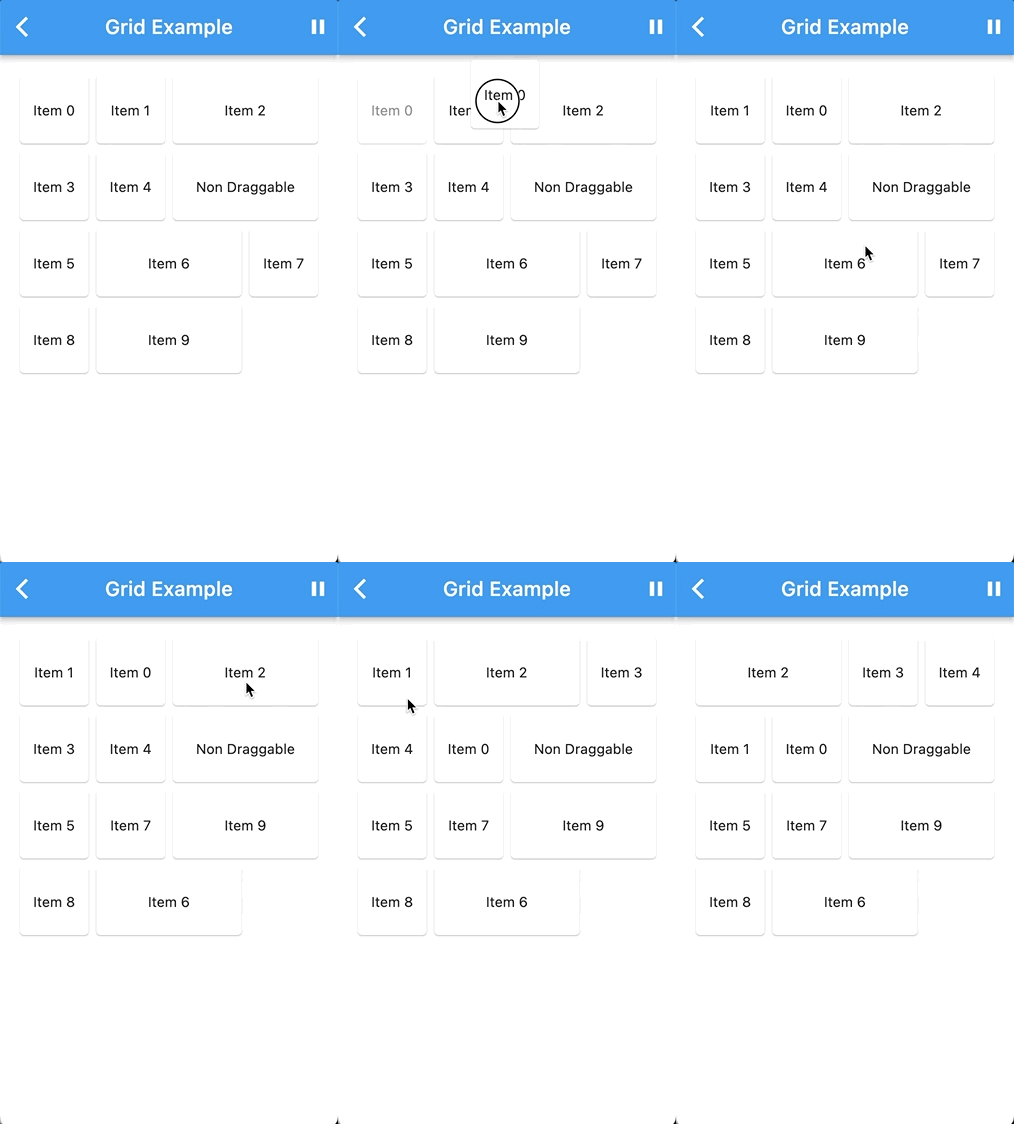 |
To use this package, add it to your pubspec.yaml file:
dependencies:
  reorderable_staggered_scroll_view: ^latest_version
Replace ^latest_version with the actual version you want to use.
Import the package in your Dart code:
import 'package:reorderable_staggered_scroll_view/reorderable_staggered_scroll_view.dart';
ReorderableStaggeredScrollView.grid(
  enable: _dragEnabled,
  padding: const EdgeInsets.all(16),
  scrollDirection: Axis.vertical,
  physics: const BouncingScrollPhysics(),
  crossAxisCount: 4,
  isLongPressDraggable: false,
  onDragEnd: (details, item) {
    print('onDragEnd: $details ${item.key}');
  },
  children: List.generate(
    10,
    (index) => ReorderableStaggeredScrollViewGridItem(
      key: ValueKey(index.toString()),
      mainAxisCellCount: 1,
      crossAxisCellCount: Random().nextInt(2) + 1,
      widget: Card(
        child: Center(child: Text('Item $index')),
      ),
    ),
  ),
);
For a list view of items use list constructor:
ReorderableStaggeredScrollView.list(
  ...
)
You can integrate the ReorderableStaggeredScrollView package with your custom list or grid widget by wrapping your custom list or grid widget with the necessary components.
DragNotification(
  child: ListView(
    scrollDirection: Axis.vertical,
    children: [
      DragContainer(
        scrollDirection: Axis.vertical,
        isLongPressDraggable: true,
        buildItems: (List<Widget> children) {
          return YourCustomListViewWidget(
            // Your custom list or grid widget configuration
            children: children,
          );
        },
        dataList: yourList, // Your List of ReorderableStaggeredScrollViewListItem or ReorderableStaggeredScrollViewGridItem
        items: (ReorderableStaggeredScrollViewListItem element, DraggableWidget draggableWidget) {
          // Map each item in your dataList into a draggable widget
          return Container(
            key: ValueKey(element.key.toString()),
            child: draggableWidget(element.widget),
          );
        }
      ),
    ],
  ),
);
Replace the comments with your actual widget configuration and data. This setup will allow you to use the ReorderableStaggeredScrollView package with your custom widget.
For more detailed usage instructions and configuration options, refer to the example directory in this repository.
We welcome contributions! If you have ideas for improvements or encounter issues, please open an issue or submit a pull request.
itisnajim, itisnajim@gmail.com
This package is licensed under the MIT License. See the LICENSE file for more details.
依赖清单 4 项
{"sdk":"flutter"}^0.7.0{"sdk":"flutter"}^3.0.1先按使用场景筛选,再比较项目活跃情况,最后到原始仓库核对使用要求。
“A repository is the most basic element of GitHub.”
GitHub Docs — About repositories ↗