

v1.0.5+0
speed_test_dart
使用 speedtest.net 的互联网速度测试器(ping、上传、下载)
41喜欢 23近 30 天下载135Pub 分数
AndroidiOSWebmacOSWindowsLinux
使用 speedtest.net 的互联网速度测试器(ping、上传、下载)

以下为英文项目原文快照,最新内容请访问 GitHub。
Forked from speed_test_port
Flutter package to test ping, upload, download using speedtest.net
Some refactors, more customization and better error handling. Now the test are done from a server list and if one server fails, it will try the next one.
Add the package to your dependencies:
dependencies:
  speed_test_dart: ^1.0.0
Finally, run dart pub get to download the package.
Projects using this library should use the stable channel of Flutter
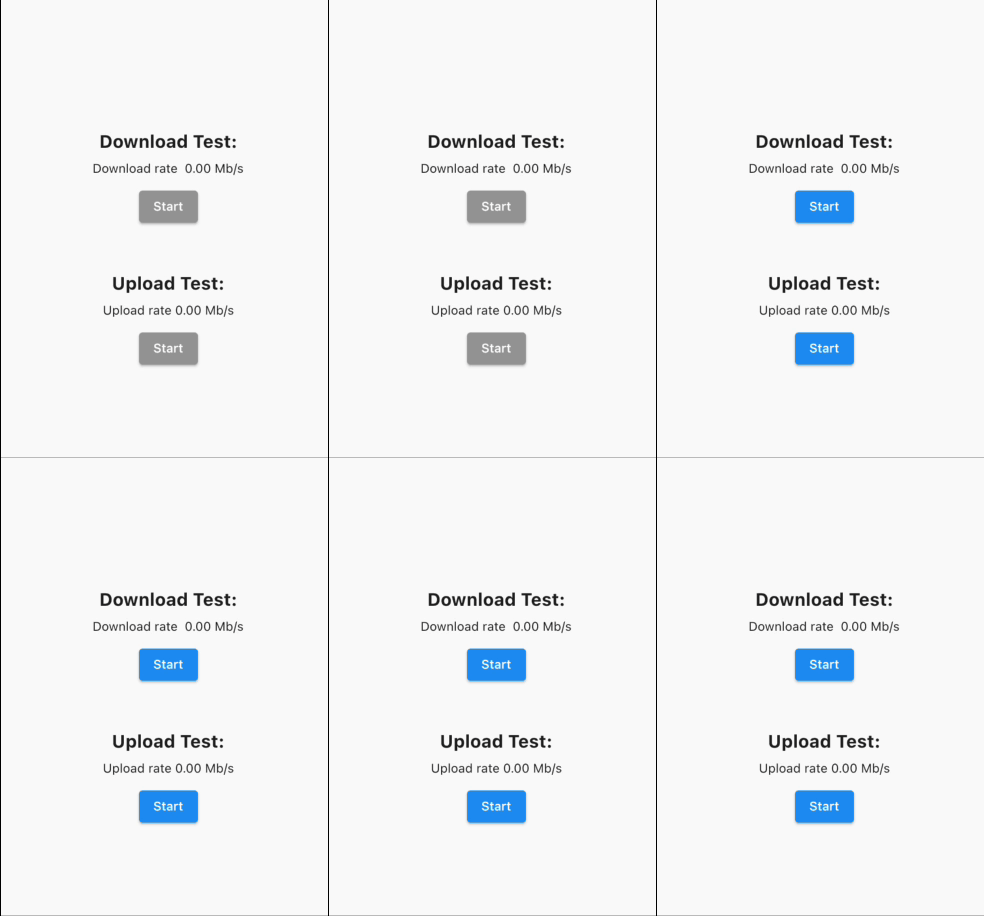
At the startup of the app, we need to get the best servers to do the test (see setBestServers function). It's recommended to disabled the buttons while this operation is happening:
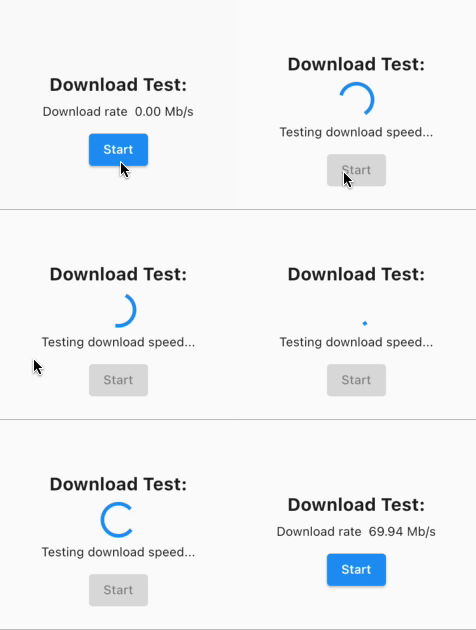
Doing download test:
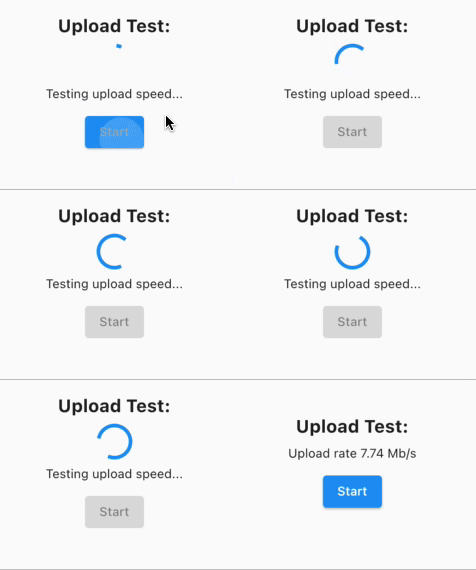
Doing upload test:
    // Create a tester instance
    SpeedTestDart tester = SpeedTestDart();

    // And a variable to store the best servers
    List<Server> bestServersList = [];

    // Example function to set the best servers, could be called
    // in an initState()
    Future<void> setBestServers() async {
      final settings = await tester.getSettings();
      final servers = settings.servers;

      final _bestServersList = await tester.getBestServers(
        servers: servers,
      );

      setState(() {
        bestServersList = _bestServersList;
      });
    }

    //Test download speed in MB/s
    final downloadRate =
        await tester.testDownloadSpeed(servers: bestServersList);

    //Test upload speed in MB/s
    final uploadRate = await tester.testUploadSpeed(servers: bestServersList);
依赖清单 4 项
^1.0.0^0.3.0^6.3.0^5.0.0+1先按使用场景筛选,再比较项目活跃情况,最后到原始仓库核对使用要求。
“A repository is the most basic element of GitHub.”
GitHub Docs — About repositories ↗