
v1.19.0
meta
用于表达开发人员意图的注解,这些意图无法通过静态分析源代码来推断。
479喜欢 1530万近 30 天下载150Pub 分数
AndroidiOSWebmacOSWindowsLinux
Lichess 移动应用

用于表达开发人员意图的注解,这些意图无法通过静态分析源代码来推断。
Firebase Core 的 Flutter 插件,支持连接到多个 Firebase 应用。
Firebase Crashlytics 的 Flutter 插件。它会将未捕获的错误报告到 Firebase 控制台。
适用于 Firebase 云消息传递的 Flutter 插件,一种跨平台的消息解决方案,可让您在 Android 和 iOS 上可靠地传递消息。
 v1.2.0
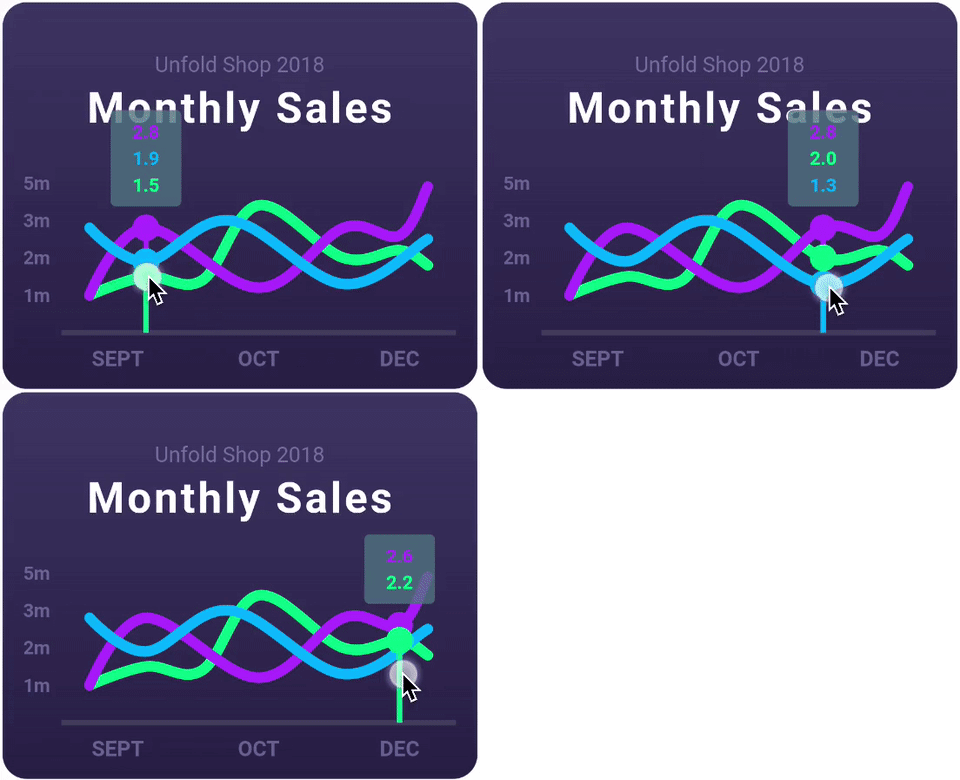
一个高度可定制的 Flutter 图表库,支持折线图、柱状图、饼图、散点图和雷达图。
一个响应式缓存和数据绑定框架。Riverpod 让处理异步代码变得轻而易举。
 v2.0.0
基于苹果风格图标的Cupertino控件默认图标资源
用于从 Android 和 iOS 图像库中选择图片以及使用相机拍摄新照片的 Flutter 插件。
 v1.1.1
用于在主屏幕上创建快捷方式的 Flutter 插件,也称为 iOS 上的快速操作和 Android 上的应用程序快捷方式。
 v5.2.2
一组使用 Flutter 动画的加载指示器。深受 @tobiasahlin 的 SpinKit 启发。
Flutter 插件用于 SQLite,一个自包含、高可靠性、嵌入式 SQL 数据库引擎。
基于 ffi 的 sqflite 实现,适用于桌面和单元测试。
^7.2.1^9.0.0^2.13.1^3.0.0^10.2.0^1.1.2^1.19.1^7.3.1^1.9.0^3.0.7^3.0.2^1.0.9^1.0.0^0.13.1^1.1.0^13.2.0^1.9.0^11.2.0^13.1.0^4.13.0^5.2.7^16.5.0^1.2.0{"sdk":"flutter"}^12.0.2^0.7.0^2.0.8^22.3.0{"sdk":"flutter"}^1.0.12^2.4.8^3.4.2^11.0.0^4.0.3^5.2.2^3.1.0^0.9.3^1.6.0^1.2.3^0.20.3^4.12.0^3.0.0{"git":{"url":"https://github.com/lichess-org/dart-lc0.git","ref":"04284fa88176930a0e2ffd475979fa289710169e"}}^1.3.0^0.13.0^4.2960.0^1.0.1^1.19.0{"git":{"url":"https://github.com/lichess-org/dart-multistockfish.git","ref":"896c3884921ae1d775fcd3088ddcd1559fb87308","path":"pkgs/multistockfish"}}^10.2.1^1.9.1^2.1.6^0.4.0^2.2.0^4.1.0^1.1.0^0.2.0^13.3.0^2.5.5^0.5.0^0.2.0^2.4.3^2.4.2+1^2.1.1^6.3.2^0.4.0+2^1.7.0^3.0.3^2.15.1^1.3.3{"sdk":"flutter"}^4.0.1^6.14.1^2.14.0^1.0.5^2.1.4^1.6.0以下为英文项目原文快照,最新内容请访问 GitHub。
Second iteration of the Lichess mobile app.
Contributions to this project are welcome!
If you want to contribute, please read the contributing guide.
If you are new to this project, you can read the documentation to get started. The CLAUDE.md is also a good resource to understand the codebase.
tl;dr: Install Flutter, clone the repo, run in order:
flutter pub getdart run build_runner watchflutter analyze --watchand you're ready to code!
See the dev environment docs for detailed instructions.
To run the app, you can use the following command:
# if not already done, run the code generation
dart run build_runner build

# run the app on all available devices
flutter run -d all
To run the tests, you can use the following command:
# if not already done, run the code generation
dart run build_runner build

flutter test
Do not edit the files in translation/ folder (except translation/source/mobile.xml), nor the app_en.arb file: these files are generated.
For more information, see Internationalisation.
Only for members of lichess team.