

 v0.3.4
particular
Particular 是一个高性能的粒子效果 Flutter 小部件。
50喜欢 61近 30 天下载160Pub 分数
AndroidiOSWebmacOSWindowsLinux
使用此高性能 Flutter 粒子系统小部件增强您的应用或游戏视觉效果

以下为英文项目原文快照,最新内容请访问 GitHub。

Whether you're a designer or developer, Particular empowers you to bring your creative visions with ease.
Add particular to your pubspec.yaml file:
For detailed installation instructions, refer to the installation guide on pub.dev.
You have two options for configuring your particles:
Generate your particles system configurations by Particular Editor.
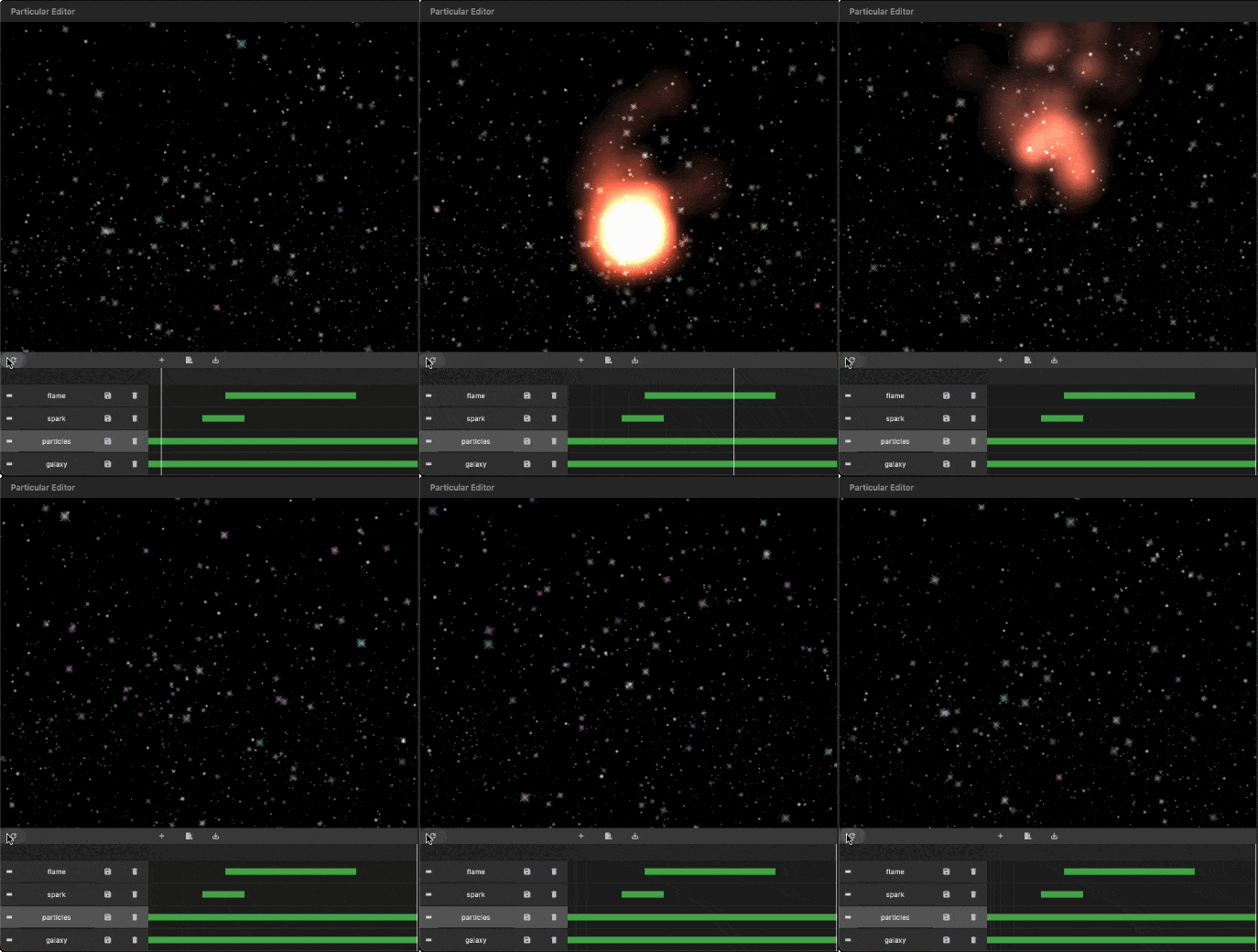
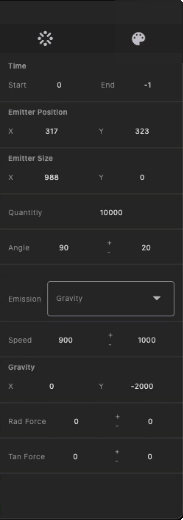
Follow these steps to integrate the particles system into your Flutter app:
I. Insert Particle Files into Your Project:
The Particular Editor exports one or multiple particle layers. For each particle layer, it generates a configuration file (configs.json) and a related image file (texture.png). In the configuration file, there is a node named textureFileName, which refers to the image file. Place the image and configs.json file in your project's assets folder, and add the necessary assets entry in your pubspec.yaml file.
assets:
  - assets/configs.json
  - assets/texture.png
https://docs.flutter.dev/ui/assets/assets-and-images
To use this library, import package:particular/particular.dart.
final _particleController = ParticularController();
...
@override
void initState() {
  _loadParticleAssets();
  super.initState();
}

// Load configs and texture of particle
Future<void> _loadParticleAssets() async {

  // Load particle configs file
  String json = await rootBundle.loadString("assets/configs.json");
  final configsData = jsonDecode(json);

  // Load particle texture file
  ByteData  bytes = await rootBundle.load("assets/${configsData["textureFileName"]}");
  ui.Image texture = await loadUIImage(bytes.buffer.asUint8List());

  // Add particles layer
  _particleController.addLayer(
    texture: frameInfo.image, // Remove in default-texture case
    configsData: configsData, // Remove in programmatic configuration case
  );
}
III. Add the Particular widget in your widget three:
@override
Widget build(BuildContext context) {
  return MaterialApp(
    home: Scaffold(
      backgroundColor: Colors.black,
      body: Particular(
        controller: _particleController,
      ),
    ),
  );
}
IIII. Live Update Particle Layer:
_particleController.layers.first.update(
    maxParticles: 100,
    lifespan:1.2,
    speed:100,
    angle:30,
);
You can also use different image types supported by Flutter, with varying names and locations, following the guidelines below:
{
  "textureFileName": "images/particle_snow.webp"
}
assets:
  - assets/data/particle_snow.json
  - assets/images/particle_snow.webp
...

// Load particle configs file
String json = await rootBundle.loadString("assets/data/particle_snow.json");

...
This revised README provides clear installation instructions, options for configuring particles, and steps for integrating and customizing the particle system in your Flutter app. If you have any questions or need further assistance, don't hesitate to ask!
依赖清单 4 项
{"sdk":"flutter"}^4.2.0{"sdk":"flutter"}^5.0.0先按使用场景筛选,再比较项目活跃情况,最后到原始仓库核对使用要求。
“A repository is the most basic element of GitHub.”
GitHub Docs — About repositories ↗