
 v2.2.0
markdown_editable_textinput
一个 TextField 小部件,可让您轻松将 TextField 中的内容转换为 Markdown。
191喜欢 289近 30 天下载60Pub 分数
平台暂无数据
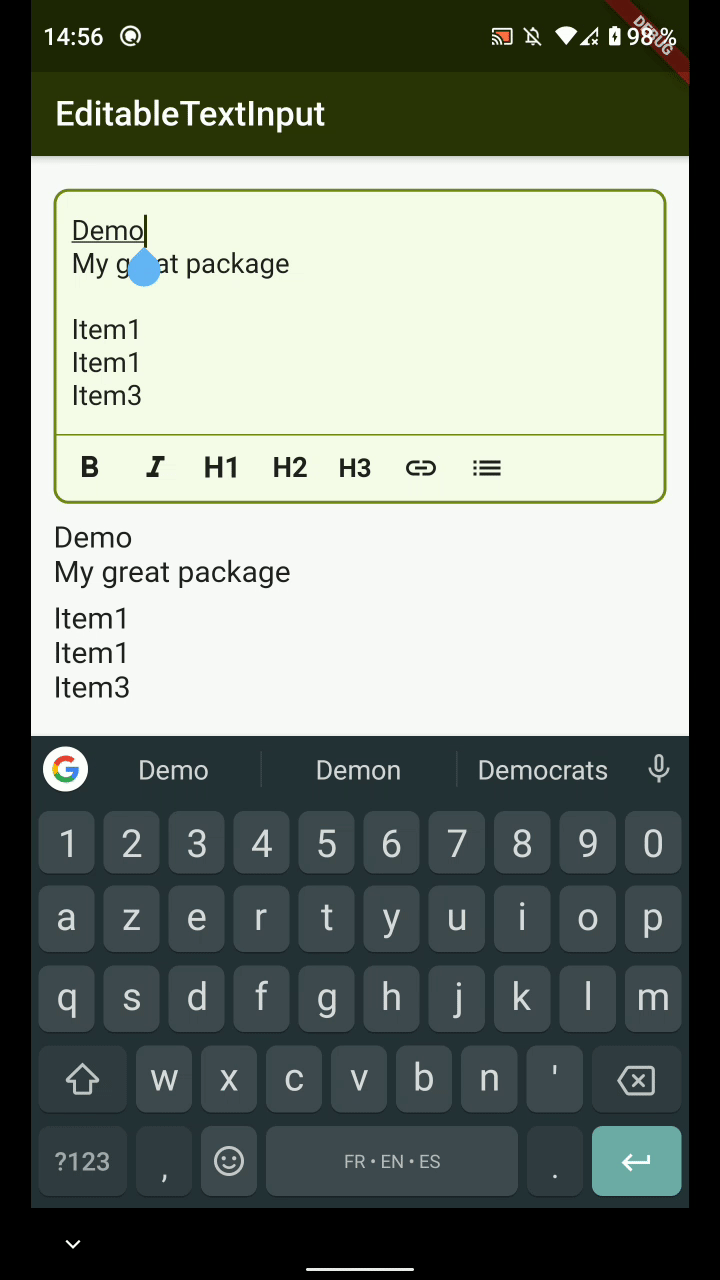
MarkdownEditableTextInput 是一个 TextField 小部件,可让您轻松地将 TextField 中的内容转换为 Markdown。

{"sdk":"flutter"}^1.3.2^5.0.1{"sdk":"flutter"}以下为英文项目原文快照,最新内容请访问 GitHub。
Build Status pub package codecov
MarkdownEditableTextInput is a TextField Widget that allow you to convert easily what's in the TextField to Markdown.
https://raw.githubusercontent.com/playmoweb/markdown-editable-textinput/HEAD/pictures/test_edition.gif
https://raw.githubusercontent.com/playmoweb/markdown-editable-textinput/HEAD/pictures/link_demo.gif
The color of the MarkdownTextInput is defined by the color set in your Theme :
| Attributes | Example Value | Description |
|---|---|---|
| Function onTextChanged | Callback used to retrieve the text in parent's Widget | |
| String initialValue | "Lorem Ipsum" | Display an initial value in MarkdownTextInput's field |
| Function validators | Add validators to the MarkdownTextInput | |
| String label | "Description" | Display a label in MarkdownTextInput |
| TextDirection textDirection | TextDirection.rtl | Change text direction |
| int maxLines | 3 | The maximum of lines that can be display in the input |
| List actions | [MarkdownType.bold, MarkdownType.italic] | Actions the editor will handle |
| TextEditingController controller | TextEditingController() | Pass your own controller. Can be used to clear the input for example |
| TextStyle textStyle | Theme.of(context).textTheme.bodyText2 | Overrides input text style |
| bool insertLinksByDialog; | true | Choose to use dialog or not to insert link |
| bool insertImageByDialog; | true | Choose to use dialog or not to insert an image |
| bool insertImageByDialog; | true | Choose to use dialog or not to insert an image |
| bool customCancelDialogText; | String? | Text used by dialog for close dialog action |
| bool customSubmitDialogText; | String? | Text used by dialog for validate dialog action |
You can see an example of how to use this package here