
 v3.2.2
toastification
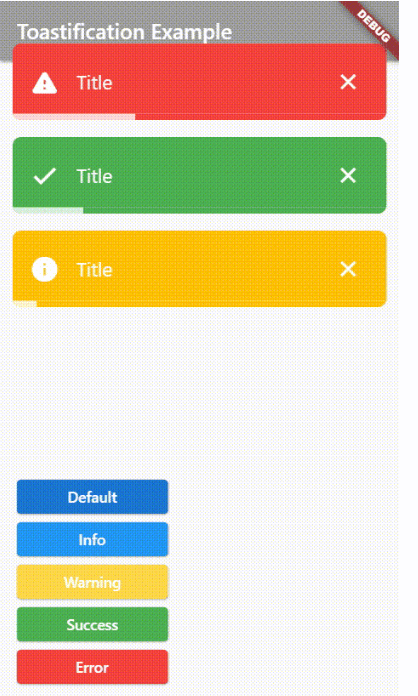
Toastification 是一个 Flutter 包,可让您轻松在应用程序中显示弹出提示和通知消息。
1300喜欢 25.2万近 30 天下载160Pub 分数
AndroidiOSWebmacOSWindowsLinux
使用 Flutter 构建的开源听力训练应用,专注于关键听力
 v3.2.2
Toastification 是一个 Flutter 包,可让您轻松在应用程序中显示弹出提示和通知消息。
 v13.7.0
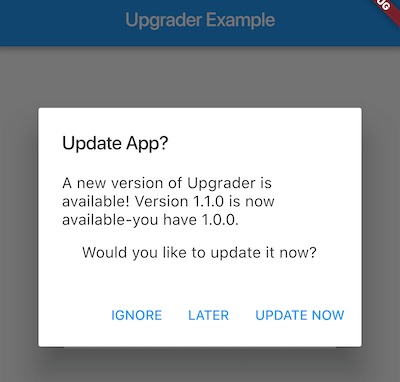
当应用商店中有新版本时,用于提示用户升级的 Flutter 包。
Hive 社区版 - Hive v2 的精神延续
Hive 的扩展。使在 Flutter 应用中使用 Hive 更加简单。
Hive 的扩展。自动为任何类生成 TypeAdapters 以存储数据。
 v1.0.0
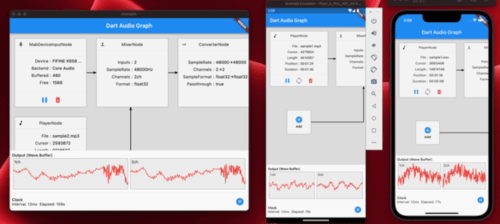
一个用 Dart 编写的跨平台音频库,使用 FFI。您可以播放、录制和处理音频,并支持托管内存。
 v2.0.3
一个进度条小部件,用于显示或更改音频或视频流的位置。
easy_localization 的自定义资源加载器(JSON、CSV、HTTP、XML、API 等)
提供一个简单的类,用于解析和比较由 http://semver.org/ 定义的语义化版本。
此 Flutter 插件有助于查找当前安装的 APK/IPA 的来源。
依赖清单 29 项
{"sdk":"flutter"}^0.8.1^1.0.2^12.0.0-beta.7^6.0.5^11.0.0^6.1.11^2.13.1^2.3.2^2.0.15^1.9.0^1.0.0^3.0.2^3.0.3^13.5.0^2.0.0^2.0.5^13.2.0^10.2.1^3.0.2{"git":{"url":"https://github.com/potatosalad775/flutter_soloud.git","ref":"4d5e61dec14a71d0fecbf4db6dd763e3ea6f4bbb"}}{"sdk":"flutter"}{"sdk":"flutter"}^6.0.0^1.11.1^0.14.1^1.0.0^3.16.7^2.16.0以下为英文项目原文快照,最新内容请访问 GitHub。
eqTrainer is an open-source training application for 'Critical Listening', built with Flutter.
Inspired by Harman International's free desktop software How To Listen, eqTrainer aims to bring the iconic Band Identification Task to multiple devices, including mobile.
The Playlist Feature and Built-in Audio Clip Editor make managing music for your training sessions a breeze.
With Multilingual Support, anyone can train their listening skills. The beautiful design (at least to my eyes) with Dark Mode adds to its charm.
| Platform | Minimum Version | Note |
|---|---|---|
| Windows | 10+ | Works with WASAPI For devices older than Windows 10, please use v2.3.0 |
| MacOS | 12 Monterey | Supports Intel & Apple Silicon as Universal App |
| Linux | - | Works with ALSA & JACK PulseAudio / PipeWire systems are supported through their ALSA compatibility layer. GStreamer 1.0+ required for audio format conversion. |
| Android | 7.0 | Works with OpenSL ES & AAudio |
| iOS | 15.0 | Manual Sideload Required. Use Sideloadly or Altstore. |
[!IMPORTANT]
macOS
The macOS build isn't notarized yet, so Gatekeeper blocks it on a fresh download. Try the following steps to bypass Gatekeeper and run eqTrainer on macOS:
- Try to open
eq_trainer.app(it'll be blocked) — or right-click it and choose Open.- Go to System Settings → Privacy & Security, scroll to the bottom, and click Open Anyway next to the eqTrainer message.
- Confirm in the dialog that appears (may require your password / Touch ID).
This only needs to be done once per download.
Linux
Please note that
GStreameris required on Linux for format conversion. While most distros should already have it preinstalled, you can manually install it if needed.sudo apt install \ libgstreamer1.0-dev libgstreamer-plugins-base1.0-dev \ gstreamer1.0-plugins-good gstreamer1.0-plugins-bad
| Windows | MacOS | Linux | Android | iOS |
|---|---|---|---|---|
| Portable ZIP | Universal DMG | DEB | Play Store | IPA |
| APK |
Please refer to FAQ Wiki Page.
eqTrainer is built with Localization in mind, and you can easily contribute to this project by translating it!
If you want to translate this project, please refer to Localization Wiki page.
If you like this project, please consider donating!