v0.12.2
camera
一个用于控制相机的 Flutter 插件。支持预览相机画面、拍摄照片和视频,并将图像缓冲区流式传输到 Dart。
2610喜欢 114万近 30 天下载160Pub 分数
AndroidiOSWeb
一款旨在利用人工智能和机器学习技术减少在线考试作弊的Flutter应用

以下为英文项目原文快照,最新内容请访问 GitHub。
An App that aims to stop cheating in online exams with the power of AI and ML, co-created with Samyak Sukhdeve
We also have a web version of the app with more features and better features, check that project here

Login Page
Home page
Exam Page
The user can answer MCQ-based questions
The user can also view their progress

AI-powered face motion detector
We've used Google's on-device ml-kit to track the motion of the user's face.
We can check if a user is trying to cheat by monitoring the position of their face

http://10.0.2.2/ instead of localhostlocalhostPORT numberBACKEND_URL is appended with /apihttps://github.com/prathamesh-mutkure/anti-cheat-exam-app.gitflutter pub getflutter packages pub run build_runner build.env file and set the following variables
BACKEND_URLflutter runProject Demo for Web version
Mobile App (Android & iOS)
Project Thesis (Submitted mobile app as final year project for my diploma)
Feel free to contact me on Twitter or LinkedIn, know more about me at prathamesh.co


一个用于控制相机的 Flutter 插件。支持预览相机画面、拍摄照片和视频,并将图像缓冲区流式传输到 Dart。
MobX 的 Flutter 集成。它提供了一组 Observer 小部件,当跟踪的可观察对象发生变化时会自动重建。
MobX 是一个用于响应式管理应用程序状态的库。使用可观察对象、动作和反应的力量,为您的 Dart 和 Flutter 应用程序赋能。
用于 MobX 的代码生成器,可支持使用 @observable、@computed、@action 注解您的代码,并创建 Store 类。
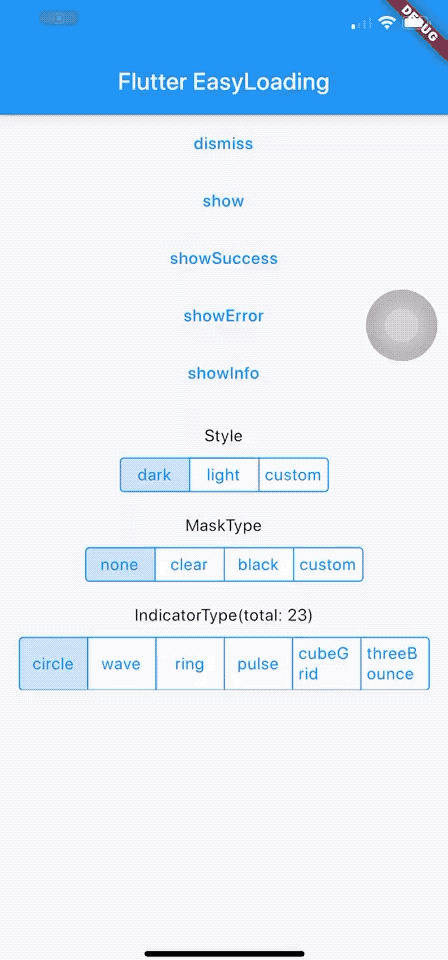
一个干净轻量的 Flutter 加载/提示组件,无需上下文即可轻松使用,支持 iOS、Android 和 Web
一个 Flutter 插件,用于使用 Google 的 ML Kit 人脸检测功能在图像中检测人脸、识别关键面部特征并获取检测到的人脸轮廓。
使用 .env 文件轻松配置任何 Flutter 应用程序的全局变量。
一个简单的 API 来格式化日期。提供各种常量来构建日期格式字符串。使用 `formatDate` 方法根据格式字符串格式化日期。
简单的倒计时计时器。用于创建一个简单计时器。纯代码实现。
用于简化与 'Duration' 交互的工具。将持续时间格式化为可读的文本形式,并将可读的文本形式解析为 Dart 的 Duration。
确认对话框小部件 JS-LIKE 用于 Flutter。为您的 Flutter 应用轻松简单地使用确认对话框。
依赖清单 21 项
{"sdk":"flutter"}^1.0.2^2.0.7+4^2.0.6+1^6.0.3^4.0.6^0.9.8+1—^2.0.11^0.3.0^2.2.1^3.0.5^0.13.4^2.0.6^3.0.11^1.0.1^5.0.2^3.2.0{"sdk":"flutter"}^2.1.11^2.0.7先按使用场景筛选,再比较项目活跃情况,最后到原始仓库核对使用要求。
“A repository is the most basic element of GitHub.”
GitHub Docs — About repositories ↗