Simple Count Down
A highly customizable countdown widget for Flutter , with support for custom styling, intervals, and onFinished callbacks.
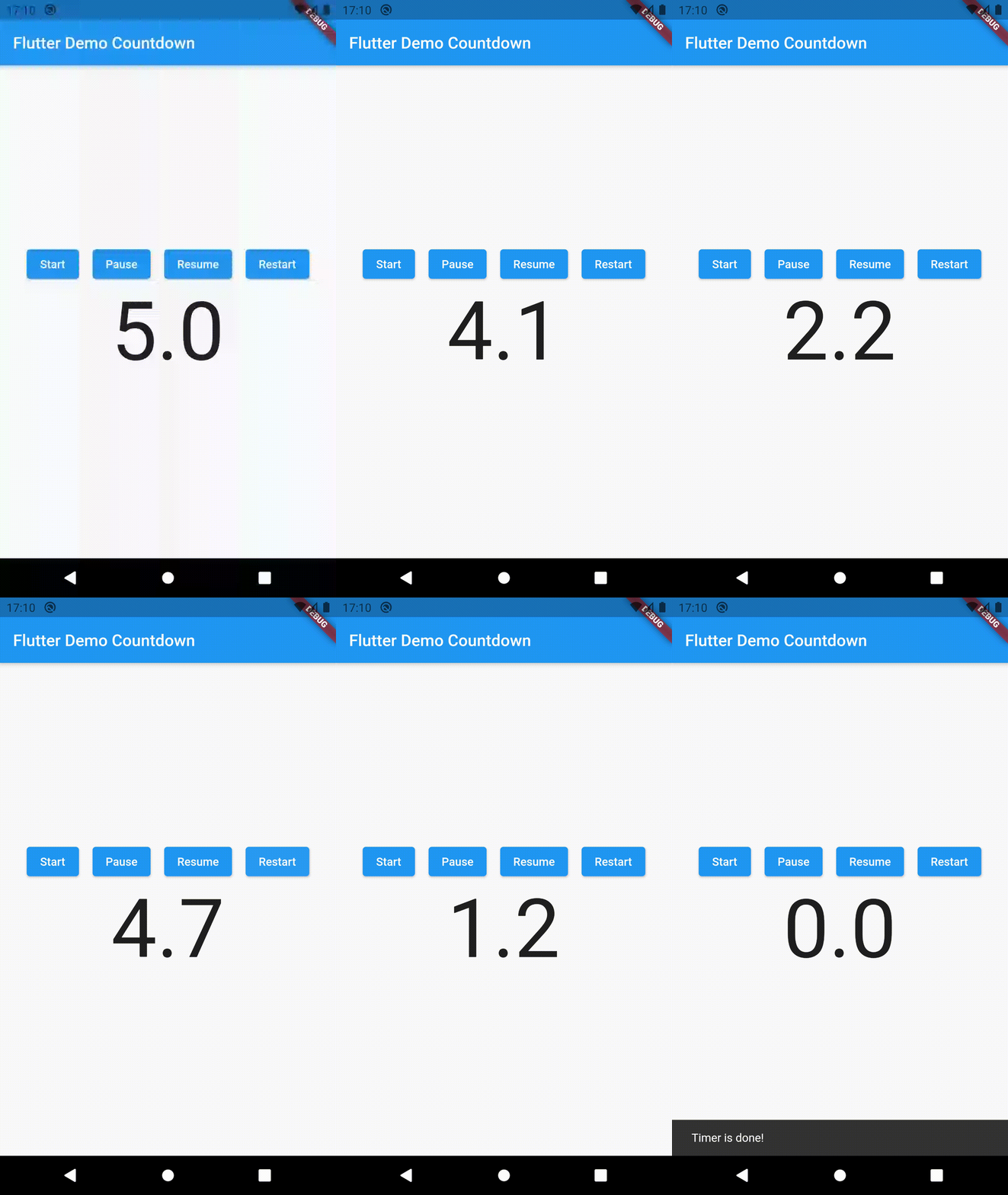
Preview
Installing
Add the latest version of the package to your pubspec.yaml file in the dependency section.
  dependencies:
    flutter:
      sdk: flutter

    timer_count_down: ^2.2.2
Run this in your terminal or click on pub get
$ flutter pub get
How to use
Simple example for the usage of the package is shown below.
class MyWidget extends StatelessWidget @override
Widget build (BuildContext context) {
return Countdown (
seconds: 20 ,
build: (BuildContext context, double time) => Text (time.toString ()),
interval: Duration (milliseconds: 100 ),
onFinished: () {
print ('Timer is done!' );
},
);
}
}
Example
For pause, restart and resume you need to use CountdownController.
For an example of using the package, please check the example folder. Otherwise, keep reading and keep going!