v14.7.0
analyzer
该包提供了一个库,用于对 Dart 代码进行静态分析。
328喜欢 2210万近 30 天下载130Pub 分数
AndroidiOSmacOSWindowsLinux
使用 Flutter 构建的 WooCommerce 应用模板。与 WooCommerce 商店集成,连接并从 Flutter 创建适用于 iOS 和 Android 的应用

以下为英文项目原文快照,最新内容请访问 GitHub。

Official WooSignal WooCommerce App
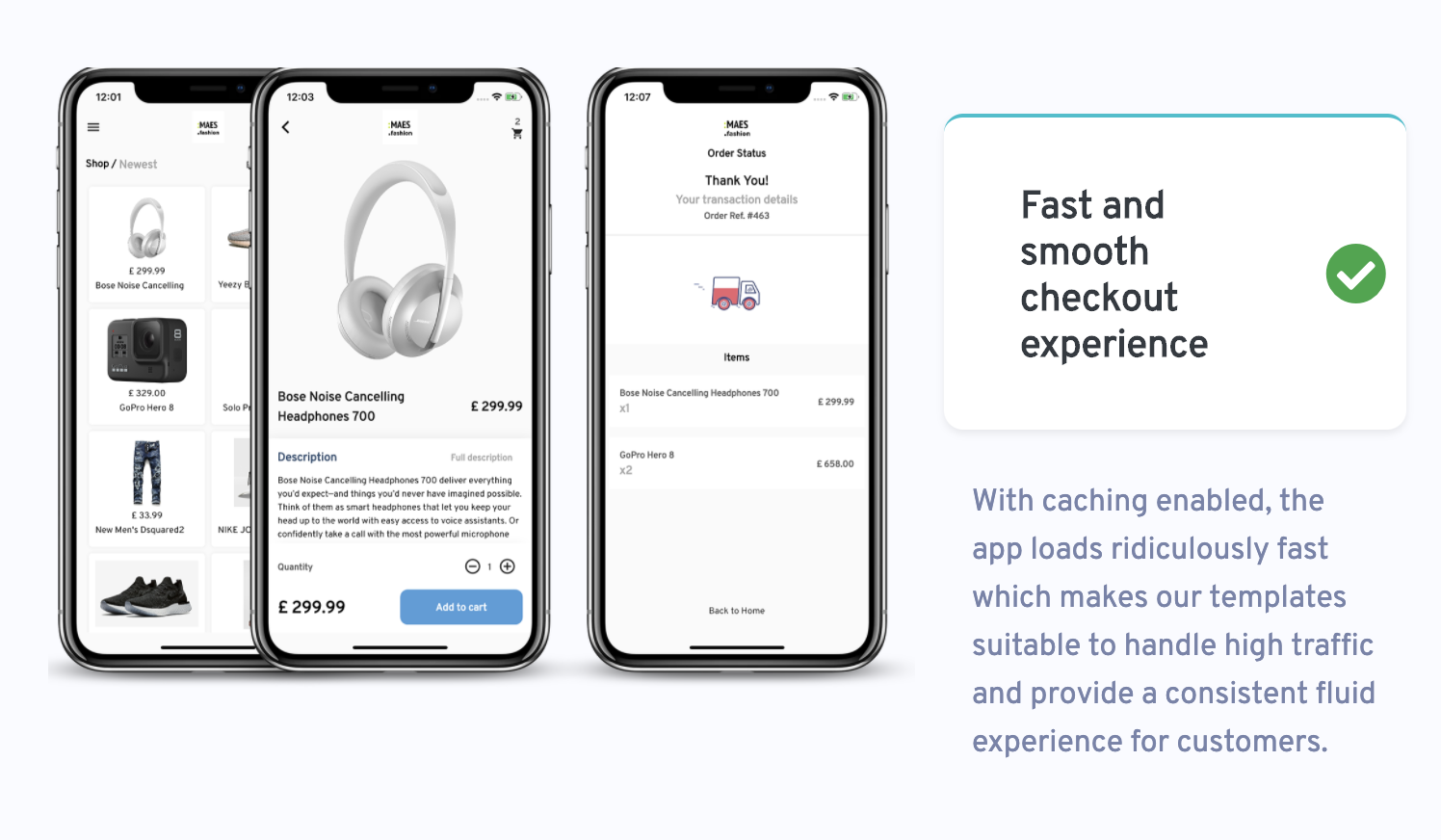

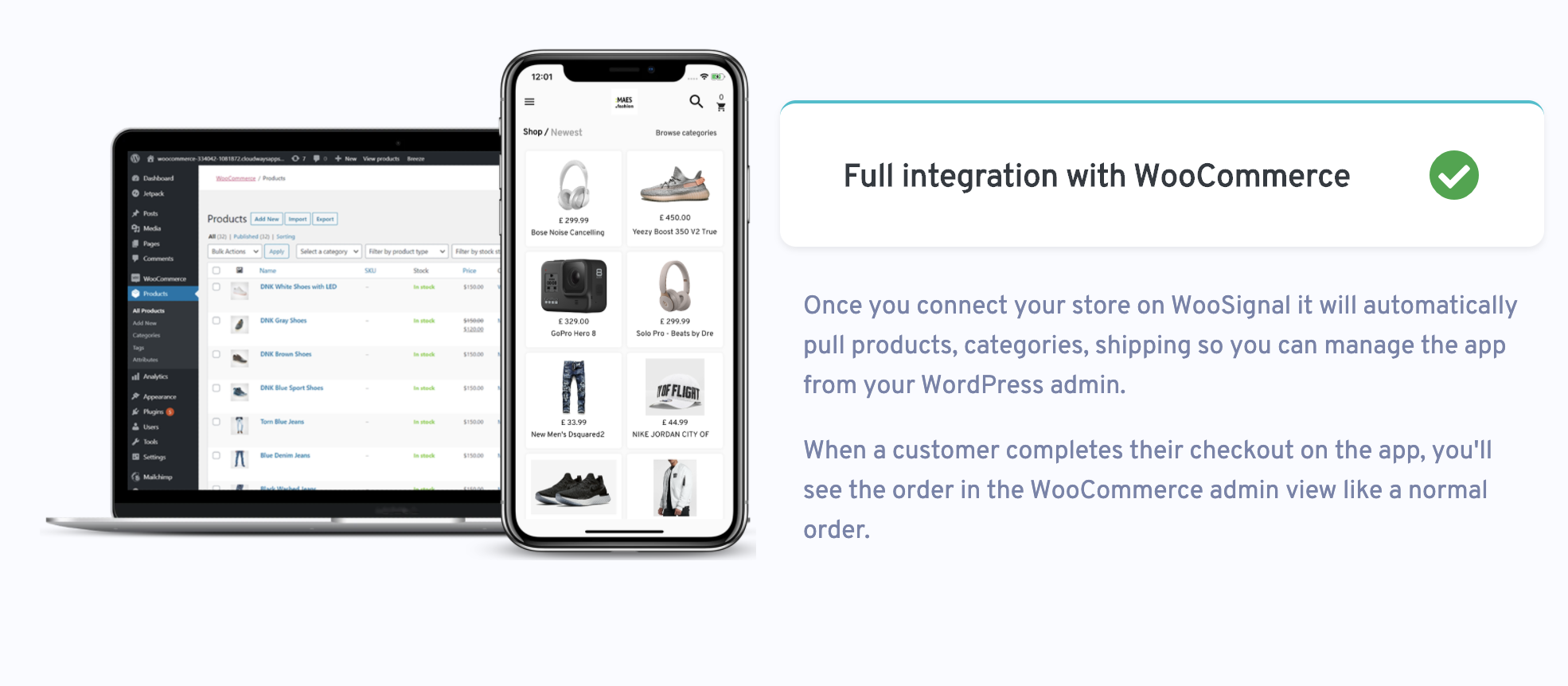
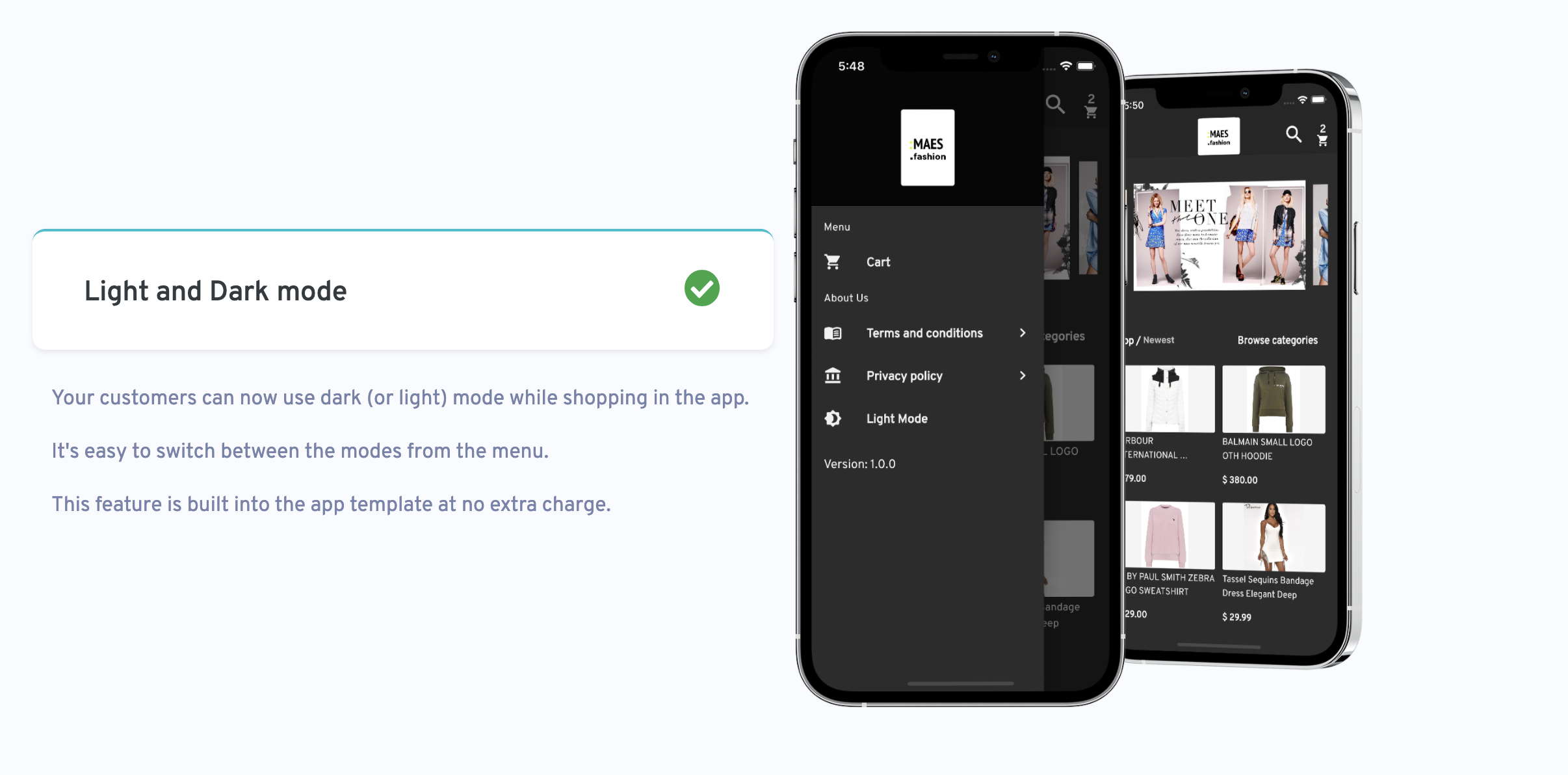
Label StoreMax is an App Template for WooCommerce stores. Your customers will be able to browse products, make orders and login via WordPress. You can also customise the look and feel of the app in the WooSignal dashboard.
You can also upload the app to the IOS app store and Google play store using Flutter.
Full documentation this available here
If you discover a security vulnerability within WooSignal, please send an e-mail support@woosignal.com
The Label StoreMax framework is open-sourced software licensed under the MIT license.
该包提供了一个库,用于对 Dart 代码进行静态分析。
Firebase Core 的 Flutter 插件,支持连接到多个 Firebase 应用。
适用于 Firebase 云消息传递的 Flutter 插件,一种跨平台的消息解决方案,可让您在 Android 和 iOS 上可靠地传递消息。
一个 Flutter 插件,允许您添加内联 WebView,使用无头 WebView,并打开应用内浏览器窗口。
提供了一组 Flutter 网格布局(错落、马赛克、拼花、编织等)。
一组使用 Flutter 动画的加载指示器。深受 @tobiasahlin 的 SpinKit 启发。
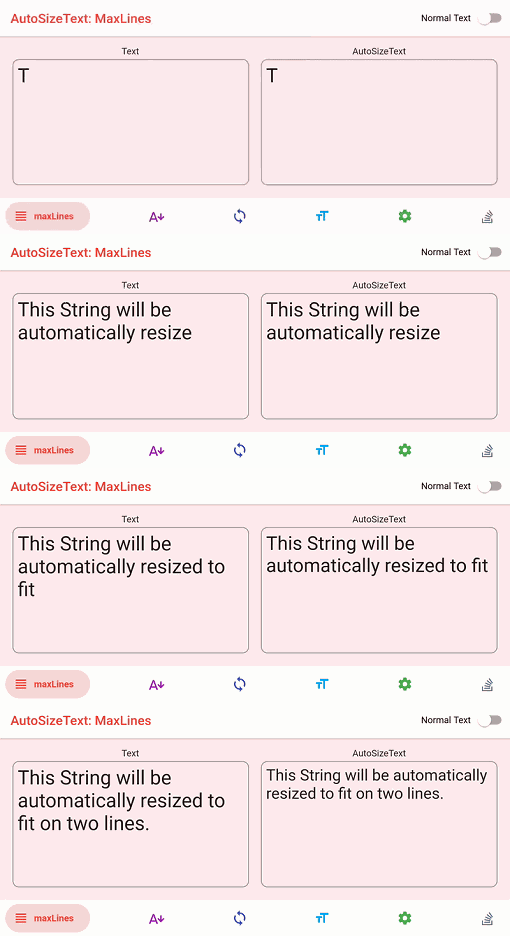
自动调整文本大小以完美适应其边界范围的 Flutter 小部件。
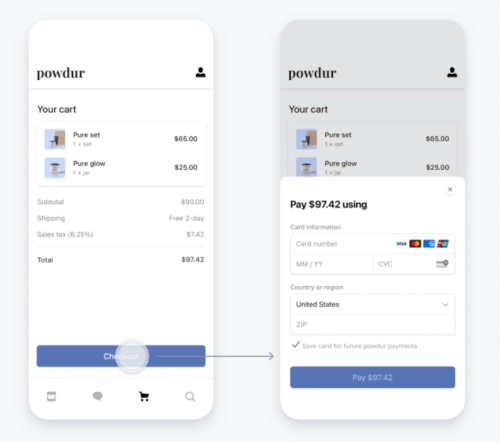
用于 Stripe 的 Flutter 库。支持 PaymentSheets、Apple Pay 和 Google Pay、SCA、PSD2 等功能。
Flutter 包,用于将 HTML 渲染为小部件,重点关注正确性和可扩展性。
一个简单但完全可自定义的 Flutter 评分条,还包含一个评分条指示器,支持任意分数的评分。
受 Animate.css 启发的精美动画,提供可自定义的基于小部件的动画,无需外部依赖。
Pretty Dio Logger 是一个 Dio 拦截器,以美观且易于阅读的格式记录网络调用。
先按使用场景筛选,再比较项目活跃情况,最后到原始仓库核对使用要求。
“A repository is the most basic element of GitHub.”
GitHub Docs — About repositories ↗