

 v0.0.8
stickereditor
एक विशेष उपकरण जो आपके सीमाओं के अनुसार आपके पाठ और छवि को संशोधित और हटाने की अनुमति देता है।
58लाइक 2730-दिन डाउनलोड60Pub अंक
प्लेटफ़ॉर्म डेटा नहीं
एक फ्लटर पैकेज जो आपको स्क्रीन पर खींचे जा सकने वाले और बड़ा-छोटा किए जा सकने वाले स्टिकर विजेट बनाने में मदद करेगा।

यह अंग्रेज़ी मूल स्नैपशॉट है। नवीनतम सामग्री GitHub पर देखें।
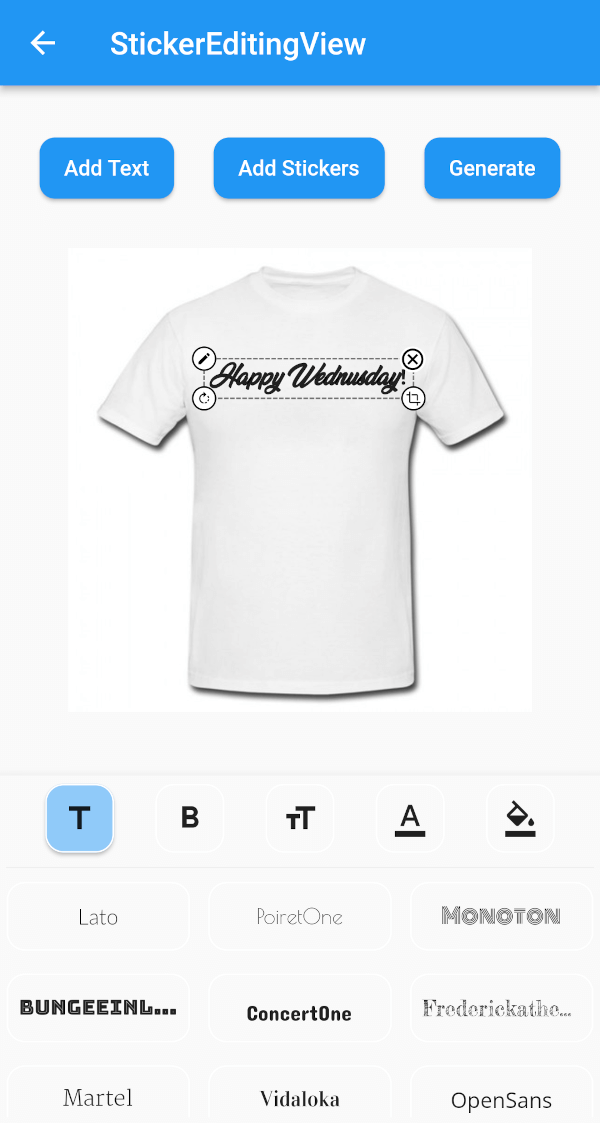
A flutter plugin for iOS, Android and Mac for Rotate, Scaling, Moving and Editing Text, Photo, Stickers
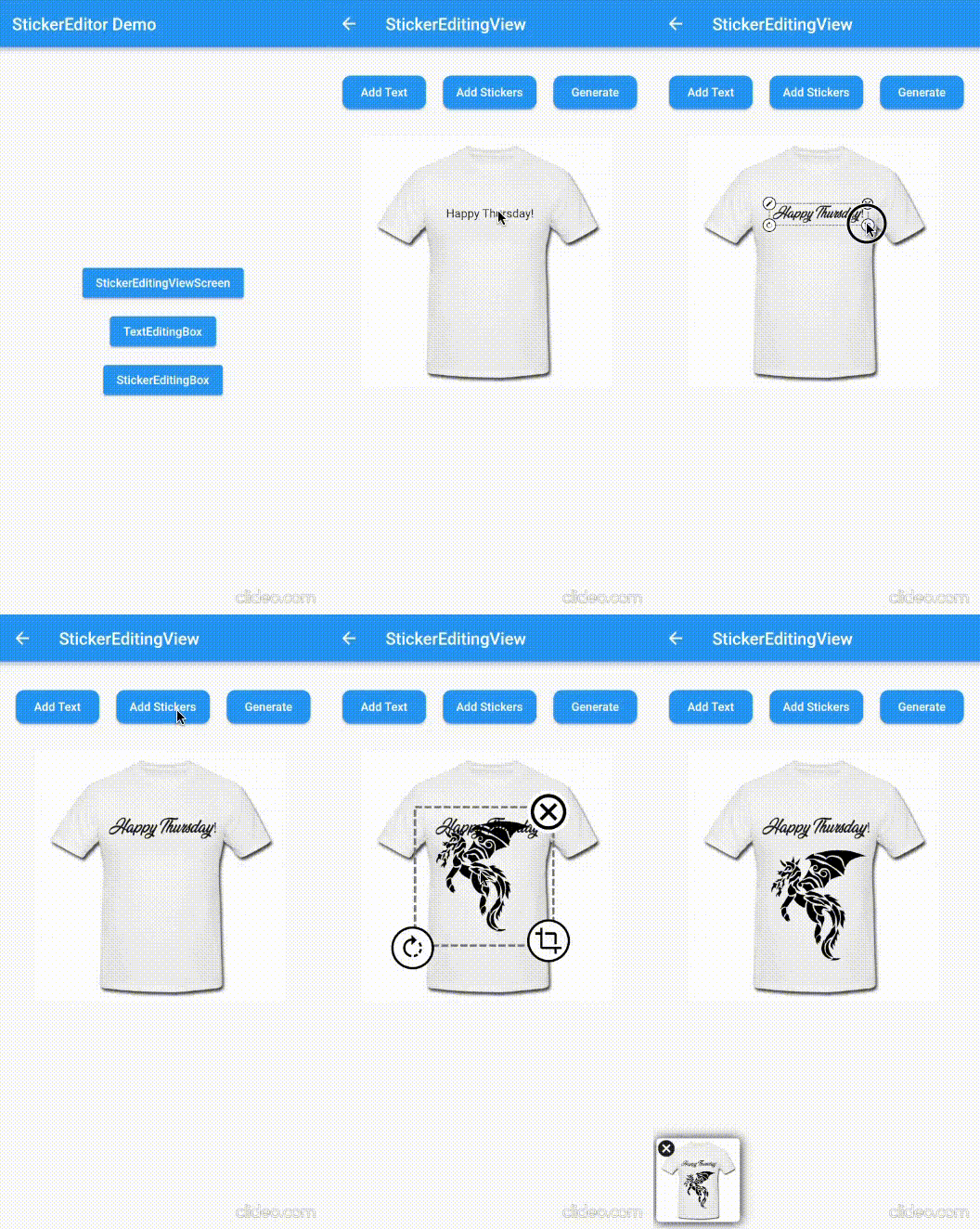
| Sticker Editor | |
|---|---|
 |
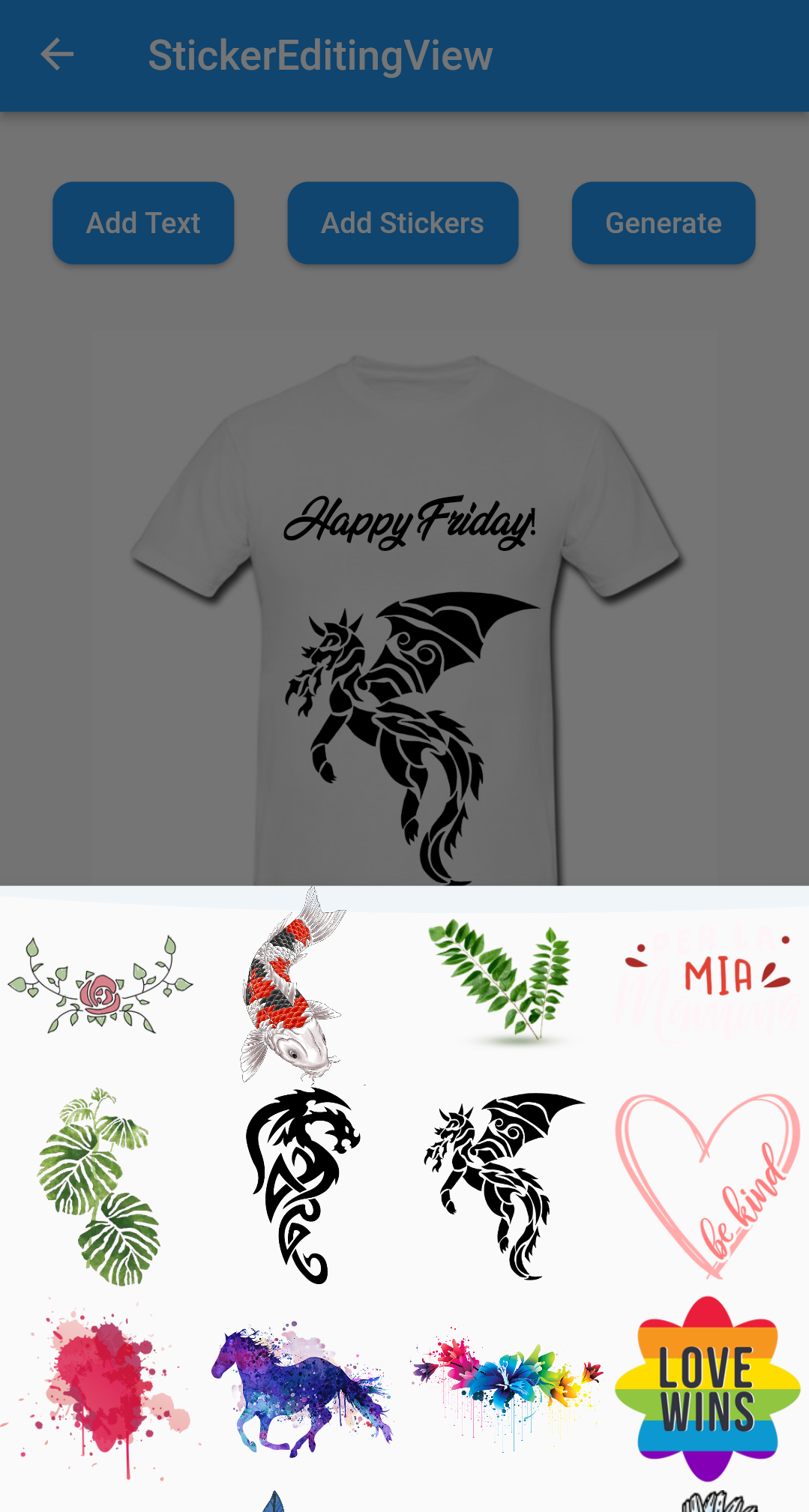 |
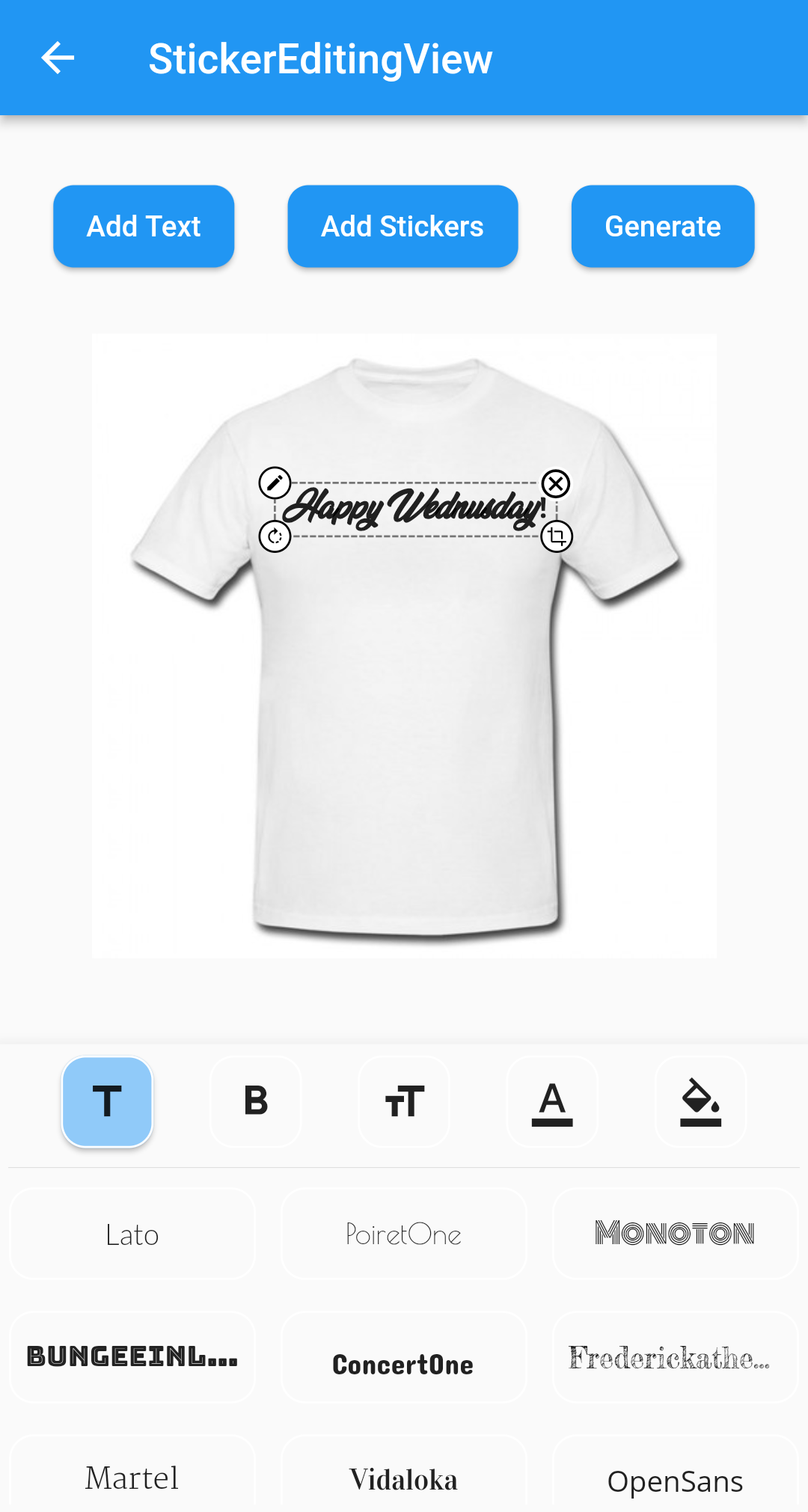
| Only Text | Only Photo |
|---|---|
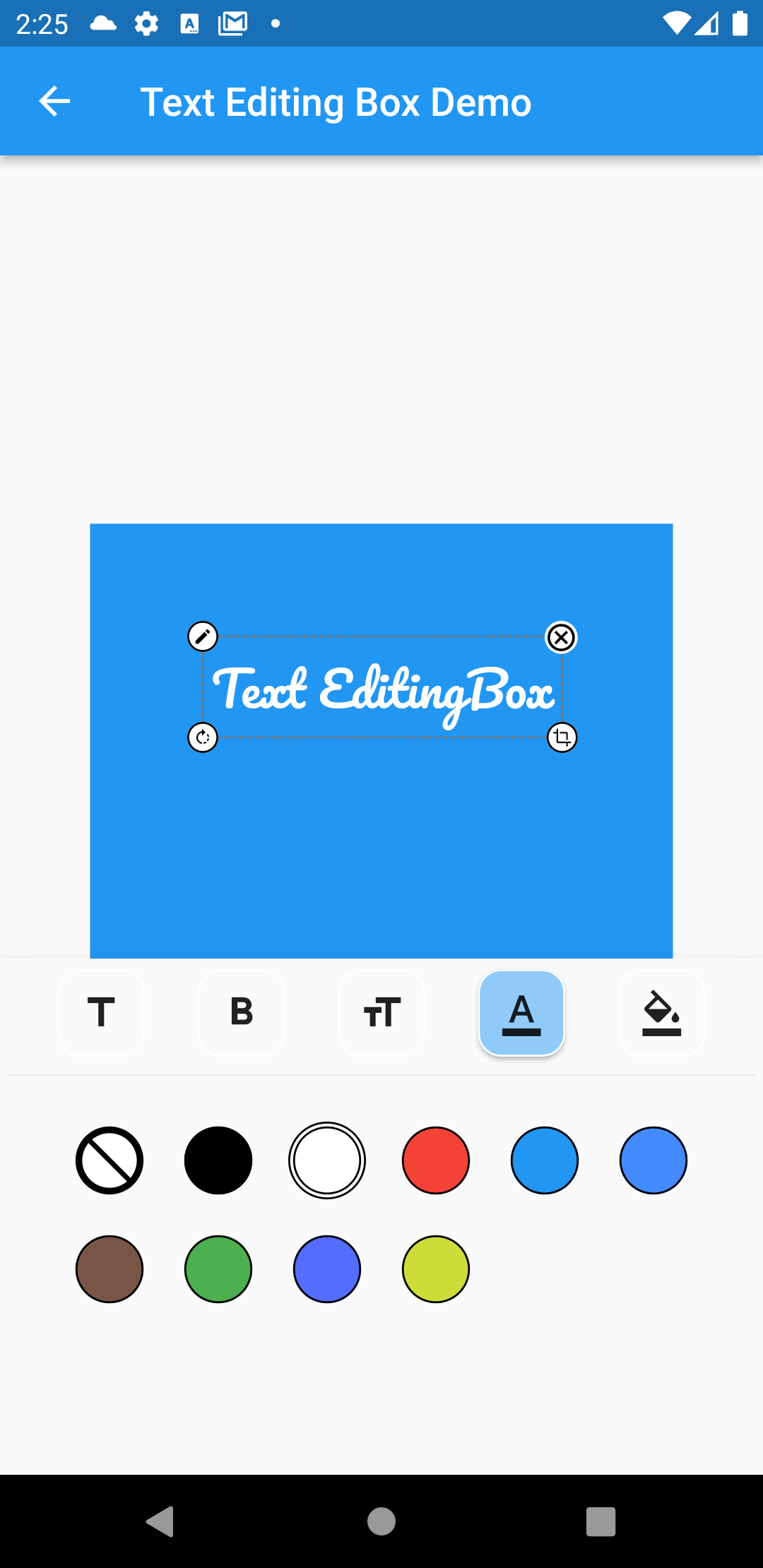 |
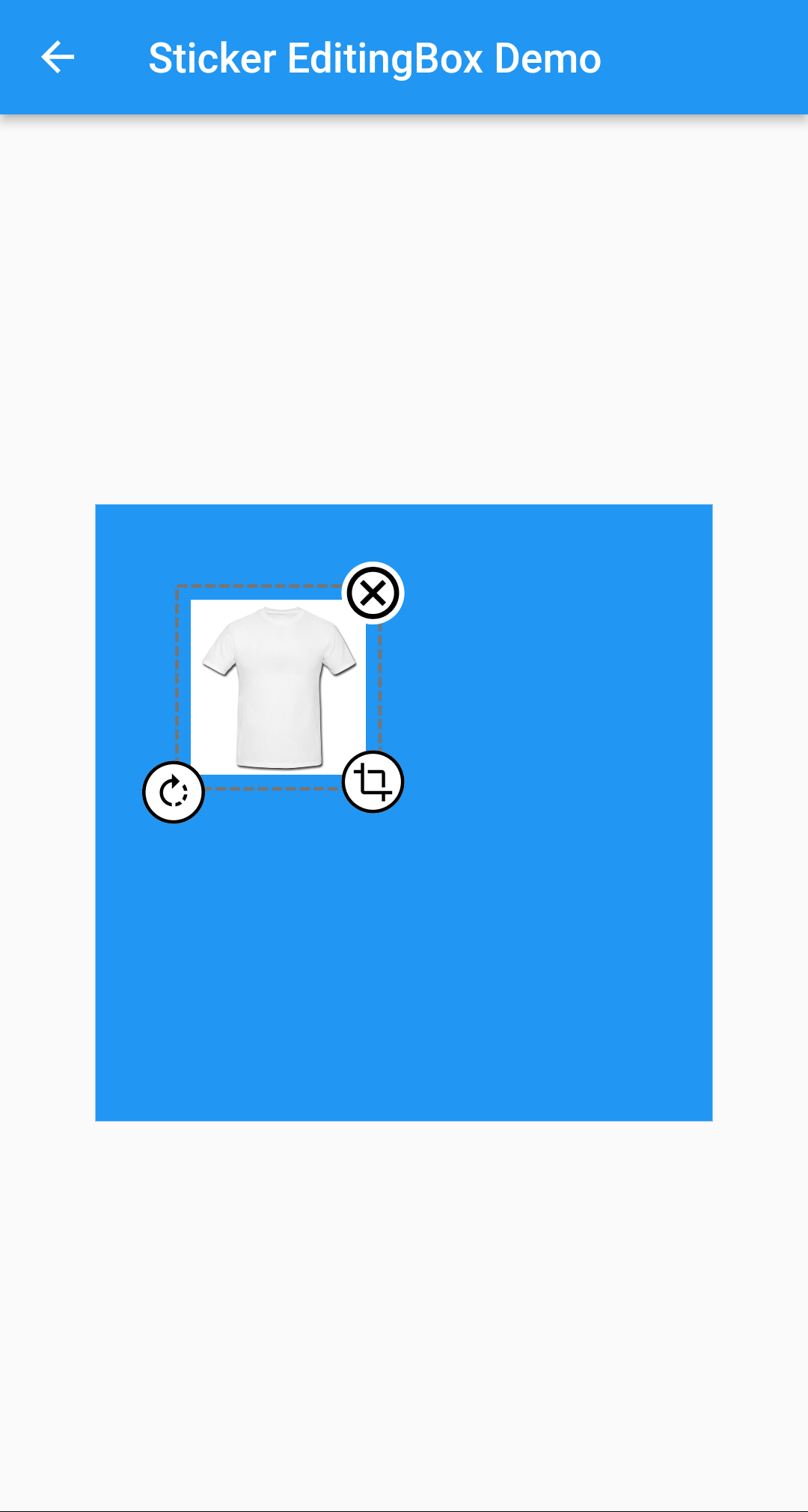 |
A flutter package Sticker Editor which will help you to create editable and scalable text or sticker widget that can be dragged around the area you given in screen.

First, add stickereditor as a dependency in your pubspec.yaml file.
Fore NetworkImage, macOS needs you to request a specific entitlement in order to access the network. To do that open macos/Runner/DebugProfile.entitlements and add the following key-value pair.
<key>com.apple.security.network.client</key>
<true/>
StickerEditingView(
  isnetwork: false,
  height: 300,
  width: 300,
  imgUrl: backgroundImageUrl,
  fonts: fonts,
  palletColor: colorPallet,
  assetList: stickerList,
),
Container(
  height: 300,
  width: 300,
  color: Colors.blue,
  child: Stack(
    children: [
      TextEditingBox(
        fonts: fonts,
        boundHeight: 200,
        boundWidth: 100,
        isSelected: true,
        palletColor: colorPallet,
        newText: TextModel(
            name: 'Text EditingBox',
            textStyle:
                GoogleFonts.pacifico(fontSize: 25, color: Colwhite),
            top: top,
            isSelected: true,
            textAlign: TextAlign.center,
            scale: 1,
            left: left),
      ),
    ],
  ),
),
Container(
  height: 300,
  width: 300,
  color: Colors.blue,
  child: Stack(
    children: [
      StickerEditingBox(
          boundHeight: 200,
          boundWidth: 200,
          pictureModel: PictureModel(
            isNetwork: true,
            isSelected: false,
            left: 50,
            top: 50,
            scale: 1,
            stringUrl:
                'https://raw.githubusercontent.com/Harsh-Radadiya/sticker_editor/master/assets/t-shirt.jpeg',
          )),
    ],
  ),
)
Run the example app in the exmaple folder to find out more about how to use it.
निर्भरता सूची 8 आइटम
{"sdk":"flutter"}{"sdk":"flutter"}^4.3.8^2.0.0+1^1.2.3^2.0.5{"sdk":"flutter"}^1.0.0उपयोग के अनुसार छाँटें, गतिविधि की तुलना करें और अपनाने से पहले मूल प्रोजेक्ट की आवश्यकताएँ जाँचें।
“A repository is the most basic element of GitHub.”
GitHub Docs — About repositories ↗