
v6.1.0
android_intent_plus
Android Intents को लॉन्च करने के लिए Flutter प्लगइन। iOS पर समर्थित नहीं है।
495लाइक 4.6 लाख30-दिन डाउनलोड150Pub अंक
Android
एंड्रॉइड के लिए एक न्यूनतम और शक्तिशाली IDE/कोड संपादक

Android Intents को लॉन्च करने के लिए Flutter प्लगइन। iOS पर समर्थित नहीं है।
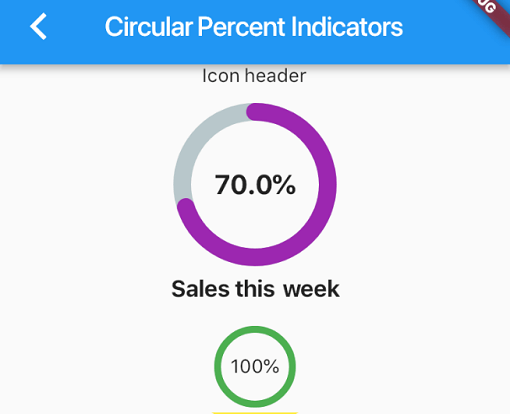 v4.2.5
एक लाइब्रेरी जो आपको प्रतिशत के आधार पर प्रगति विजेट दिखाने की अनुमति देती है, जो गोलाकार या रैखिक हो सकती है, और आप इसे अपनी आवश्यकताओं के अनुसार कस्टमाइज़ कर सकते हैं।
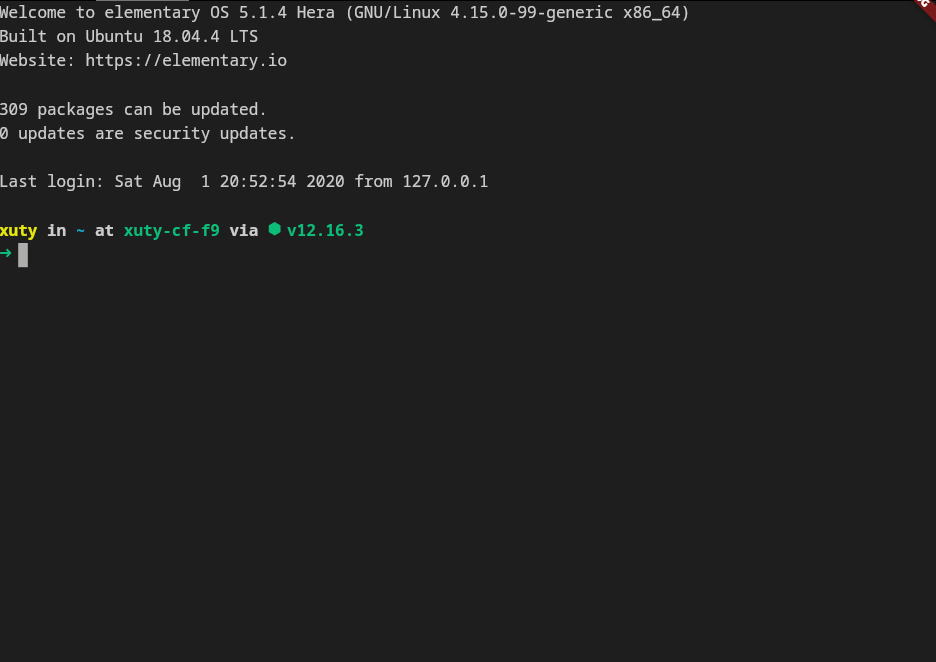 v4.0.0
xterm.dart एक तेज़ और पूरी तरह से विकसित टर्मिनल एमुलेटर है जो फ्लटर ऐप्लिकेशन के लिए है, मोबाइल और डेस्कटॉप प्लेटफॉर्म का समर्थन करता है।
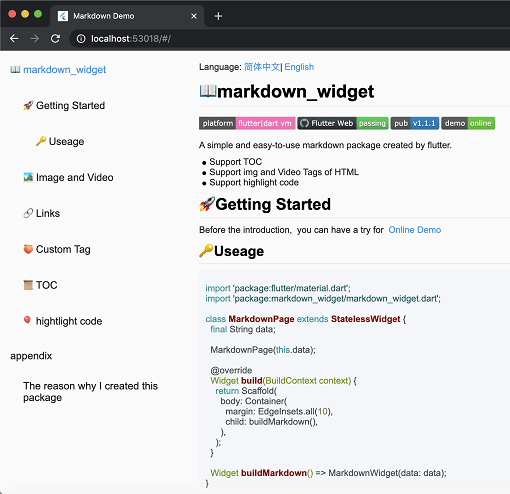 v2.3.2+8
एक नया markdown पैकेज। इसमें TOC कार्य, कोड हाइलाइटिंग समर्थित है, और यह सभी प्लेटफॉर्म के लिए समर्थित है
2D और 3D अनुप्रयोगों के लिए एक वेक्टर गणित पुस्तकालय।
एक फ्लटर प्लगइन जो एंड्रॉइड और आईओएस पर एक PDFView विजेट प्रदान करता है।
एक उन्नत कोड संपादक पैकेज जिसमें AI पूर्णता, LSP समर्थन, वाक्यांश उच्चारण और उन्नत संपादन क्षमताएँ हैं।
Dart में लिखा गया एक पोर्टेबल Markdown लाइब्रेरी जो Markdown को HTML में विश्लेषित कर सकती है।
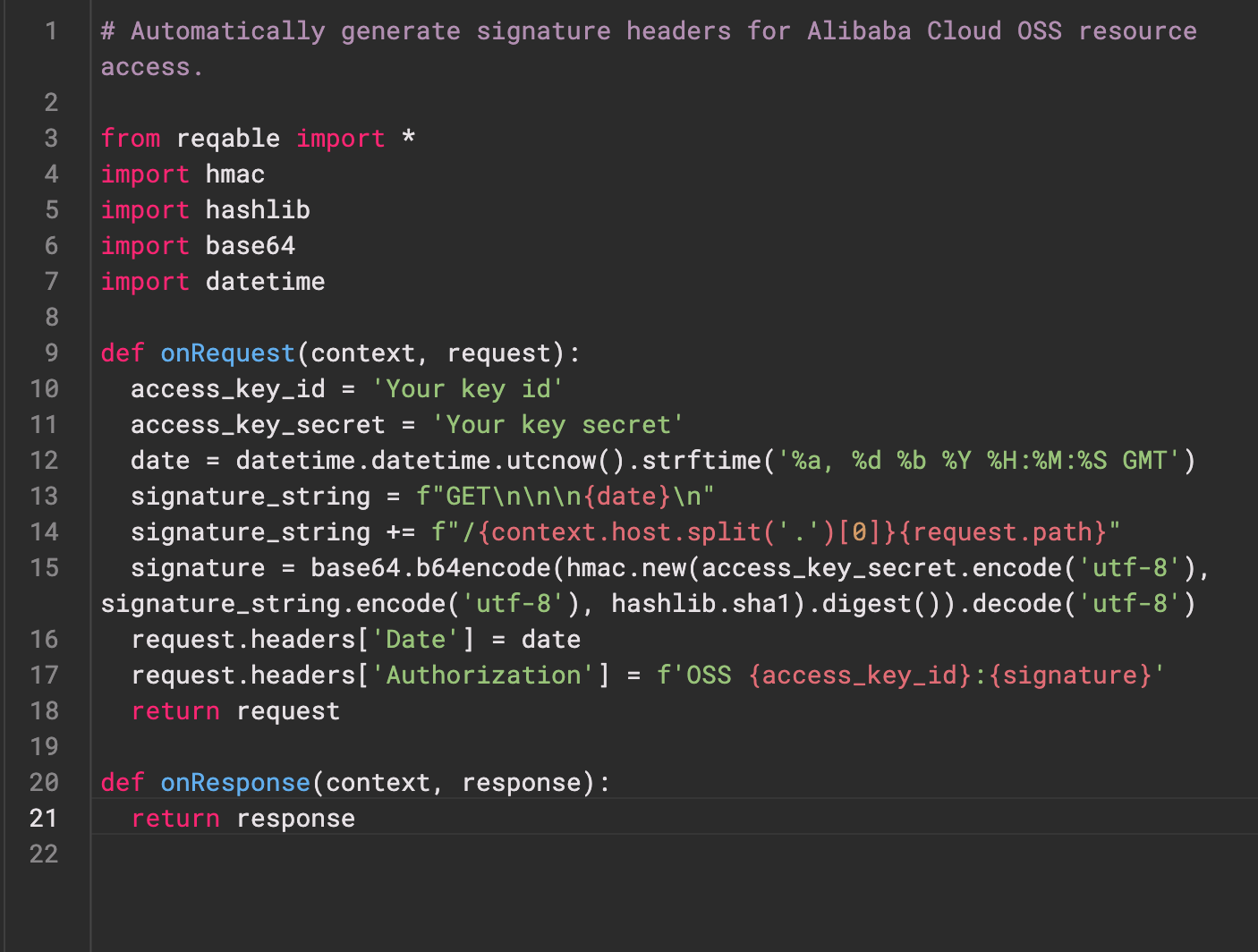 v0.0.3
Re-Highlight एक शक्तिशाली पाठ सिंटैक्स हाइलाइटिंग लाइब्रेरी है।
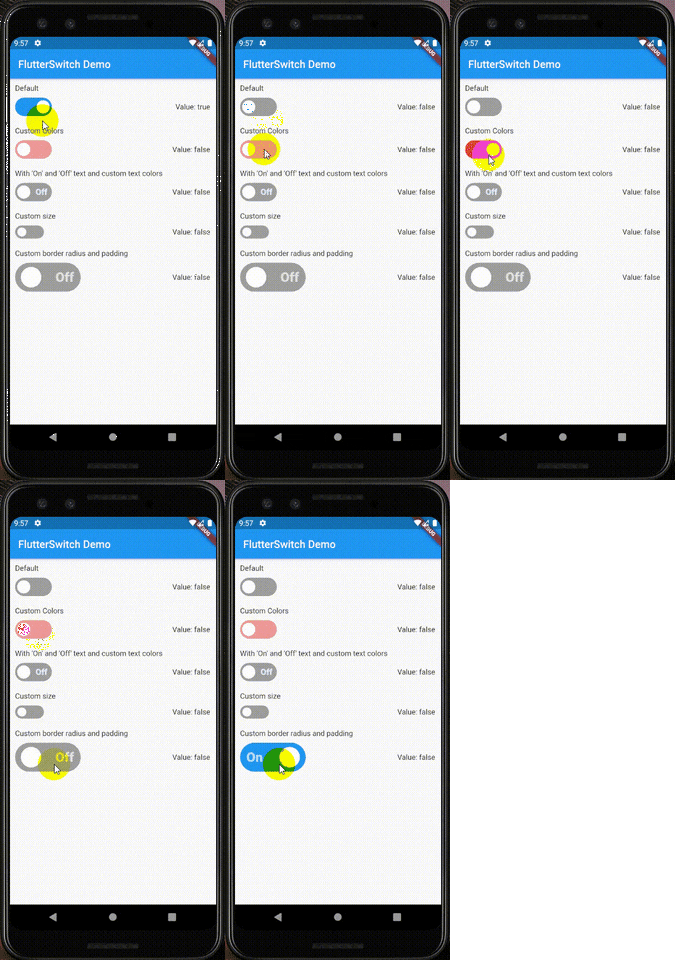 v0.3.2
एक कस्टम स्विच विजेट जिसमें कस्टम ऊंचाई और चौड़ाई, सीमा, सीमा त्रिज्या, रंग, टॉगल आकार, टॉगल के अंदर कस्टम पाठ और आइकन हो सकते हैं।
एक वेब सेवा के साथ उपयोगकर्ता की प्रमाणीकरण के लिए Flutter प्लगइन।
Android, iOS और macOS में ZIP आर्काइव फ़ाइलों को बनाएं और निकालें। एक निर्देशिका में सभी फ़ाइलों को आवर्धन या दिए गए फ़ाइलों की सूची के रूप में ज़िप करें।
निर्भरता सूची 39 आइटम
^6.0.0^9.2.1^10.14.0^2.9.0^4.1.0^0.4.1^2.1.0^12.2.0{"sdk":"flutter"}^6.3.1^9.1.1^1.1.0^2.1.1{"git":{"url":"https://github.com/pichillilorenzo/flutter_inappwebview.git","ref":"master","path":"flutter_inappwebview"}}^0.2.0^0.14.4{"sdk":"flutter"}^0.20.2^1.4.5^0.4.1^11.1.0^2.3.0^5.1.0^11.0.0^0.15.6^1.2.2{"git":"https://github.com/heckmon/Llama-Flutter.git"}^7.3.1^2.3.2+8^1.17.0^1.9.0^4.2.5^0.0.3^2.5.5^6.3.2^2.2.0^4.0.0^6.0.0{"sdk":"flutter"}यह अंग्रेज़ी मूल स्नैपशॉट है। नवीनतम सामग्री GitHub पर देखें।
Roxum IDE is a mobile-first code editor and mini IDE for Android, built with Flutter. It combines editing, terminal workflows, Git/GitHub tooling, AI assistance, runtime downloads, and deep customization in one app.
| https://raw.githubusercontent.com/heckmon/android-arm64-shared-libraries/refs/heads/main/scrnshots/home.jpg | https://raw.githubusercontent.com/heckmon/android-arm64-shared-libraries/refs/heads/main/scrnshots/ag.jpg | https://raw.githubusercontent.com/heckmon/android-arm64-shared-libraries/refs/heads/main/scrnshots/ag_diff.jpg | https://raw.githubusercontent.com/heckmon/android-arm64-shared-libraries/refs/heads/main/scrnshots/rt-roxum.jpg |
| https://lh3.googleusercontent.com/o8_GNH3SBQnbnrJWduWE9xbW-RF8NBO3iphBx1mEc_gVYbSkyAGZyy5zEcMTGupt_1oCQipOpZMwbjlhJgbjyEs | https://raw.githubusercontent.com/heckmon/android-arm64-shared-libraries/refs/heads/main/scrnshots/ext.jpg | https://raw.githubusercontent.com/heckmon/android-arm64-shared-libraries/refs/heads/main/scrnshots/diag.jpg | https://raw.githubusercontent.com/heckmon/android-arm64-shared-libraries/refs/heads/main/scrnshots/accnt.jpg |
| https://raw.githubusercontent.com/heckmon/android-arm64-shared-libraries/refs/heads/main/scrnshots/explorer.jpg | https://raw.githubusercontent.com/heckmon/android-arm64-shared-libraries/refs/heads/main/scrnshots/lsp.jpg | https://raw.githubusercontent.com/heckmon/android-arm64-shared-libraries/refs/heads/main/scrnshots/ai_cmpl.jpg | https://raw.githubusercontent.com/heckmon/android-arm64-shared-libraries/refs/heads/main/scrnshots/themes.jpg |
| https://raw.githubusercontent.com/heckmon/android-arm64-shared-libraries/refs/heads/main/scrnshots/git_diff.jpg | https://raw.githubusercontent.com/heckmon/android-arm64-shared-libraries/refs/heads/main/scrnshots/gguf.jpg | https://raw.githubusercontent.com/heckmon/android-arm64-shared-libraries/refs/heads/main/scrnshots/termenu.jpg | https://raw.githubusercontent.com/heckmon/android-arm64-shared-libraries/refs/heads/main/scrnshots/term.jpg |
This section is intended for users from countries like China where the Play Store isn't accessible. Otherwise, it is recommended to download the full-featured APK from the Play Store as mentioned above.
Clone this repo, then:
Make sure that git-lfs is installed in your system and accessible via the path. Don't skip this step; the compilers and interpreters are stored in the GitHub large file storage.
aab bundle.[!NOTE]
To include all compilers, interpreters and extensions in the build, we build it as a standalone
aabfile, which is bigger compared to the APK downloaded from the Play Store. The Play Store build is smaller because these external dependencies are downloaded on demand when the user requests the particular compiler/interpreter/extension.
cd android && ./gradlew :app:bundleRelease
This will generate the output file in build/app/outputs/bundle/release/app-release.aab
To install aab in your device, it needs to be converted to apk first. For that, download the latest bundletool from the official repo: https://github.com/google/bundletool/releases
Then build the APK:
java -jar path/to/bundletool.jar build-apks --bundle=your_app/build/app/outputs/bundle/release/app-release.aab --output=output.apks --mode=universal
This will generate a file called output.apks in the current directory
Make sure that you are connected to an emulator or physical device via adb.
java -jar /path/to/bundletool.jar install-apks --apks=output.apks
Special Thanks ♥️