

 v0.4.2
drag_and_drop_lists
एक फ्लटर पैकेज जो दो-स्तरीय सूचियों के ड्रैग-एंड-ड्रॉप पुनर्व्यवस्था की अनुमति देता है।
457लाइक 20.6 हज़ार30-दिन डाउनलोड150Pub अंक
AndroidiOSWebmacOSWindowsLinux
दो-स्तरीय सूचियों के ड्रैग-एंड-ड्रॉप पुनर्क्रमण के लिए Flutter पैकेज

यह अंग्रेज़ी मूल स्नैपशॉट है। नवीनतम सामग्री GitHub पर देखें।
Two-level drag and drop reorderable lists.

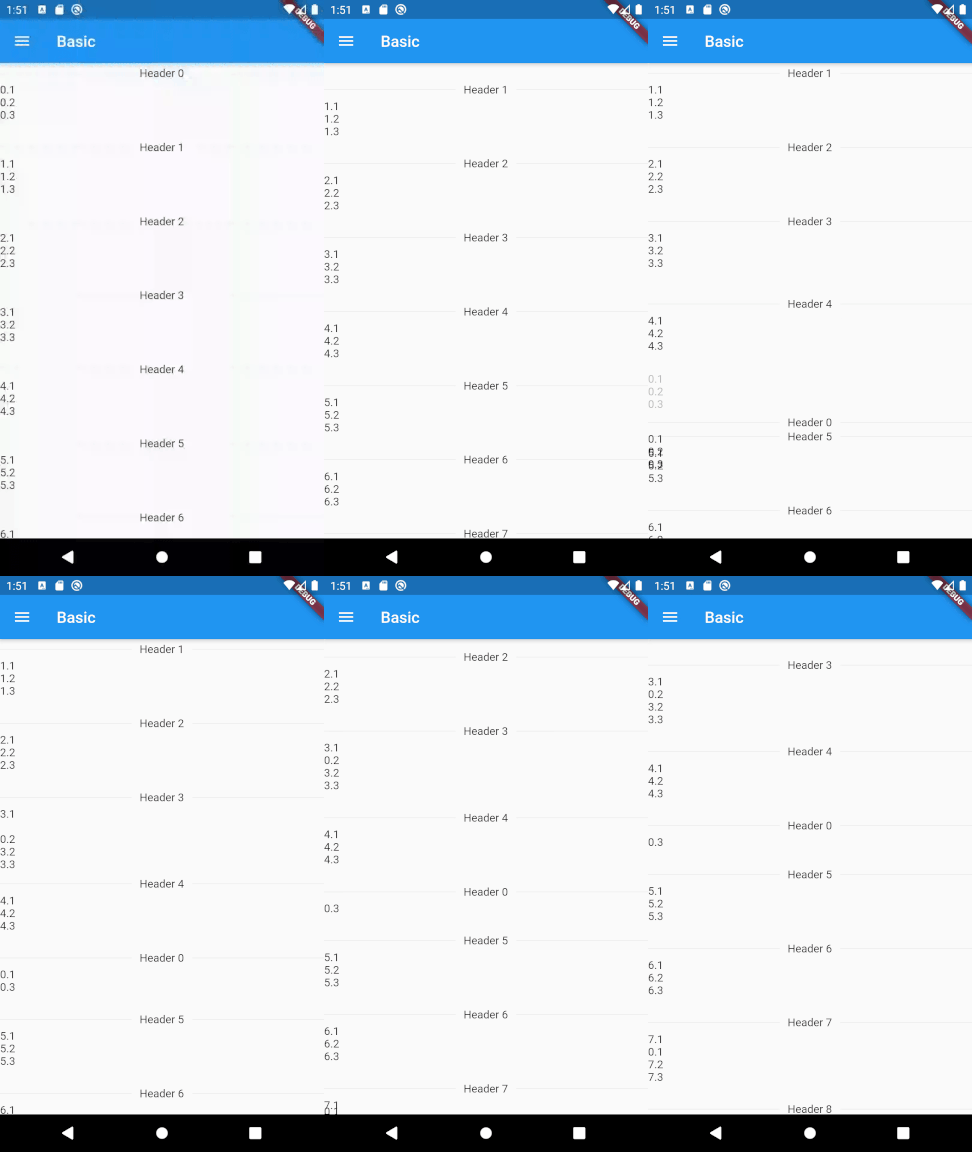
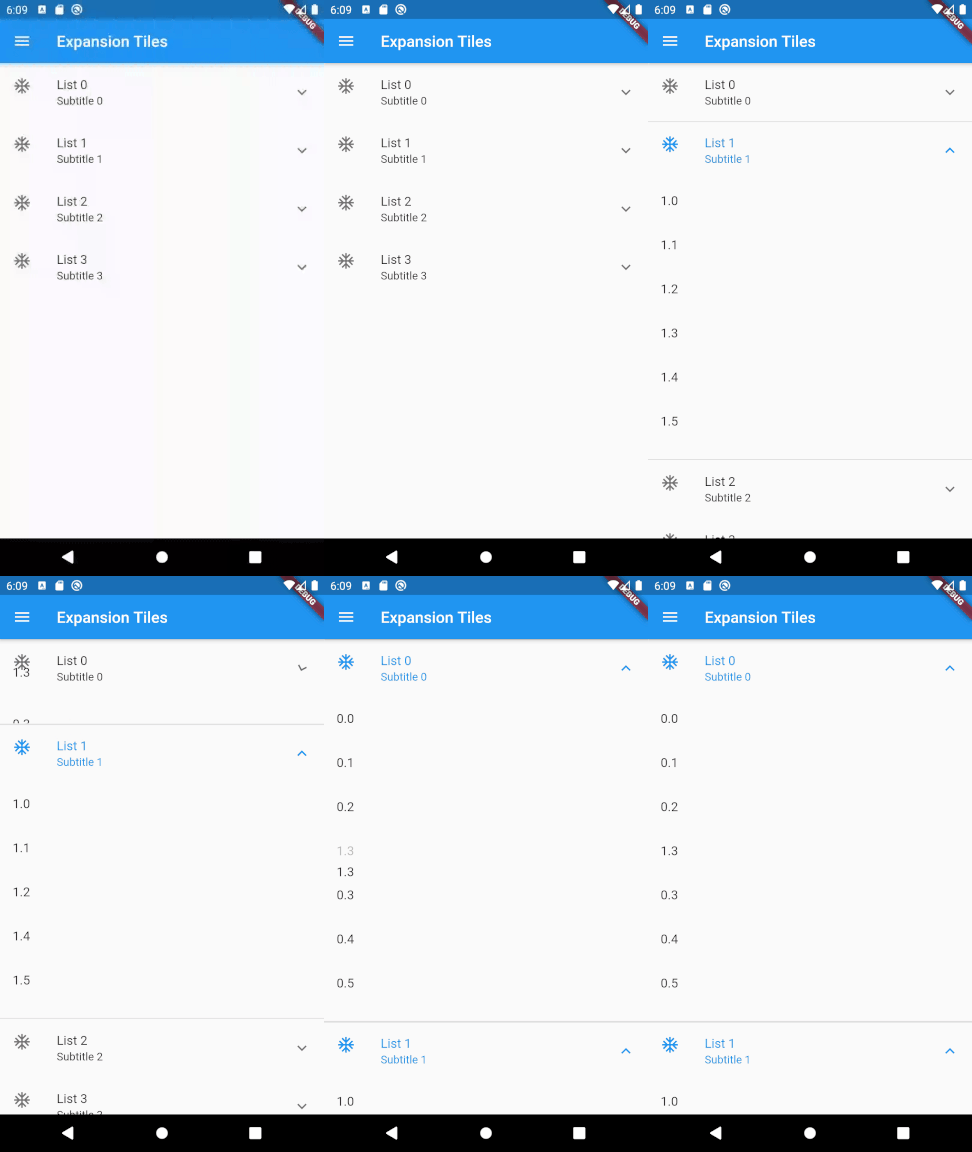
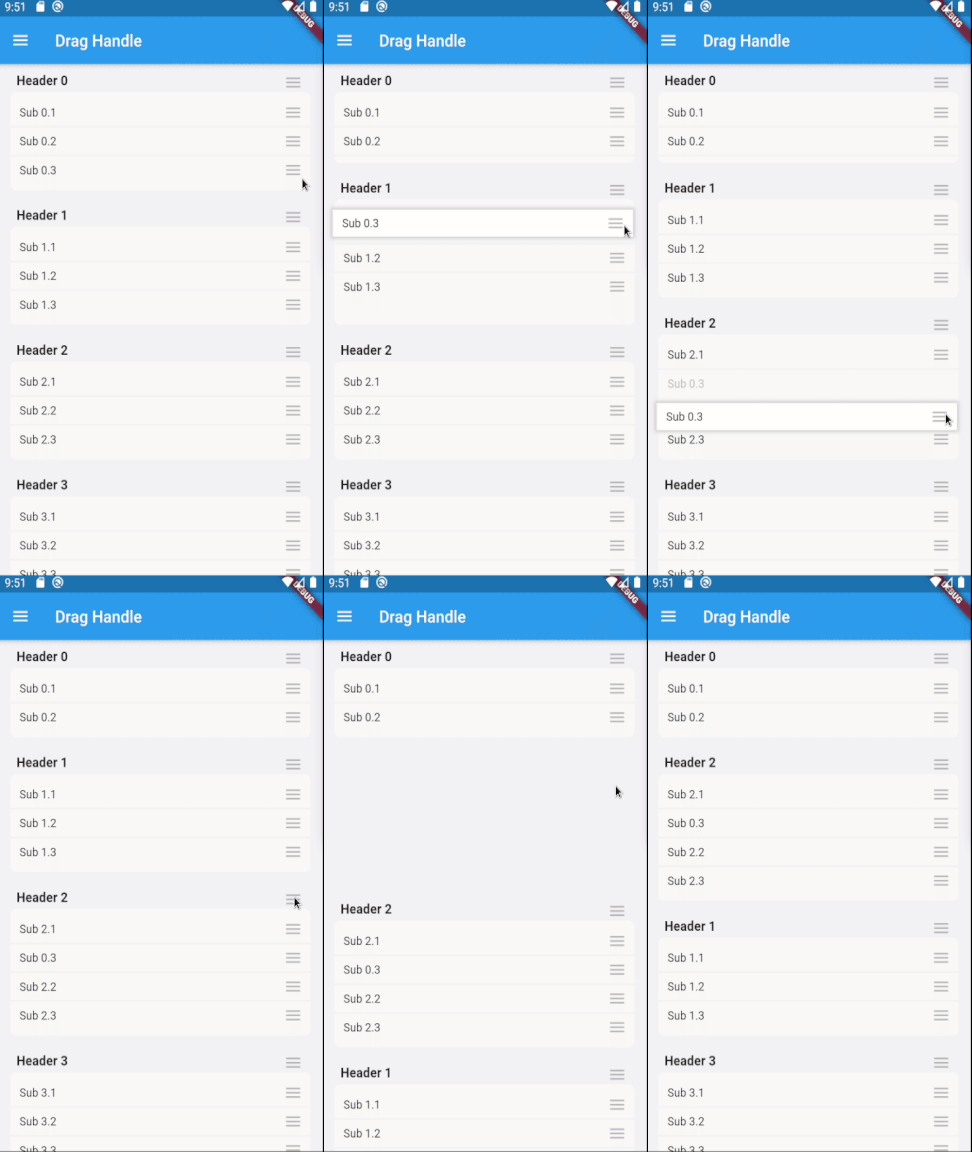
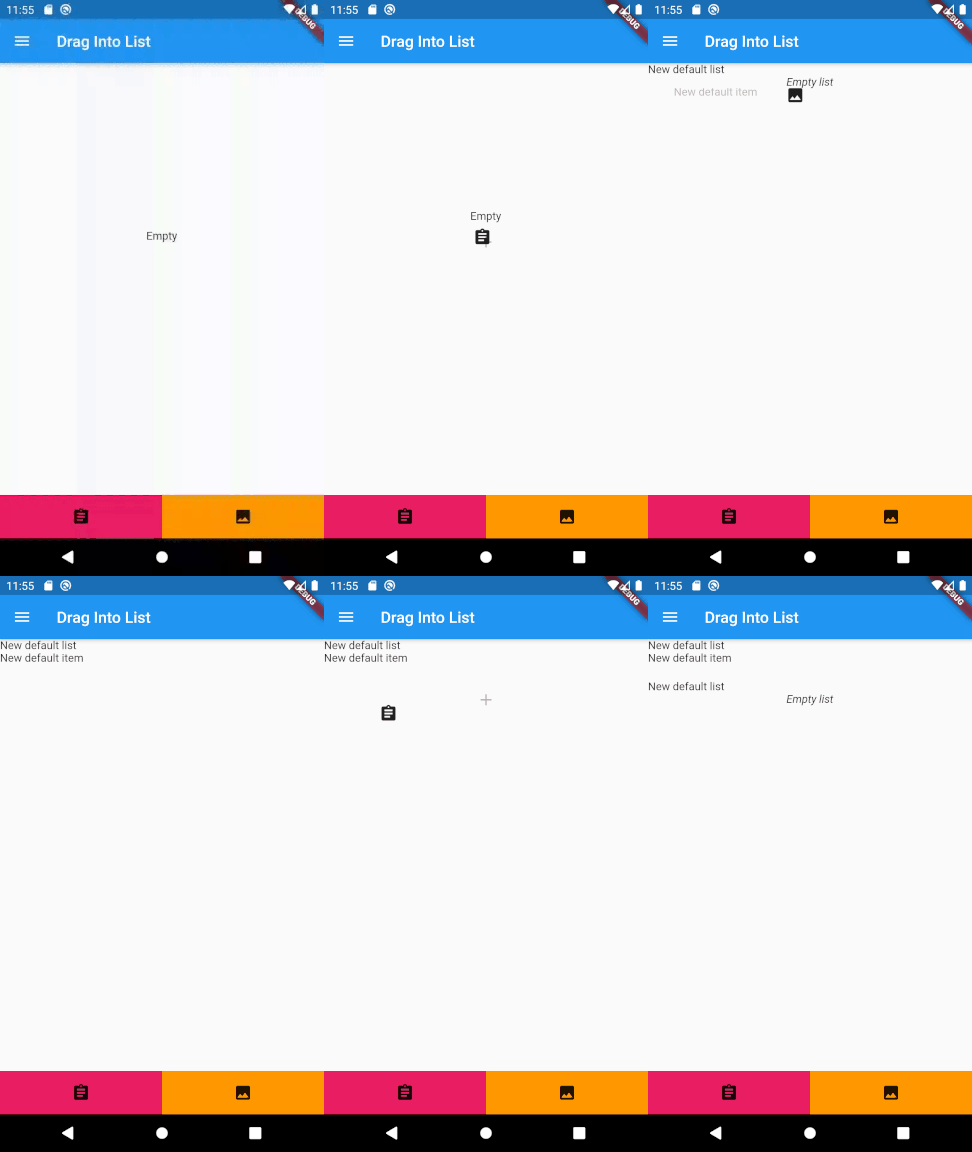
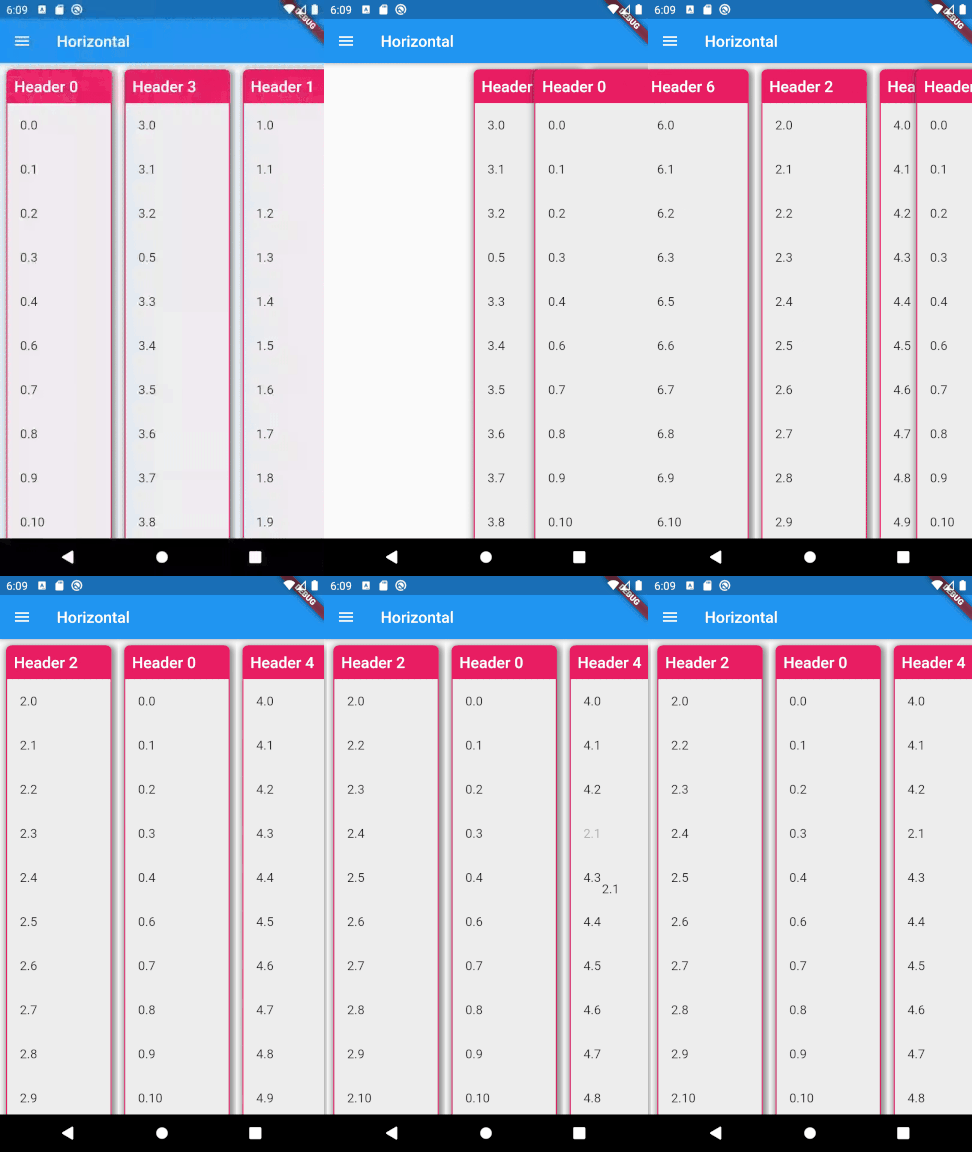
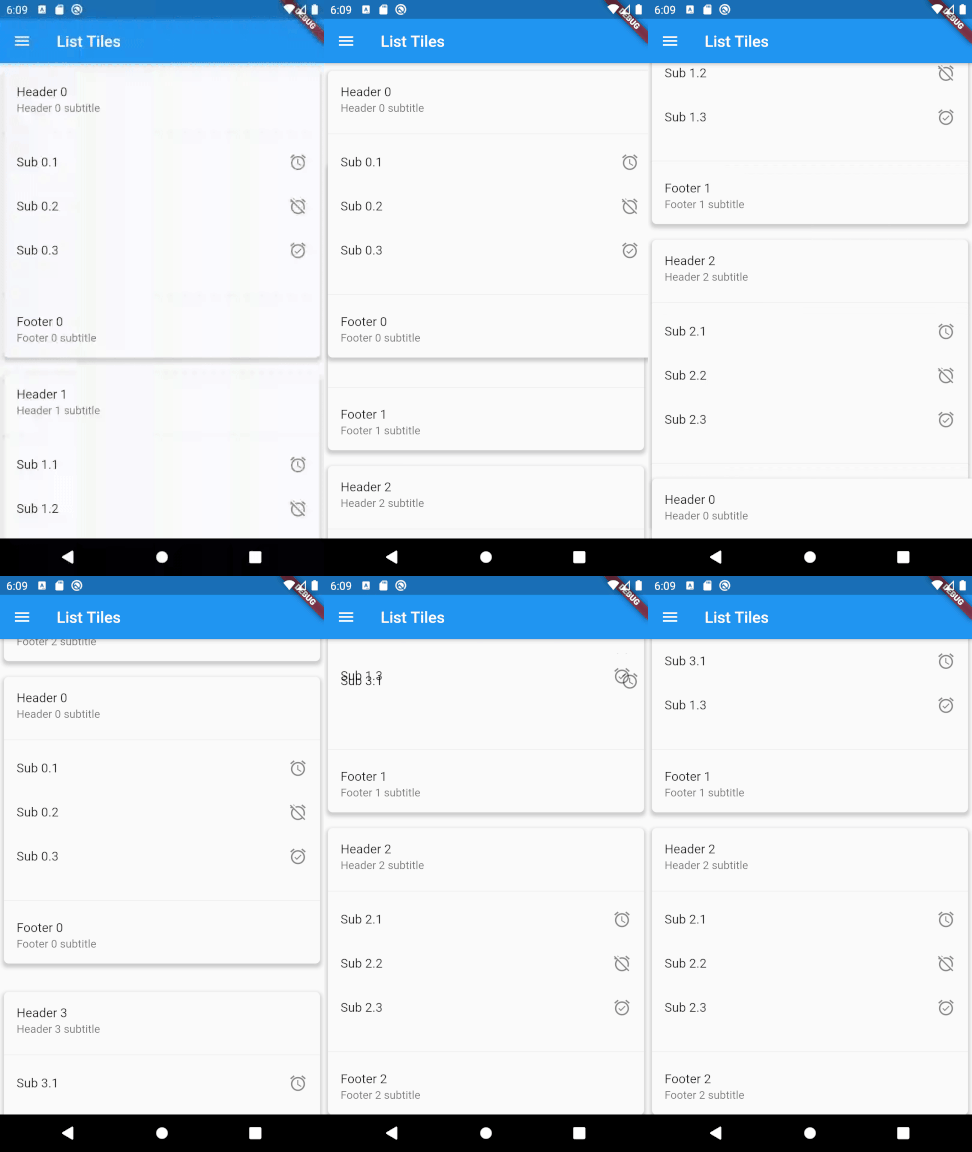
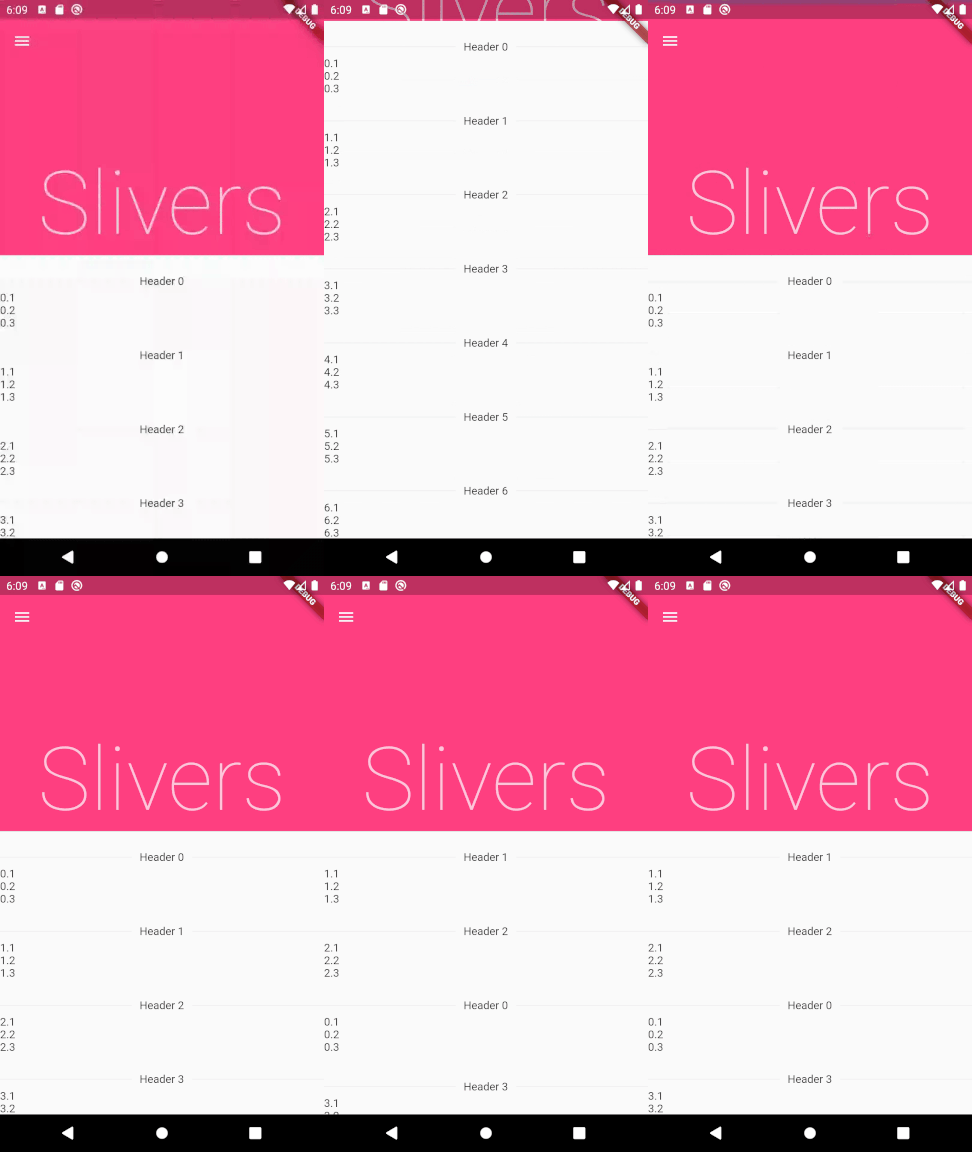
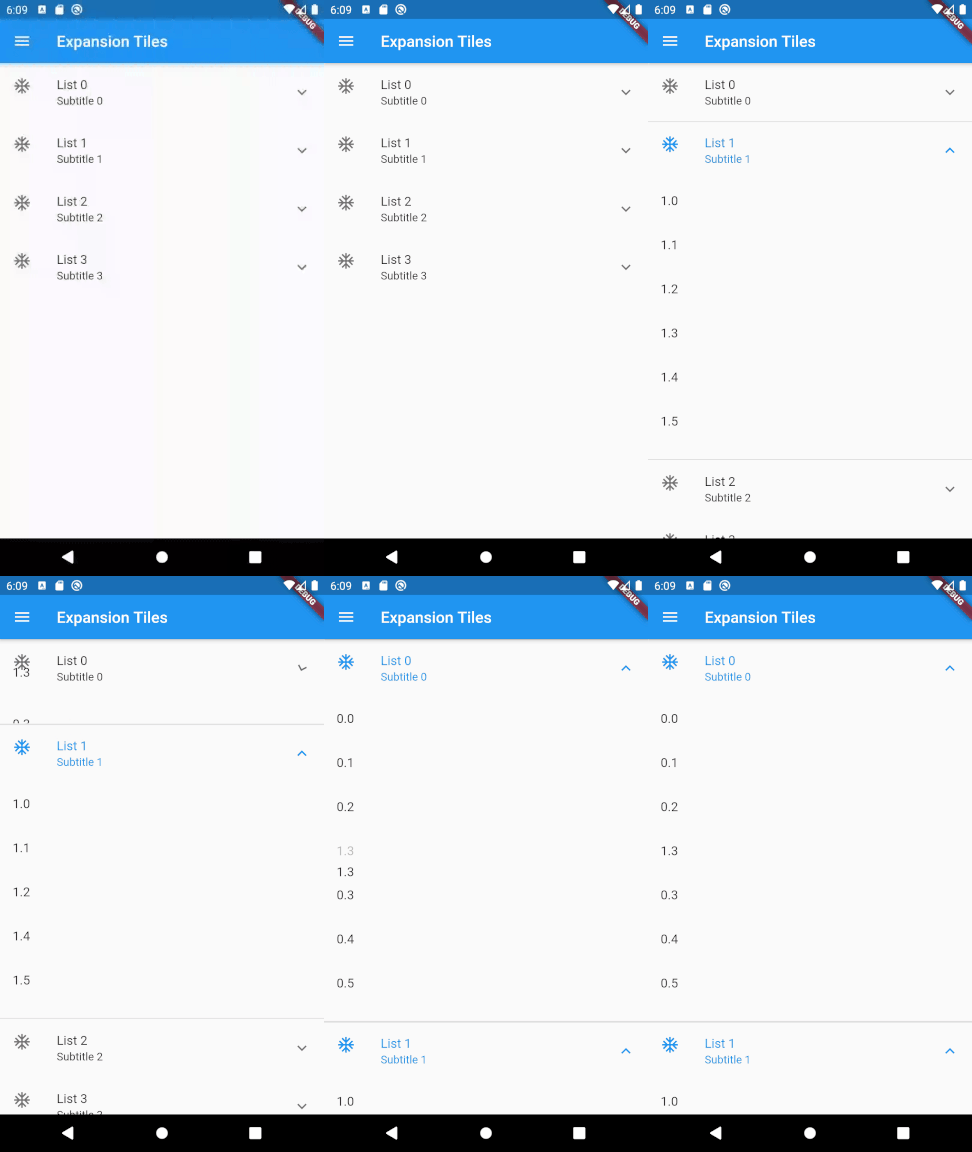
To use this plugin, add drag_and_drop_lists as a dependency in your pubspec.yaml file.
For example:
dependencies:
  drag_and_drop_lists: ^0.4.0
Now in your Dart code, you can use: import 'package:drag_and_drop_lists/drag_and_drop_lists.dart';
To add the lists, add a DragAndDropLists widget. Set its children to a list of DragAndDropList. Likewise, set the children of DragAndDropList to a list of DragAndDropItem.
For example:
  // Outer list
  List<DragAndDropList> _contents;

  @override
  void initState() {
    super.initState();

    // Generate a list
    _contents = List.generate(10, (index) {
      return DragAndDropList(
        header: Text('Header $index'),
        children: <DragAndDropItem>[
          DragAndDropItem(
            child: Text('$index.1'),
          ),
          DragAndDropItem(
            child: Text('$index.2'),
          ),
          DragAndDropItem(
            child: Text('$index.3'),
          ),
        ],
      );
    });
  }

  @override
  Widget build(BuildContext context) {
    // Add a DragAndDropLists. The only required parameters are children,
    // onItemReorder, and onListReorder. All other parameters are used for
    // styling the lists and changing its behaviour. See the samples in the
    // example app for many more ways to configure this.
    return DragAndDropLists(
      children: _contents,
      onItemReorder: _onItemReorder,
      onListReorder: _onListReorder,
    );
  }

  _onItemReorder(int oldItemIndex, int oldListIndex, int newItemIndex, int newListIndex) {
    setState(() {
      var movedItem = _contents[oldListIndex].children.removeAt(oldItemIndex);
      _contents[newListIndex].children.insert(newItemIndex, movedItem);
    });
  }

  _onListReorder(int oldListIndex, int newListIndex) {
    setState(() {
      var movedList = _contents.removeAt(oldListIndex);
      _contents.insert(newListIndex, movedList);
    });
  }
For further examples, see the example app or view the example code directly.
निर्भरता सूची 3 आइटम
{"sdk":"flutter"}^4.0.0{"sdk":"flutter"}उपयोग के अनुसार छाँटें, गतिविधि की तुलना करें और अपनाने से पहले मूल प्रोजेक्ट की आवश्यकताएँ जाँचें।
“A repository is the most basic element of GitHub.”
GitHub Docs — About repositories ↗