
Saglikla-App
मधुमेह और सीलिएक व्यवस्था के लिए AI-संचालित स्वास्थ्य सहयोगी। ओपनफूडफैक्ट्स के साथ बारकोड स्कैनिंग, जीमिनी के माध्यम से दृश्य भोजन विश्लेषण, और फ्लटर और फायरबेस के साथ निर्मित व्यक्तिगत पोषण ट्रैकिंग विशेषताएं।

- स्टार
- 3
- फ़ोर्क
- 0
- अंतिम पुश (UTC)
- 21 दिस॰ 2025
- प्रोजेक्ट स्थिति
- सक्रिय
मूल README
यह अंग्रेज़ी मूल स्नैपशॉट है। नवीनतम सामग्री GitHub पर देखें।
🏥 Sağlıkla App
Diyabet ve Çölyak Hastaları İçin Yapay Zeka Destekli Sağlık Asistanı



📱 Proje Tanıtımı
Sağlıkla, diyabet (Tip 1 & 2) ve çölyak hastalarının günlük yaşamlarını kolaylaştırmak için geliştirilmiş, yapay zeka destekli kapsamlı bir sağlık yönetim uygulamasıdır.
Bu uygulama sadece kalori saymaz; yediğiniz besinlerin sağlık durumunuza (diyabet, çölyak vb.) etkisini analiz eder. Gemini AI ve OpenFoodFacts entegrasyonu sayesinde ürünlerin barkodlarını tarayabilir veya fotoğraflarını çekerek besin değerlerini ve risk analizlerini anında görebilirsiniz.
📸 Uygulama Görüntüleri
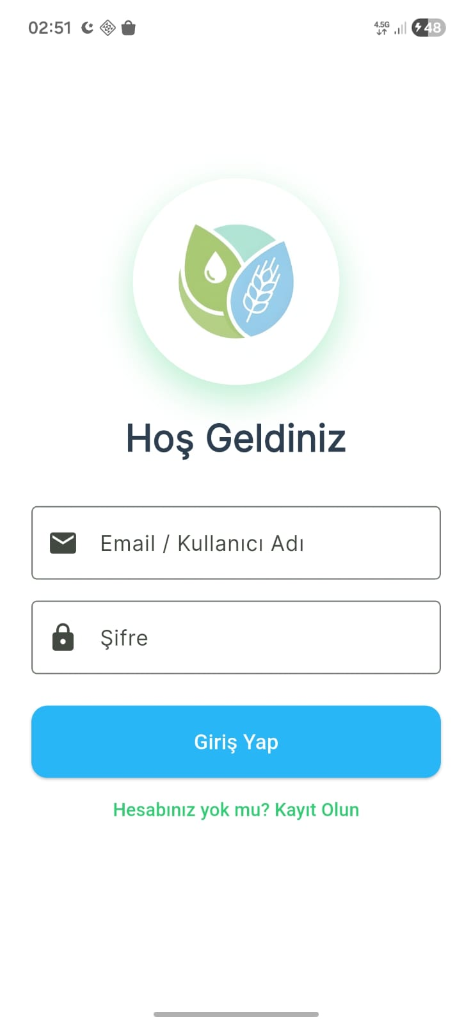
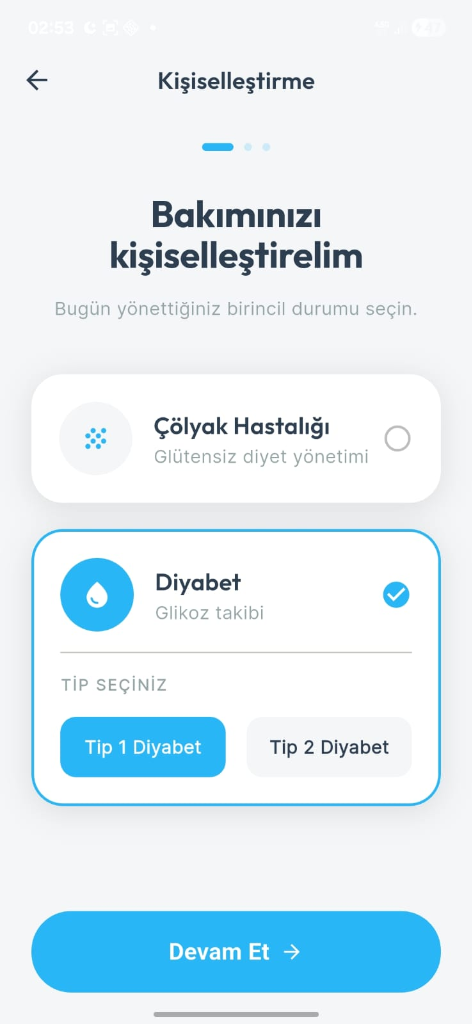
| Giriş Ekranı | Kişiselleştirme | Ana Panel |
|---|---|---|
 |
 |
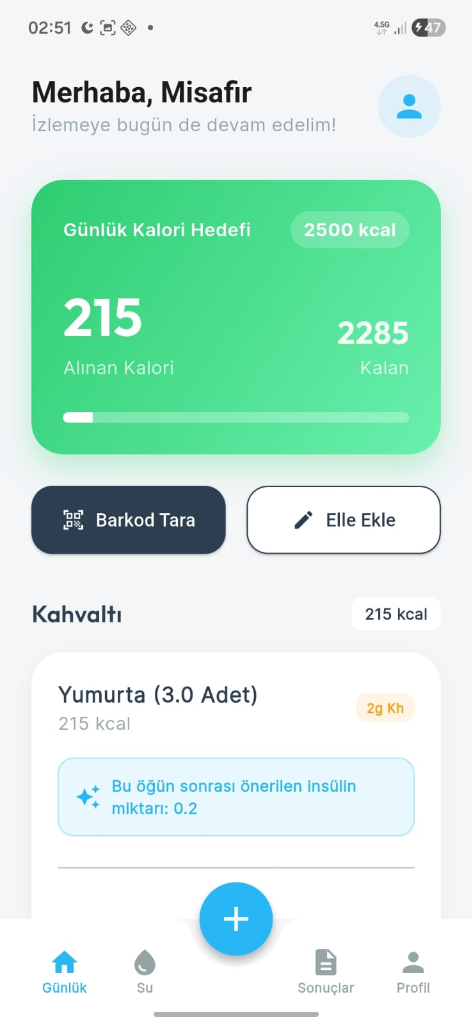 |
| Kullanıcı Girişi | Hastalık Seçimi & Ayarlar | Günlük Özet & Kalori Takibi |
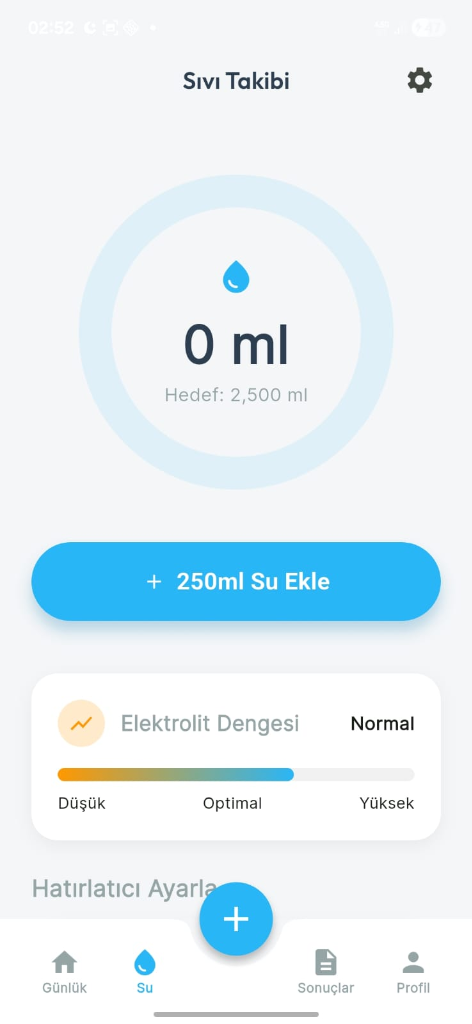
| Sıvı Takibi | Doktor & Tahlil Sonuçları | Profil (Koyu Mod) |
|---|---|---|
 |
 |
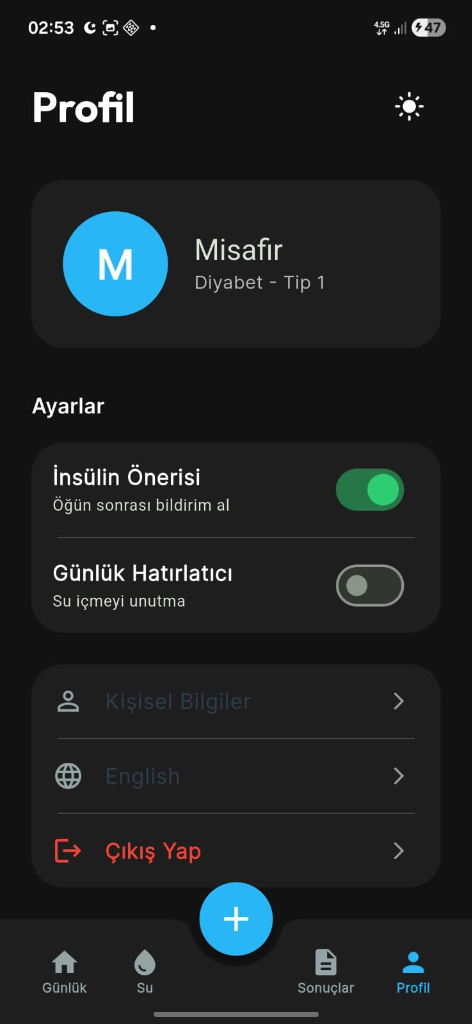 |
| Su & Elektrolit İzleme | Tahlil Yükleme & Arşivleme | Kullanıcı Profili & Ayarlar |
🚀 Project Overview (English)
This application bridges the gap between raw nutritional data and actionable health insights. Unlike standard calorie trackers, HealthScan creates a correlation between what you eat and your specific health condition.
✨ Key Features
- 🔍 Smart Barcode Scanning: Instantly detects products using OpenFoodFacts.
- 🤖 AI-Driven Analysis:
- Vision Fallback: If a barcode isn't found, the app uses Google Vision/Gemini to analyze the product packaging visually.
- Safe-to-Eat Logic: Cross-references ingredients with the user's condition (e.g., flagging hidden gluten for Celiacs or high glycemic index items for Diabetics).
- 🍎 Intelligent Meal Tracking: Estimate calories and carb counts from natural language descriptions.
- 💧 Hydration Tracking: Monitor daily water intake and electrolyte balance.
- 📂 Health Archives: Securely store and organize doctor results and analysis files.
🏗️ Architecture & Component Correlation
The project is built on a service-oriented architecture to ensure separation of concerns while maintaining tight integration between AI and User Data.
🔄 The "Brain" of the App: AIDecisionService
This is the central nervous system. It connects multiple entry points to the Gemini API:
- Scanner Interceptor: When
ScannerScreenscans a product,AIDecisionServicetakes the ingredients list + User Profile (fetched viaUserService) to generate a custom risk assessment. - Vision Pipeline: In
ManualEntryScreenor failed scans, it processes raw images to extract nutritional values. - Chatbot Context: It feeds daily consumption logs (from
NutritionService) into the chat context.
🛠️ Service Layer
UserService: Manages Firestore profiles. Critical for determining which rules the AI uses (Diabetes Type 1 vs 2, Insulin Ratios, etc.).NutritionService: Handles the CRUD operations for meal logs.ProductService: The gateway to OpenFoodFacts.
⚡ Setup & Security
This project uses Environment Variables to secure sensitive API Keys.
1. Prerequisites
- Flutter SDK (3.9.x or higher)
- Firebase Project setup
2. Environment Configuration (Crucial!)
The app will not run without valid API keys.
- Create a
.envfile in the root directory. - Add your keys:
GOOGLE_GEMINI_KEY=your_gemini_key_here
GOOGLE_VISION_KEY=your_vision_key_here
3. Running the App
# Get dependencies
flutter pub get

# Run on emulator/device
flutter run

Buğra Yıldırım ↗
श्रेणियाँ
उपयोग की गई निर्भरताएँ
निर्भरता सूची 22 आइटम
- flutter
{"sdk":"flutter"} - google_fonts
^6.1.0 - percent_indicator
^4.2.3 - cupertino_icons
^1.0.8 - mobile_scanner
^5.0.0 - file_picker
^10.3.8 - permission_handler
^12.0.1 - openfoodfacts
^3.0.0 - google_generative_ai
^0.4.0 - image_picker
^1.1.2 - path_provider
^2.1.2 - firebase_core
^3.6.0 - firebase_auth
^5.3.1 - cloud_firestore
^5.4.4 - firebase_storage
^12.3.4 - uuid
^4.5.2 - firebase_auth_platform_interface
^7.7.3 - flutter_local_notifications
^18.0.0 - timezone
^0.9.4 - flutter_dotenv
^6.0.0 - flutter_testडेवलपमेंट
{"sdk":"flutter"} - flutter_lintsडेवलपमेंट
^5.0.0
अपने प्रोजेक्ट के लिए रिपॉज़िटरी कैसे चुनें?
उपयोग के अनुसार छाँटें, गतिविधि की तुलना करें और अपनाने से पहले मूल प्रोजेक्ट की आवश्यकताएँ जाँचें।
- नाम, लेखक या विवरण से खोजें और तकनीकी विषय से परिणाम सीमित करें।
- स्टार, फ़ोर्क और हाल के पुश की तुलना करें। स्टार रुचि दर्शाते हैं, गुणवत्ता की गारंटी नहीं।
- उपयोग से पहले GitHub पर README, लाइसेंस और Issues जाँचें।
स्रोत और रखरखाव
“A repository is the most basic element of GitHub.”
GitHub Docs — About repositories ↗