
v2.13.0
flutter_rust_bridge
Flutter/Dart <-> Rust バインディングジェネレーター、機能豊富ですが、スムーズで簡単
663いいね 62.1万30日間ダウンロード160Pub ポイント
AndroidiOSWebmacOSWindowsLinux
Flutterで構築されたiOSおよびAndroid用のオープンな広東語辞書

Flutter/Dart <-> Rust バインディングジェネレーター、機能豊富ですが、スムーズで簡単
GoogleのML Kitデジタルインク認識を使用して、何百もの言語でデジタル表面の手書きテキストを認識し、スケッチを分類するためのFlutterプラグインです。
Supabase用のFlutter統合。このパッケージにより、開発者は安全でスケーラブルな製品を簡単に構築できます。
 v4.0.1
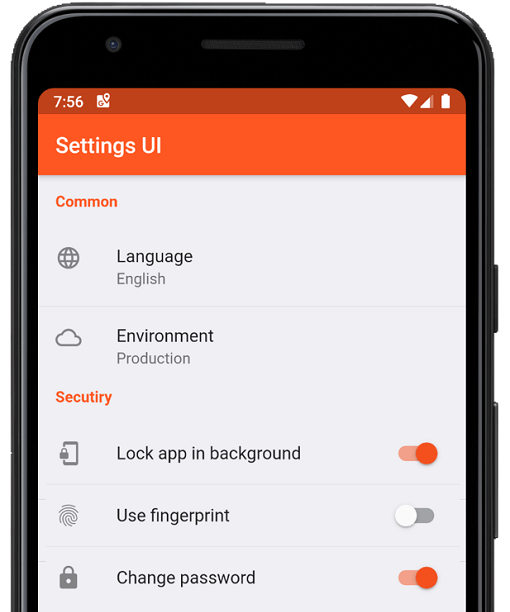
数分でFlutterアプリ用のネイティブ設定を作成します。単一のインターフェースを使用して構築します
 v5.0.1
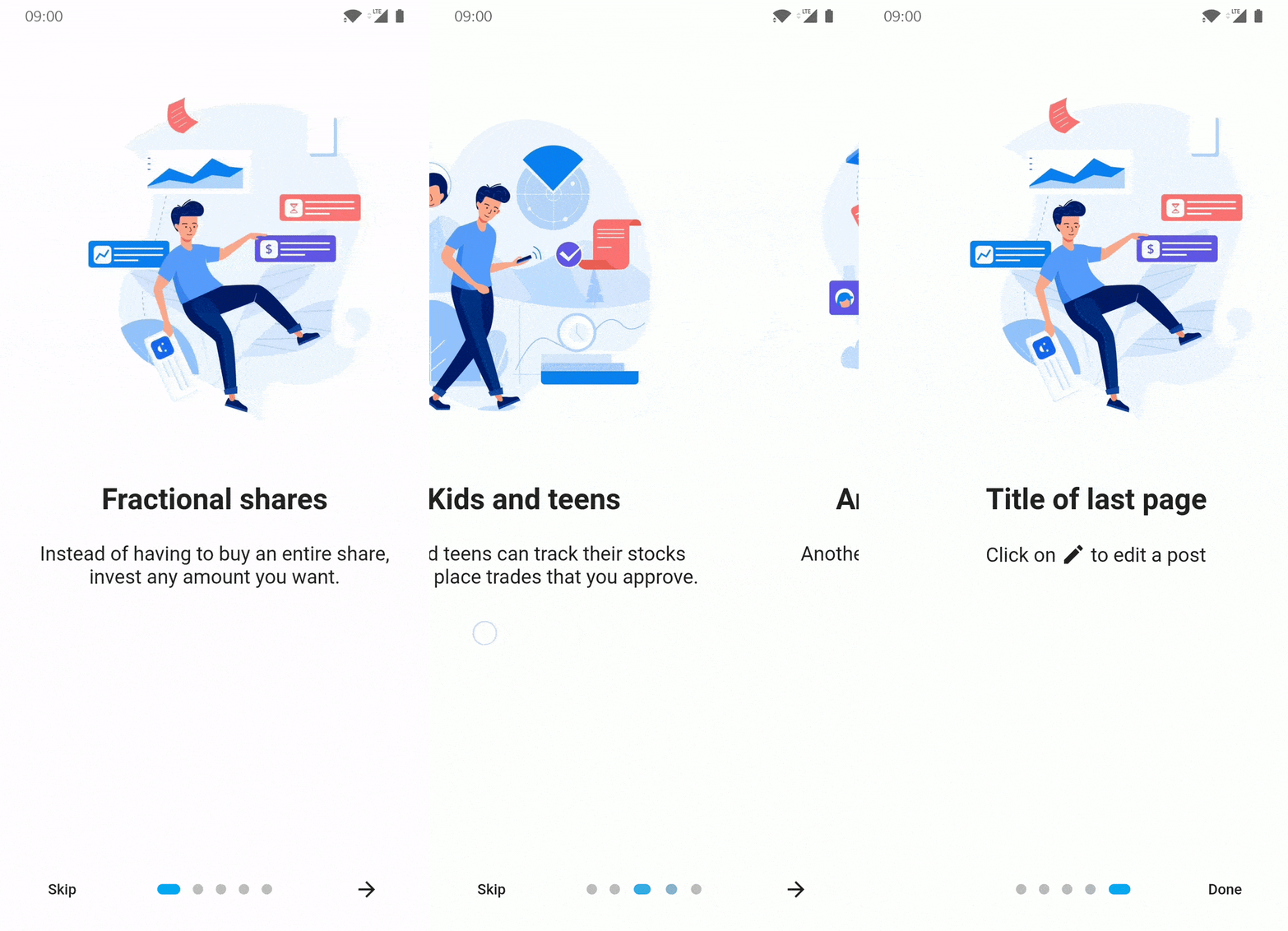
Flutterアプリ用の紹介/オンボーディングパッケージで、カスタマイズ可能な機能を備えています
ScrollView に表示されている子ウィジェットに関連するデータを監視するためのウィジェットです。
 v1.1.4
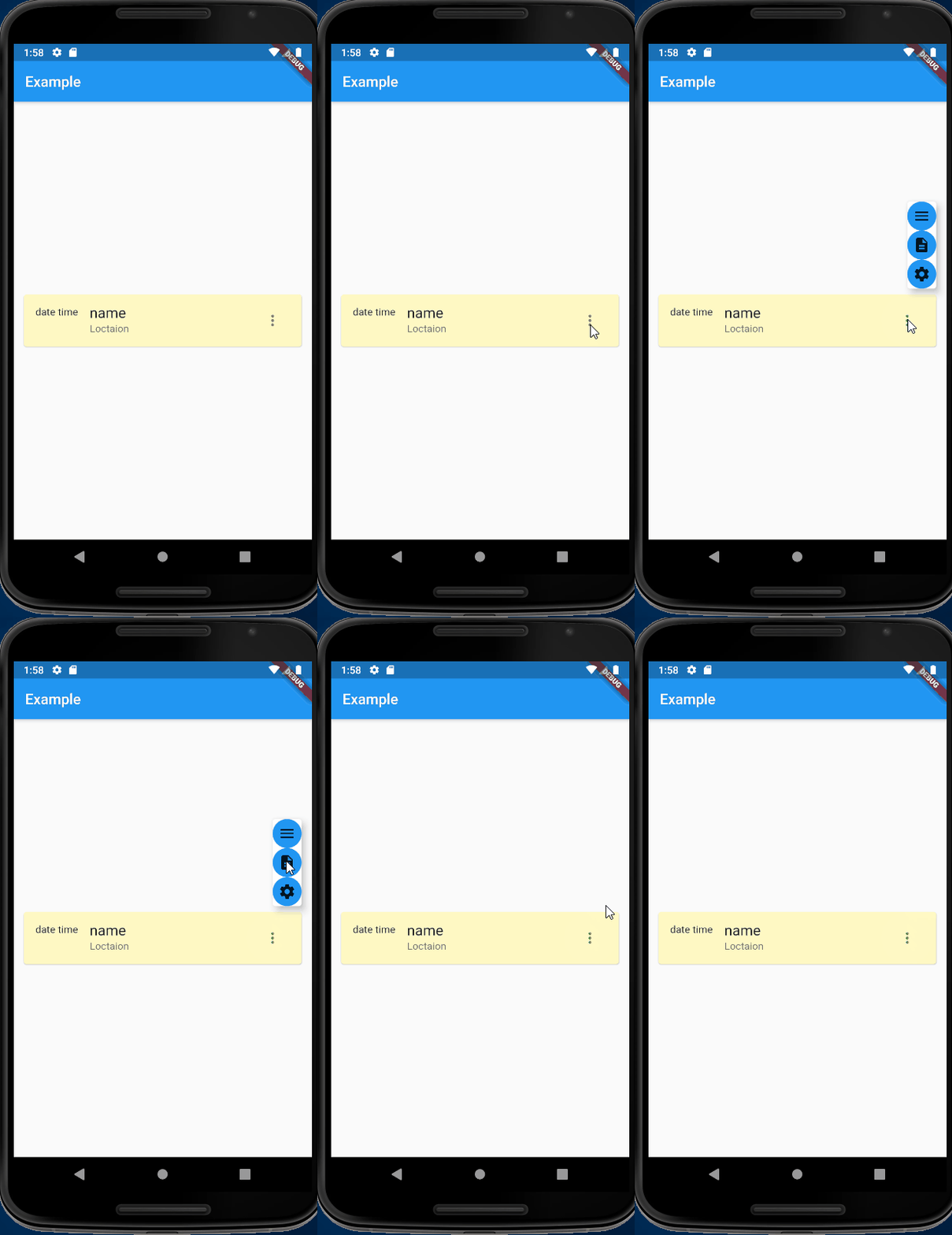
進化したオーバーレイ/オーバーレイエントリ - 指示的ではなく宣言的で、直感的なコンテキストと簡単な配置
Android および iOS でソフトキーボードの表示状態を検出するための Flutter プラグイン。
外部関数インターフェース(FFI)コードを扱うためのユーティリティ。
C、Objective-C、Swift ファイルを解析するために LibClang を使用する FFI バインディングのジェネレーター。
Amazon Cognito Identity 用の AWS API クライアント(SDK API 構成から生成)。
Amazon Simple Queue Service 用の AWS API クライアント(SDK API 構成仕様から生成)。
{"sdk":"flutter"}{"sdk":"flutter"}^2.6.0^2.0.0^2.3.6^0.9.37^6.2.6^0.19.0^6.0.5^1.1.4^0.17.1^2.2.0^0.1.19^6.0.0^6.0.0^0.13.0^2.0.2^1.0.5^7.0.1^3.1.12^11.1.0^2.1.0^2.1.0^2.3.3^1.8.3^0.0.2^2.0.0^2.0.0^4.4.0^0.6.0^11.1.1^2.4.1^4.8.1{"path":"rust_builder"}^14.6.0^0.1.6^1.19.0^2.0.9^8.1.1^6.0.3^8.2.0^6.0.3^0.7.1^1.10.0^0.11.0^2.0.1{"sdk":"flutter"}^5.0.0^1.17.10^0.14.1{"git":{"url":"https://github.com/AlienKevin/flutter_launcher_name","ref":"0.11.1"}}^16.0.0^2.4.7—^2.4.5{"sdk":"flutter"}^1.2.2以下は英語原文のスナップショットです。最新版は GitHub をご覧ください。
words.hk dictionary for Android and iOS
wordshk app logoDownload on the App Store Get it on Google Play Explore it on AppGallery Get it on F-Droid
Install Flutter by following the official doc: https://docs.flutter.dev/get-started/install
Download and install Android Studio to develop for Android: https://developer.android.com/studio
Start Android Studio, and go through the ‘Android Studio Setup Wizard’. This installs the latest Android SDK, Android SDK Command-line Tools, and Android SDK Build-Tools, which are required by Flutter when developing for Android.
Run flutter doctor to confirm your installation is working. You should see some output like below.
At a minimum you should have [✓] Flutter and [✓] Android toolchain to develop for Android, the other check marks are optional.
[✓] Flutter (Channel stable, 3.19.3, on Ubuntu 20.04.6 LTS 6.2.0-1019-azure, locale C.UTF-8)
[✓] Android toolchain - develop for Android devices (Android SDK version 34.0.0)
[✗] Chrome - develop for the web (Cannot find Chrome executable at google-chrome)
    ...
[✗] Linux toolchain - develop for Linux desktop
    ...
[!] Android Studio (not installed)
[✓] Connected device (1 available)
[✓] Network resources
If you want to build for iOS, you are required to use a Mac. You will need the latest version of Xcode as well.
Run the setup.sh at the root of this project to install the Rust backend.
Run flutter run to run the app, or
flutter build appbundle to create an Android app bundleflutter build apk to build an Android APKflutter build ios to build for iOSNotes:
flutter build appbundle --flavor fossflutter build appbundle --flavor huaweiflutter build appbundle --flavor fullpubspec.yamlexamples/export_sqlite_db/src/main.rs:- api.export_dict_as_sqlite_db(&dict_path, "{old_version}")
+ api.export_dict_as_sqlite_db(&dict_path, "{new_version}")
dict.db.gz:cd export_sqlite_db/
cargo run --release
gzip app_tmp/dict.db
dict.db.gz back to assets/.dict.json by going to examples/export_json_dict and run cargo run --release
b. Copy the generated app_tmp/dict.json to project root
c. Generate TTS by going to tts/, activate conda environment conda activate wordshk, and run python tts.py
d. Upload newly generated audios to Alicloud OSS bucket by running python upload_to_bucket.pyflutter clean
flutter pub get
cd ios/
pod install
cd ..
# Go to Xcode and Product -> Archive
flutter build appbundle --flavor full
Open Adobe Audition, run the "Match Loudness" with these settings:
Export the files with matched loudness With export settings as follows:
Change directory into assets/jyutping_female or assets/jyutping_male.
Run process_audios.sh. This script does three things:
Software: Copyright (C) 2022 Xiang Li, licensed under the MIT license. Dictionary: Copyright (C) 2014-2022 Hong Kong Lexicography Limited.
"words.hk", "wordshk", "粵典" are trade names of Hong Kong Lexicography Limited. Permission by Hong Kong Lexicography Limited must be obtained to promote or distribute materials containing these names. In particular, notwithstanding any permission (if applicable) to redistribute the source code of this project and/or its derivative works by the copyright owner(s), unless you obtain explicit permission from Hong Kong Lexicography Limited, you are required to remove all mentions of "words.hk", "wordshk", "粵典" from your redistributions.
The dictionary contents published by words.hk is copyrighted by Hong Kong Lexicography Limited. You may be eligible to obtain a license from https://words.hk/base/hoifong/