パッケージ、リポジトリ、アプリカテゴリを検索

draw_on_path のカバー
パッケージ詳細v0.0.2

draw_on_path

指定されたパスに沿ってテキストまたはパターンを描画するために使用されるFlutterパッケージです。

AndroidiOSWebmacOSWindowsLinux
30日間ダウンロード
2040
いいね数
46
Pub ポイント
160

パッケージをインストール

flutter pub add draw_on_path

パッケージ概要

公開情報に基づく選定ガイドです。参考としてご利用ください。

指定されたパスに沿ってテキストまたはパターンを描画できるFlutterパッケージで、レイアウトと配置に対して正確な制御を提供します。UIデザインでカーブやカスタム形状のテキストエフェクトを作成するのに最適です。このパッケージはAndroid、iOS、Web、macOS、Windows、Linuxなど複数のプラットフォームをサポートしており、クロスプラットフォームアプリケーションに非常に柔軟に対応できます。Flutterのレンダリングシステムとシームレスに統合されており、パスを定義し、その上にコンテンツを配置するための直感的なAPIを提供しています。

用途

  • カーブしたテキストレイアウトの作成
  • 装飾的なタイポグラフィのデザイン
  • カスタムパスベースのアニメーションの作成
  • アートテキストでUI要素を強化する
  • 形状上のラベル配置の実装
  • 非線形パスに沿ったデータの可視化

主な機能

  • 任意のカスタムパスに沿ってテキストを描画する
  • パターンおよびグリフのサポート
  • クロスプラットフォーム互換性
  • Flutter ウィジェットとの簡単な統合
  • 柔軟な配置と余白のオプション
  • 高パフォーマンスレンダリング

適している対象

  • 創造的なテキストエフェクトを求めるUIデザイナー
  • インタラクティブなグラフィックスを開発する開発者
  • 動的なテキスト配置を必要とするアプリケーション
  • 教育または可視化ツール
  • アートまたはブランディング志向のアプリ

注意事項

  • Flutter の Path クラスの理解が必要です
  • 複雑なパスではパフォーマンスに影響する可能性があります
  • 2Dレンダリングに制限
  • テキストの明瞭さはパスの曲率に依存します
  • 大規模なテキストレンダリングには最適化されていません

元の README

関連するソースリポジトリの README 原文のスナップショットです。最新の内容はリポジトリをご覧ください。

Draw on Path

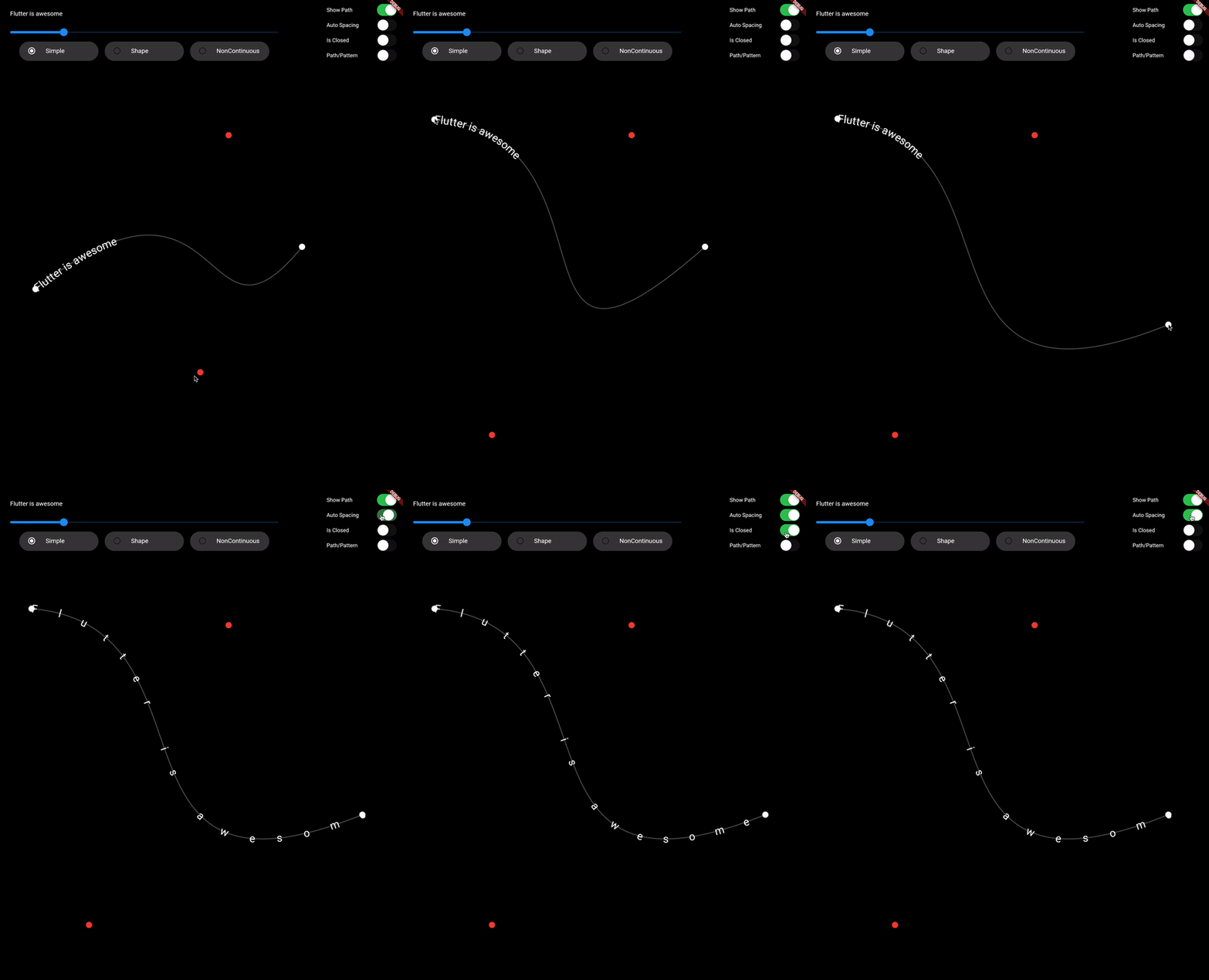
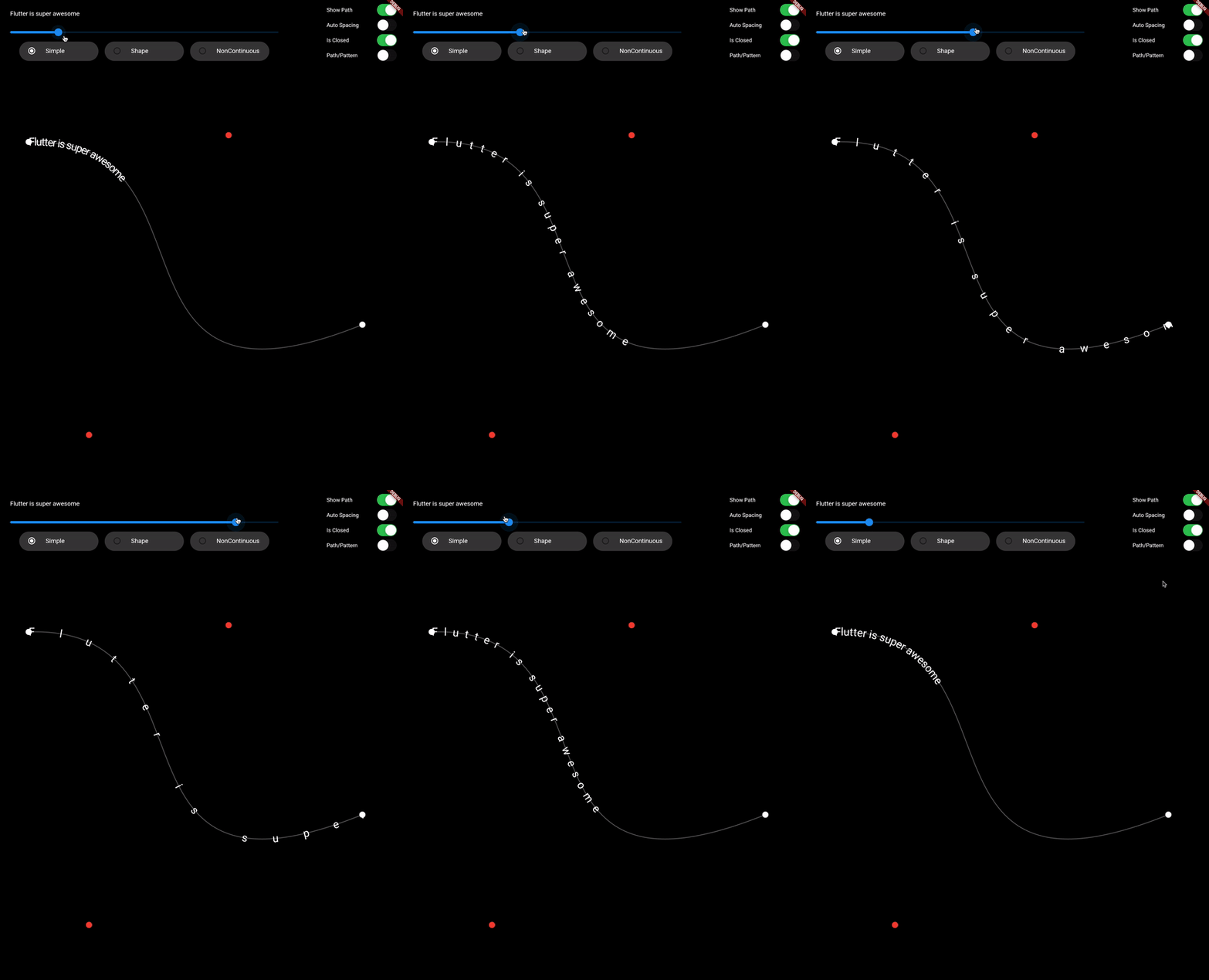
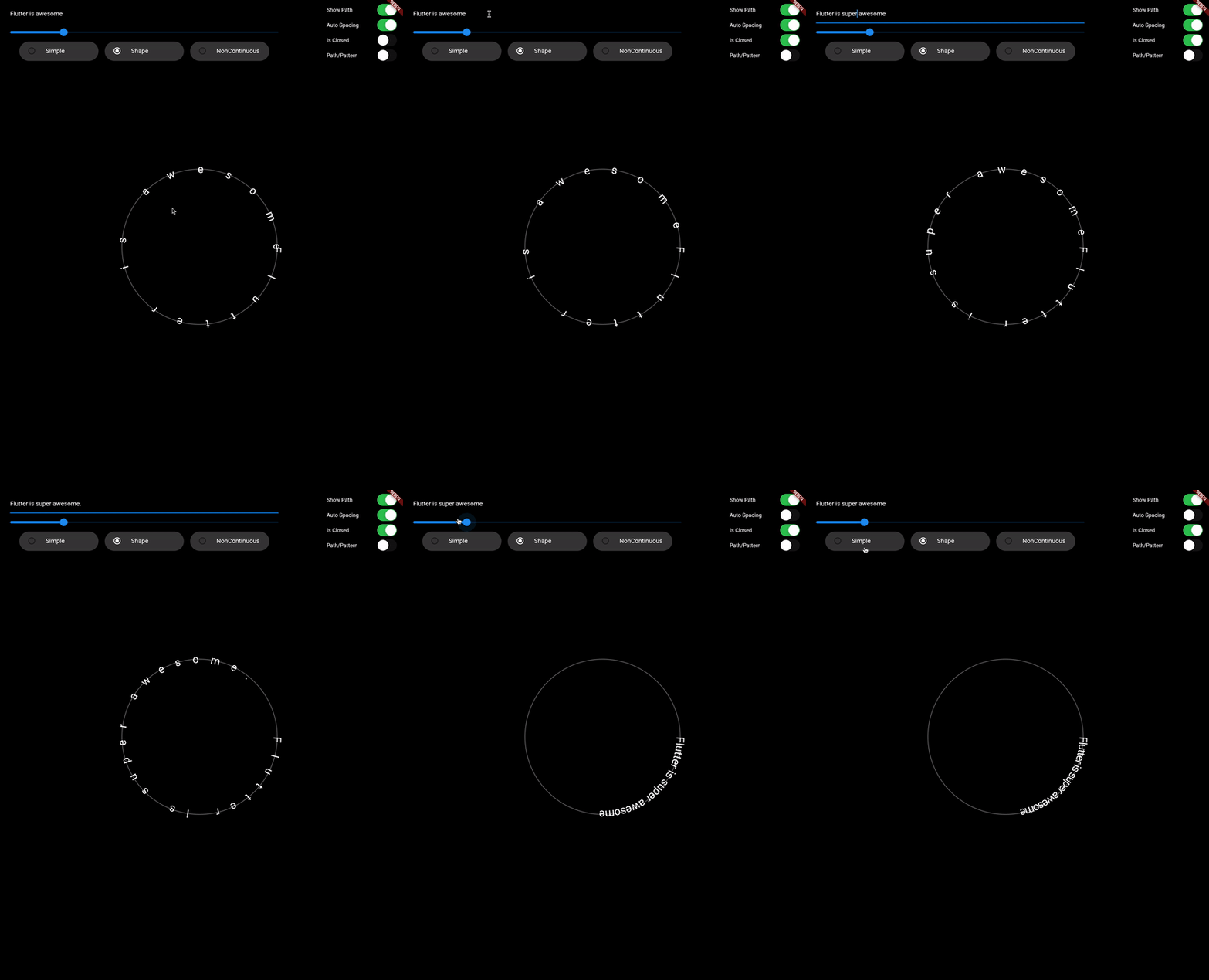
A Flutter package that is used to draw text or patterm along the given path.

Features

  • Draw text along path
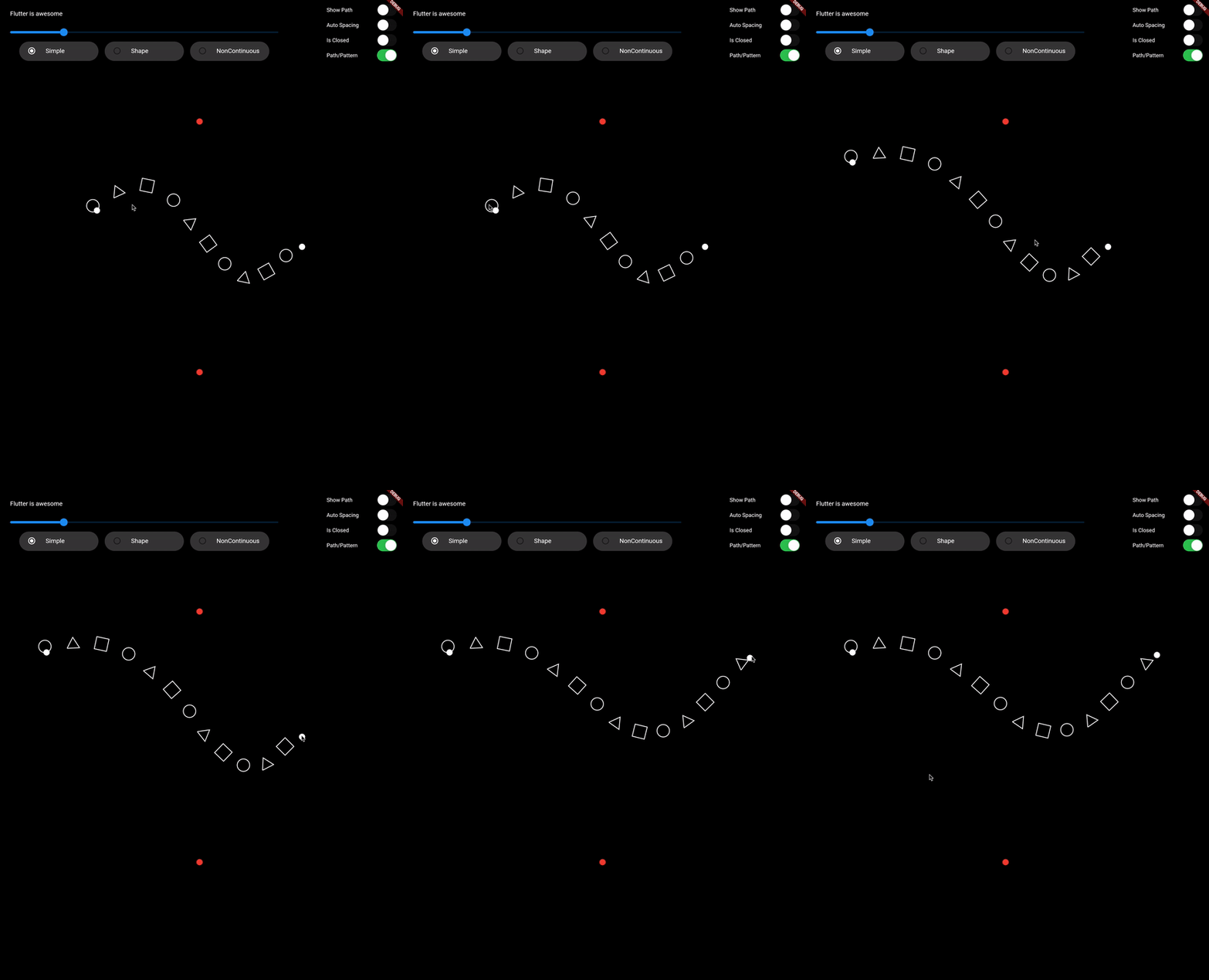
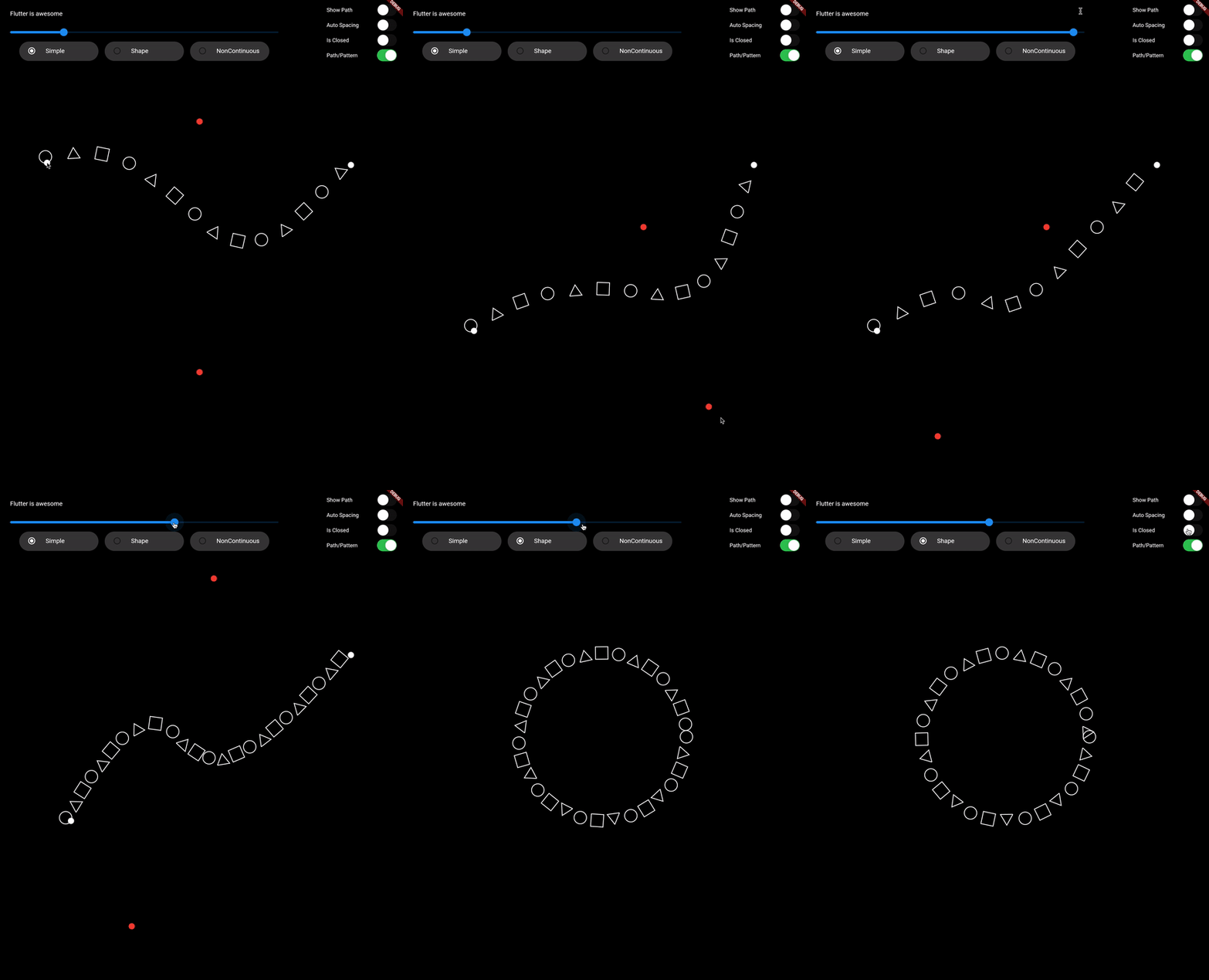
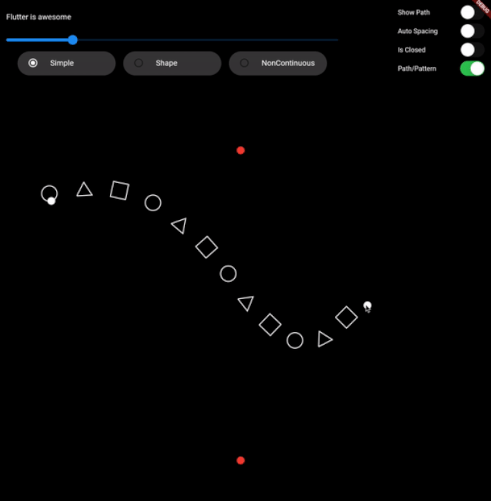
  • Draw pattern along path
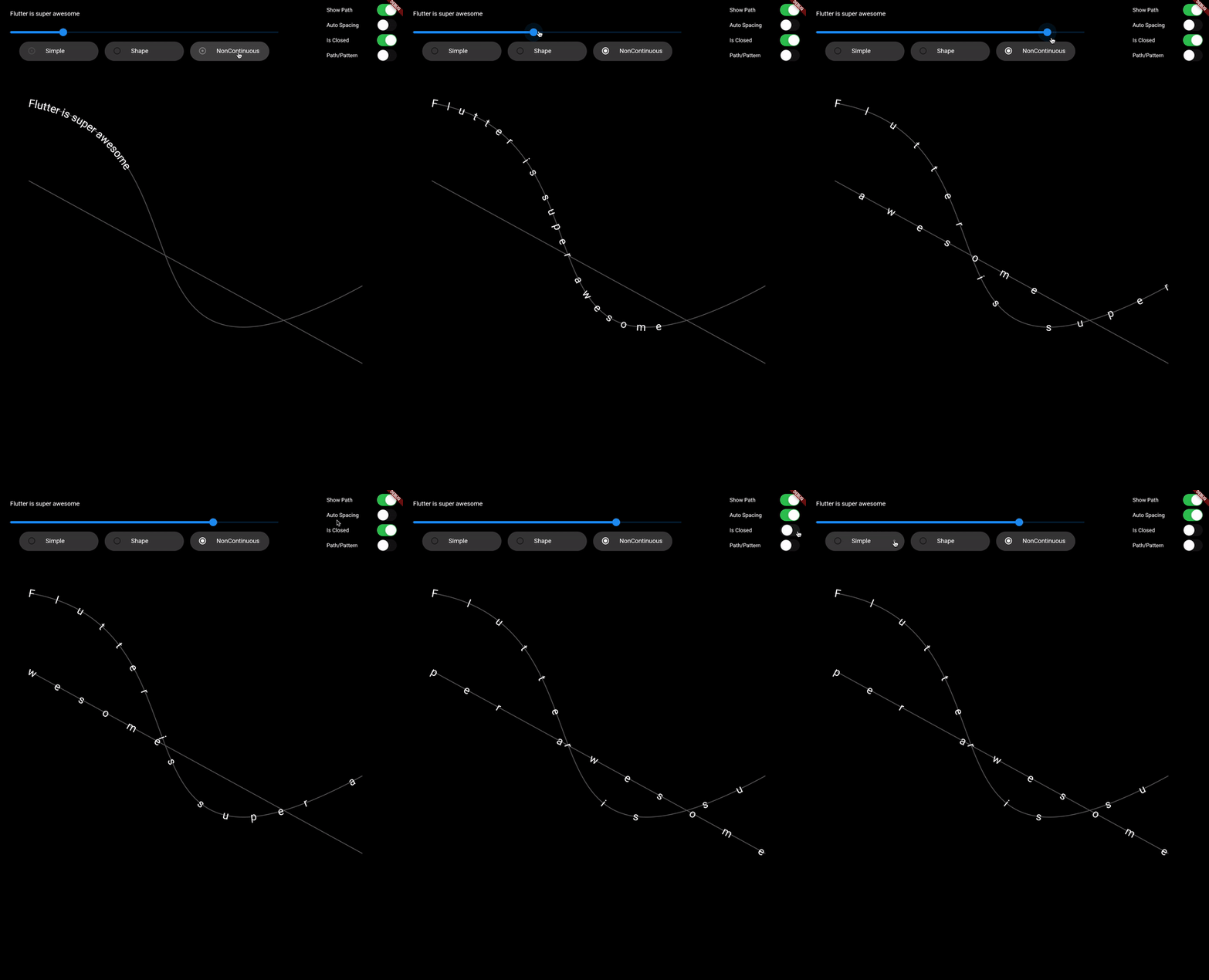
  • Support non-continuous path

Demo Video: https://youtu.be/TZAKSanD73k

Showcase

Usage

  • drawTextOnPath function is used to draw text along path.

    canvas.drawTextOnPath(text, path);
    
  • drawOnPath function is used to draw pattern along path. index can be used to draw different element at different position based on some logic. Use canvas to draw anything at position. The next position is calculated based on spacing provided.

    spacing should be greater than 0. Ideally spacing is the sum of one element width and spacing between two elements (spacing between starting points of two consecutive elements)

    canvas.drawOnPath(
        path,
        (int index, Canvas canvas, Offset position) {
          canvas.drawRect(
            Rect.fromCircle(center: position.translate(0, -16), radius: 16),
            Paint()
              ..color = Colors.white38
              ..strokeWidth = 2.0
              ..style = PaintingStyle.stroke,
          );
        },
        spacing: 70,
      );
    
  • Note: If the text (for given textStyle) is larger than the path, then it will clip extra text.

Contributing

1. Fork it (<https://github.com/himanshugarg08/draw_on_path/fork>)
2. Create your feature branch (`git checkout -b feature/fooBar`)
3. Commit your changes (`git commit -am 'Add some fooBar'`)
4. Push to the branch (`git push origin feature/fooBar`)
5. Create a new Pull Request

カテゴリー

ソースリポジトリ

このパッケージを使用しているプロジェクト