v2.6.0
path_provider_foundation
path_provider プラグインの iOS および macOS 実装
9いいね 1070万30日間ダウンロード160Pub ポイント
iOSmacOS
minifluxバックエンド(https://miniflux.app)用のシンプルなニュースリーダー。

以下は英語原文のスナップショットです。最新版は GitHub をご覧ください。

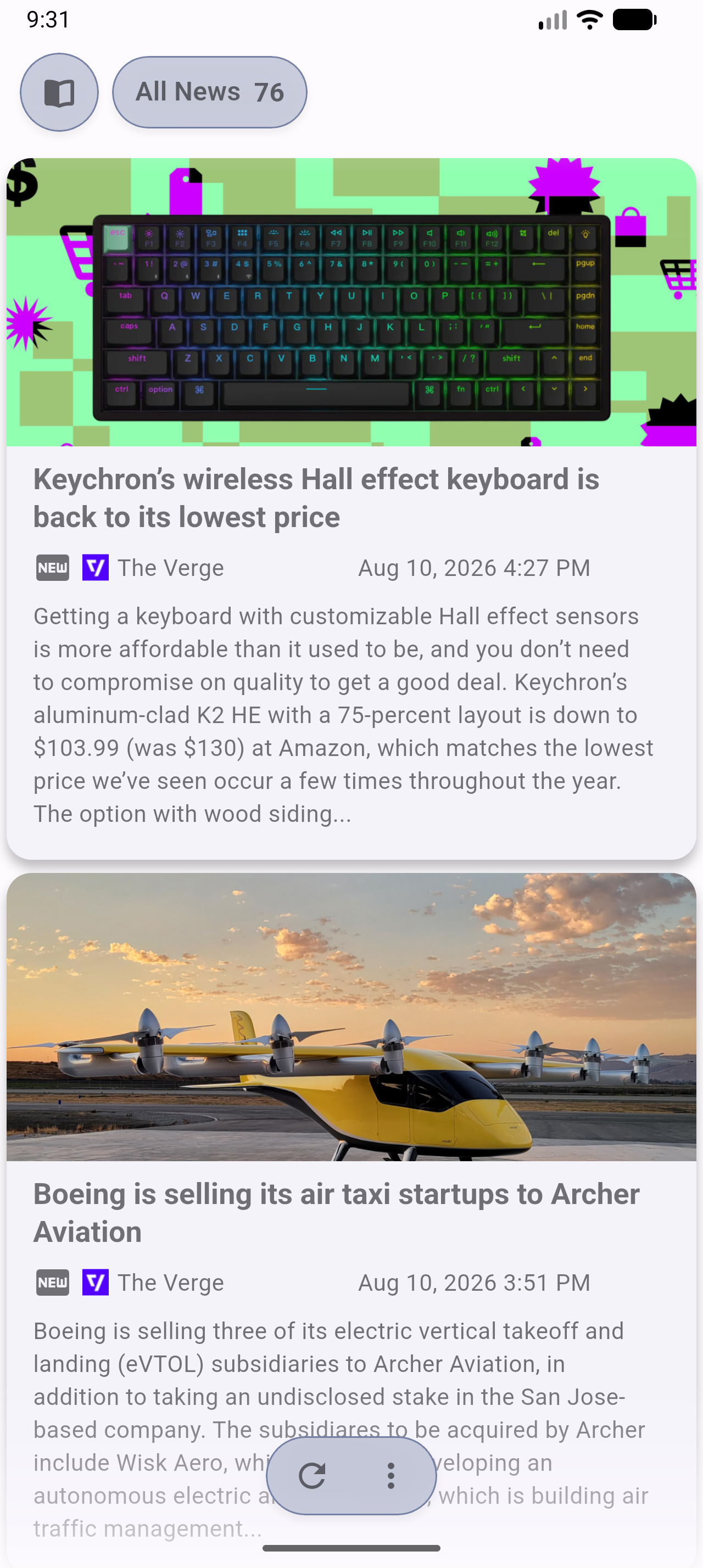
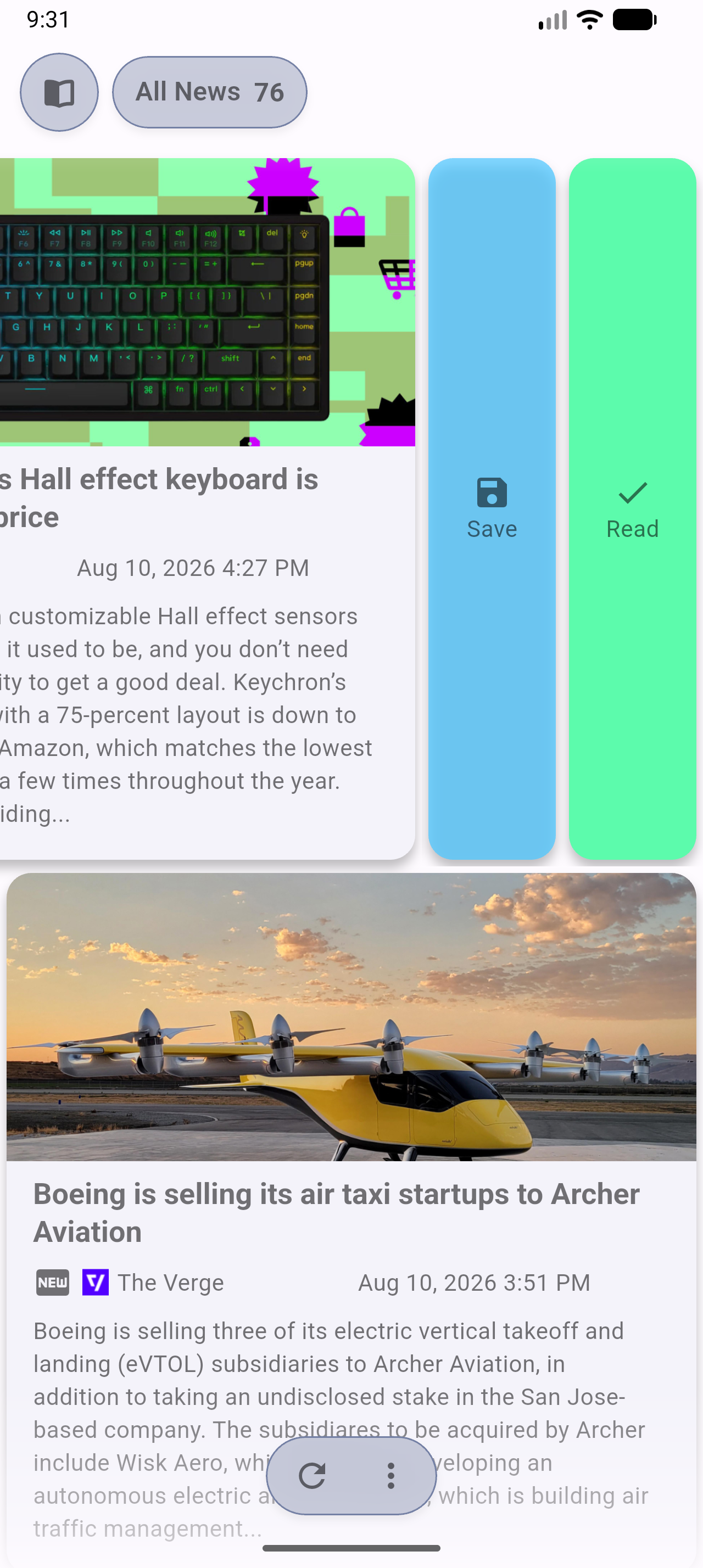
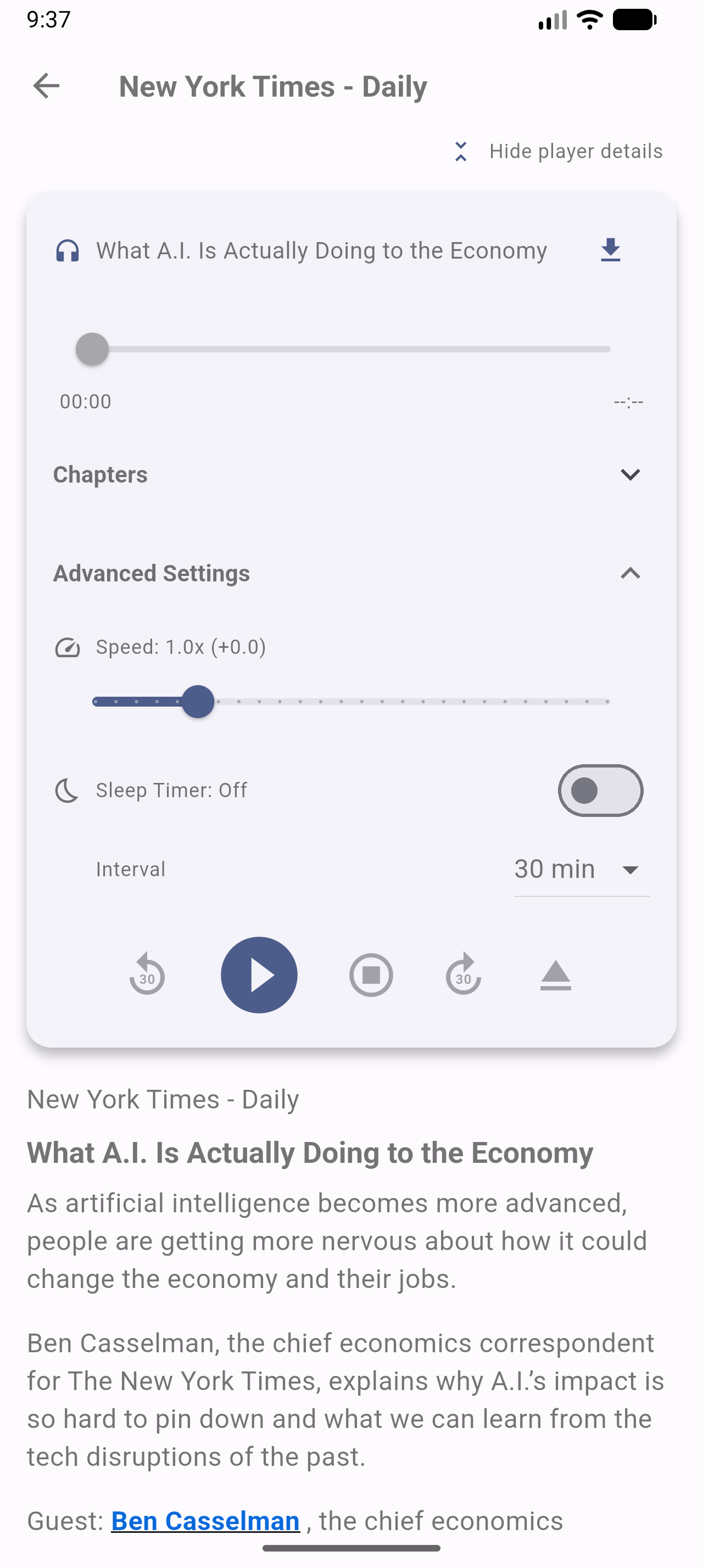
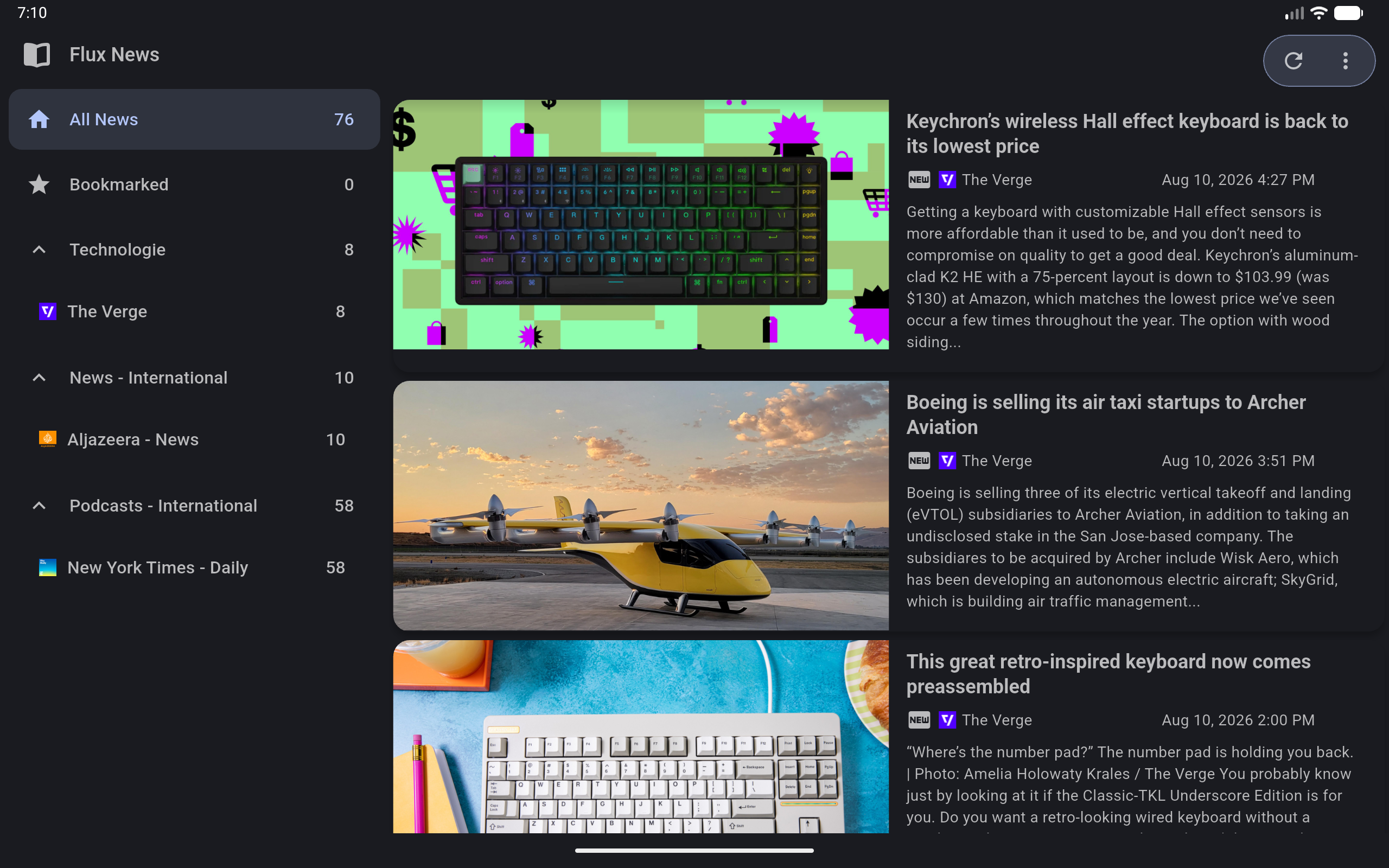
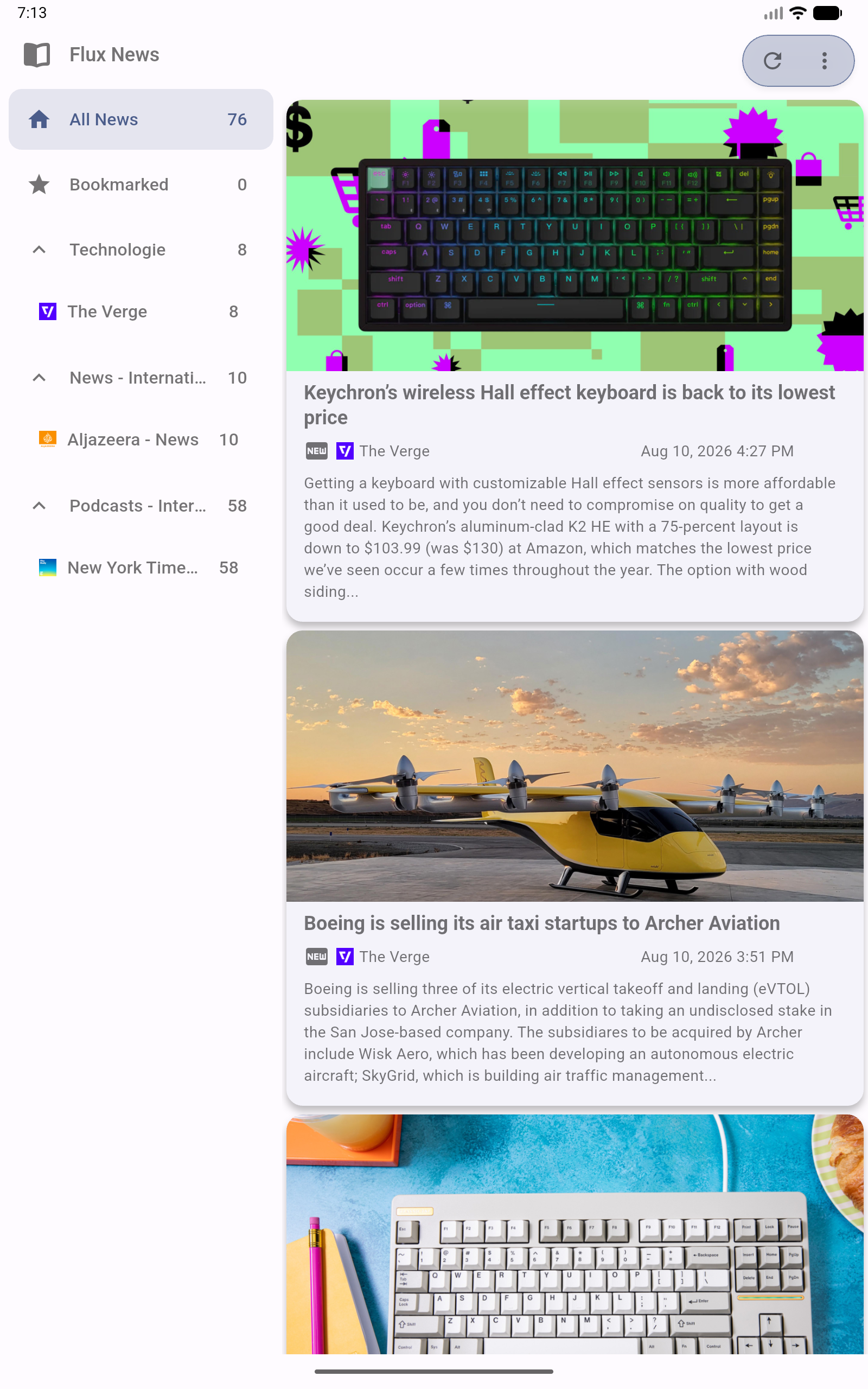
A privacy-first Newsreader and Podcast player for the Miniflux backend (https://miniflux.app).
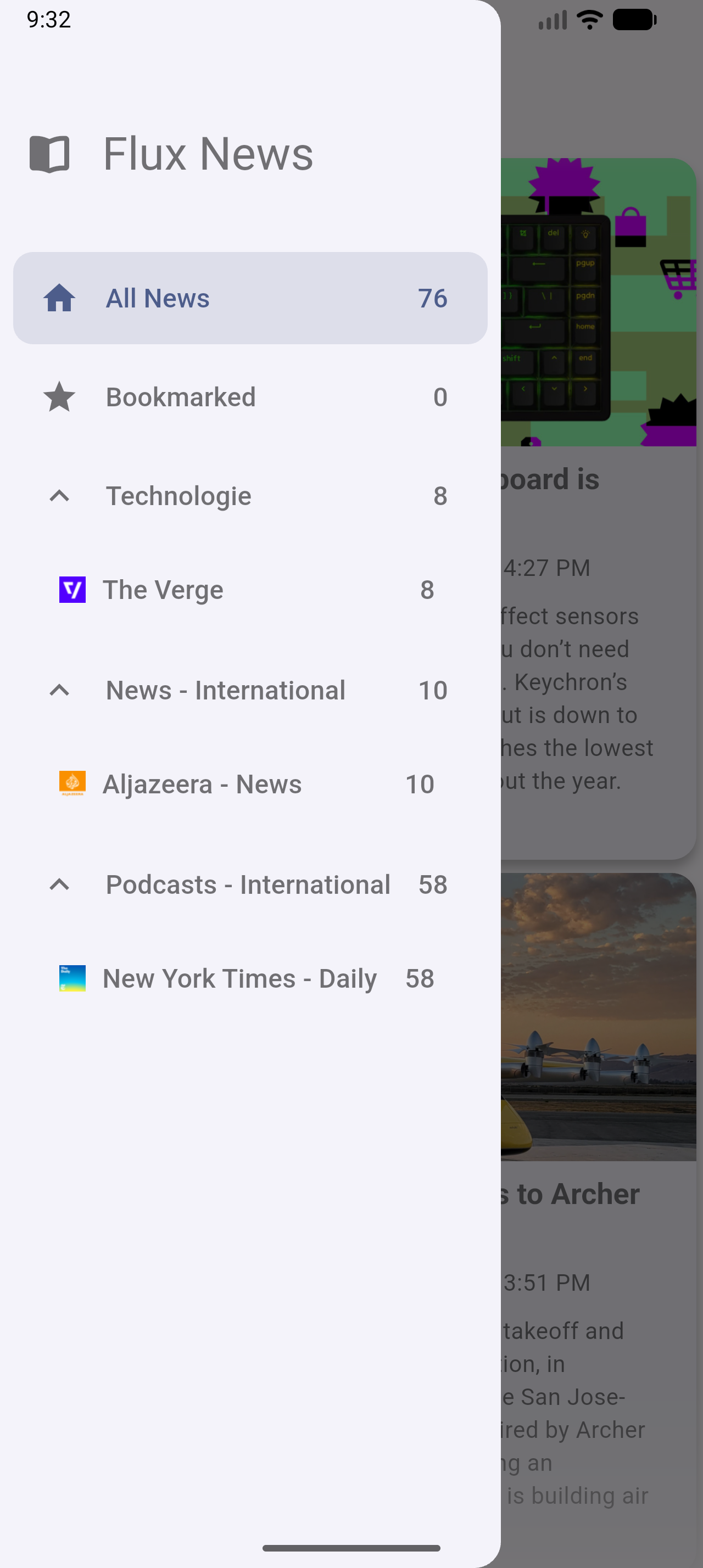
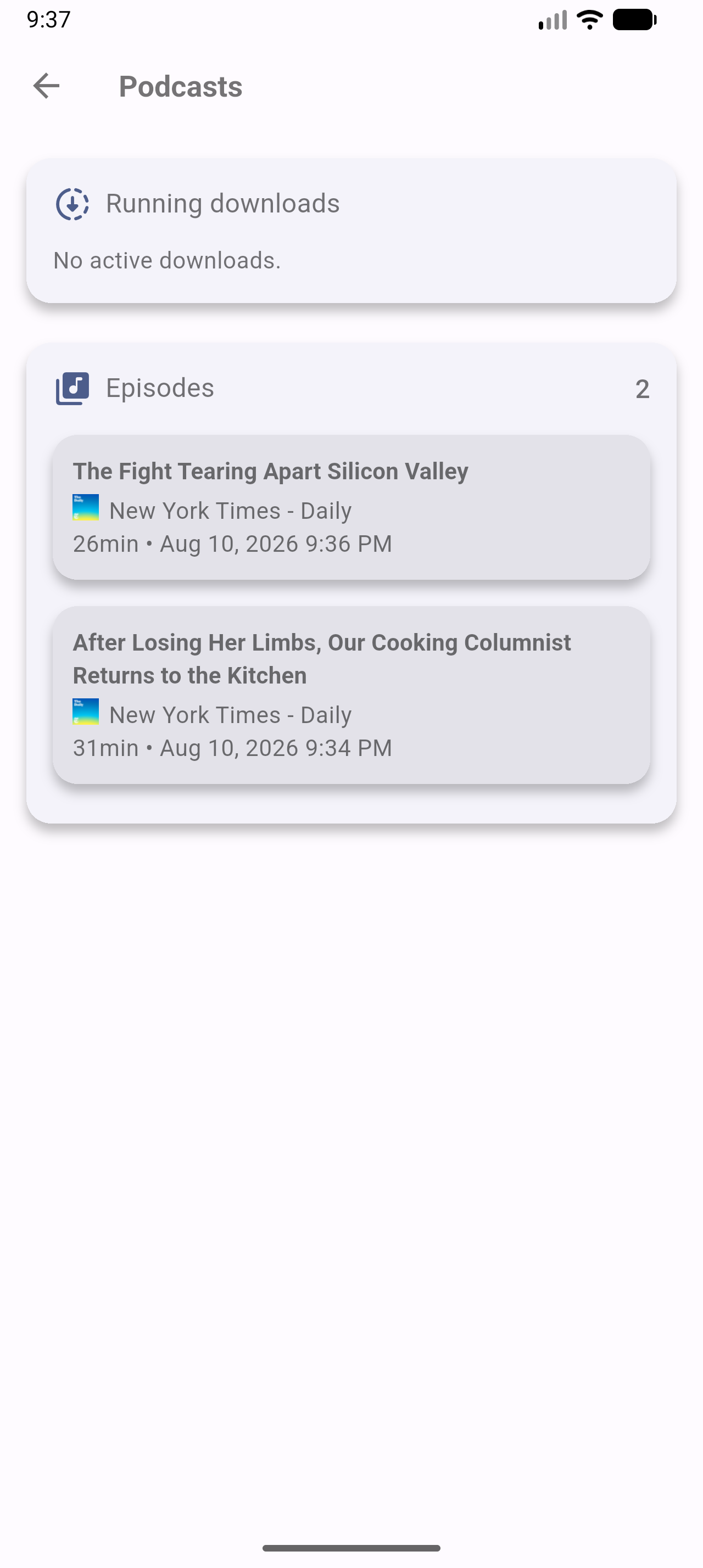
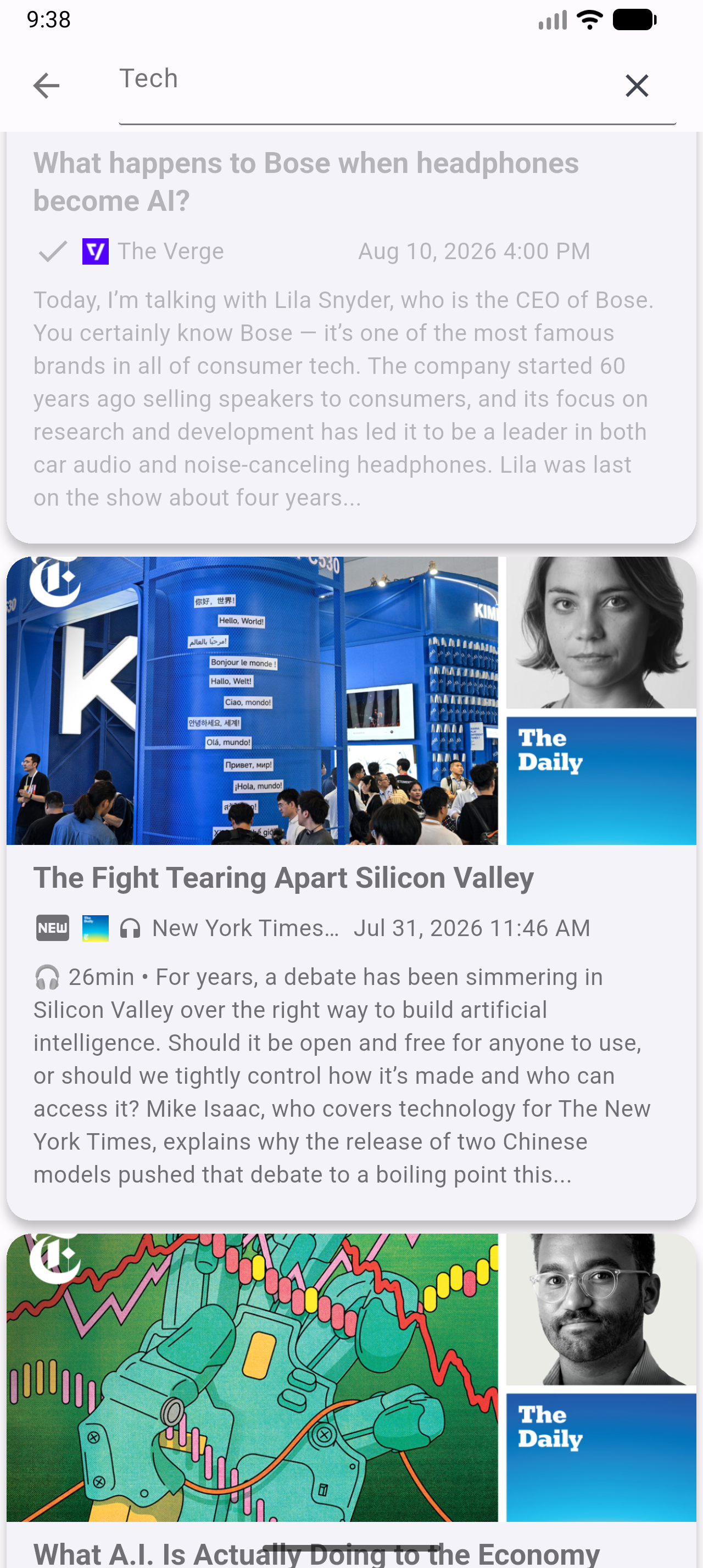
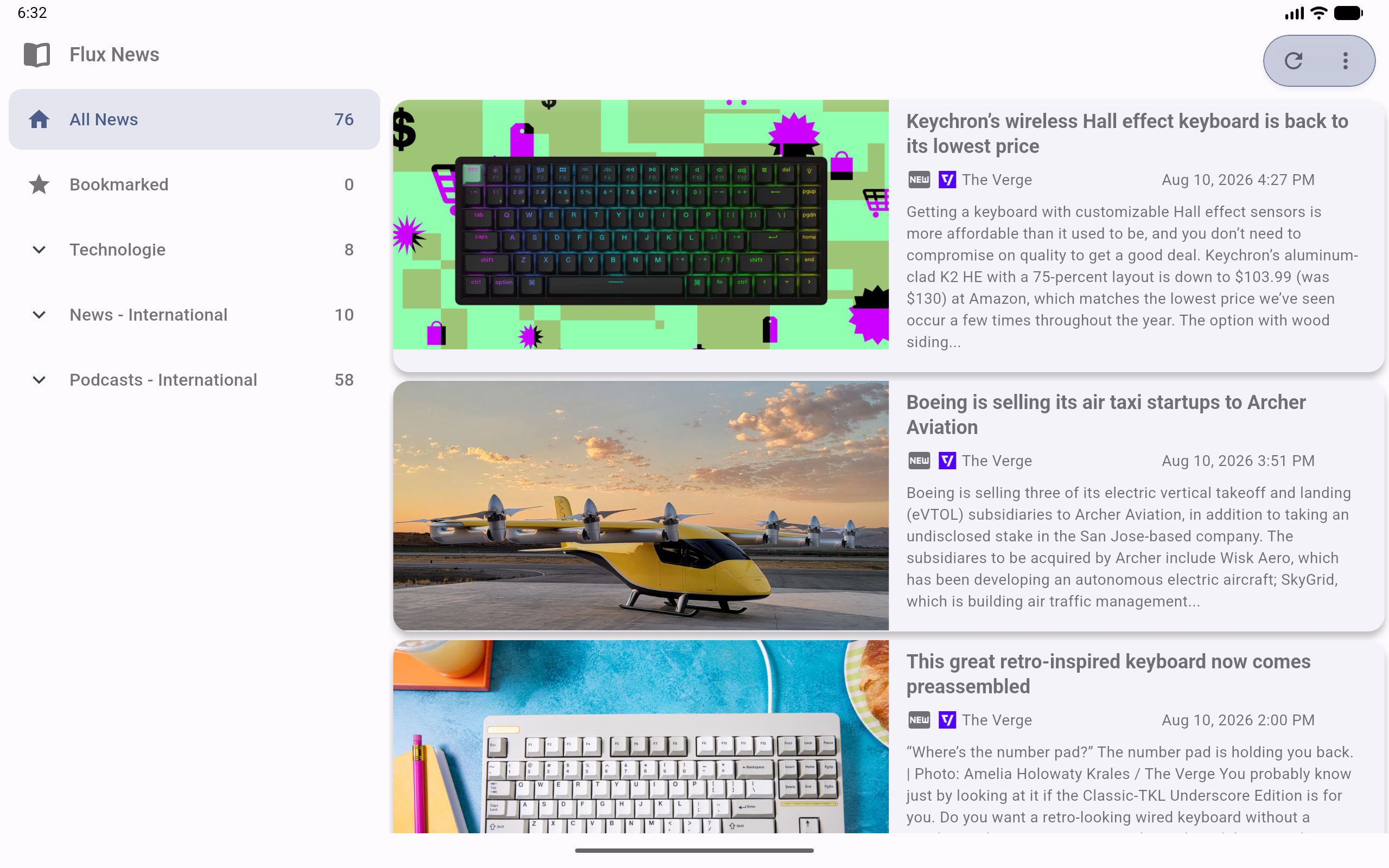
Flux News synchronizes seamlessly with the Miniflux API to bring your favorite articles and podcasts to all your devices - including your car.
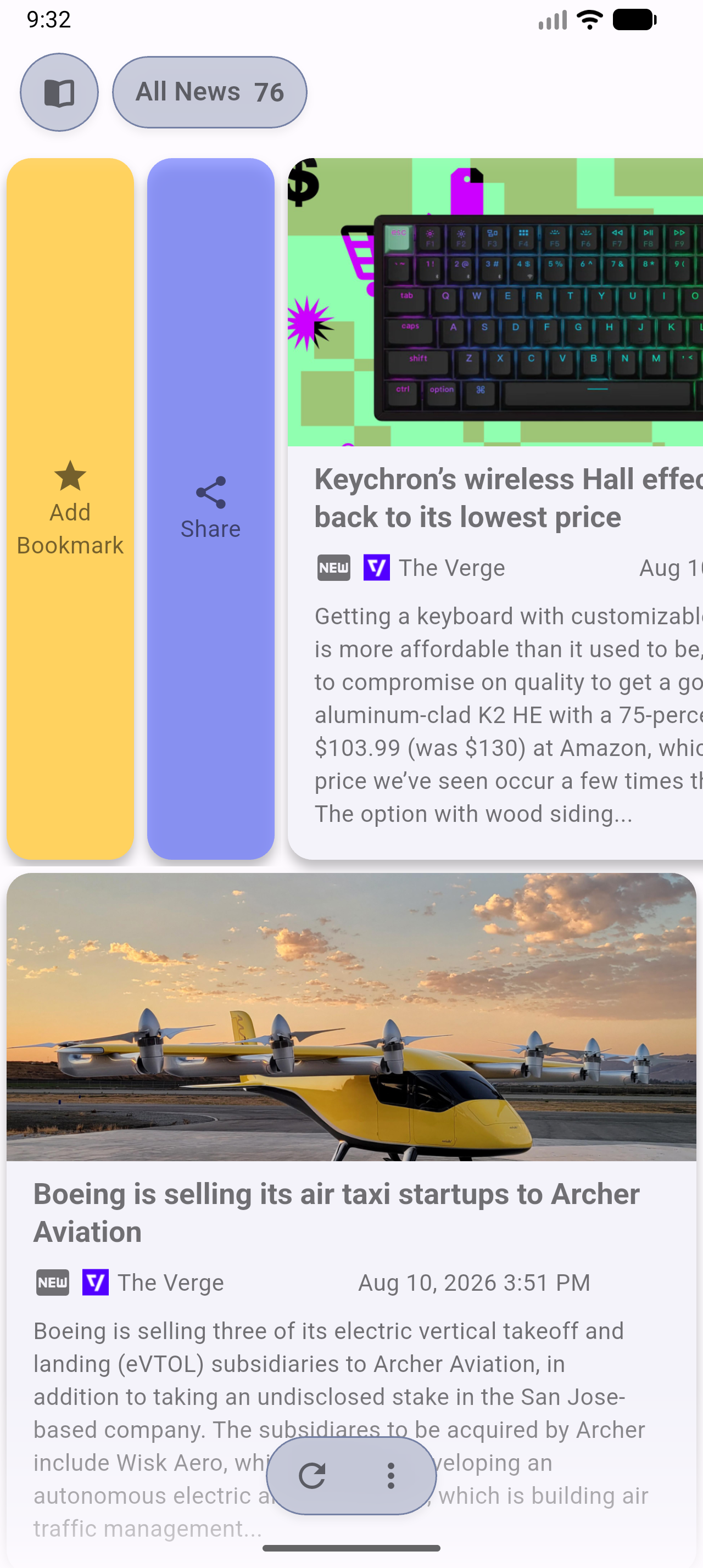
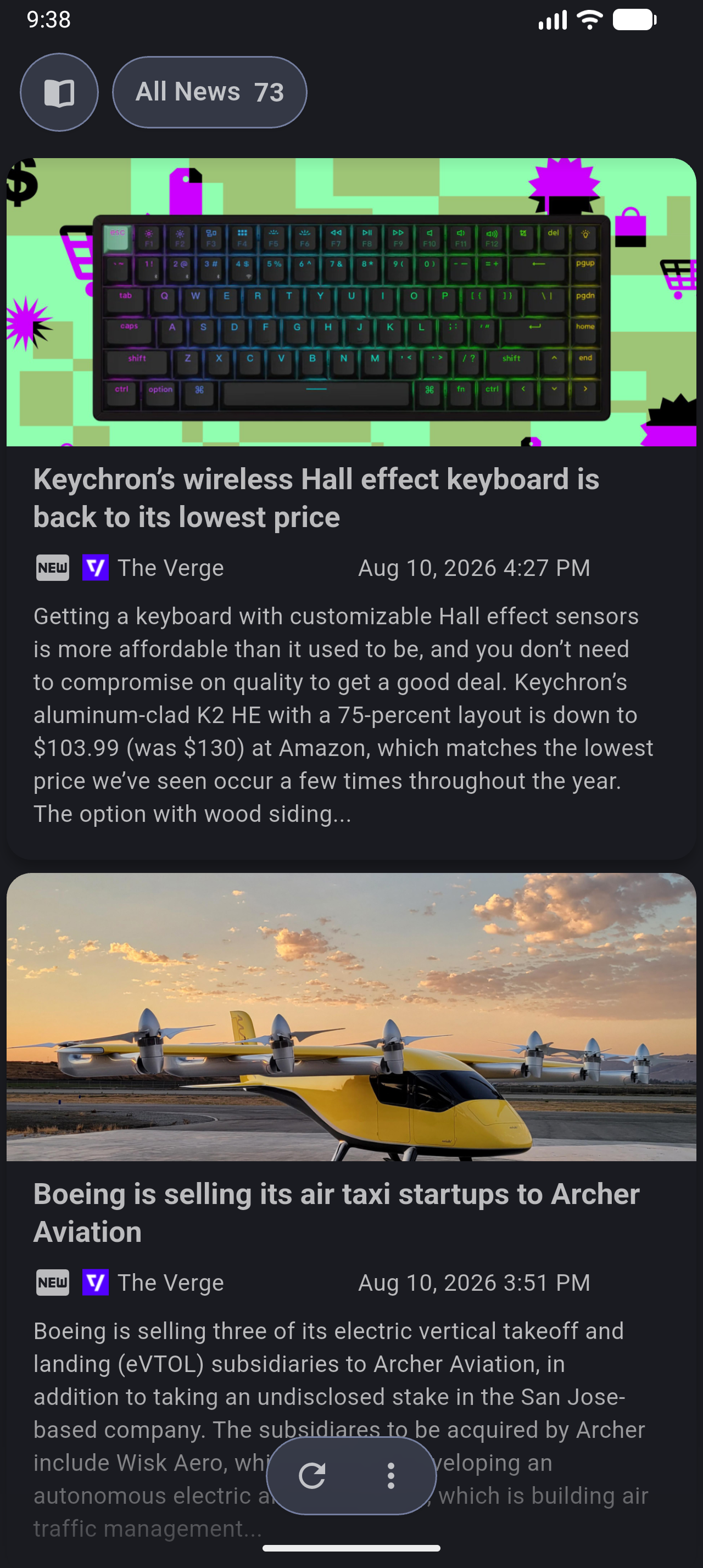
Enjoy full offline support, intuitive gestures, a true OLED black mode, and a powerful new media engine for an uninterrupted listening experience.


Flux News requires Miniflux version >= 2.0.29.
The unread articles should appear in the app.
Flux News aims to be accessible to everyone. If you would like to help translate the app into your language, or improve existing translations, you can easily do so via the Hosted Weblate instance.
No coding required! You can contribute directly in your browser:

We deeply appreciate every contribution that helps bring Flux News to a wider audience. If your language is not yet listed on Weblate and you would like to start a new translation, please open an issue or let us know!
This program is free software: you can redistribute it and/or modify it under the terms of the Modified BSD License.
This program is distributed in the hope that it will be useful, but WITHOUT ANY WARRANTY; without even the implied warranty of MERCHANTABILITY or FITNESS FOR A PARTICULAR PURPOSE. See the Modified BSD License for more details.
path_provider プラグインの iOS および macOS 実装
公式拡張画像、プレースホルダー(読み込み中)/失敗状態のサポート、ネットワークキャッシュ、ズーム/パン、写真ビューア、スライドアウトページ、エディタ(クロップ、回転、フリップ)、ペインティングなど。
Android用のFlutterプラグインで、Cronet HTTPクライアントへのアクセスを提供します。
ScrollView に表示されている子ウィジェットに関連するデータを監視するためのウィジェットです。
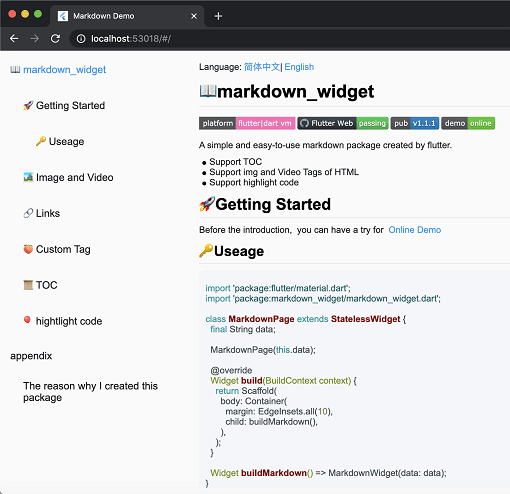
新しいマークダウンパッケージ。TOC機能、コードの強調表示をサポートし、すべてのプラットフォームに対応しています。
変動する範囲を持つ大規模なリストを扱える、SliverList および ListView のドロップイン置き換えです。特定のアイテムにジャンプ/アニメーションできます。
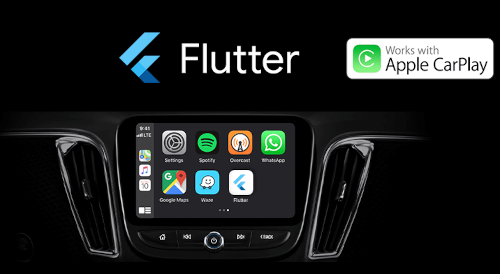
Flutterアプリは now Apple CarPlayおよびAndroid Autoに対応しています。このパッケージは、CarPlayまたはAndroid Autoと統合することで、Flutterで作成されたアプリを車内で安全に使用できるようにすることを目的としています。
アプリ用に iOS 音声セッションカテゴリと Android 音声属性を設定し、アプリのオーディオフォーカス、ミキシングおよびダッキング動作を管理します。
HTML を Markdown に変換するためのライブラリです。CommonMark、簡単なテーブル、カスタム変換ルールをサポートしています。
pubspec.yaml/lock ファイルを使用して、詳細でより良い OSS ライセンスリストを生成するツール。
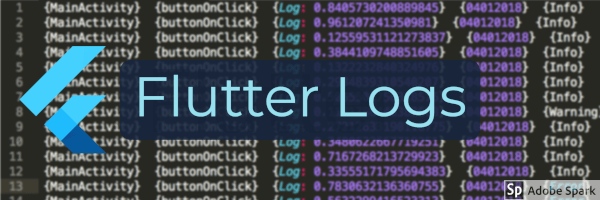
Flutterアプリ向けの包括的なファイルベースのログフレームワーク。(ELKスタック対応)
依存関係一覧 48 件
{"sdk":"flutter"}{"sdk":"flutter"}^1.0.5^6.0.5^1.8.2^1.1.0^0.15.2^0.20.2^10.3.1^11.0.0^0.14.3^2.2.19^6.1.10^1.2.1^2.0.5^3.0.2^2.0.5^1.9.0^2.6.2^13.1.0^2.5.3^2.0.15^10.2.1^12.0.0-beta.5^1.8.0^1.21.0^0.4.1^4.0.0^2.4.2^1.3.2^2.3.2+8^10.0.1^2.5.1^4.0.9^2.9.0^0.10.5^0.18.18^0.2.3^7.1.1^1.3.0^0.9.1^0.10.7^0.30.2{"sdk":"flutter"}^6.0.0^5.4.0^2.3.3^2.3.5用途で絞り込み、開発状況を比較し、採用前に元のリポジトリで要件を確認しましょう。
“A repository is the most basic element of GitHub.”
GitHub Docs — About repositories ↗