v1.0.1
flutter_sensors
デバイスの利用可能なセンサーにアクセスするためのFlutterプラグイン。
43いいね 12430日間ダウンロード130Pub ポイント
AndroidiOS
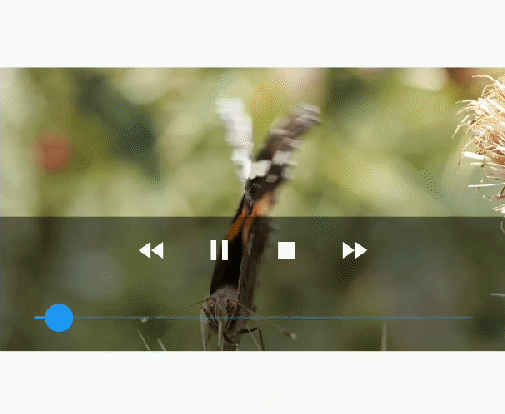
プラットフォームのネイティブプレイヤー(Android の VideoView および iOS の AVPlayer)を使用して表示されるビデオプレイヤーウィジェット。

以下は英語原文のスナップショットです。最新版は GitHub をご覧ください。
A video player widget displayed using the platform native player (VideoView in Android and AVPlayer in iOS).
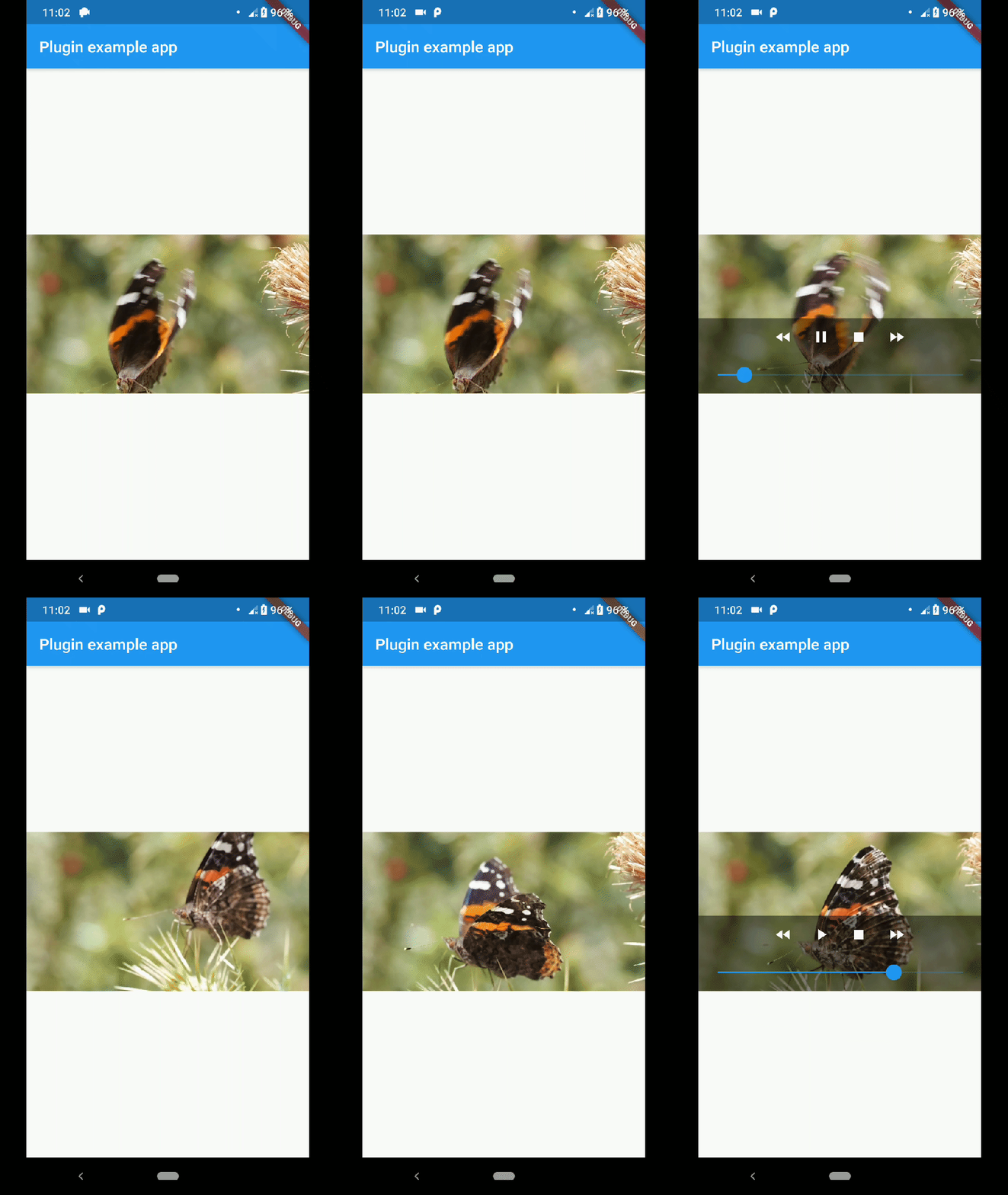
This plugin uses VideoView because in some devices the ExoPlayer plugin is not working correctly (due to decoders or something) and VideoView is a reasonable alternative. In iOS is sorta similar to Google's video_player so you should use their plugin if you want a player for iOS only.
First you need to add the dependency in your pubspec.yaml.
native_video_view: ^0.3.0
Then import the plugin in the .dart file you want to use it.
import 'package:native_video_view/native_video_view.dart';
You need to add the necessary permissions to play the videos. If
you are playing videos from the internet, you need to add the internet
permissions in your AndroidManifest.xml located in the android
folder in your project.
<uses-permission android:name="android.permission.INTERNET" />
If you are going to play videos from the device storage, you need to add the storage permissions.
<uses-permission android:name="android.permission.READ_EXTERNAL_STORAGE" />
In this platform you need to configure some options in your
Info.plist file. This file is located in <project-root>/ios/Runner/ Info.plist.
First add the embedded views configuration.
<key>io.flutter.embedded_views_preview</key>
<true/>
If you want to play videos from the internet add the following.
<key>NSAppTransportSecurity</key>
<dict>
  <key>NSAllowsArbitraryLoads</key>
  <true/>
</dict>
This plugin has a widget to use in your dart files. Example:
@override
Widget build(BuildContext context) {
return Scaffold(
    appBar: AppBar(
    title: const Text('Plugin example app'),
    ),
    body: Container(
    alignment: Alignment.center,
    child: NativeVideoView(
        keepAspectRatio: true,
        showMediaController: true,
        onCreated: (controller) {
          controller.setVideoSource(
            'assets/example.mp4',
            sourceType: VideoSourceType.asset,
          );
        },
        onPrepared: (controller, info) {
          controller.play();
        },
        onError: (controller, what, extra, message) {
          print('Player Error ($what | $extra | $message)');
        },
        onCompletion: (controller) {
          print('Video completed');
        },
        onProgress: (progress, duration) {
          print('$progress | $duration');
        },
      ),
    ),
  );
}
keepAspectRatio: Wraps the video player in a AspectRatio widget.
The aspect ratio is calculated once the video is loaded. By default the
aspect ratio is 4/3.
showMediaController: Shows a default media controller overlay in the video player widget.
enableVolumeControl: Adds an option in the MediaController to control the volume of the playback.
useExoPlayer: Use ExoPlayer as the underlying player. Android Only.
autoHide: Automatically hides the media controller after
a few seconds of no use. Default is true.
autoHideTime: The time after which the controller is hidden.
Default is 2 seconds.
onCreated: (required) Callback called when the PlatformView is finished creating.
onPrepared: (required) Callback called when the player has finished loading the video.
onCompletion: (required) Callback called when the video reached the end.
onError: Callback called if an error occurs in the player.
onProgress: Callback used to notify progress in the video playback.
To make the player get the audio focus of the system you just have to use the setting requestAudioFocus when setting the video source. See the example below.
@override
Widget build(BuildContext context) {
    return NativeVideoView(
       onCreated: (controller) {
         controller.setVideoSource(
             'assets/example.mp4',
             requestAudioFocus: true,
             sourceType: VideoSourceType.asset,
         );
       },
    );
}
依存関係一覧 5 件
{"sdk":"flutter"}^2.0.8^2.0.5{"sdk":"flutter"}any用途で絞り込み、開発状況を比較し、採用前に元のリポジトリで要件を確認しましょう。
“A repository is the most basic element of GitHub.”
GitHub Docs — About repositories ↗