 v1.1.1
flutter_staggered_animations
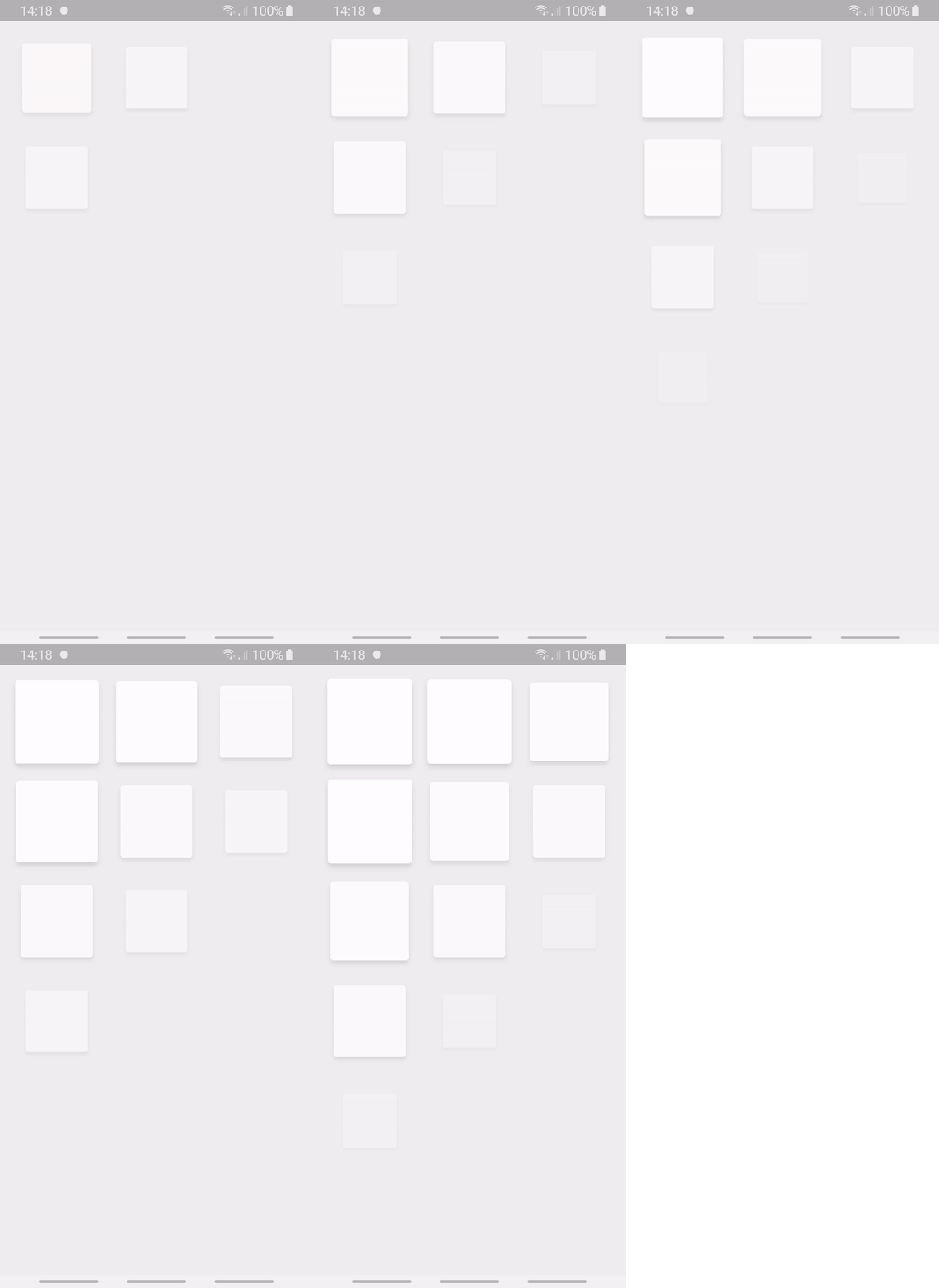
Material Designガイドラインに示されているように、ListView、GridView、Column、Rowの子要素に簡単にスタガレートアニメーションを追加します
2190いいね 12.8万30日間ダウンロード160Pub ポイント
AndroidiOSWebmacOSWindowsLinux
Laser Slides は、OSC(オープンサウンドコントロール)に対応するシンプルながら強力なクロスプラットフォームアプリケーションであり、タブレットデバイスから BEYOND ソフトウェア内のレーザースライドを操作できるようにします。

以下は英語原文のスナップショットです。最新版は GitHub をご覧ください。
**Laser Slides Application **
Introduction: Laser Slides is a simple yet powerful cross-platform application which works with OSC(Open Sound Control), and allows users to manipulate the laser slides in the BEYOND software from a tablet device.
Getting Started: The application is compatible with all the latest android versions of android starting from v4.4. The laser slides application can be best viewed in Tablet devices with a minimum screen size of 8” inches.
Instructions:
-- Firstly, in order to use the laser slides application the system should have BEYOND software installed in the system.
-- On the BEYOND application we must go to the “setting” -> “OSC” -> “OSC settings” and then look up for the IP address such as “192.168.29.219”.
-- Once we know the IP address, start the laser slides application on a tablet device. We should configure the settings to control the slides in BEYOND software.
-- Now go to settings in the application enter the IP address and PORT as “8000”, After entering the values in the fields click on the “Save” button, if you see a popup with message “Connection Successful” you are good to go!!.
-- Now that we have made a successful connection with BEYOND, Go to the “Home” section in the app. Here you can control the slides with various buttons and customize with your desired functionality as well.
-- The Slides are generally manipulated using OSC commands, which you can assign to each button on “double tapping” on any button.
-- You can see a popup on your screen by double tapping on any button. The popup has various fields, Here enter the desired button name, and the OSC command such as “0 1” or “0 3” etc. once entered click on save button and the settings will be saved.
-- The initial digit in the OSC command represents the row number and the second number represents the cell number in that row.
All the OSC commands can be found at : OSC command
UI UX: On the start up of the laser slides application we could see an on-boading page with a quick introduction of the application. In the home page we could see 3 navigation buttons, “Home” directing to the buttons page, “About”button directing to the instructions page and “settings” page which will lead to opening of a bottom sheet to configure the settings of the application. The home page has buttons to manipulate the slides, the buttons are designed to showcase a 3d button press animation. On double tapping on any button it leads to opening of a popup with HERO animation enabling the user to edit the button.
Material Designガイドラインに示されているように、ListView、GridView、Column、Rowの子要素に簡単にスタガレートアニメーションを追加します
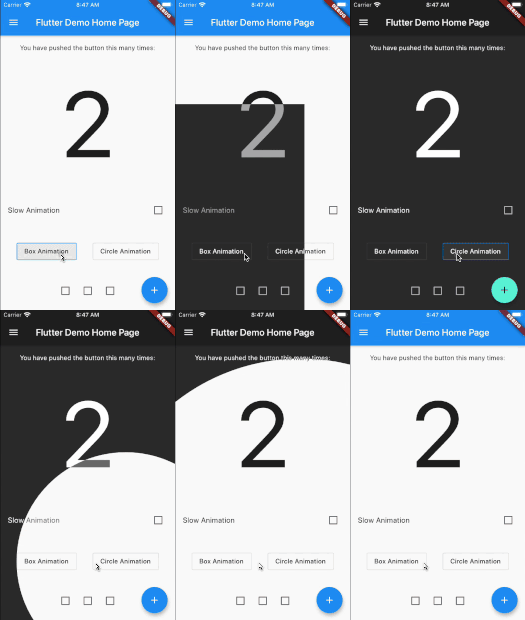
Flutter アニメーションテーマスイッチャー。テーマ切り替え時に美しいトランザクションを作成するのに役立ちます。
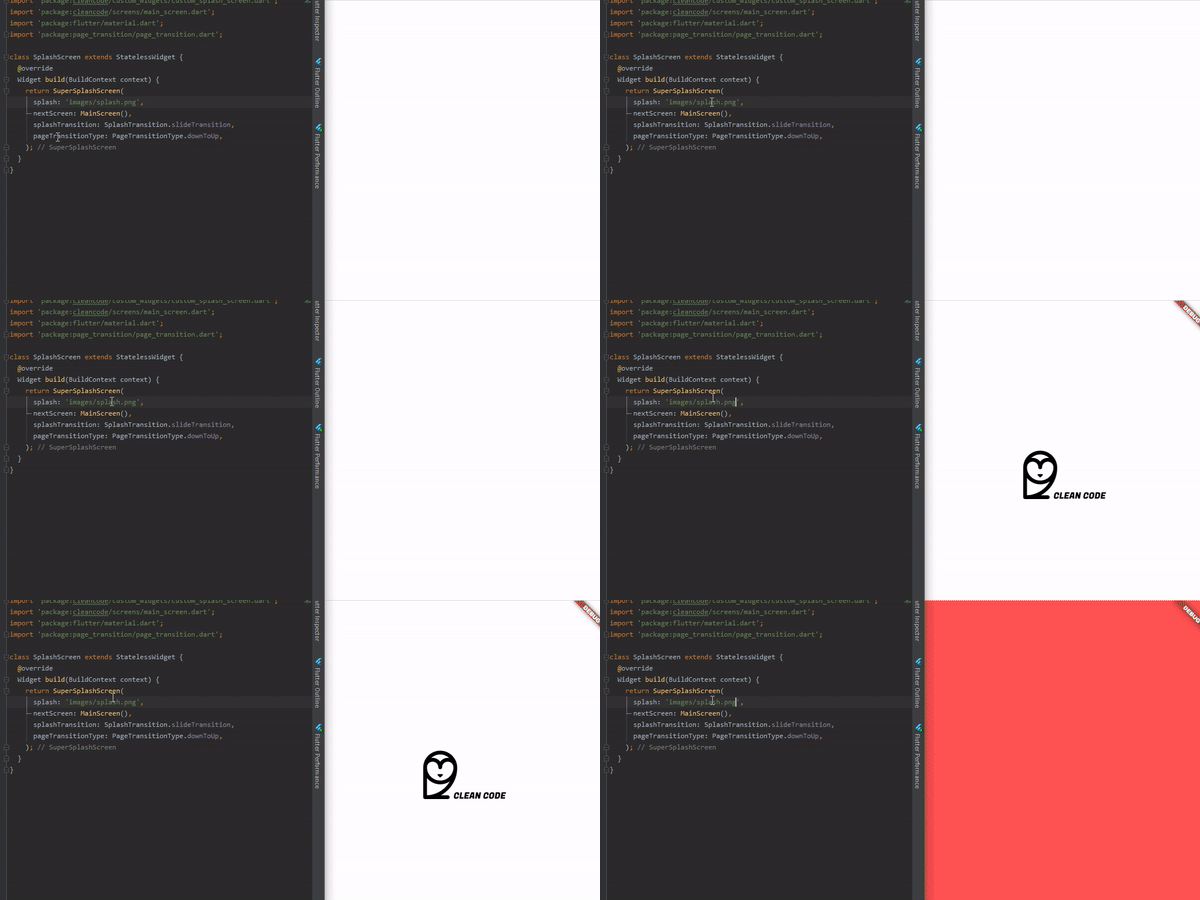
完全にカスタマイズ可能な方法で、アニメーションスプラッシュスクリーンを作成する最も簡単な方法です。
プロジェクト用にカスタムフローティングスナックバーを提供するパッケージ。
依存関係一覧 18 件
^6.2.0^1.3.0^2.0.10^2.4.7^0.2.0+1^1.0.3+1{"sdk":"flutter"}^0.13.1^1.1.1^4.6.6^2.2.3^1.1.0^2.0.1^1.0.0^2.2.2^1.1.0{"sdk":"flutter"}^2.0.0用途で絞り込み、開発状況を比較し、採用前に元のリポジトリで要件を確認しましょう。
“A repository is the most basic element of GitHub.”
GitHub Docs — About repositories ↗