

v0.0.12
holdable_button
ユーザーが長押しジェスチャー付きのボタンを作成できるようにし、押している間ボタン周りにローディングアニメーションをトリガーするFlutterプラグインです。
30いいね 8430日間ダウンロード140Pub ポイント
AndroidiOSWebmacOSWindowsLinux
ユーザーがホールドジェスチャー付きのボタンを作成できるFlutterプラグイン

以下は英語原文のスナップショットです。最新版は GitHub をご覧ください。
Holdable Button is a Flutter plugin that allows you to create interactive buttons with a unique animation. It enables users to hold a button, displaying a loading animation along its border, and then triggering a callback once the animation completes.
edge loading type:

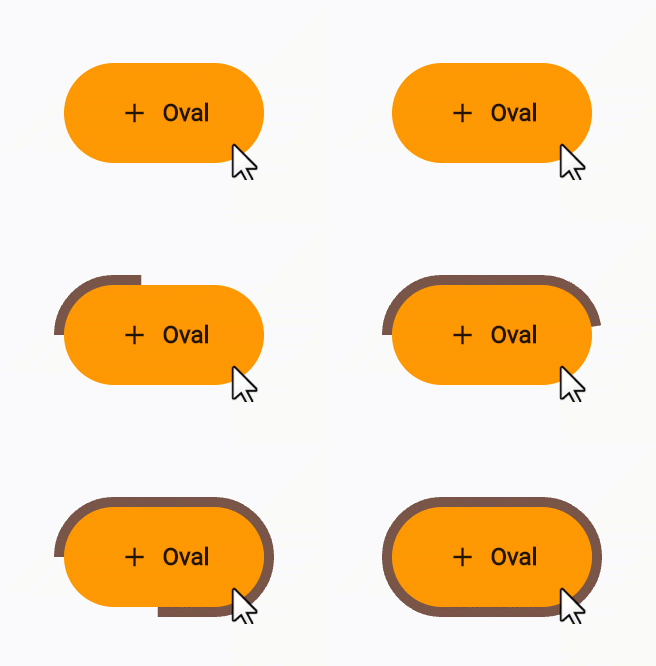
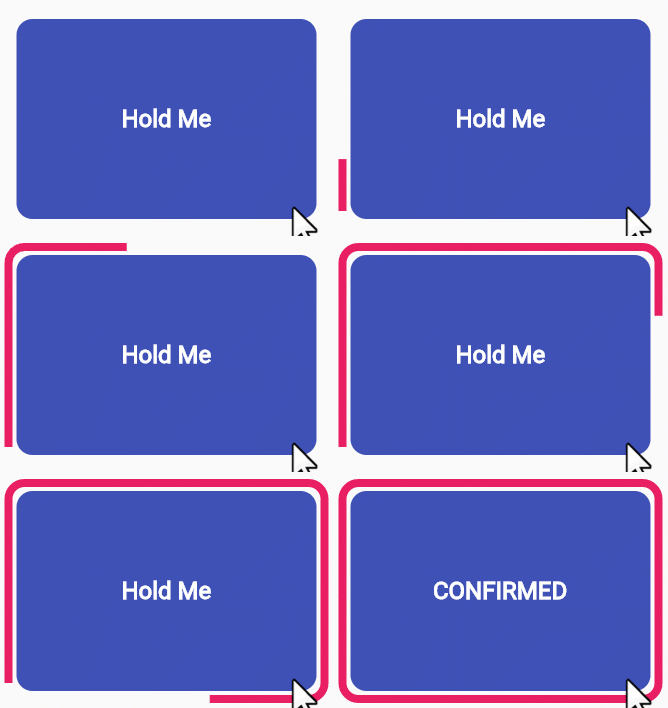
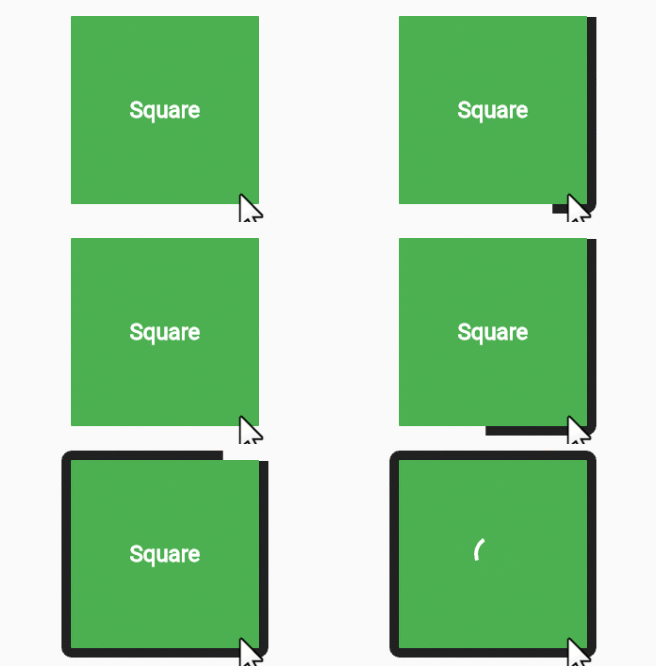
filling loading type:
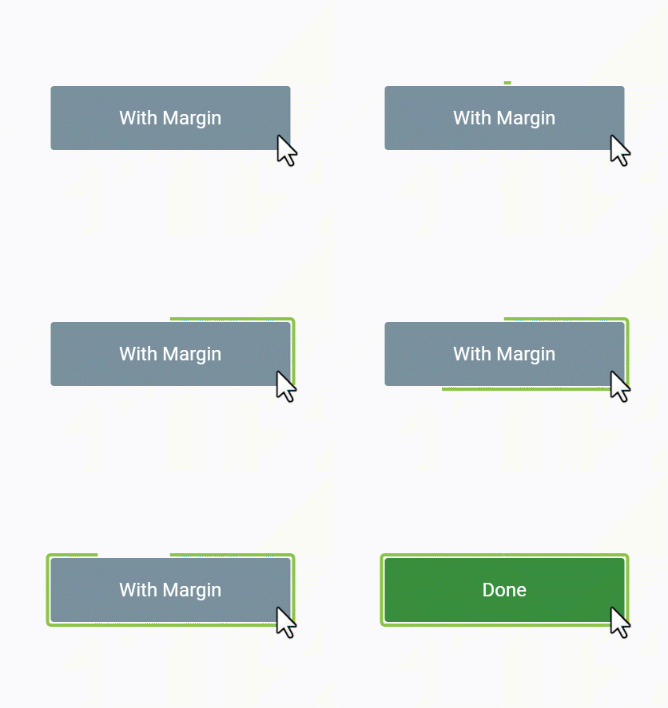
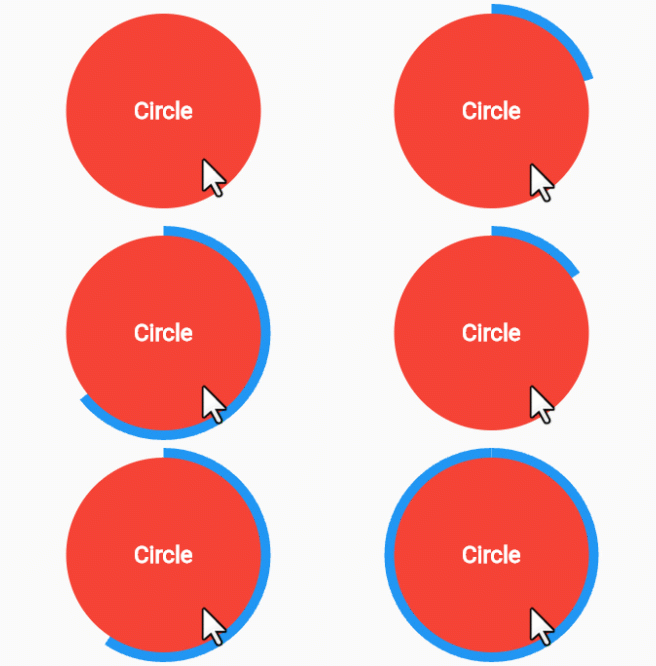
Interactive Animation: Engage users with a button that responds to long presses, offering an interactive and visually appealing experience.
Customizable: Tailor the button to match your app's design by adjusting parameters such as button color, loading color, border radius, child widget, animation duration, and start position.
User Engagement: Encourage users to interact with your app by introducing a novel way to trigger actions.
Add the Holdable Button plugin to your pubspec.yaml file:
dependencies:
  holdable_button: any
Install the plugin by running:
flutter pub get
Import the package in your Dart code:
import 'package:holdable_button/holdable_button.dart';
Implement the HoldableButton widget:
HoldableButton(
  loadingType: LoadingType.edgeLoading,
  width: 300,
  height: 200,
  buttonColor: Colors.blue,
  loadingColor: Colors.white,
  radius: 15.0,
  child: Text('Hold Me'),
  duration: 5,
  startPoint: 0.25,
  hasVibrate: true,
  onConfirm: () {
    // Callback when animation completes
  },
)
The HoldableButton widget supports the following parameters:
loadingType: the loading type: edgeLoading or fillingLoading.buttonColor: The color of the button.loadingColor: The color of the loading animation.radius: The border radius of the button.child: The widget inside the button.duration: The duration of the animation in seconds.startPoint: Start position in edgeLoading type.hasVibrate: Enable Vibration after loading complete.onConfirm: Callback when the animation completes.Feel free to experiment with these parameters to achieve the desired look and behavior.
Contributions are welcome! Please feel free to submit issues or pull requests.
依存関係一覧 6 件
{"sdk":"flutter"}{"sdk":"flutter"}^2.1.7^1.0.0{"sdk":"flutter"}^3.0.0用途で絞り込み、開発状況を比較し、採用前に元のリポジトリで要件を確認しましょう。
“A repository is the most basic element of GitHub.”
GitHub Docs — About repositories ↗