

v12.0.7
util_simple_3d
Sp3dObj のユーティリティ。3D ジオメトリ生成ユーティリティおよびその他の機能を含む。
28いいね 18530日間ダウンロード160Pub ポイント
AndroidiOSWebmacOSWindowsLinux
Sp3dObj のユーティリティ。

以下は英語原文のスナップショットです。最新版は GitHub をご覧ください。
(en)Japanese ver is here.
(ja)日本語版はここにあります。
This package is a set of utilities for Sp3dObj (simple_3d package). It currently includes utilities that make it easy to generate geometry and a simple set of materials.
import 'package:simple_3d/simple_3d.dart';
import 'package:util_simple_3d/util_simple_3d.dart';

Sp3dObj obj = UtilSp3dGeometry.capsule(50, 250);
import 'package:simple_3d/simple_3d.dart';
import 'package:util_simple_3d/util_simple_3d.dart';

Sp3dObj obj = UtilSp3dGeometry.cube(200,200,200,4,4,4);
obj.materials.add(FSp3dMaterial.green.deepCopy());
obj.fragments[0].faces[0].materialIndex=1;
Sp3dObj obj = UtilSp3dGeometry.tile(200, 200, 4, 4);
obj.materials[0] = FSp3dMaterial.grey.deepCopy()..strokeColor=Color.fromARGB(255, 0, 255, 0);
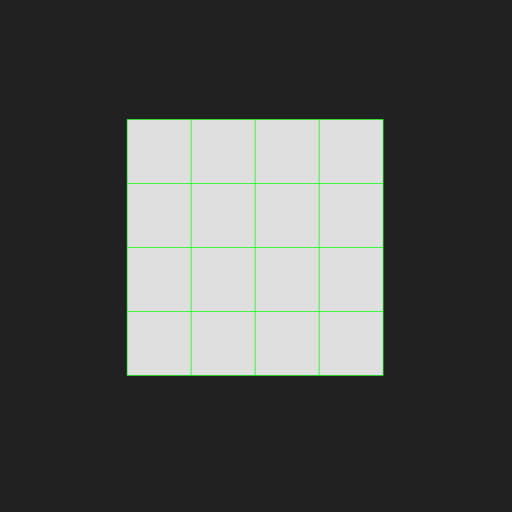
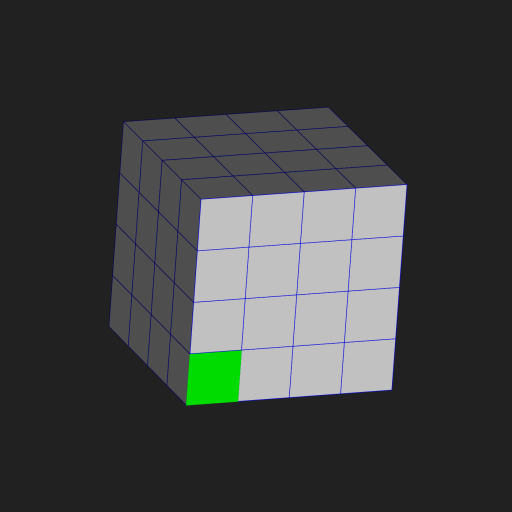
Sp3dObj obj = UtilSp3dGeometry.cube(200,200,200,4,4,4);
obj.materials.add(FSp3dMaterial.green.deepCopy());
obj.fragments[0].faces[0].materialIndex=1;
obj.materials[0] = FSp3dMaterial.grey.deepCopy()..strokeColor=Color.fromARGB(255, 0, 0, 255);
obj.rotate(Sp3dV3D(1,1,0).nor(), 30*3.14/180);
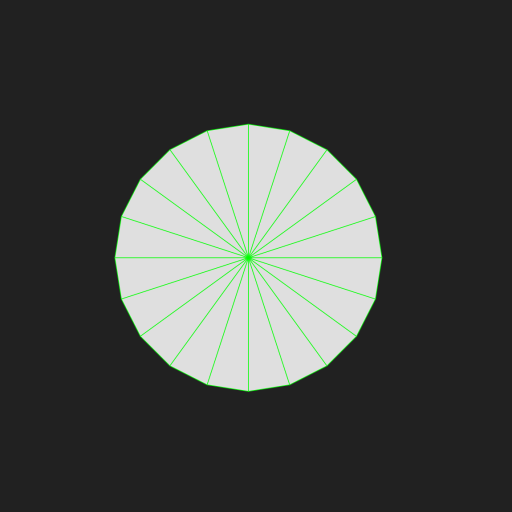
Sp3dObj obj = UtilSp3dGeometry.circle(100, fragments: 20);
obj.materials[0] = FSp3dMaterial.grey.deepCopy()..strokeColor=Color.fromARGB(255, 0, 255, 0);
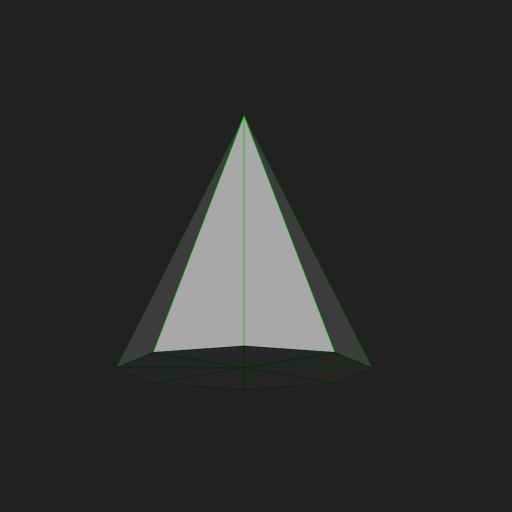
Sp3dObj obj = UtilSp3dGeometry.cone(100, 200);
obj.materials[0] = FSp3dMaterial.grey.deepCopy()..strokeColor=Color.fromARGB(255, 0, 255, 0);
obj.rotate(Sp3dV3D(1, 0, 0), -100*3.14/180);
obj.move(Sp3dV3D(0, -100, 0));
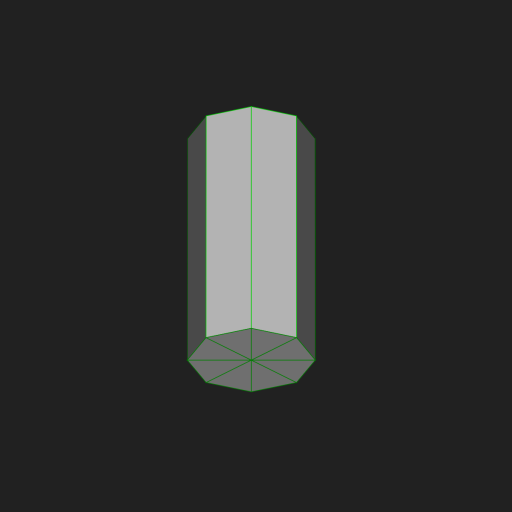
Sp3dObj obj = UtilSp3dGeometry.pillar(50, 50, 200);
obj.materials[0] = FSp3dMaterial.grey.deepCopy()..strokeColor=Color.fromARGB(255, 0, 255, 0);
obj.rotate(Sp3dV3D(1, 0, 0), -120*3.14/180);
obj.move(Sp3dV3D(0, -100, 0));
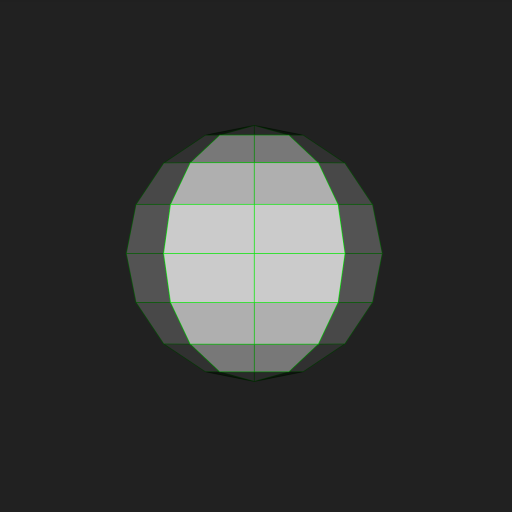
Sp3dObj obj = UtilSp3dGeometry.sphere(100);
obj.materials[0] = FSp3dMaterial.grey.deepCopy()..strokeColor=Color.fromARGB(255, 0, 255, 0);
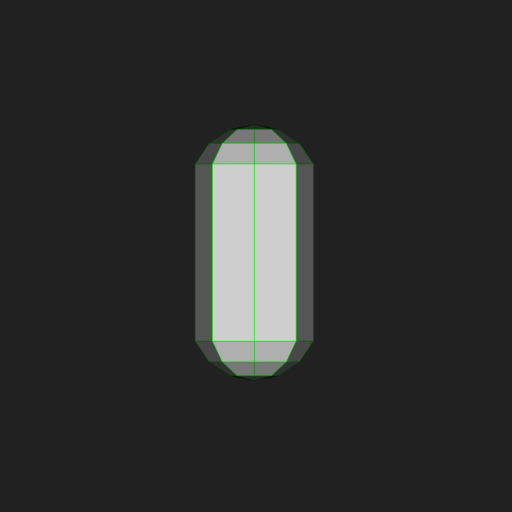
Sp3dObj obj = UtilSp3dGeometry.capsule(50,200);
obj.materials[0] = FSp3dMaterial.grey.deepCopy()..strokeColor=Color.fromARGB(255, 0, 255, 0);
obj.move(Sp3dV3D(0, 100, 0));
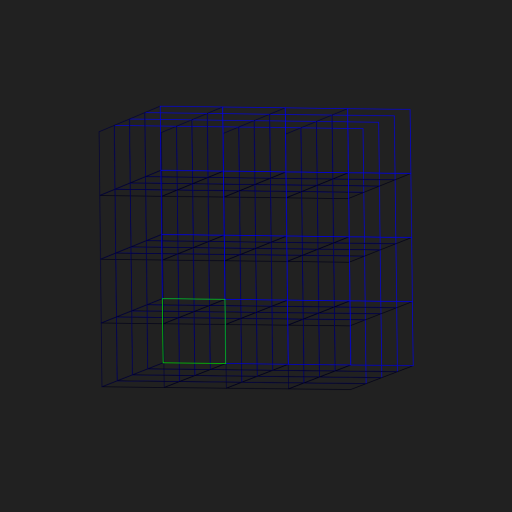
Sp3dObj obj = UtilSp3dGeometry.cube(200,200,200,4,4,4);
obj.materials.add(FSp3dMaterial.greenWire.deepCopy());
obj.fragments[0].faces[0].materialIndex = 1;
obj.materials[0] = FSp3dMaterial.blueWire.deepCopy();
obj.rotate(Sp3dV3D(-0.2,0.5,0).nor(), 15*3.14/180);
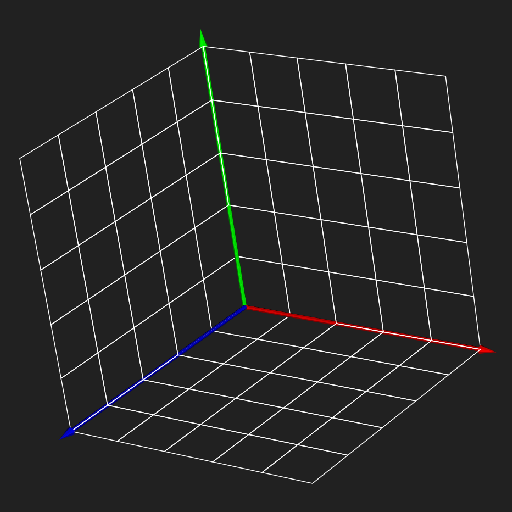
List<Sp3dObj> objs = UtilSp3dCommonParts.coordinateArrows(255);
objs.addAll(UtilSp3dCommonParts.worldMeshes(255));
If you need paid support for any reason, please contact my company.
This package is developed by me personally, but may be supported via the company.
SimpleAppli Inc.
Some geometry may be added in the future.
Utilities are prefixed with "Util".
Static field definition files are prefixed with "F".
These are set up for easy calling from the IDE.
The C part will be changed at the time of version upgrade.
This software is released under the MIT License, see LICENSE file.
依存関係一覧 4 件
{"sdk":"flutter"}^17.1.0{"sdk":"flutter"}^2.0.0用途で絞り込み、開発状況を比較し、採用前に元のリポジトリで要件を確認しましょう。
“A repository is the most basic element of GitHub.”
GitHub Docs — About repositories ↗