

v1.1.1
sticky_footer_scrollview
スクロール可能なFlutterウィジェットで、スタックフッターは画面の下部またはスクロールボディの最後に固定されます。
24いいね 118030日間ダウンロード160Pub ポイント
AndroidiOSWebmacOSWindowsLinux
スクロール可能なFlutterウィジェットで、スタックフッターは画面の下部またはスクロールボディの最後に固定されます。

以下は英語原文のスナップショットです。最新版は GitHub をご覧ください。

A Flutter Widget that is scrollable with a sticky footer either stick to the bottom of screen of the end of the scroll body.
This package using SingleScrollView and CustomMultiChildLayout to acheive a scrollable widget with a sticky footer. This allow a dynamic height of child widgets in scroll body.
At the same time, because of the SingleScrollView with Column approach, this is not recommended to use with lots of child widgets for performance reason. You may simiply test with the example to see whether it is fit for your case.
This shows Widget's full customizations:
StickyFooterScrollView({
    this.footer,
    @required this.itemBuilder,
    @required this.itemCount,
    this.scrollController,
})
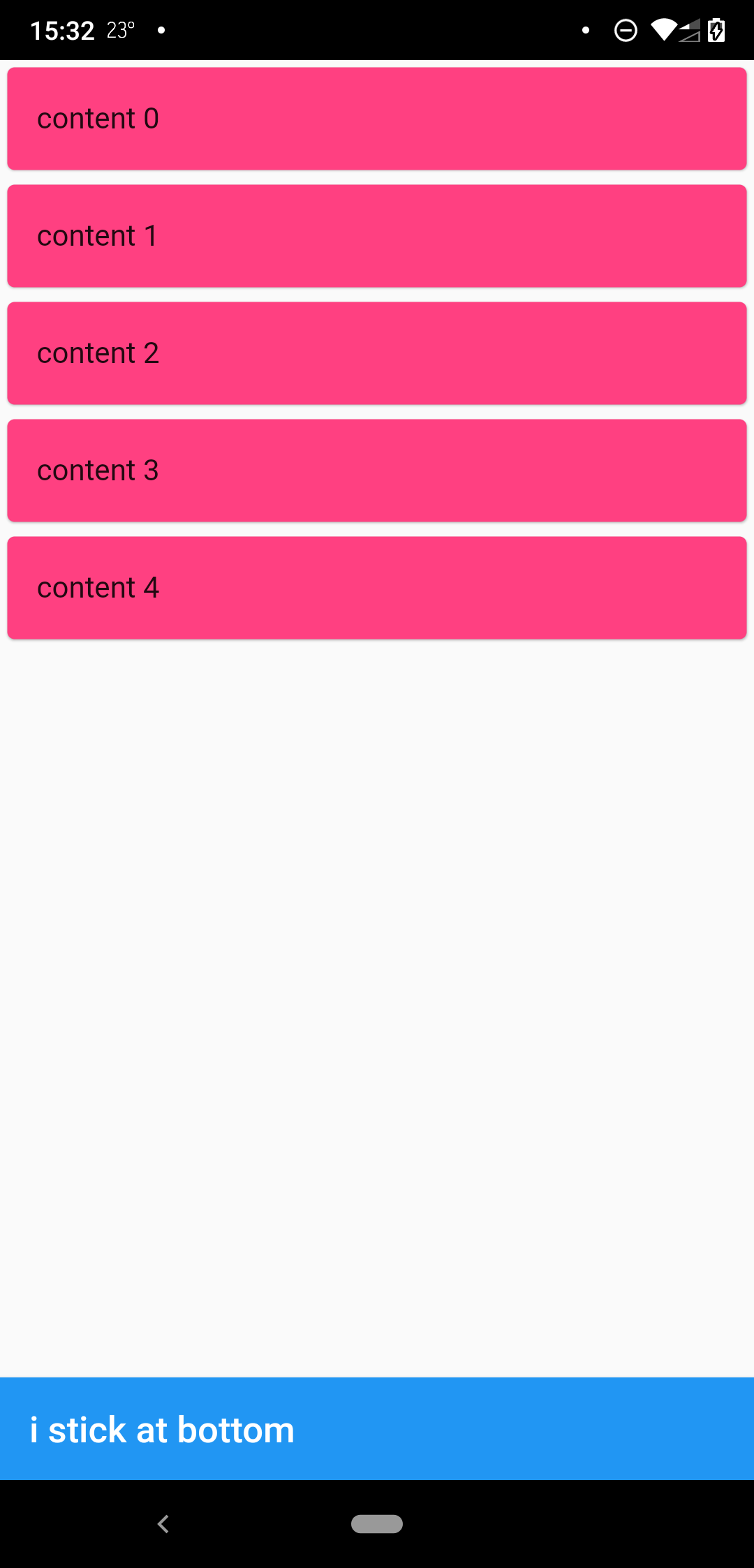
when scrollbody is shorter than the avialble widget height
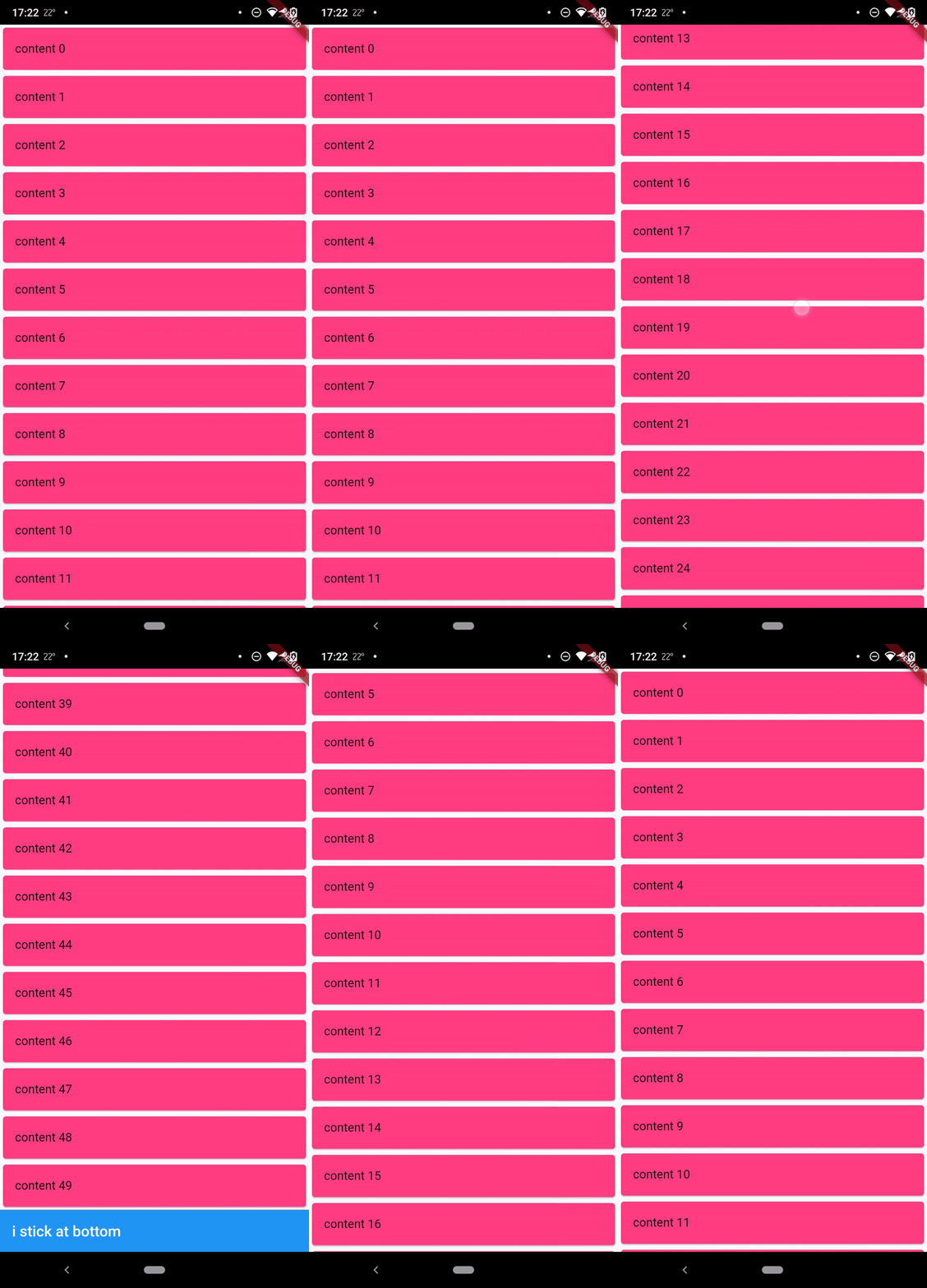
when scrollbody is longer than the avialble widget height
@override
  Widget build(BuildContext context) {
    return SafeArea(
      child: Scaffold(
        body: StickyFooterScrollView(
          itemCount: 50,
          itemBuilder: (context, index) {
            return Card(
              child: ListTile(
                title: Text('content $index'),
              ),
              color: Colors.pinkAccent,
            );
          },
          footer: AppBar(
            title: Text('i stick at bottom'),
          ),
        ),
      ),
    );
  }
MIT
依存関係一覧 2 件
{"sdk":"flutter"}{"sdk":"flutter"}用途で絞り込み、開発状況を比較し、採用前に元のリポジトリで要件を確認しましょう。
“A repository is the most basic element of GitHub.”
GitHub Docs — About repositories ↗