

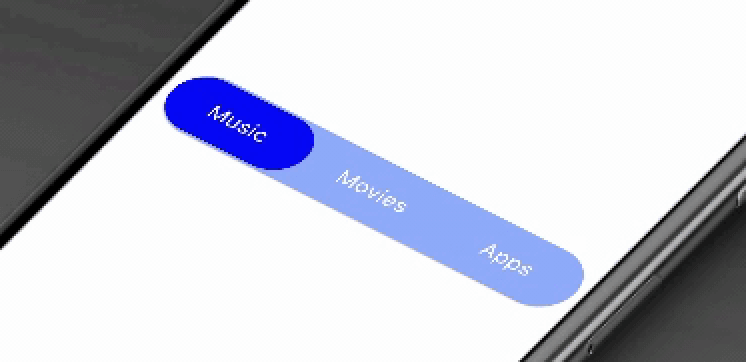
 v0.0.4
animated_segment
このパッケージは、現代的なアニメーション付きのファインセグメントを提供します。弾性アニメーションを使ってタブの選択を表示します。
72いいね 7230日間ダウンロード150Pub ポイント
AndroidiOSWebmacOSWindowsLinux
このパッケージはセグメントをアニメーション化します。モダンでアニメーション付きのファニーなセグメントを提供します。エラスティックな方法でタブの選択を表示します。

以下は英語原文のスナップショットです。最新版は GitHub をご覧ください。







This package will animates a segment. Package provides you a modern animated fancy segment. Show selection of tab using elastic way animation.
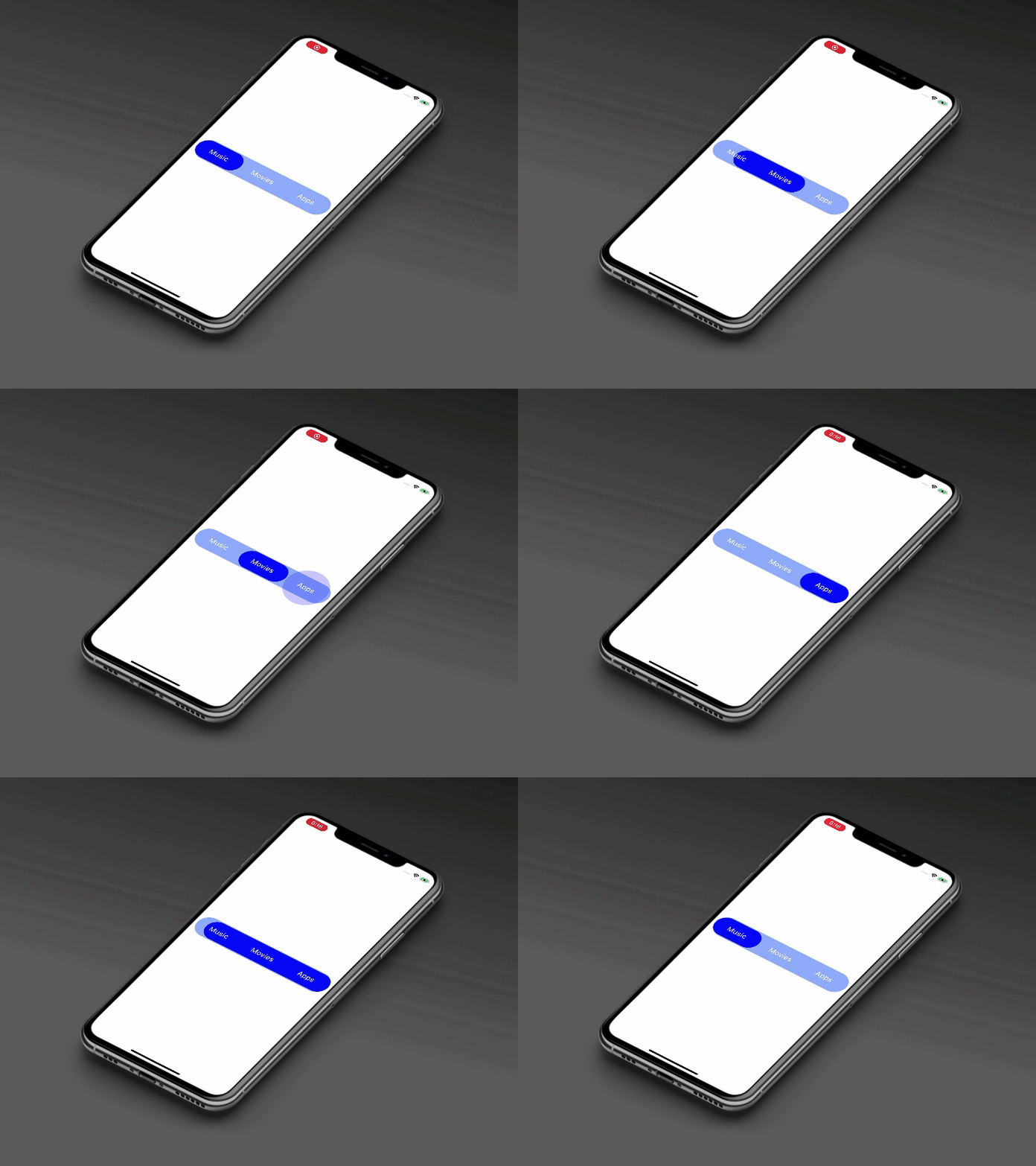
AnimatedSegment(
  segmentNames: [Strings.tab_1, Strings.tab_2, Strings.tab_3],
  onSegmentChanged: (index) {
    print('Selected Segment Index is: $index');
  },
  backgroundColor: AppColors.bgColor,
  segmentTextColor: AppColors.white,
  rippleEffectColor: AppColors.primary,
  selectedSegmentColor: AppColors.primary,
);
This property takes List as a parameter and segmentNames is useful to display items in segment.
Call back called when the user select the new segment and return the selected segment index. Index for the initial selected segment is 0.
This property takes int value as a parameter. This is use to set the initial segment from [segmentNames].
This property takes Color value as a parameter. You can change the background color of animated segment. default value is Color(0xff8AADFB)
This property takes Color value as a parameter. You can change the text color of segmented text color. default value is Color(0xff0217FD)
This property takes Color value as a parameter. You can change the ripple color of segment. default value is Colors.white
This property takes Color value as a parameter. You can change the selected segment color of animated segment. default value is Colors.white
Contribution towards our repository is always welcome, we request contributors to create a pull request to the develop branch only.
It would be great for us if the reporter can share the below things to understand the root cause of the issue.
Animated Segment is MIT-licensed.
We’d be really happy if you send us links to your projects where you use our component. Just send an email to sales@mindinventory.com And do let us know if you have any questions or suggestion regarding our work.
依存関係一覧 3 件
{"sdk":"flutter"}{"sdk":"flutter"}^1.0.0用途で絞り込み、開発状況を比較し、採用前に元のリポジトリで要件を確認しましょう。
“A repository is the most basic element of GitHub.”
GitHub Docs — About repositories ↗