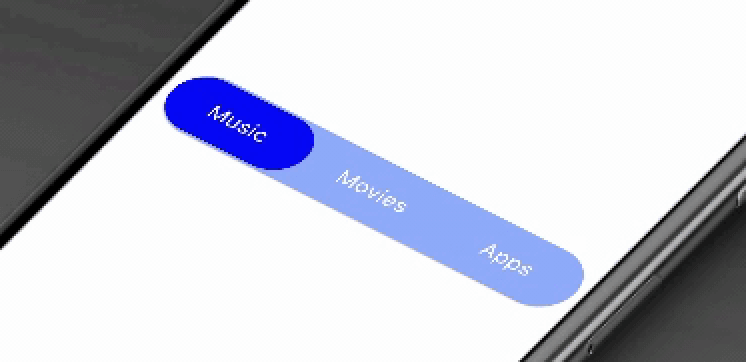
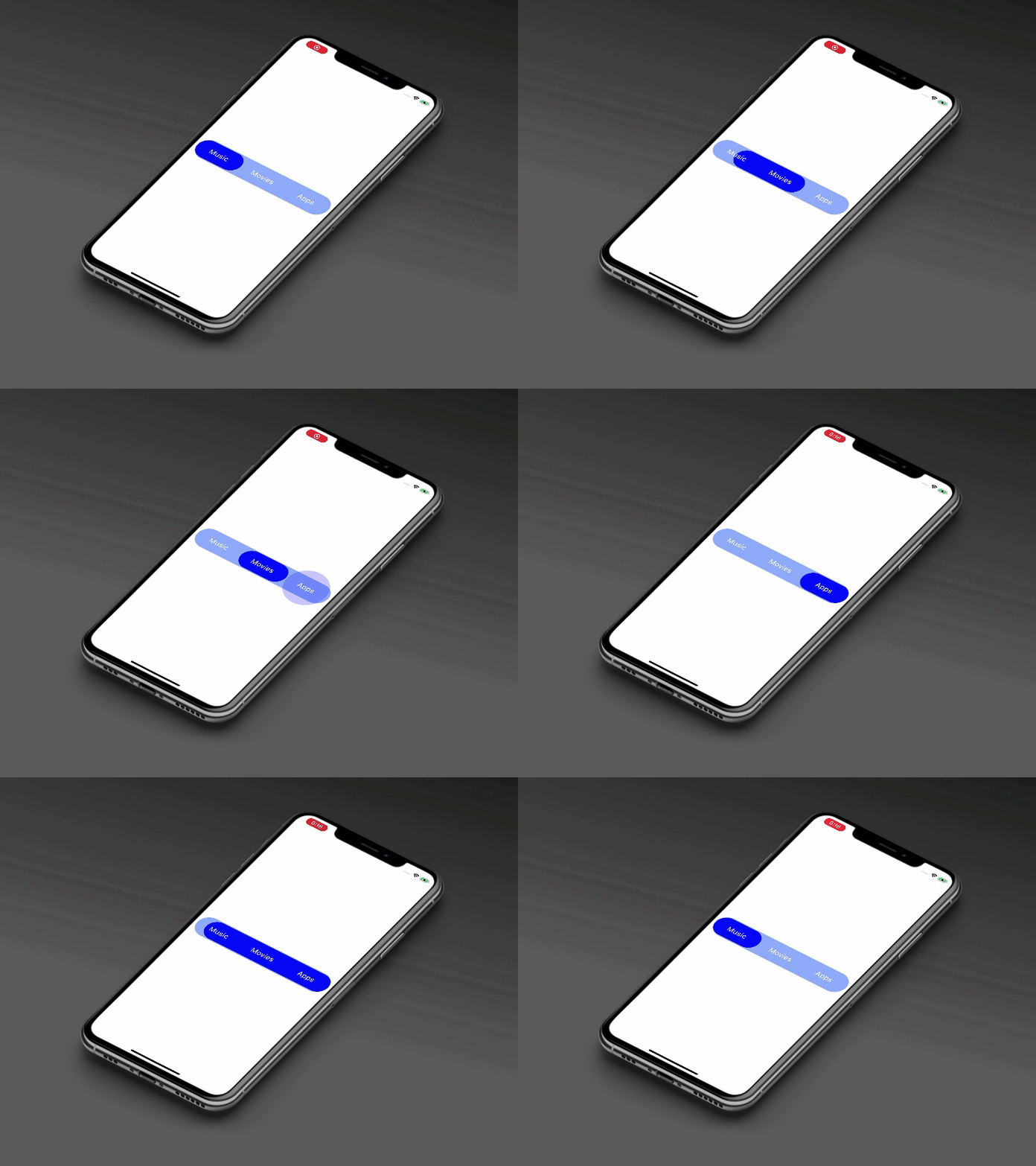
animated_segment
This package will animates a segment. Package provides you a modern animated fancy segment. Show selection of tab using elastic way animation.
Animated Segment
Usage
Example
AnimatedSegment(
  segmentNames: [Strings.tab_1, Strings.tab_2, Strings.tab_3],
  onSegmentChanged: (index) {
    print('Selected Segment Index is: $index');
  },
  backgroundColor: AppColors.bgColor,
  segmentTextColor: AppColors.white,
  rippleEffectColor: AppColors.primary,
  selectedSegmentColor: AppColors.primary,
);
Required parameters
segmentNames:
This property takes List as a parameter and segmentNames is useful to display items in segment.
onSegmentChanged:
Call back called when the user select the new segment and return the selected segment index. Index for the initial selected segment is 0.
Optional parameters
initialSegment:
This property takes int value as a parameter. This is use to set the initial segment from [segmentNames].
backgroundColor:
This property takes Color value as a parameter. You can change the background color of animated segment. default value is Color(0xff8AADFB)
segmentTextColor:
This property takes Color value as a parameter. You can change the text color of segmented text color. default value is Color(0xff0217FD)
rippleEffectColor:
This property takes Color value as a parameter. You can change the ripple color of segment. default value is Colors.white
selectedSegmentColor:
This property takes Color value as a parameter. You can change the selected segment color of animated segment. default value is Colors.white
Guideline for contributors
Contribution towards our repository is always welcome, we request contributors to create a pull request to the develop branch only.
Guideline to report an issue/feature request
It would be great for us if the reporter can share the below things to understand the root cause of the issue.
Library version
Code snippet
Logs if applicable
Device specification like (Manufacturer, OS version, etc)
Screenshot/video with steps to reproduce the issue
LICENSE!
Animated Segment is MIT-licensed .
Let us know!
We’d be really happy if you send us links to your projects where you use our component. Just send an email to sales@mindinventory.com And do let us know if you have any questions or suggestion regarding our work.