

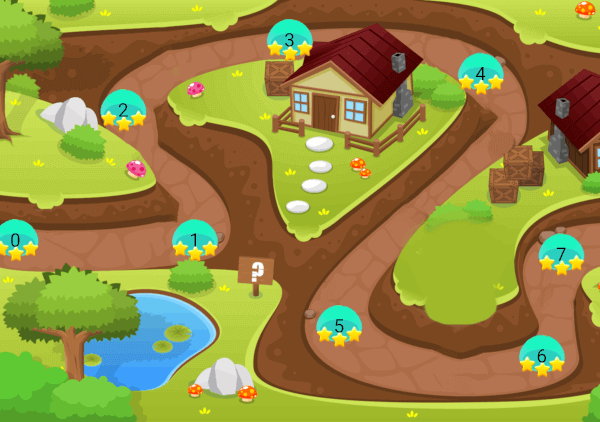
 v0.0.7
game_levels_scrolling_map
Flutterを使用して、キャンディクラッシュや類似ゲームのゲームレベルマップを作成するためのパッケージで、水平または垂直に配置できます。
83いいね 18230日間ダウンロード120Pub ポイント
AndroidiOSmacOSWindowsLinux
Flutterを使用して、キャンディクラッシュや類似ゲームのゲームレベルマップを作成するためのFlutterパッケージで、水平または垂直に配置できる機能を備えています

以下は英語原文のスナップショットです。最新版は GitHub をご覧ください。
A package for making game levels map like candy crush or similar games using flutter with ability to be horizontal or vertical
| Android ✔️ | IOS ✔️ | MacOS ✔️ ️| Web ✔️ | Linux ✔️ | Windows ✔ ️|
Step 1 Import package:game_levels_scrolling_map/game_levels_scrolling_map.dart which contain the main widget of the map GameLevelsScrollingMap
then Import package:game_levels_scrolling_map/model/point_model.dart which contain the model of points
Step 2 Start adding your points widgets by creating a new List of points and adding widgets to it using the PointModel class
List<PointModel> points = [];

for(int i = 0; i<50 ; i++){
  PointModel point = PointModel(100,Container(width: 40, height: 40, color: Colors.red, child: Text("$i")));

  /* To make the map scroll to a specific point just make its parameter 'isCurrent' = true like the following which will make the map scroll to it once created*/
  if(i == 20) point.isCurrent = true;

  points.add(point);
}
Step 3 Use GameLevelScrollingMap.scrollable widget to build the map
- To make vertical map:
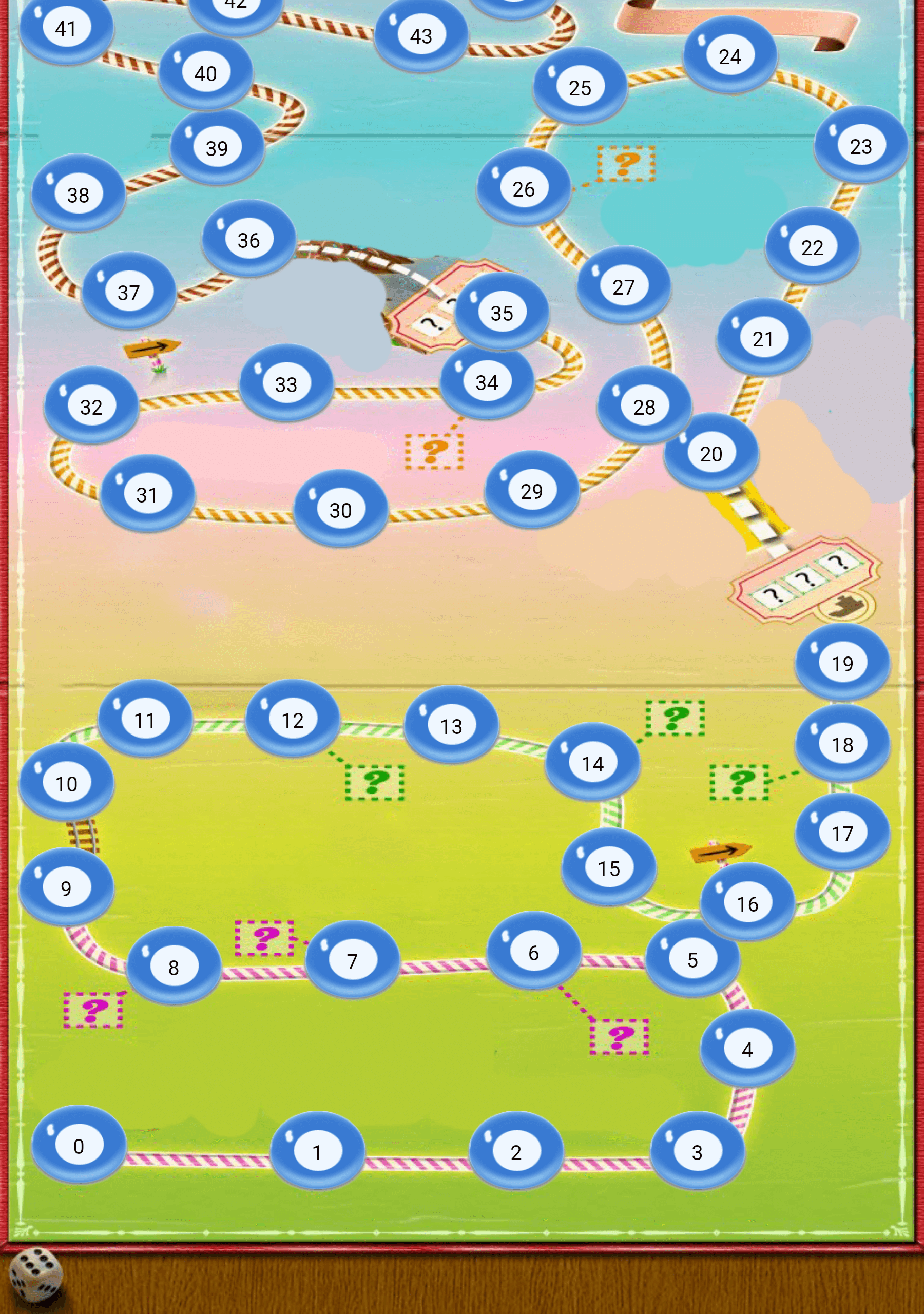
Widget build(BuildContext context) {
  return Scaffold(
    body: Container(
      child: GameLevelsScrollingMap.scrollable(
              imageUrl: "assets/drawable/map_vertical.png",
              direction: Axis.vertical,
              reverseScrolling: true,
              svgUrl: 'assets/svg/map_vertical.svg',
              points: points,)
          ),
        );
}
- To make horizontal map:
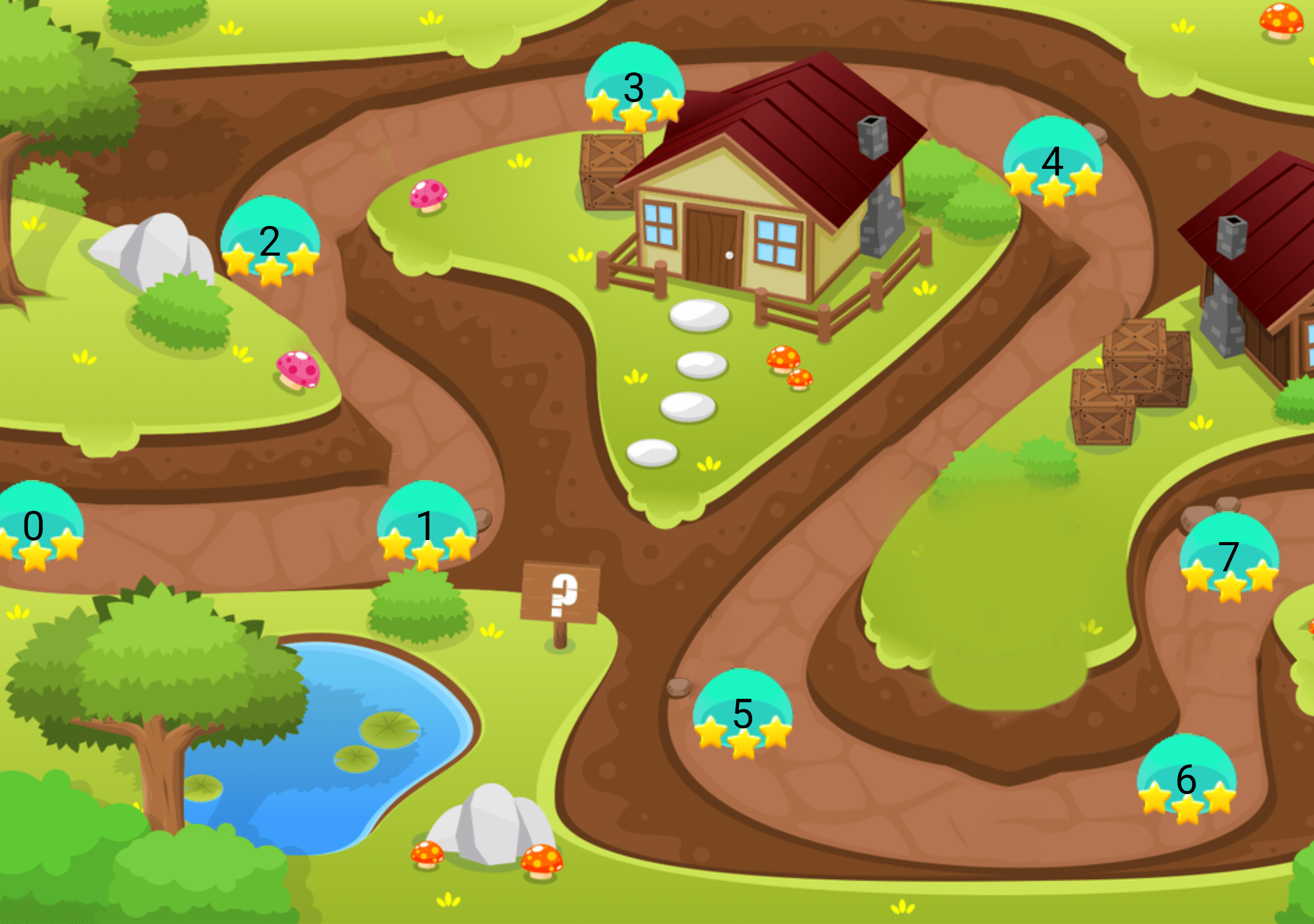
Widget build(BuildContext context) {
  return Scaffold(
    body: Container(
      child: GameLevelsScrollingMap.scrollable(
            imageUrl: "assets/drawable/map_horizontal.png",
            direction: Axis.horizontal,
            svgUrl: 'assets/svg/map_horizontal.svg',
            points: points,)
          ),
        );
}
依存関係一覧 5 件
{"sdk":"flutter"}^5.1.2^2.0.0{"sdk":"flutter"}^1.0.0用途で絞り込み、開発状況を比較し、採用前に元のリポジトリで要件を確認しましょう。
“A repository is the most basic element of GitHub.”
GitHub Docs — About repositories ↗