パッケージ、リポジトリ、アプリカテゴリを検索

game_levels_scrolling_map のカバー
パッケージ詳細v0.0.7

game_levels_scrolling_map

Flutterを使用して、キャンディクラッシュや類似ゲームのゲームレベルマップを作成するためのパッケージで、水平または垂直に配置できます。

AndroidiOSmacOSWindowsLinux
30日間ダウンロード
182
いいね数
83
Pub ポイント
120

パッケージをインストール

flutter pub add game_levels_scrolling_map

パッケージ概要

公開情報に基づく選定ガイドです。参考としてご利用ください。

Candy Crushに似たゲームレベルマップを作成するためのFlutterパッケージで、水平および垂直スクロールレイアウトをサポートしています。開発者がマッチ3やパズルゲームに適したインタラクティブでスワイプ可能なレベルグリッドを構築できるようにします。パフォーマンス最適化されており、複数プラットフォームでのFlutterアプリケーションへのシームレスな統合が可能です。カスタマイズ可能なグリッドサイズとスムーズなアニメーションにより、魅力的なレベルナビゲーションインターフェースの実装を簡素化します。

用途

  • パズルゲームのレベルセレクターを作成する
  • 水平または垂直のレベルナビゲーションの構築
  • スワイプベースのレベル探索の実装
  • キャンディクラッシュ風のゲームマップの設計
  • モバイルゲームの進行インターフェースの開発

主な機能

  • 水平および垂直スクロールをサポートしています
  • カスタマイズ可能なグリッドレイアウト
  • スムーズなアニメーションの遷移
  • クロスプラットフォーム互換性
  • Flutterとの簡単な統合
  • さまざまな画面サイズに対応するレスポンシブデザイン

適している対象

  • パズルゲーム開発者
  • モバイルゲームクリエイター
  • Flutter初心者のゲーム開発
  • インタラクティブなレベル選択を必要とするアプリ
  • グリッドベースのナビゲーションを持つプロジェクト

注意事項

  • Flutter レイアウトの原則を理解する必要があります
  • カスタムビジュアル用に追加のスタイルが必要になる場合があります
  • パフォーマンスはグリッドのサイズと複雑さに依存します
  • グリッドベースのレベル構造に限定
  • スクロールしないまたは複雑な2Dマップには適していません

元の README

関連するソースリポジトリの README 原文のスナップショットです。最新の内容はリポジトリをご覧ください。

Game Levels Scrolling Map

A package for making game levels map like candy crush or similar games using flutter with ability to be horizontal or vertical

Getting Started

  • This package enables you to build a Game levels map like candy crush with the following features :
    • Option to make it horizontal map or vertical
    • Option to reverse the scrolling start direction
    • Option to add the x,y points positions
    • Option to extract the x,y points positions from asset SVG file or online SVG file

Platform Support

| Android ✔️ | IOS ✔️ | MacOS ✔️ ️| Web ✔️ | Linux ✔️ | Windows ✔ ️|

Usage


Step 1 Import package:game_levels_scrolling_map/game_levels_scrolling_map.dart which contain the main widget of the map GameLevelsScrollingMap then Import package:game_levels_scrolling_map/model/point_model.dart which contain the model of points

Step 2 Start adding your points widgets by creating a new List of points and adding widgets to it using the PointModel class

List<PointModel> points = [];
      
for(int i = 0; i<50 ; i++){
  PointModel point = PointModel(100,Container(width: 40, height: 40, color: Colors.red, child: Text("$i")));
  
  /* To make the map scroll to a specific point just make its parameter 'isCurrent' = true like the following which will make the map scroll to it once created*/
  if(i == 20) point.isCurrent = true;
  
  points.add(point);
}

Step 3 Use GameLevelScrollingMap.scrollable widget to build the map

- To make vertical map:
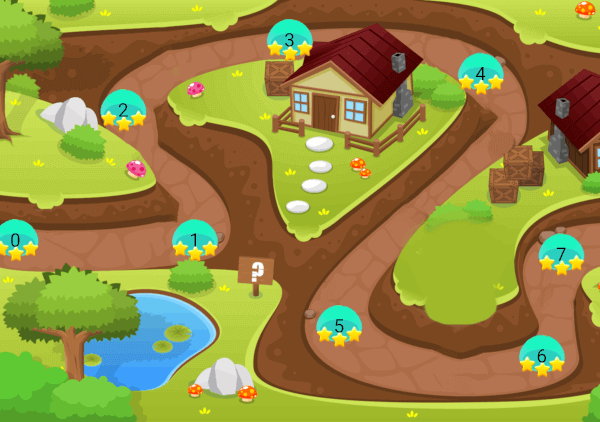
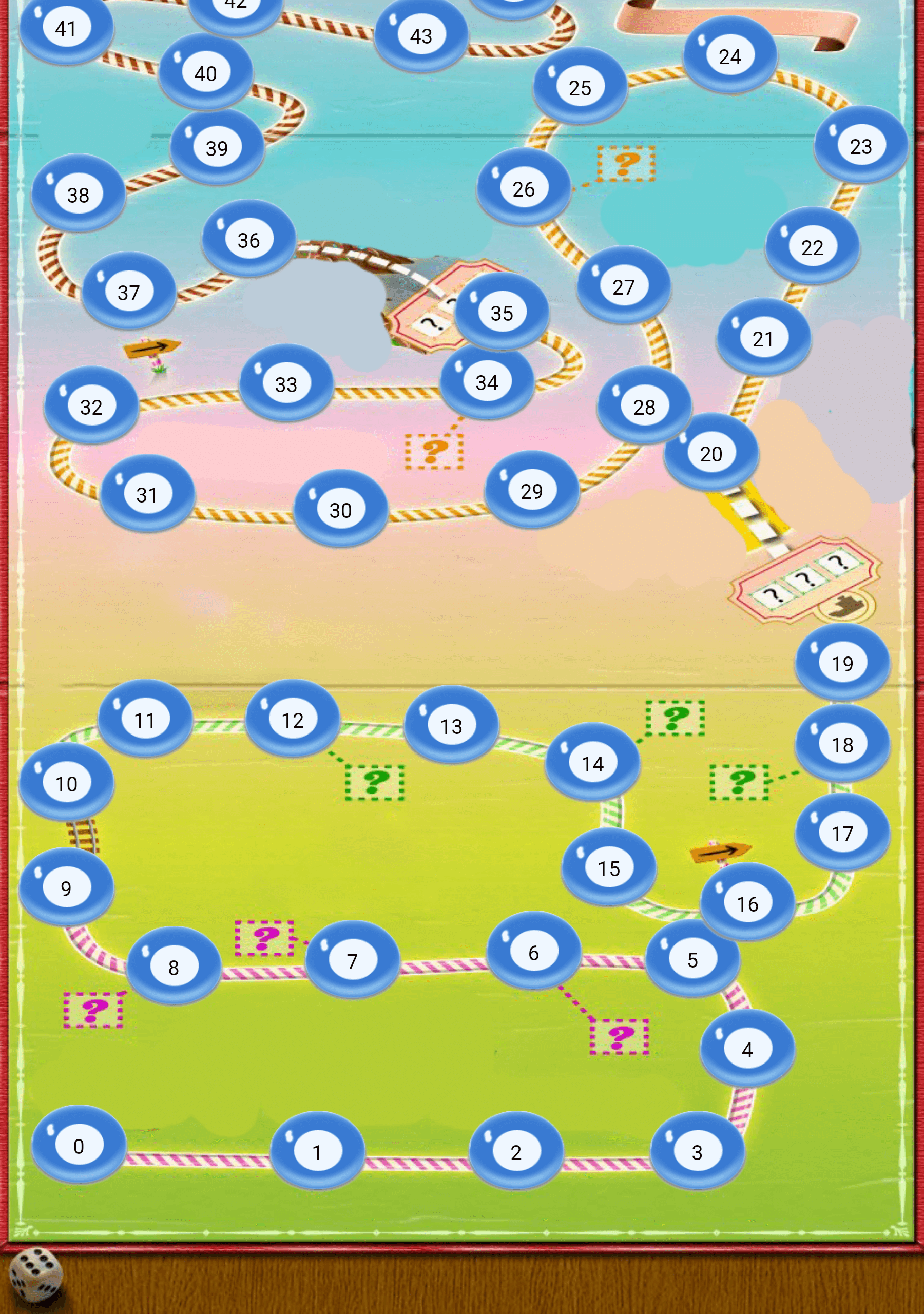
Vertical Map Example

Widget build(BuildContext context) {
  return Scaffold(
    body: Container(
      child: GameLevelsScrollingMap.scrollable(
              imageUrl: "assets/drawable/map_vertical.png",
              direction: Axis.vertical,
              reverseScrolling: true,
              svgUrl: 'assets/svg/map_vertical.svg',
              points: points,)
          ),
        );
}

- To make horizontal map:
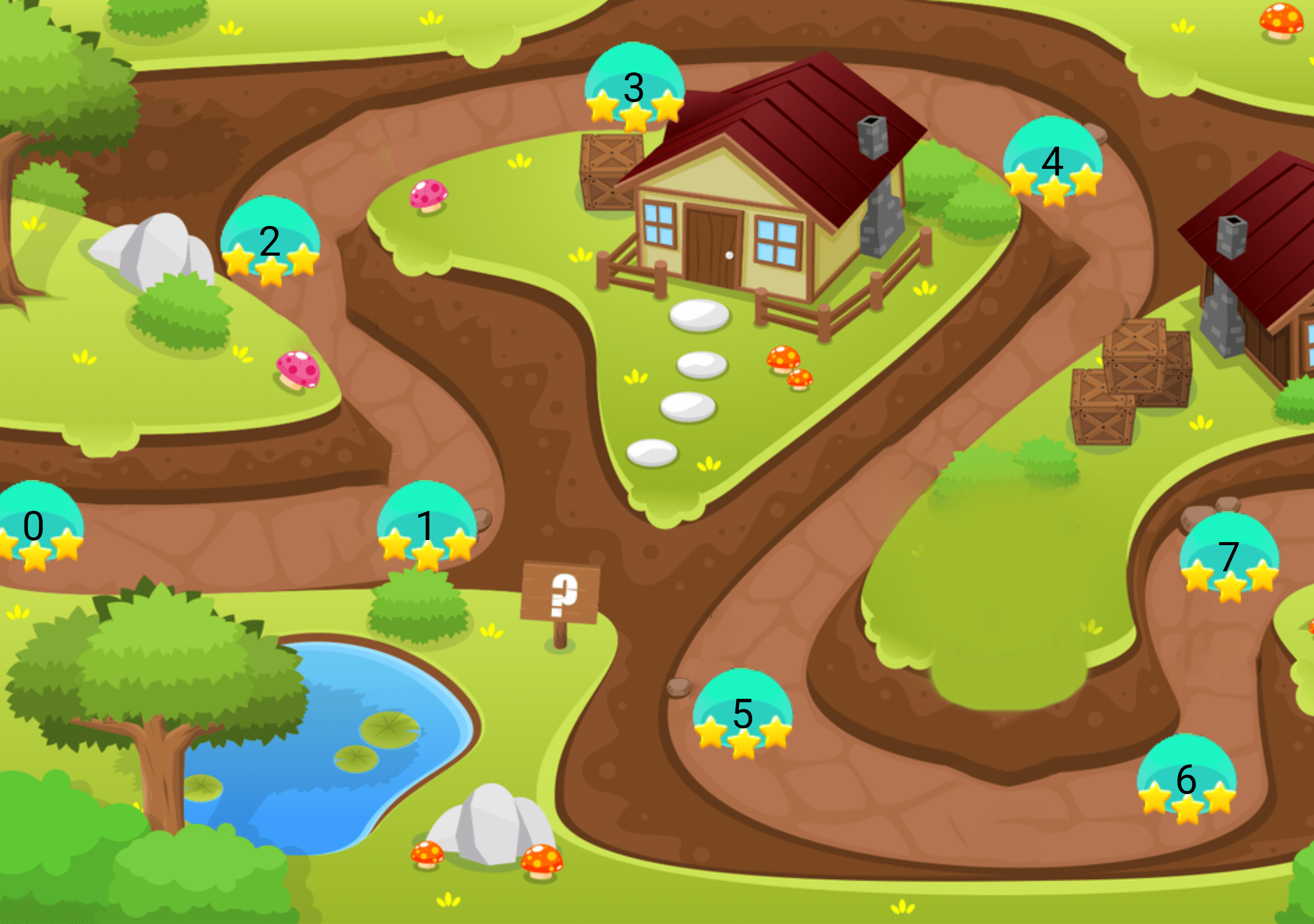
Horizontal Map Example

Widget build(BuildContext context) {
  return Scaffold(
    body: Container(
      child: GameLevelsScrollingMap.scrollable(
            imageUrl: "assets/drawable/map_horizontal.png",
            direction: Axis.horizontal,
            svgUrl: 'assets/svg/map_horizontal.svg',
            points: points,)
          ),
        );
}

カテゴリー

依存関係

依存関係一覧 2 件

ソースリポジトリ

このパッケージを使用しているプロジェクト

データはまだありません。