

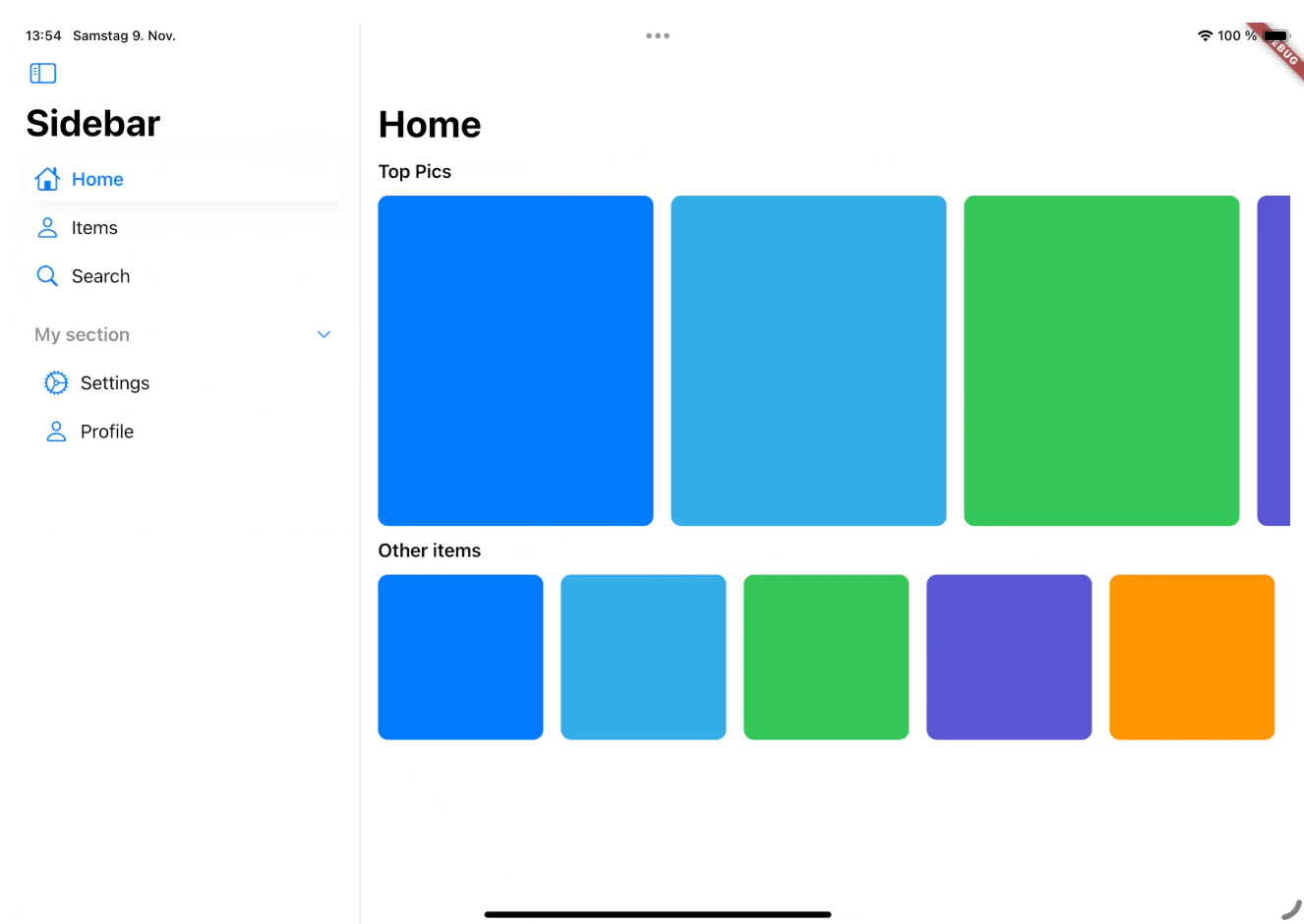
 v1.0.1
cupertino_sidebar
FlutterにiOSスタイルのサイドバーとフローティングタブバーをもたらし、アプリ内のiPadOSスタイルのナビゲーションに洗練されたネイティブな感覚を提供します。
63いいね 62930日間ダウンロード150Pub ポイント
AndroidiOSWebmacOSWindowsLinux
iOSのサイドバーと浮き移動タブバーを追加するFlutterパッケージ。

以下は英語原文のスナップショットです。最新版は GitHub をご覧ください。
cupertino_sidebar brings iOS-style sidebars and floating tab bars to Flutter, providing a sleek, native feel for iPadOS-style navigation in your app.
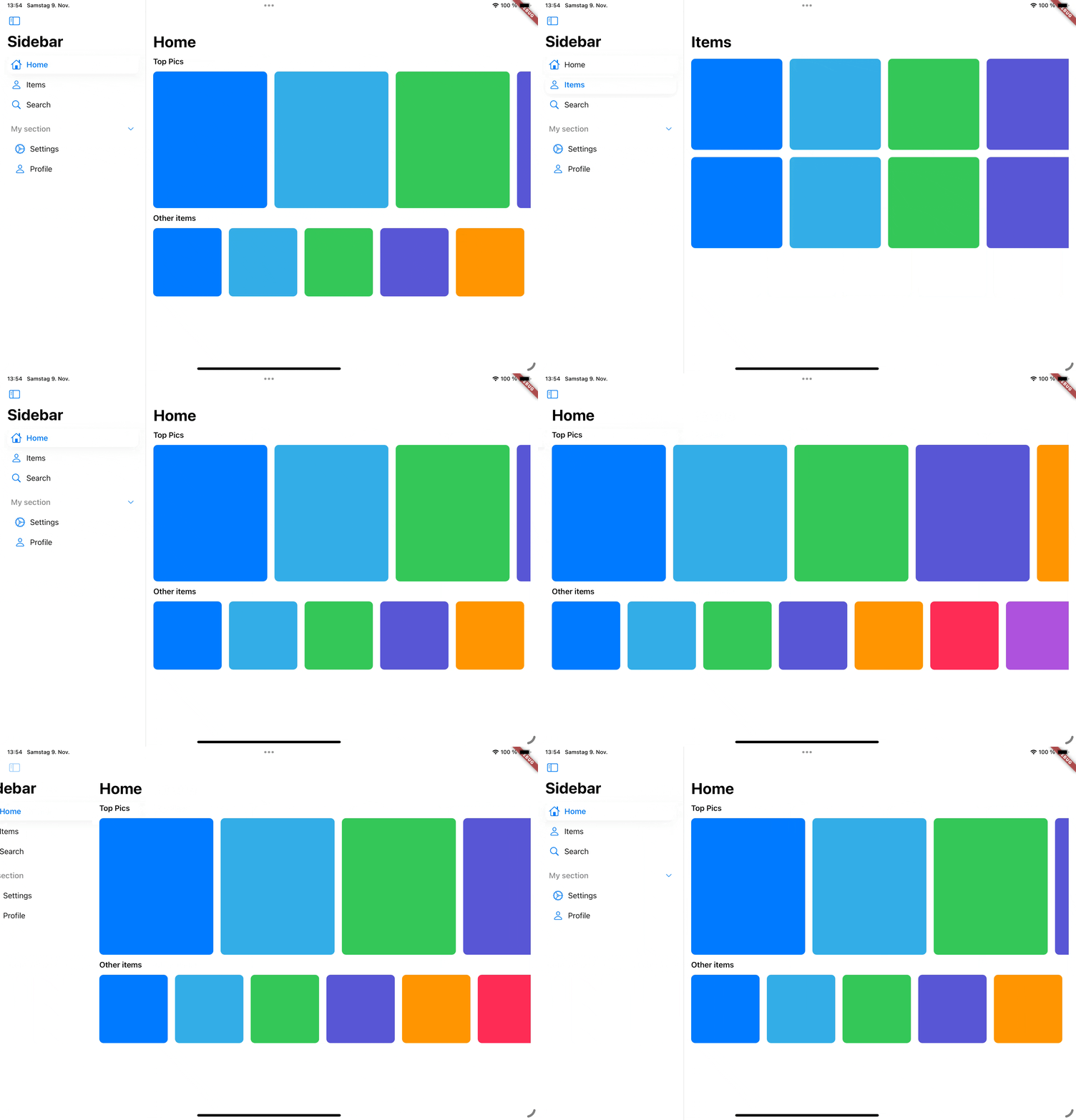
A iOS-style sidebar that can be used to navigate through your app.
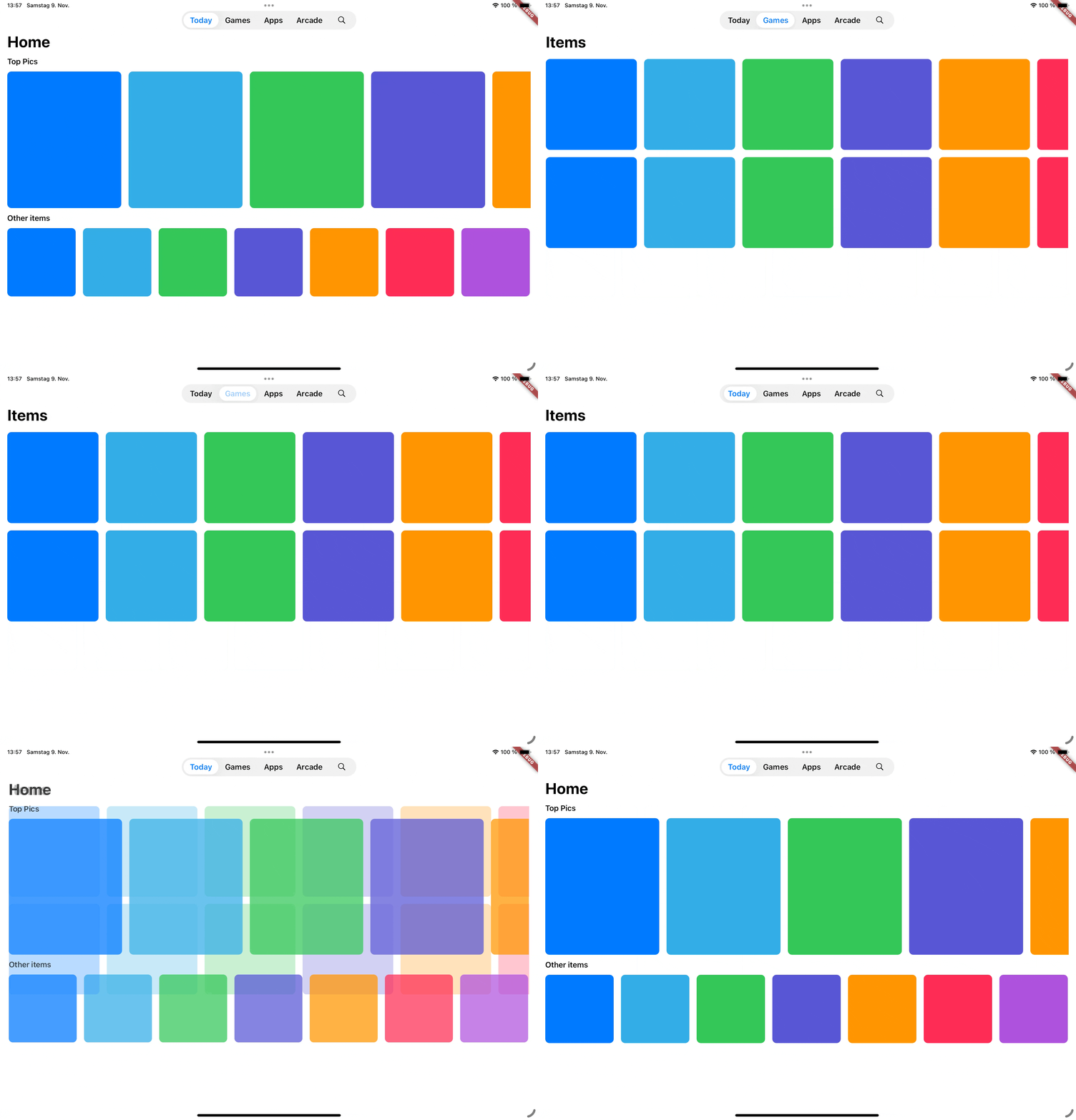
A iPadOS-style floating tab bar that can also be used to navigate through your app.
The CupertinoSidebar works very similar to Flutter's NavigationDrawer. It accepts a list of destinations, a selected index, and a callback function triggered when a destination is tapped.
CupertinoSidebar(
  selectedIndex: _selectedIndex,
  onDestinationSelected: (value) {
    setState(() {
      // Update the selected index when a destination is selected.
      _selectedIndex = value;
    });
  },
  children: [
    // index 0
    SidebarDestination(
      icon: Icon(CupertinoIcons.home),
      label: Text('Home'),
    ),
    // index 1
    SidebarDestination(
      icon: Icon(CupertinoIcons.person),
      label: Text('Items'),
    ),
    // index 2
    SidebarDestination(
      icon: Icon(CupertinoIcons.search),
      label: Text('Search'),
    ),
  ],
);
CupertinoSidebar also supports expandable sections, allowing you to group destinations.
...
children: [
    ...
   SidebarSection(
      label: Text('My section'),
      children: [
        SidebarDestination(
          icon: Icon(CupertinoIcons.settings),
          label: Text('Settings'),
        ),
        ...
      ],
    ),
]
For a full example, see the Sidebar example.
The CupertinoFloatingTabBar is managed by a TabController, with options to add tabs and specify a callback function.
CupertinoFloatingTabBar(
  onDestinationSelected: (value) {},
  controller: _myTabController,
  tabs: const [
    CupertinoFloatingTab(
      child: Text('Today'),
    ),
    CupertinoFloatingTab(
      child: Text('Library'),
    ),
    CupertinoFloatingTab.icon(
      icon: Icon(CupertinoIcons.search),
    ),
  ],
)
For a full example, see the Tab Bar example.
This package is actively being developed. Planned features include:
Contributions are welcome! Feel free to submit issues, ideas, or pull requests. Together, we can make cupertino_sidebar even better!
依存関係一覧 3 件
{"sdk":"flutter"}{"sdk":"flutter"}^6.0.0用途で絞り込み、開発状況を比較し、採用前に元のリポジトリで要件を確認しましょう。
“A repository is the most basic element of GitHub.”
GitHub Docs — About repositories ↗