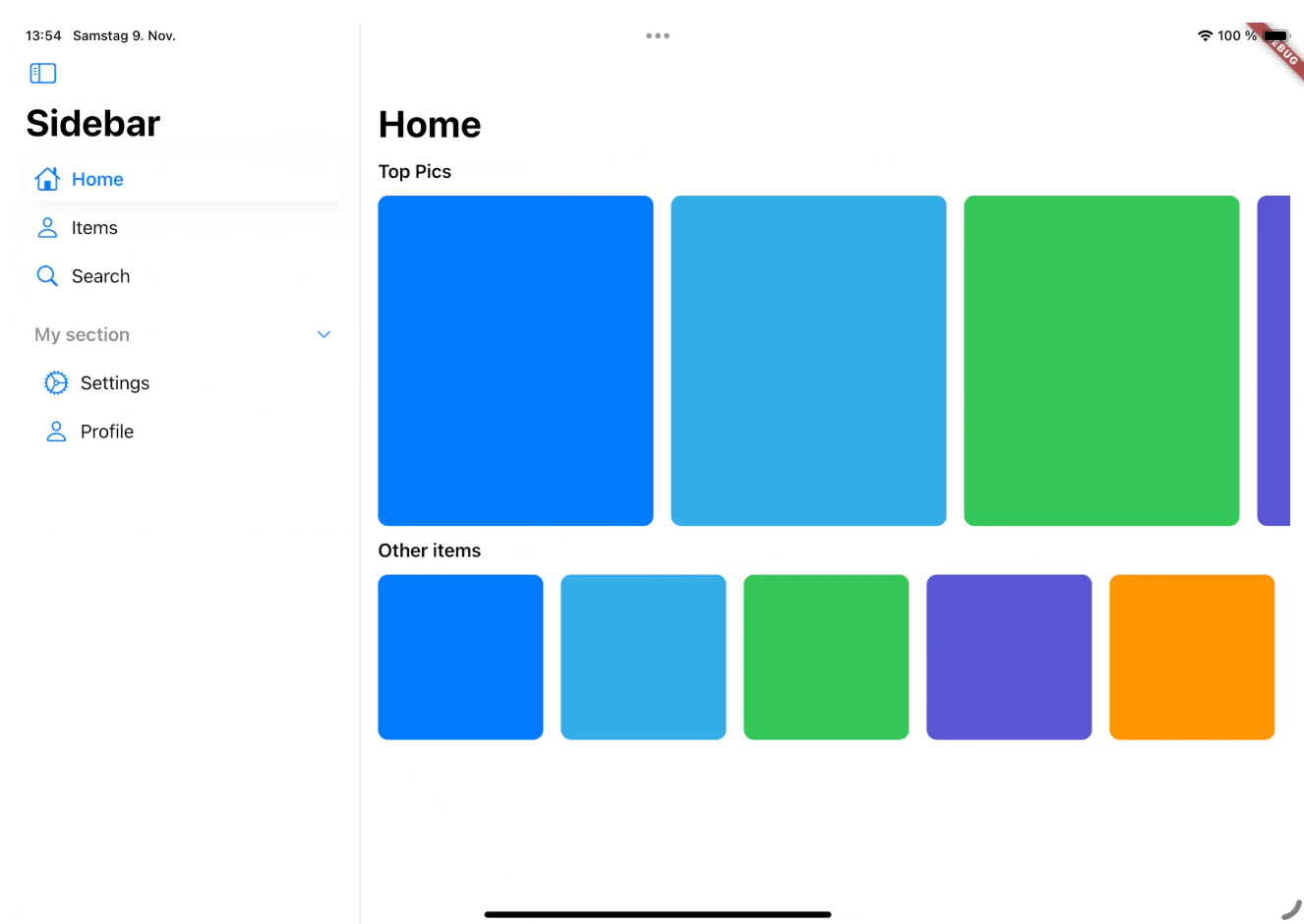
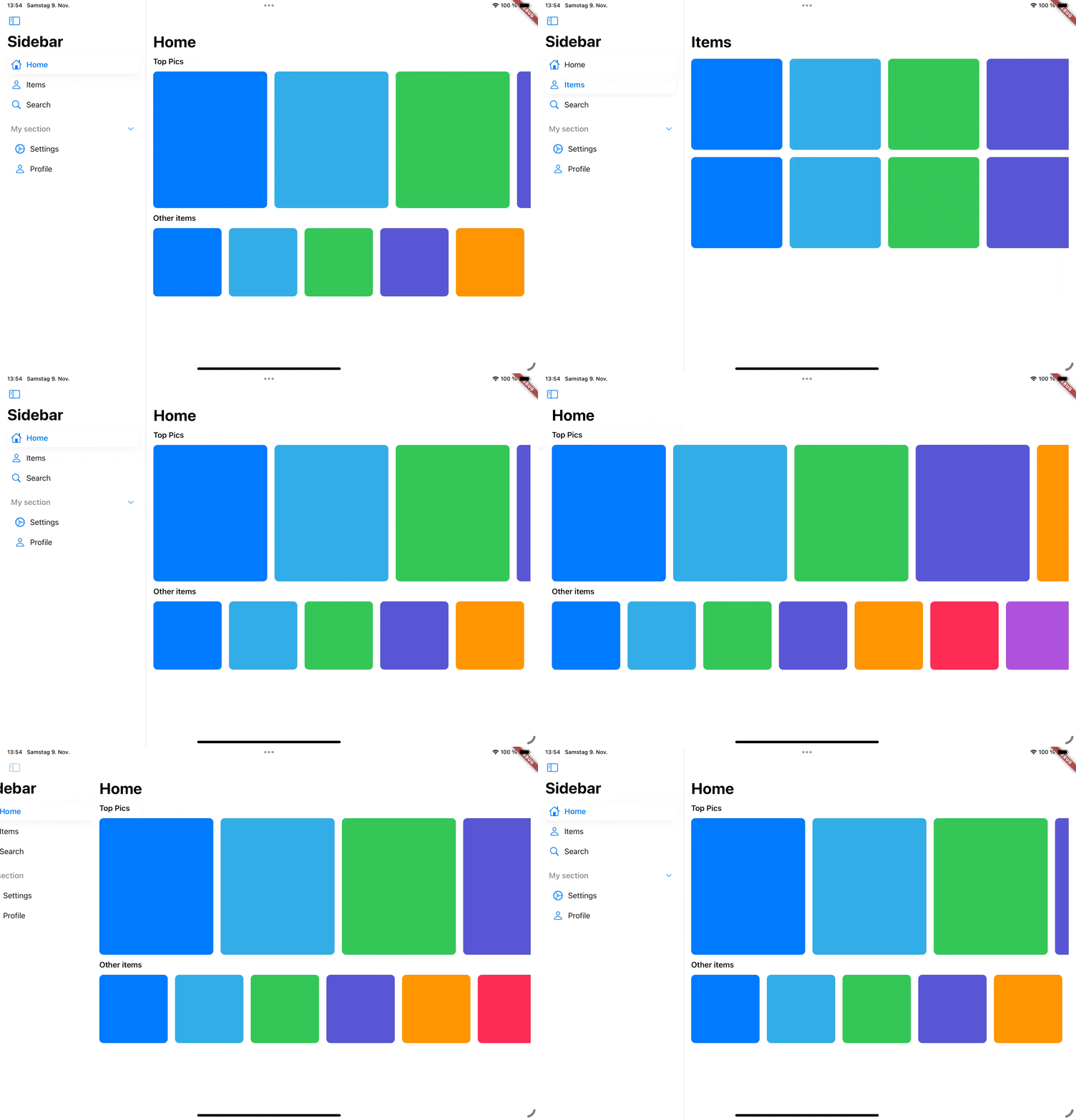
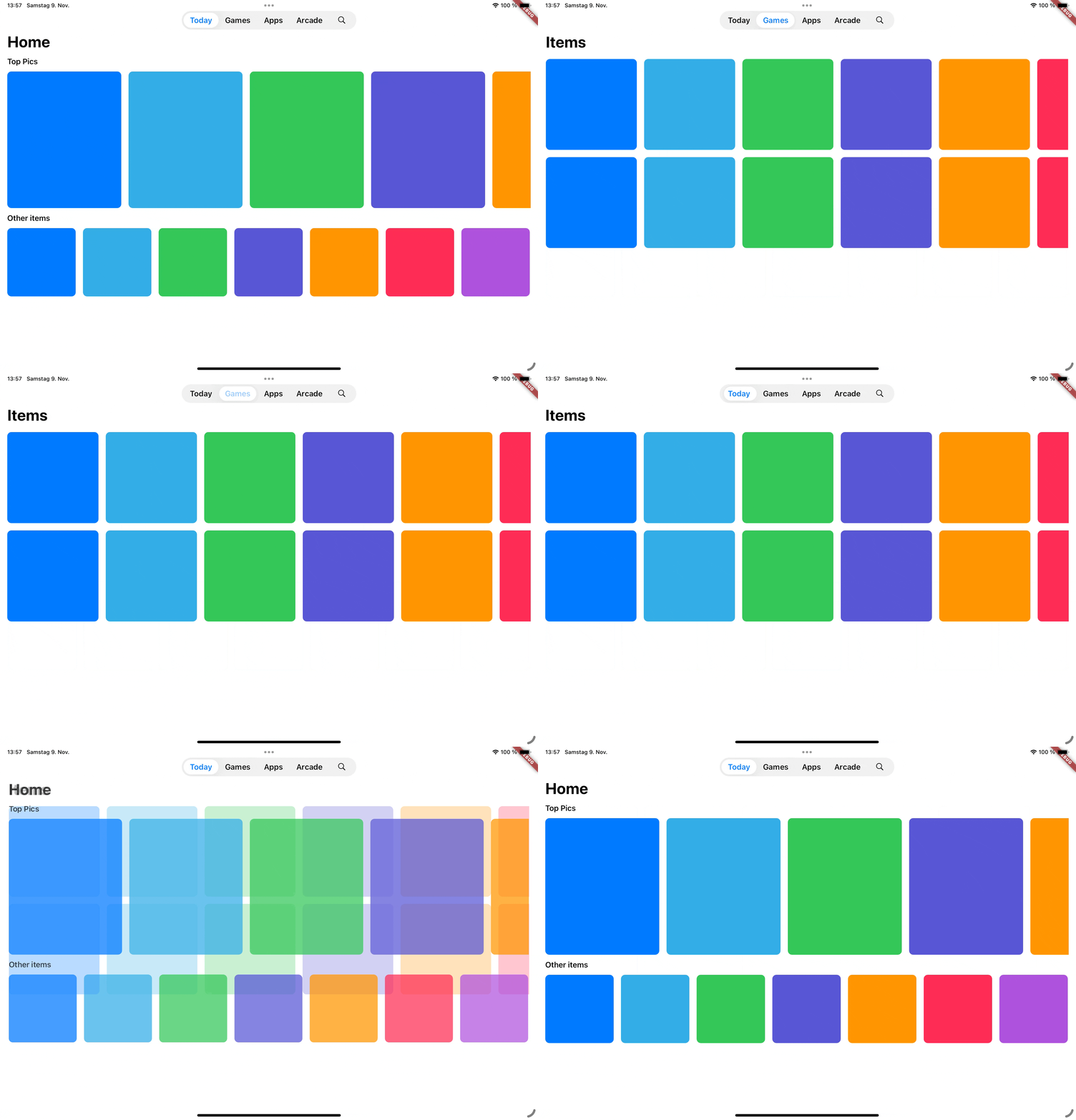
cupertino_sidebar brings iOS-style sidebars and floating tab bars to Flutter, providing a sleek, native feel for iPadOS-style navigation in your app.
Features
Cupertino Sidebar
A iOS-style sidebar that can be used to navigate through your app.
Cupertino Floating Tab Bar
A iPadOS-style floating tab bar that can also be used to navigate through your app.
📖 Usage
Sidebar
The CupertinoSidebar works very similar to Flutter's NavigationDrawer. It accepts a list of destinations, a selected index, and a callback function triggered when a destination is tapped.
CupertinoSidebar(
selectedIndex: _selectedIndex,
onDestinationSelected: (value) {
setState(() {
// Update the selected index when a destination is selected.
_selectedIndex = value;
});
},
children: [
// index 0SidebarDestination(
icon: Icon(CupertinoIcons.home),
label: Text('Home'),
),
// index 1SidebarDestination(
icon: Icon(CupertinoIcons.person),
label: Text('Items'),
),
// index 2SidebarDestination(
icon: Icon(CupertinoIcons.search),
label: Text('Search'),
),
],
);
CupertinoSidebar also supports expandable sections, allowing you to group destinations.