
 v0.0.4
auto_size_widget
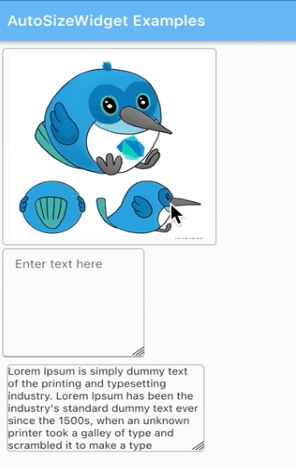
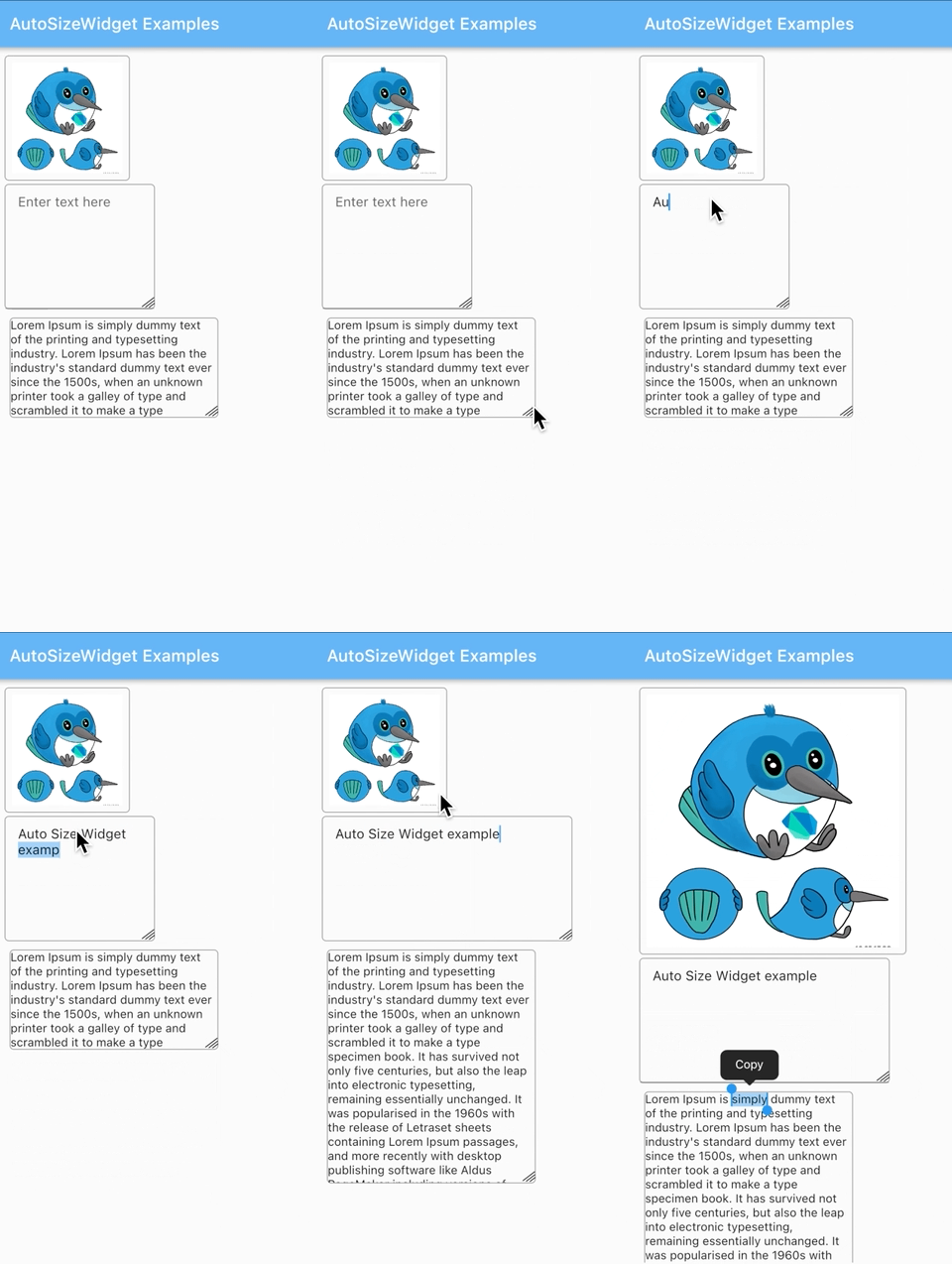
ウィジェットの角をドラッグすることで子ウィジェットのサイズを変更できるFlutterウィジェットです。
38いいね 15330日間ダウンロード130Pub ポイント
AndroidiOSWebmacOSWindowsLinux
ドラッグして子ウィジェットのサイズを変更できるFlutterウィジェット
以下は英語原文のスナップショットです。最新版は GitHub をご覧ください。
A Flutter widget that can resize the child widget by dragging the widget corner.
dependencies:
    auto_size_widget: ^0.0.3
import 'package:auto_size_widget/auto_size_widget.dart';
initialWidth and initialHeight should be different from maxWidth and maxHeight respectively.
AutoSizeWidget(
  initialWidth: 120,
  initialHeight: 120,
  maxWidth: 320,
  maxHeight: 320,
  boxDecoration: BoxDecoration(
    border: Border.all(width: 1, color: Colors.grey),
    borderRadius: BorderRadius.circular(5)),
  child: Image.network(
    'https://docs.flutter.dev/assets/images/dash/early-dash-sketches2.jpg',
    fit: BoxFit.fill,
  ),
),
initialWidth and maxWidth should be same to ensure that the width does not change on resize.
AutoSizeWidget(
  initialWidth: 250,
  initialHeight: 120,
  maxWidth: 250,
  maxHeight: 280,
  boxDecoration: BoxDecoration(
    border: Border.all(width: 1, color: Colors.grey),
    borderRadius: BorderRadius.circular(5),
  ),
  child: const SelectableText(
    "Lorem Ipsum is simply dummy text of the printing and typesetting industry. Lorem Ipsum has been the industry's standard dummy text ever since the 1500s, when an unknown printer took a galley of type and scrambled it to make a type specimen book. It has survived not only five centuries, but also the leap into electronic typesetting, remaining essentially unchanged. It was popularised in the 1960s with the release of Letraset sheets containing Lorem Ipsum passages, and more recently with desktop publishing software like Aldus PageMaker including versions of Lorem Ipsum."
  ),
),
initialHeight and maxHeight should be same to ensure that the height does not change on resize.
AutoSizeWidget(
  initialWidth: 150,
  initialHeight: 200,
  maxWidth: 300,
  maxHeight: 200,
  boxDecoration: BoxDecoration(
    border: Border.all(width: 1, color: Colors.grey),
    borderRadius: BorderRadius.circular(5)),
  child: TextFormField(
    keyboardType: TextInputType.multiline,
    maxLines: 3 * 120,
    textAlign: TextAlign.start,
    decoration: const InputDecoration(
      focusedBorder: InputBorder.none,
      contentPadding:
        EdgeInsets.symmetric(vertical: 11, horizontal: 15),
      hintText: "Enter text here"
    ),
  ),
),

依存関係一覧 3 件
{"sdk":"flutter"}^2.0.0{"sdk":"flutter"}用途で絞り込み、開発状況を比較し、採用前に元のリポジトリで要件を確認しましょう。
“A repository is the most basic element of GitHub.”
GitHub Docs — About repositories ↗