

 v1.0.1
yoda
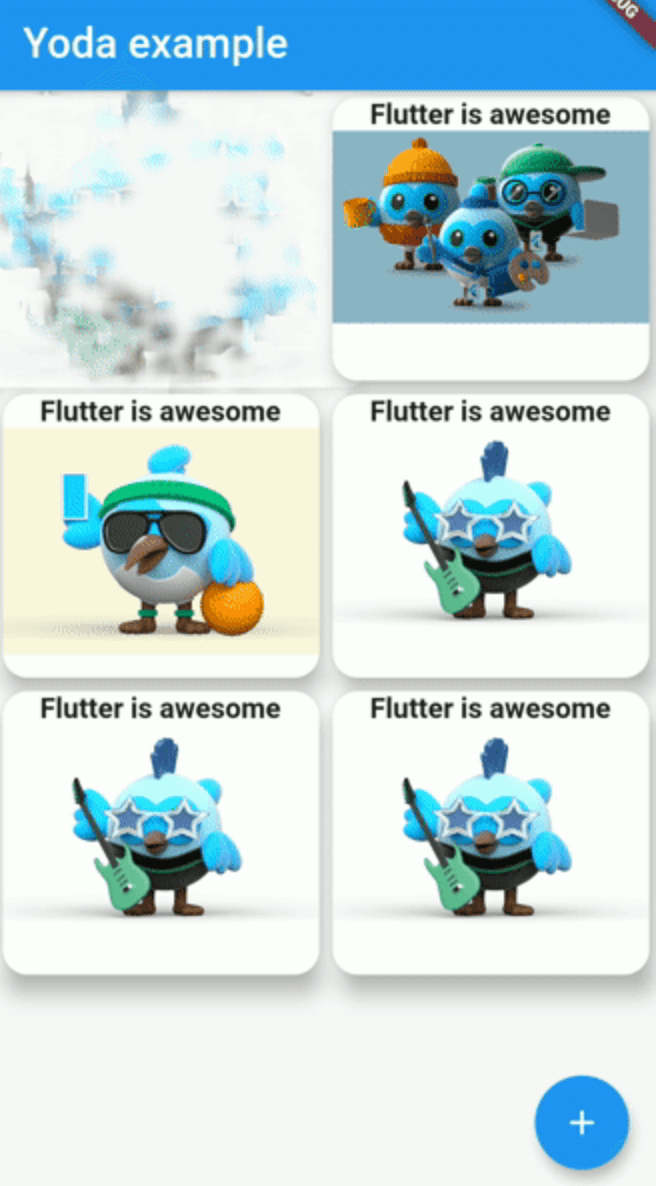
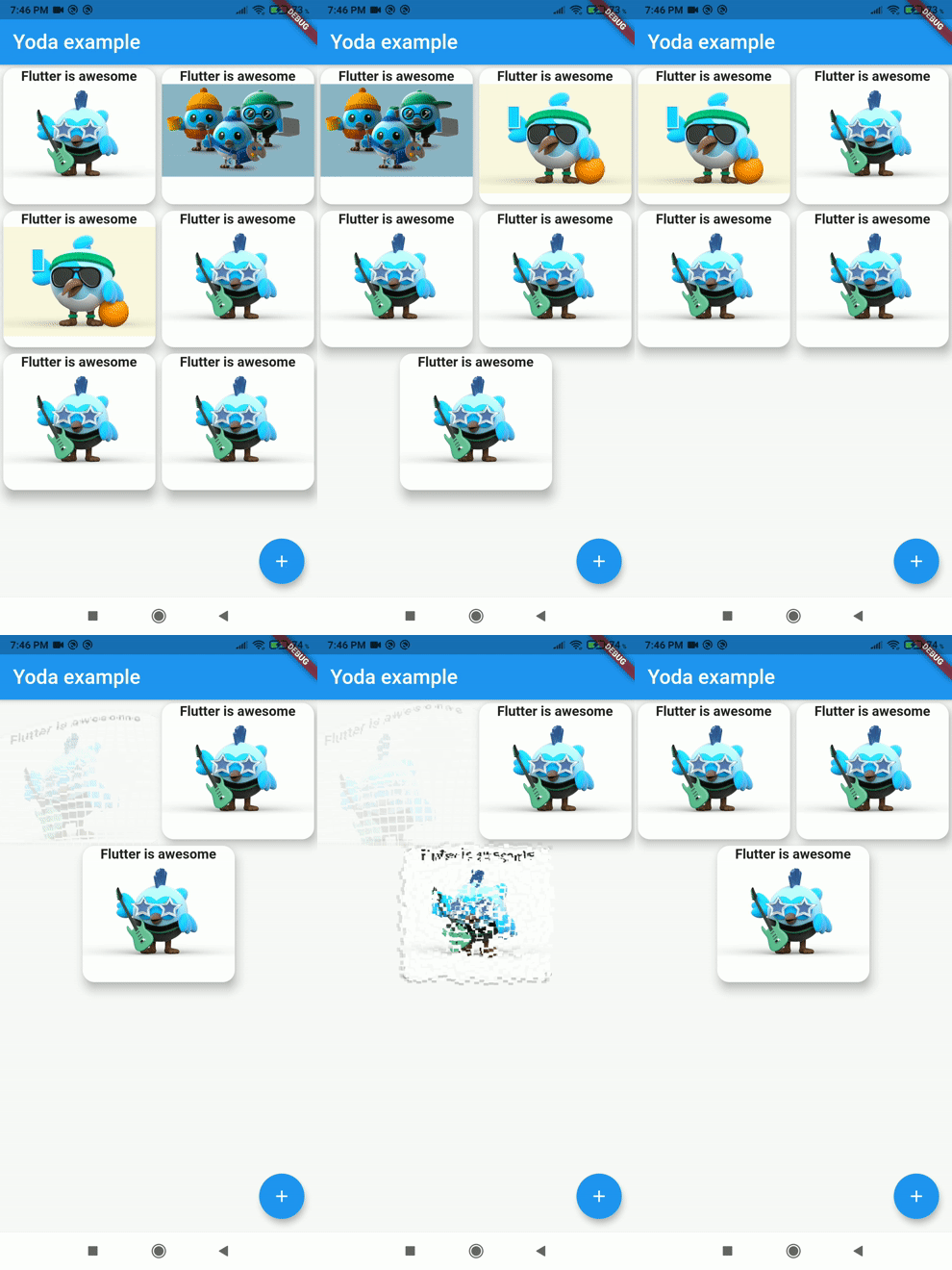
任意の子ウィジェットをタイルの行列に切り分け、さまざまな方法でアニメーション化できるFlutterウィジェット。現在はExplode、Vortex、Flakesに対応しています。
57いいね 7030日間ダウンロード130Pub ポイント
AndroidiOSWebmacOSWindowsLinux
任意の子ウィジェットをタイルの行列に切り分け、さまざまな方法でアニメーション化できるFlutterウィジェット。現在はエクスプロード、バーテックス、フレイクスに対応しています。すべてのプラットフォームで動作します。

以下は英語原文のスナップショットです。最新版は GitHub をご覧ください。
Flutter widget that let's you slice any kind of child widget in a matrix of tiles and animate them with different kind of ways. Currently with Explode, Vortex and Flakes. Works on all platforms.
If you need to control the animation status:
late YodaController _yodaControllerExplode;

@override
  void initState() {
    super.initState();
    _yodaControllerExplode = YodaController()
    ..addStatusListener((status) {
      if (status == AnimationStatus.completed) {
        _yodaControllerExplode.reset();
      }
    });
  }
YodaController accepts start() and reset() methods. Note: calling those methods will not work when a setState() is called at the same time.
Yoda(
  yodaEffect: YodaEffect.Explosion,
  controller: _yodaControllerExplode,
  duration: Duration(milliseconds: 2500),
  animParameters: AnimParameters(
    yodaBarrier: YodaBarrier(bottom: true, left: true, right: true),
    fractionalCenter: Offset(0.5, 1.0),
    hTiles: 20,
    vTiles: 20,
    effectPower: 0.2,
    blurPower: 5,
    gravity: 0.1,
    randomness: 30,
  ),
  startWhenTapped: true,
  child: SizedBox(
    width: 250,
    height: 180,
    child: Image.asset('assets/dash.png', fit: BoxFit.fill)
  )
)
依存関係一覧 2 件
{"sdk":"flutter"}{"sdk":"flutter"}用途で絞り込み、開発状況を比較し、採用前に元のリポジトリで要件を確認しましょう。
“A repository is the most basic element of GitHub.”
GitHub Docs — About repositories ↗