パッケージ、リポジトリ、アプリカテゴリを検索

yoda のカバー
パッケージ詳細v1.0.1

yoda

任意の子ウィジェットをタイルの行列に切り分け、さまざまな方法でアニメーション化できるFlutterウィジェット。現在はExplode、Vortex、Flakesに対応しています。

AndroidiOSWebmacOSWindowsLinux
30日間ダウンロード
70
いいね数
57
Pub ポイント
130

パッケージをインストール

flutter pub add yoda

パッケージ概要

公開情報に基づく選定ガイドです。参考としてご利用ください。

Yoda は、Flutter ウィジェットで、任意の子ウィジェットをタイルのグリッドに分割し、Explode、Vortex、Flakes などのさまざまなエフェクトを使用してアニメーション化できるようにします。アプリケーション内でダイナミックで視覚的に魅力的な遷移を作成するために設計されています。このパッケージは Android、iOS、Web、macOS、Windows、Linux など複数のプラットフォームをサポートしており、クロスプラットフォーム開発に適しています。pub add を通じた簡単な統合により、カスタマイズ可能なアニメーションを通じて UI のインタラクティビティが向上します。

用途

  • アニメーション付きのスプラッシュ画面を作成する
  • ページ間のインタラクティブな遷移を設計する
  • ボタンタップに視覚的な魅力を加える
  • 画像またはコンテンツのアニメーション表示
  • オンボーディング体験の向上

主な機能

  • タイルベースのアニメーションスライシング
  • 複数のアニメーションタイプ(爆発、渦巻き、雪片)
  • クロスプラットフォーム互換性
  • pub との簡単な統合
  • カスタマイズ可能なアニメーションパラメータ
  • デバイス間でのスムーズなパフォーマンス

適している対象

  • 創造的なアニメーションを探しているUIデザイナー
  • インタラクティブなアプリケーションインターフェースを構築する開発者
  • 動的なコンテンツ遷移を必要とするプロジェクト
  • 魅力的なユーザー体験のプロトタイピング
  • 強力なビジュアルストーリーテリングを持つアプリ

注意事項

  • 大規模なタイル数ではパフォーマンスに影響する可能性があります
  • スムーズなアニメーションには注意深い調整が必要です
  • 状態管理と組み合わせない限り、静的子ウィジェットに限定される
  • シンプルでミニマリストなデザインには適していない
  • アニメーションの複雑さはビルド時間を増加させる可能性があります

元の README

関連するソースリポジトリの README 原文のスナップショットです。最新の内容はリポジトリをご覧ください。

Yoda Flutter plugin

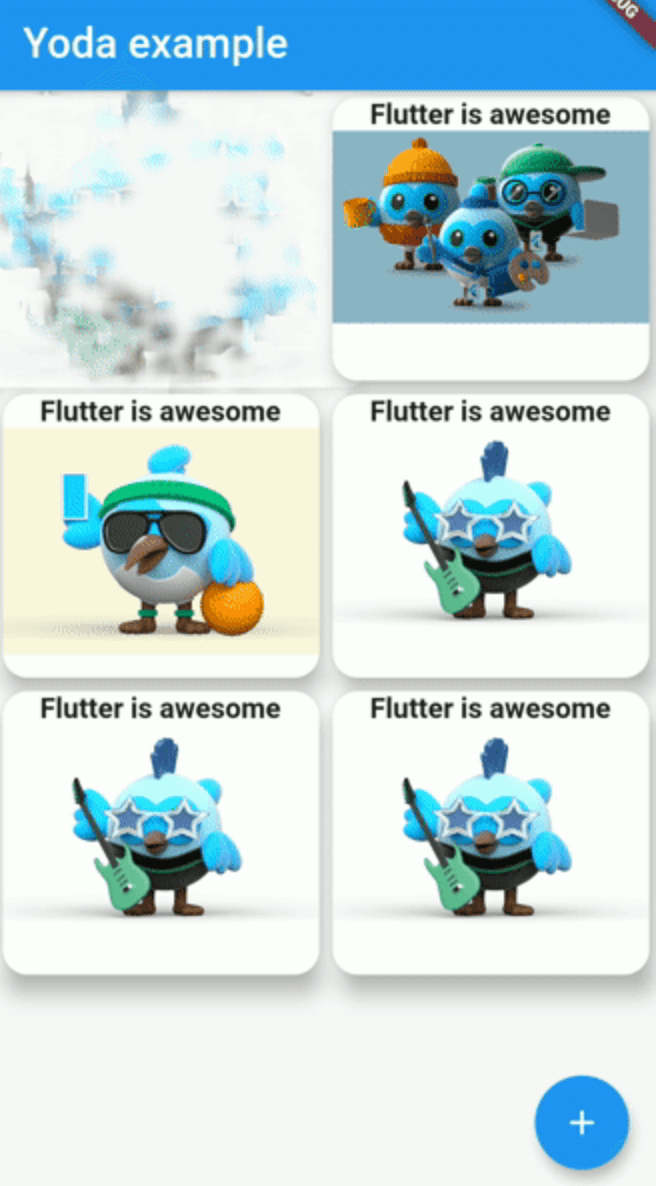
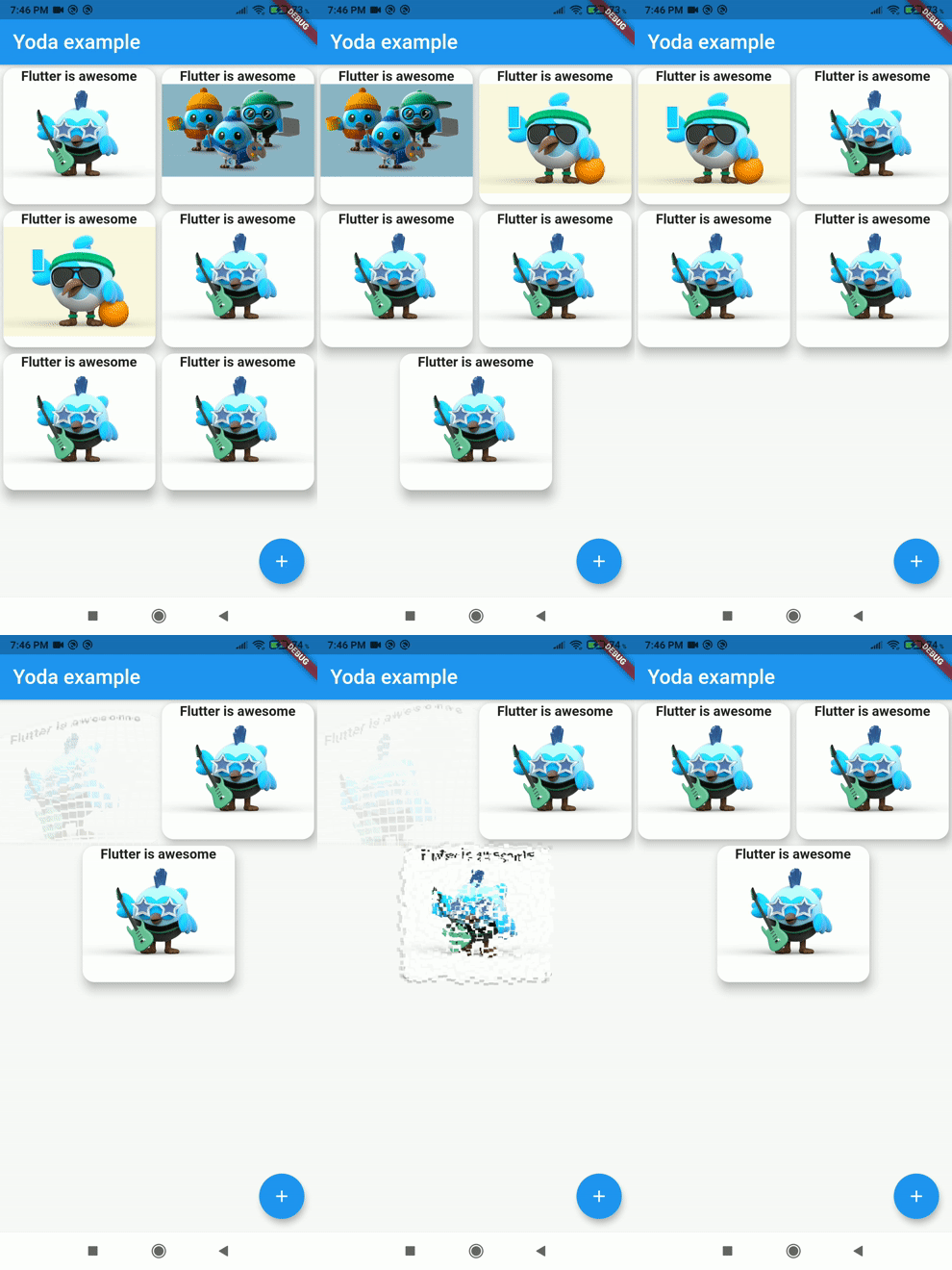
Flutter widget that let's you slice any kind of child widget in a matrix of tiles and animate them with different kind of ways. Currently with Explode, Vortex and Flakes. Works on all platforms.

Screenshot

Yoda Widget Properties

Yoda widget
  • [yodaEffect] Animation effect to use (see below).
  • [controller] Animation controller.
  • [duration] Animation duration.
  • [startWhenTapped] Enable tap gesture to start animation.
  • [animParameters] Parameters used to animate tiles (see below).
  • [child] Whatever widget to slice.
YodaEffect enum
  • [Explosion]
  • [Vortex]
  • [Flakes]
AnimParameters properties
  • [yodaBarrier] Define which edges are barraged (see below).
  • [hTiles] Number of horizontal tiles to divide the child widget.
  • [vTiles] Number of vertical tiles to divide the child widget.
  • [fractionalCenter] Default center where force is given when not tapping on it.
  • [gravity] Vertical force.
  • [effectPower] Effect strength.
  • [blurPower] Blur strength.
  • [randomness] Random strength.
YodaBarrier properties
  • [left] Block tiles moving over the left edge.
  • [right] Block tiles moving over the right edge.
  • [top] Block tiles moving over the top edge.
  • [bottom] Block tiles moving over the bottom edge.

How to use

If you need to control the animation status:

late YodaController _yodaControllerExplode;
  
@override
  void initState() {
    super.initState();
    _yodaControllerExplode = YodaController()
    ..addStatusListener((status) {
      if (status == AnimationStatus.completed) {
        _yodaControllerExplode.reset();
      }
    });
  }

YodaController accepts start() and reset() methods. Note: calling those methods will not work when a setState() is called at the same time.

Yoda(
  yodaEffect: YodaEffect.Explosion,
  controller: _yodaControllerExplode,
  duration: Duration(milliseconds: 2500),
  animParameters: AnimParameters(
    yodaBarrier: YodaBarrier(bottom: true, left: true, right: true),
    fractionalCenter: Offset(0.5, 1.0),
    hTiles: 20,
    vTiles: 20,
    effectPower: 0.2,
    blurPower: 5,
    gravity: 0.1,
    randomness: 30,
  ),
  startWhenTapped: true,
  child: SizedBox(
    width: 250,
    height: 180,
    child: Image.asset('assets/dash.png', fit: BoxFit.fill)
  )
)

TODO
  • Find a better way to capture the widget
  • When changing Yoda widget parameters, 2 hot reloads are needed to make it to work!

カテゴリー

ソースリポジトリ

このパッケージを使用しているプロジェクト

データはまだありません。