


 v0.0.7
dialogs
このFlutterパッケージは、カスタマイズ可能なオプションを備えた注意深く設計されたダイアログを提供しています。
26いいね 13730日間ダウンロード130Pub ポイント
AndroidiOSWebmacOSWindowsLinux
ダイアログ

以下は英語原文のスナップショットです。最新版は GitHub をご覧ください。
This flutter package provides aesthetically designed dialog box with customization options.
legacy_progress_dialog
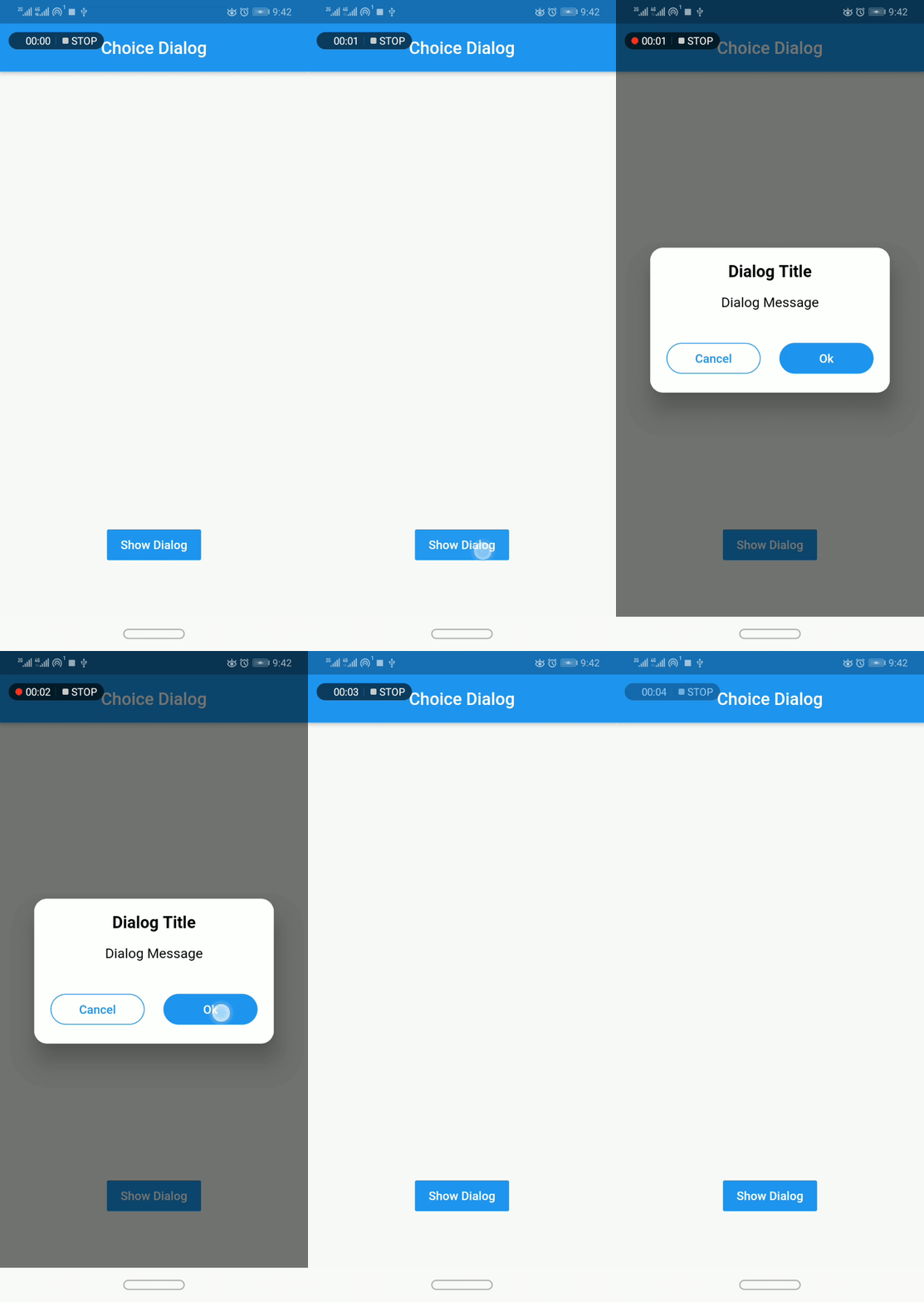
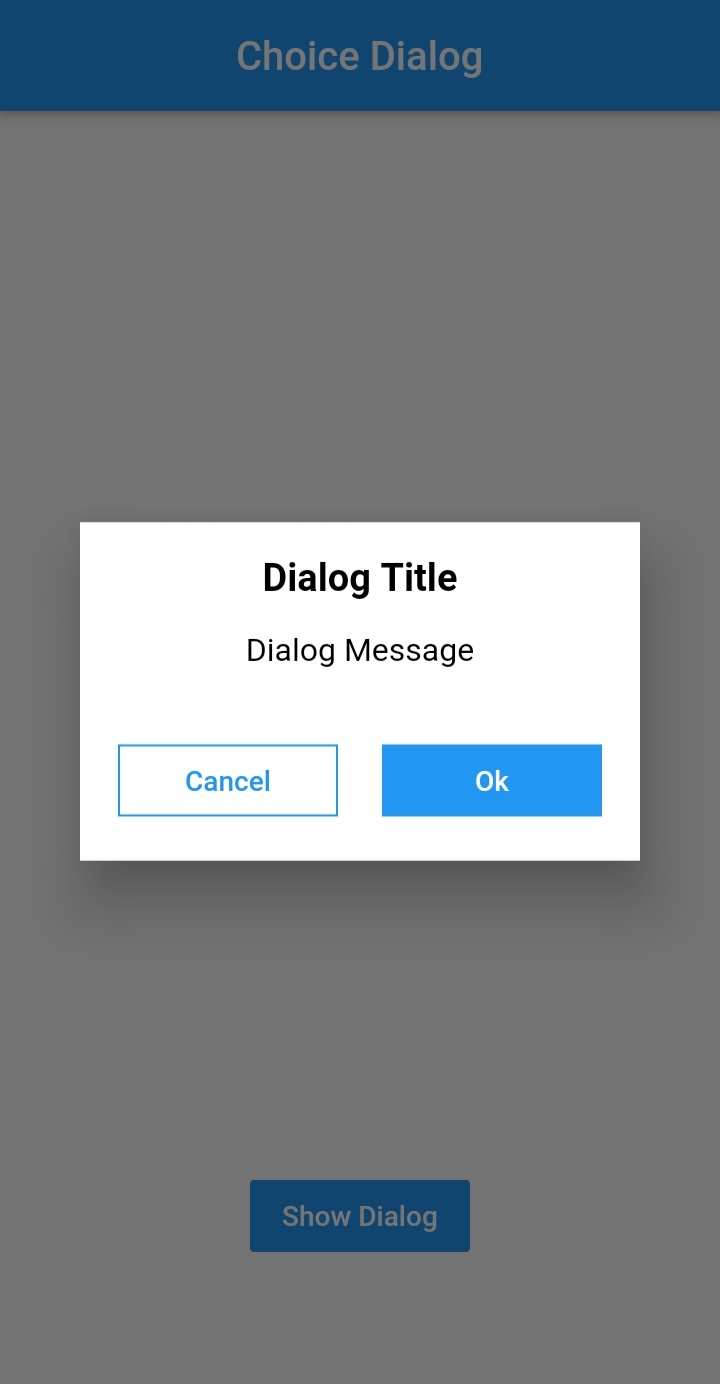
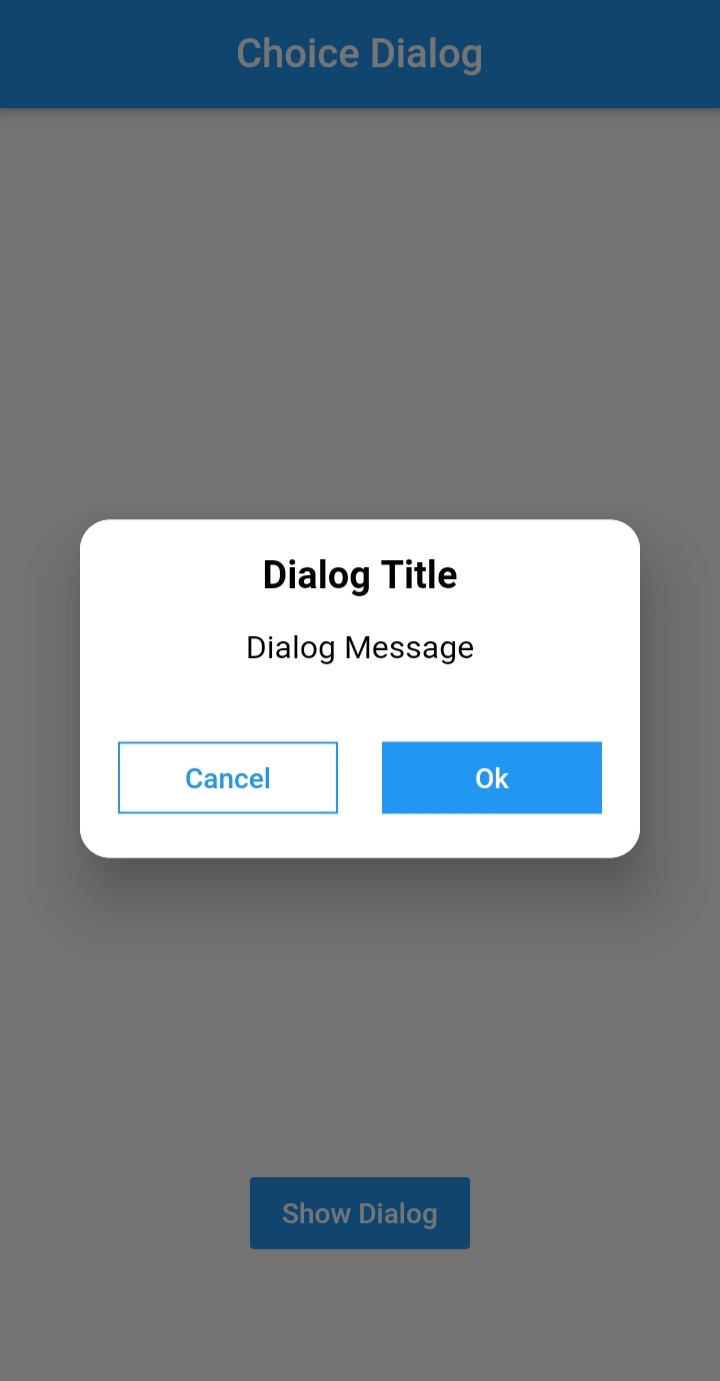
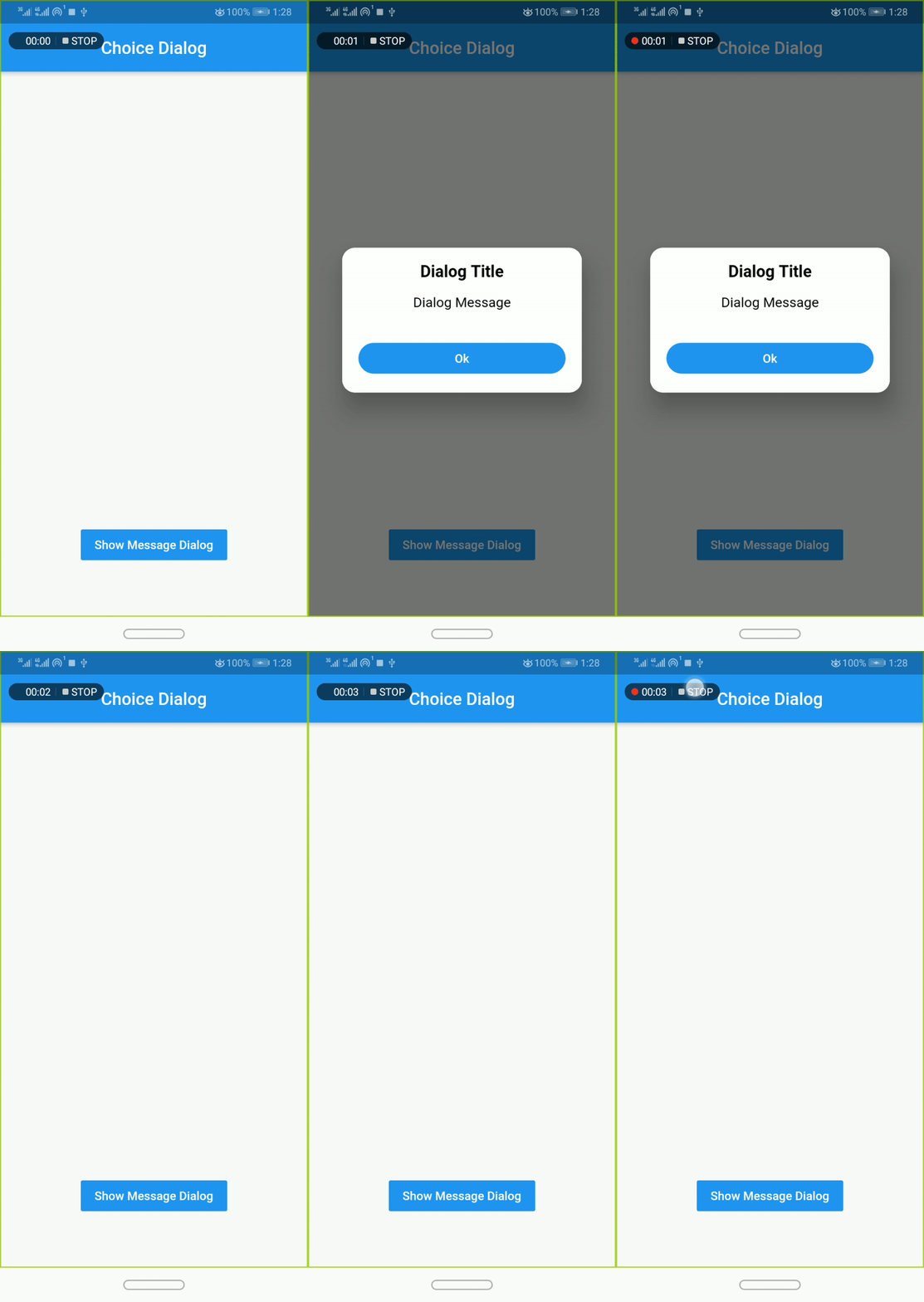
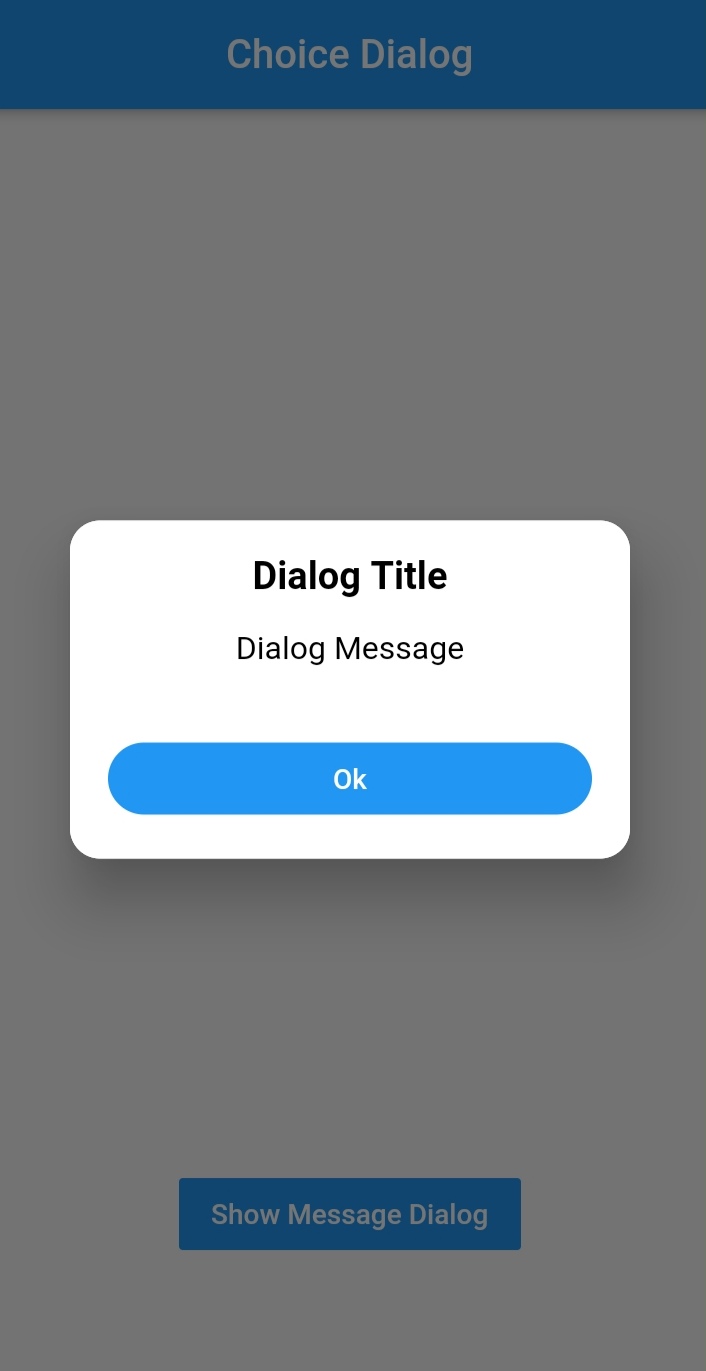
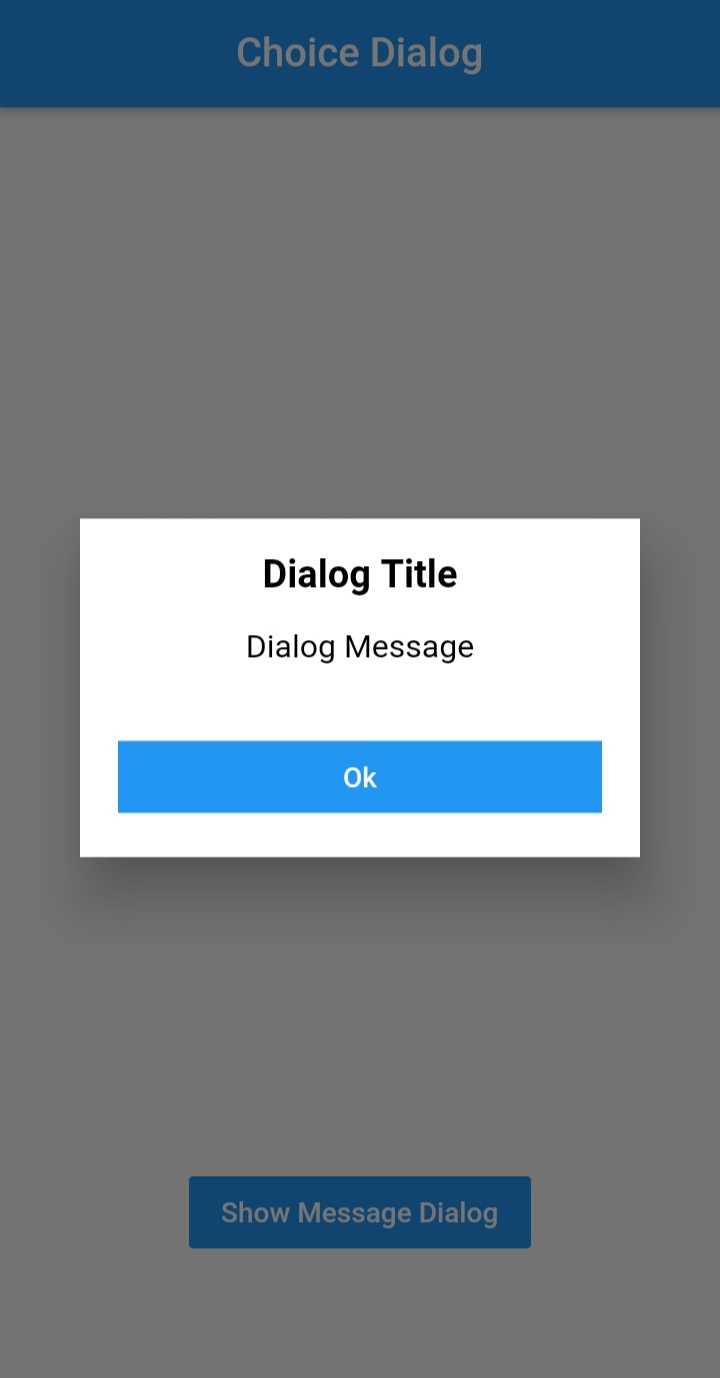


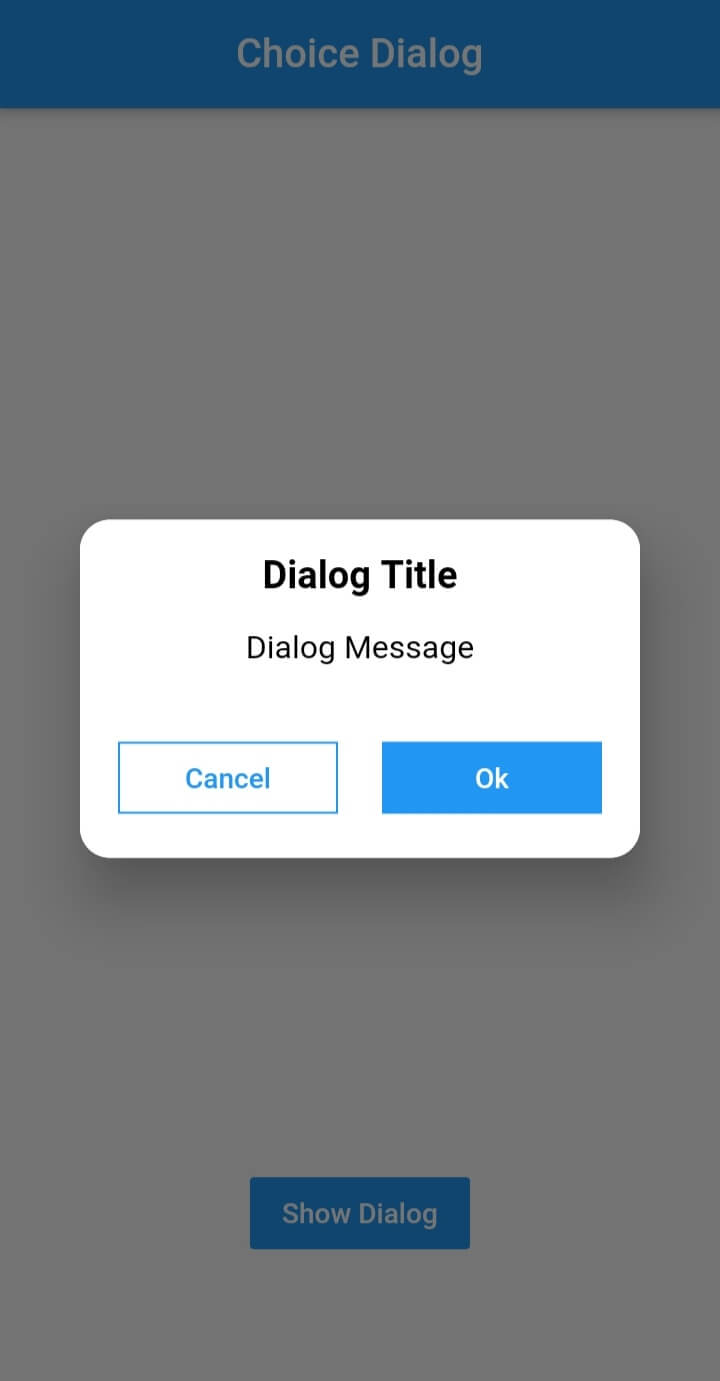
To use this plugin, add dialogs as a
dependency in your pubspec.yaml file.
import 'package:dialogs/dialogs.dart';ChoiceDialog().show() function to display the dialog.
ChoiceDialog().show(context);
##OR
final choiceDialog = ChoiceDialog();
choiceDialog.show(context);
MessageDialog().show() function and call the Choice Dialog .
MessageDialog().show(context);
final messageDialog = MessageDialog();
choiceDialog.show(context);
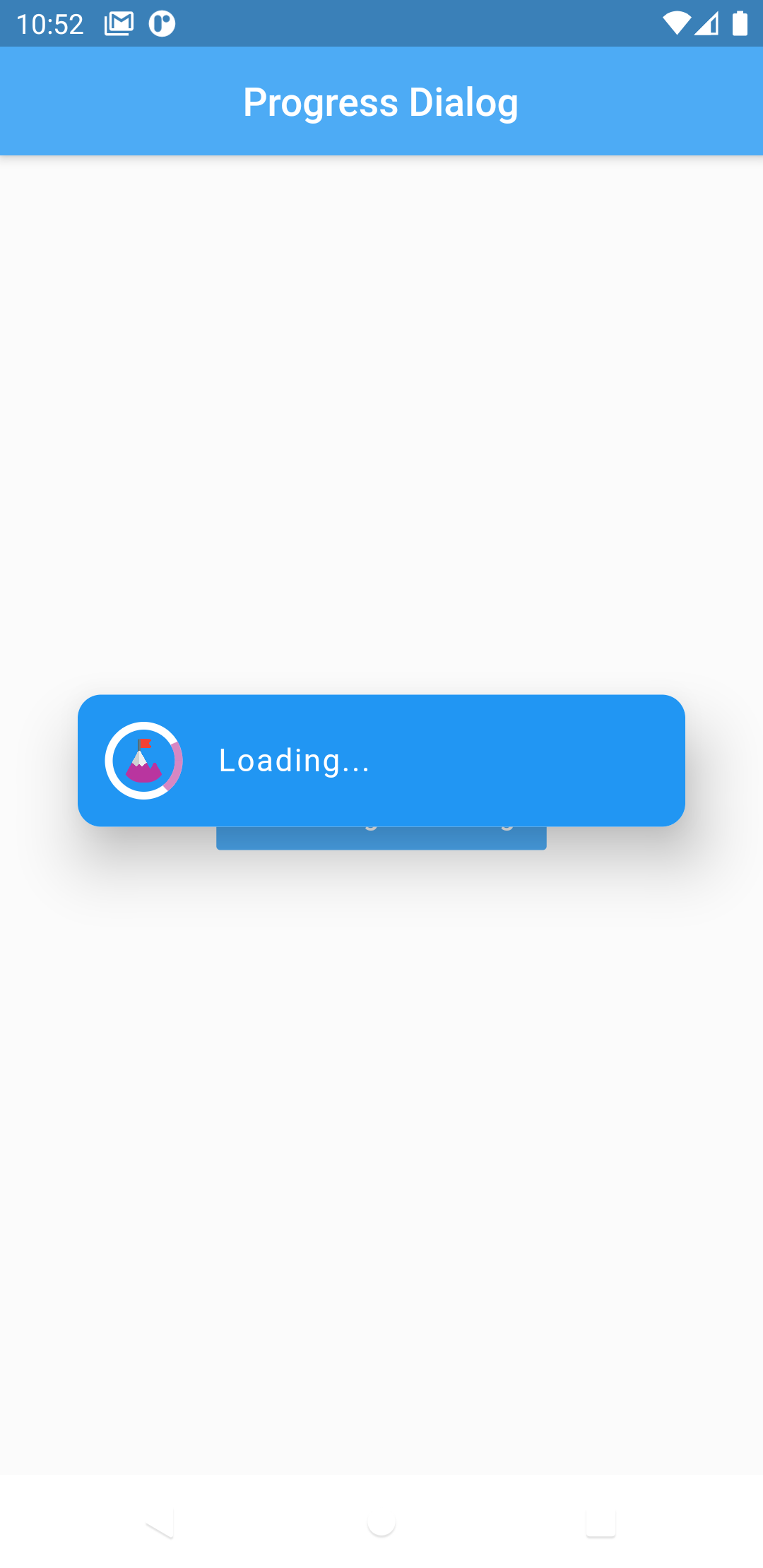
//Create an instance of ProgressDialog
ProgressDialog progressDialog = ProgressDialog(
                  context: context,
                  backgroundColor: Colors.blue,
                  textColor: Colors.White,
                );
// show dialog
progressDialog.show();

//close dialog
progressDialog.dismiss();
In order to add the ChoiceDialog, MessageDialog to your app, there are several attributes that are important parameters that you might need frequently:
| Attribute | Type | Default | Required | Description |
|---|---|---|---|---|
buttonOkOnPressed |
Function() |
Navigator.pop(context) |
No |
This function will be registered as the callback of 'Ok' button. |
buttonCancelOnPressed |
Function() |
Navigator.pop(context) |
No |
This function will be registered as the callback of 'Cancel' button. |
dialogRadius |
double |
15.0 |
No |
Determines the borderRadius of dialog box. |
buttonRadius |
double |
18.0 |
No |
Determines the borderRadius of action buttons. |
iconButtonOk |
Icon |
null |
No |
Renders a FlatButton with the provided icon for positive action. |
iconButtonCancel |
Icon |
null |
No |
Renders a FlatButton with the provided icon for negative action. |
show() also provides some useful parameters of showDialog() function
| Attribute | Type | Default | Required | Description |
|---|---|---|---|---|
context |
BuildContext |
Null |
Yes |
The context argument is used to look up the Navigator and Theme for the dialog. |
barrierDismissible |
bool |
true |
No |
Indicates whether tapping on the barrier will dismiss the dialog. |
barrierColor |
Color |
Colors.black54 |
No |
Specifies the color of the modal barrier that darkens everything below the dialog. |
Made with contributors-img.
依存関係一覧 2 件
{"sdk":"flutter"}{"sdk":"flutter"}用途で絞り込み、開発状況を比較し、採用前に元のリポジトリで要件を確認しましょう。
“A repository is the most basic element of GitHub.”
GitHub Docs — About repositories ↗