
 v0.0.3
image_editor_dove
切り取り、スクラビル、モザイク、テキスト追加、反転、回転機能を備えた画像エディタ。
36いいね 1130日間ダウンロード130Pub ポイント
AndroidiOS
切り取り、スクラビル、モザイク、テキスト追加、反転、回転機能を備えた画像エディタ。

{"sdk":"flutter"}^2.1.1^3.0.0^2.1.0{"sdk":"flutter"}以下は英語原文のスナップショットです。最新版は GitHub をご覧ください。
A high-performance image editor with crop, scribble, mosaic, add-text, flip, rotated functions.
Support custom ui style.
draw.gif
flip&rotate.gif
mosaic.gif
text_delete.gif
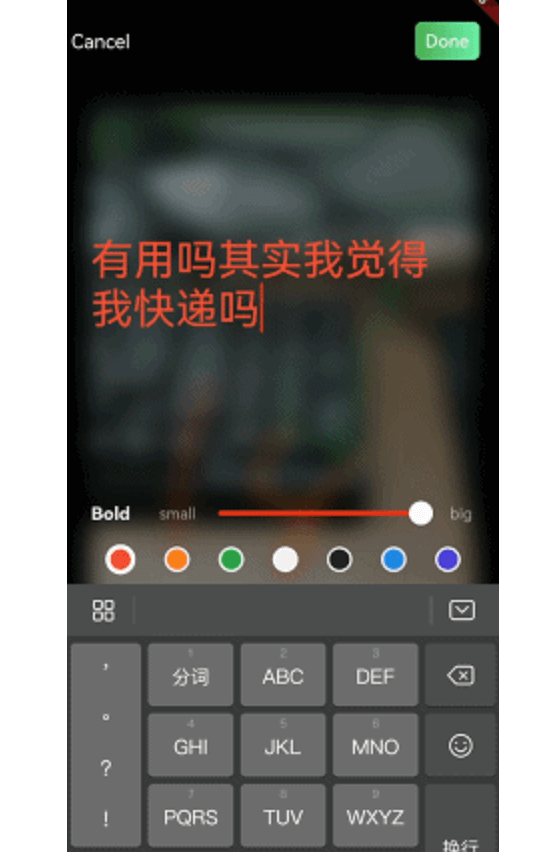
addtext_done.gif
First, add image_editor: as a dependency in your pubspec.yaml file.
import
import 'package:image_editor/flutter_image_editor.dart';
iOS Add the following keys to your Info.plist file, located in /ios/Runner/Info.plist:
<key>NSPhotoLibraryUsageDescription</key>
<string>Used to demonstrate image picker plugin</string>
<key>NSCameraUsageDescription</key>
<string>Used to demonstrate image picker plugin</string>
<key>NSMicrophoneUsageDescription</key>
<string>Used to capture audio for image picker plugin</string>
Android
No configuration required - the plugin should work out of the box.
pick an image that wanna edit, and pass it to image editor like this:
  Future<void> toImageEditor(File origin) async {
    return Navigator.push(context, MaterialPageRoute(builder: (context) {
      return ImageEditor(
        originImage: origin,
        //this is nullable, you can custom new file's save postion
        savePath: customDirectory
      );
    })).then((result) {
      if (result is EditorImageResult) {
        setState(() {
          _image = result.newFile;
        });
      }
    }).catchError((er) {
      debugPrint(er);
    });
  }
You can extends ImageEditorDelegate and custom editor's widget:
ImageEditor.uiDelegate = YouUiDelegate();

class YouUiDelegate extends ImageEditorDelegate{
    ...
}