


 v2.3.1
siri_wave
視覚的に印象的なSiri風の波形を作成できるFlutterパッケージです。
160いいね 749030日間ダウンロード150Pub ポイント
AndroidiOSWebmacOSWindowsLinux
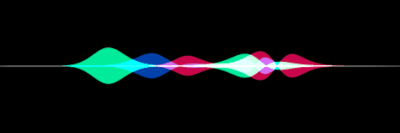
Siri のように美しい波形を作成します。

以下は英語原文のスナップショットです。最新版は GitHub をご覧ください。



Create visually stunning waveforms similar to those found in Siri.
Inspired from the siriwave library.
Check out the live demo here.

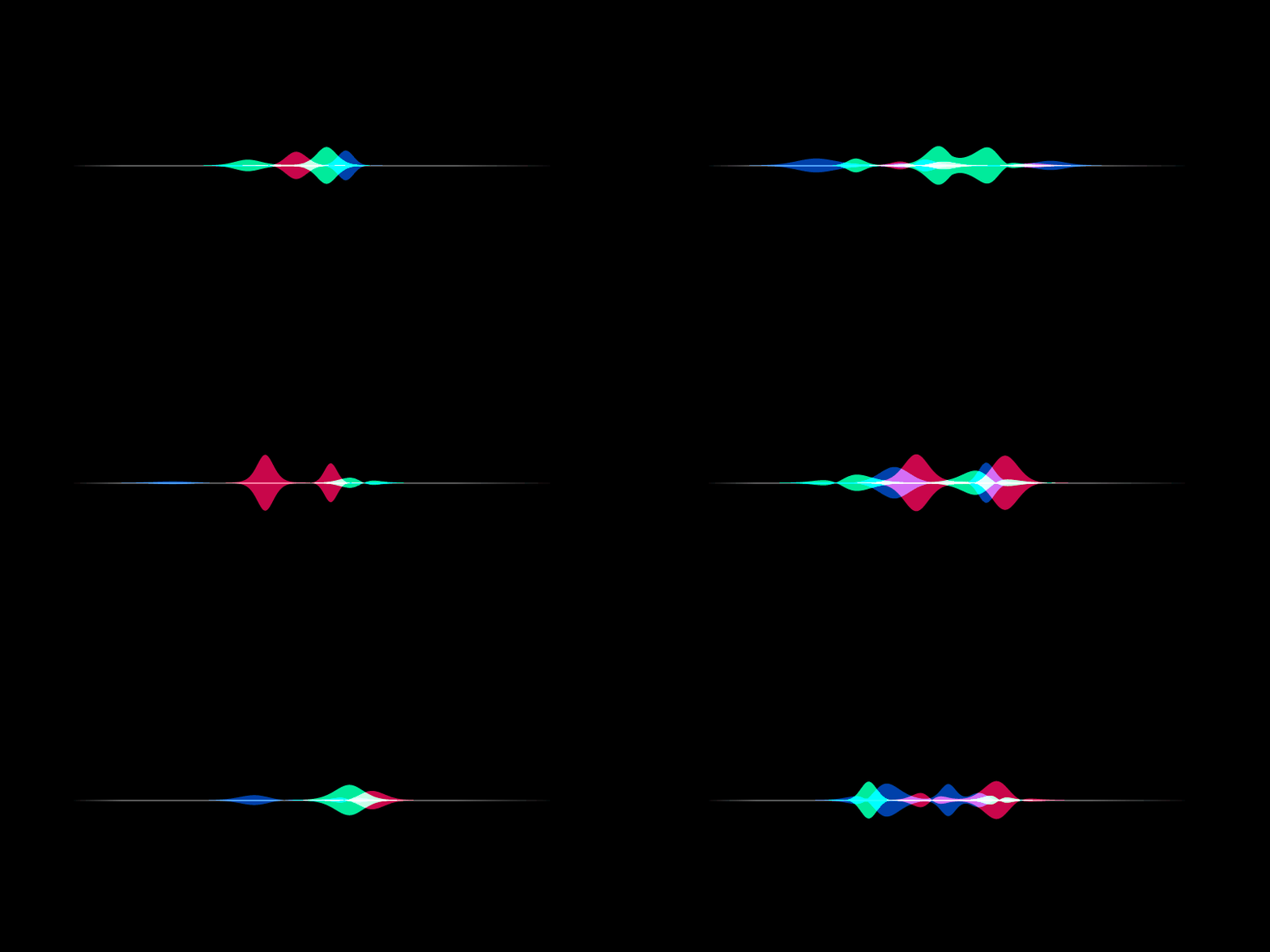
To create an iOS 7 Siri-style waveform, use the SiriWaveform.ios7()
constructor:
import 'package:siri_wave/siri_wave.dart';

class MyWidget extends StatelessWidget {
  MyWidget({super.key});

  Widget build(BuildContext context) => SiriWaveform.ios7();
}
You can customize the waveform by passing a controller and/or options:
class MyWidget extends StatelessWidget {
  MyWidget({super.key});

  final controller = IOS7SiriWaveformController(
    amplitude: 0.5,
    color: Colors.red,
    frequency: 4,
    speed: 0.15,
  );

  @override
  Widget build(BuildContext context) => SiriWaveform.ios7(
        controller: controller,
        options: const IOS7SiriWaveformOptions(height: 200, width: 400),
      );
}
You can also change the properties of the waveform later:
  controller.amplitude = 0.3;
  controller.color = Colors.white;
To create an iOS 9 Siri-style waveform, use the SiriWaveform.ios9()
constructor:
import 'package:siri_wave/siri_wave.dart';

class MyWidget extends StatelessWidget {
  MyWidget({super.key});

  Widget build(BuildContext context) => SiriWaveform.ios9();
}
As with the iOS 7 Siri-style waveform, you can customize the waveform by
passing a controller and/or options:
class MyWidget extends StatelessWidget {
  MyWidget({super.key});

  final controller = IOS9SiriWaveformController(
    amplitude: 0.5,
    color1: Colors.red,
    color2: Colors.green,
    color3: Colors.blue,
    speed: 0.15,
  );

  @override
  Widget build(BuildContext context) => SiriWaveform.ios9(
        controller: controller,
        options: const IOS9SiriWaveformOptions(height: 200, width: 400),
      );
}
For a complete sample application, please checkout the example.
To learn more, see the API Documentation.
Contributions, issues and feature requests are welcome. Feel free to check the issue tracker if you want to contribute.
依存関係一覧 4 件
{"sdk":"flutter"}{"sdk":"flutter"}^0.1.1^2.0.0用途で絞り込み、開発状況を比較し、採用前に元のリポジトリで要件を確認しましょう。
“A repository is the most basic element of GitHub.”
GitHub Docs — About repositories ↗