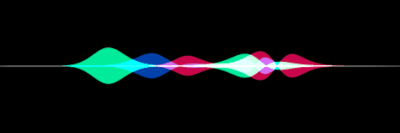
Create visually stunning waveforms similar to those found in Siri .
Inspired from the siriwave library.
Demo
Check out the live demo here .
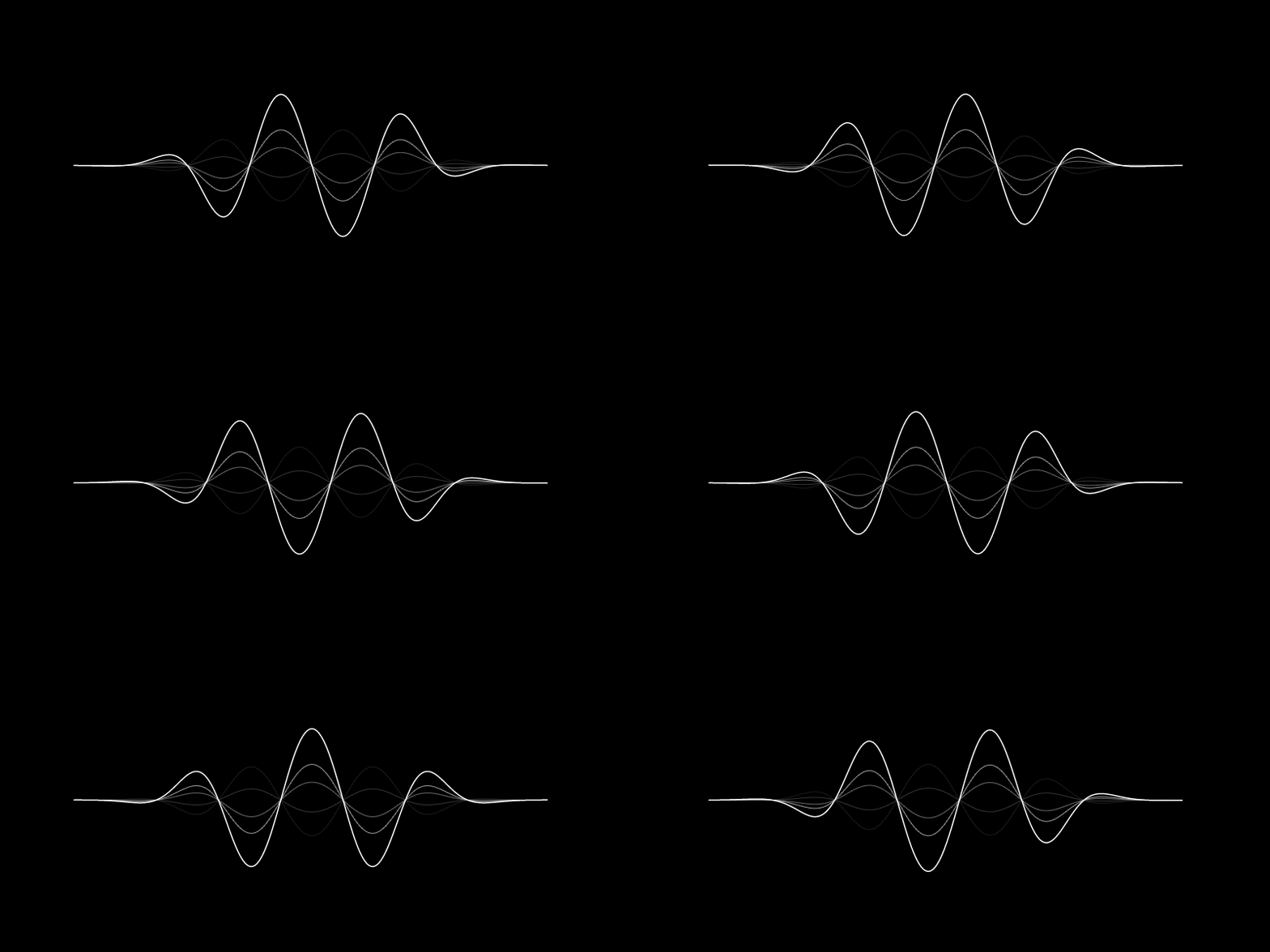
iOS 7 Siri-style waveform GIF
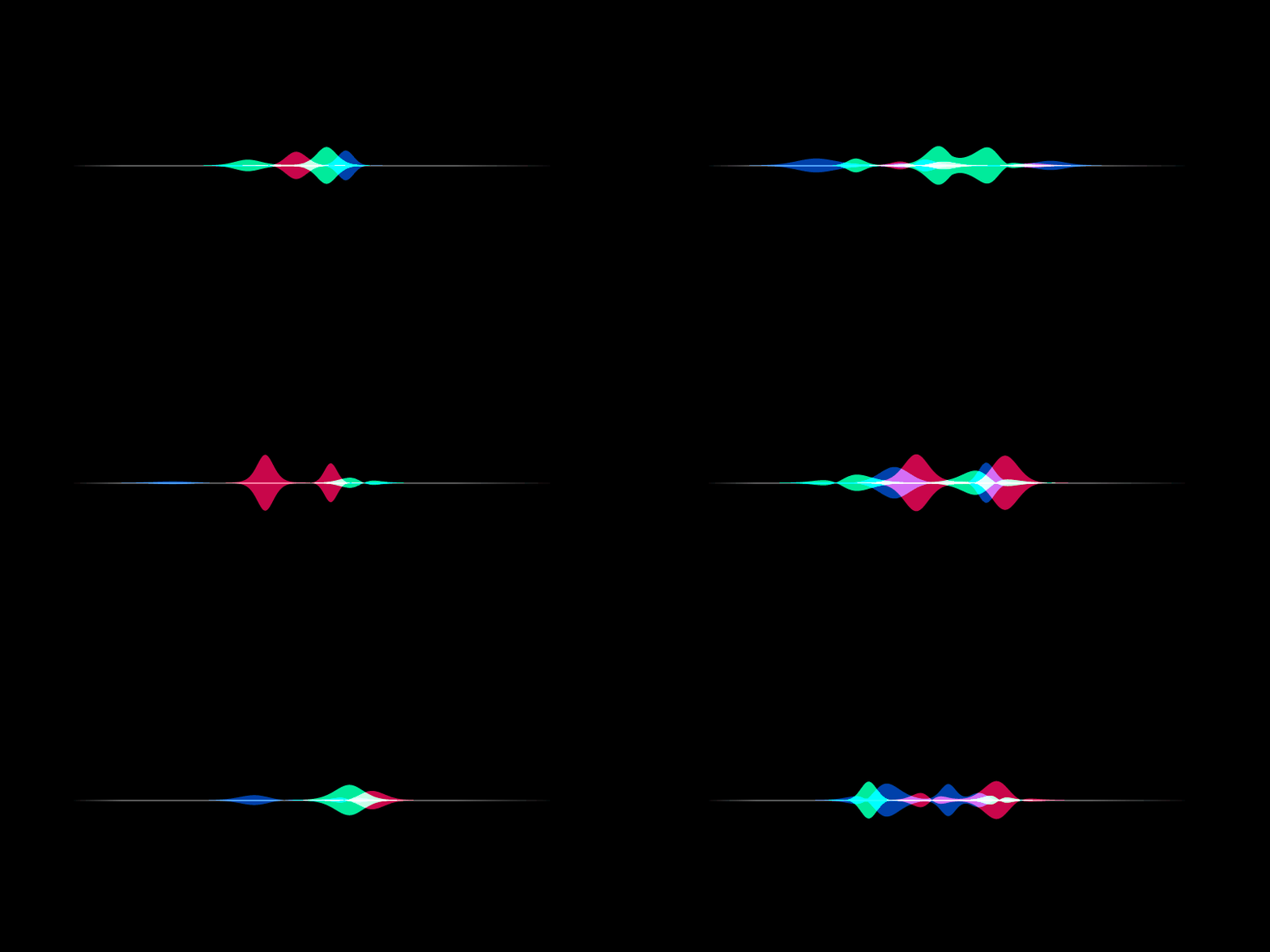
iOS 9 Siri-style waveform GIF
Usage
iOS 7 Siri-style waveform
To create an iOS 7 Siri-style waveform, use the SiriWaveform.ios7()
constructor:
import 'package:siri_wave/siri_wave.dart' ;
class MyWidget extends StatelessWidget MyWidget ({super .key});
Widget build (BuildContext context) => SiriWaveform .ios7 ();
}
You can customize the waveform by passing a controller and/or options:
class MyWidget extends StatelessWidget MyWidget ({super .key});
final controller = IOS7SiriWaveformController (
amplitude: 0.5 ,
color: Colors .red,
frequency: 4 ,
speed: 0.15 ,
);
@override
Widget build (BuildContext context) => SiriWaveform .ios7 (
controller: controller,
options: const IOS7SiriWaveformOptions (height: 200 , width: 400 ),
);
}
You can also change the properties of the waveform later:
controller.amplitude = 0.3 ;
controller.color = Colors .white;
iOS 9 Siri-style waveform
To create an iOS 9 Siri-style waveform, use the SiriWaveform.ios9()
constructor:
import 'package:siri_wave/siri_wave.dart' ;
class MyWidget extends StatelessWidget MyWidget ({super .key});
Widget build (BuildContext context) => SiriWaveform .ios9 ();
}
As with the iOS 7 Siri-style waveform, you can customize the waveform by
passing a controller and/or options:
class MyWidget extends StatelessWidget MyWidget ({super .key});
final controller = IOS9SiriWaveformController (
amplitude: 0.5 ,
color1: Colors .red,
color2: Colors .green,
color3: Colors .blue,
speed: 0.15 ,
);
@override
Widget build (BuildContext context) => SiriWaveform .ios9 (
controller: controller,
options: const IOS9SiriWaveformOptions (height: 200 , width: 400 ),
);
}
For a complete sample application, please checkout the example .
To learn more, see the API Documentation .
🤝 Contributing
Contributions, issues and feature requests are welcome.
Feel free to check the issue tracker if you want to
contribute.