
v0.1.0
flutter_showcase
世界にあなたのFlutterプロジェクトを共有するための高速で簡単かつクールな方法。
65いいね 6730日間ダウンロード35Pub ポイント
プラットフォーム情報なし
Flutter | シンプルで高速かつ簡単に、あなたのFlutterプロジェクトやモックアップを世界と共有する方法
以下は英語原文のスナップショットです。最新版は GitHub をご覧ください。
A simple, fast and easy way to share you flutter project or mockups with the world. Demo
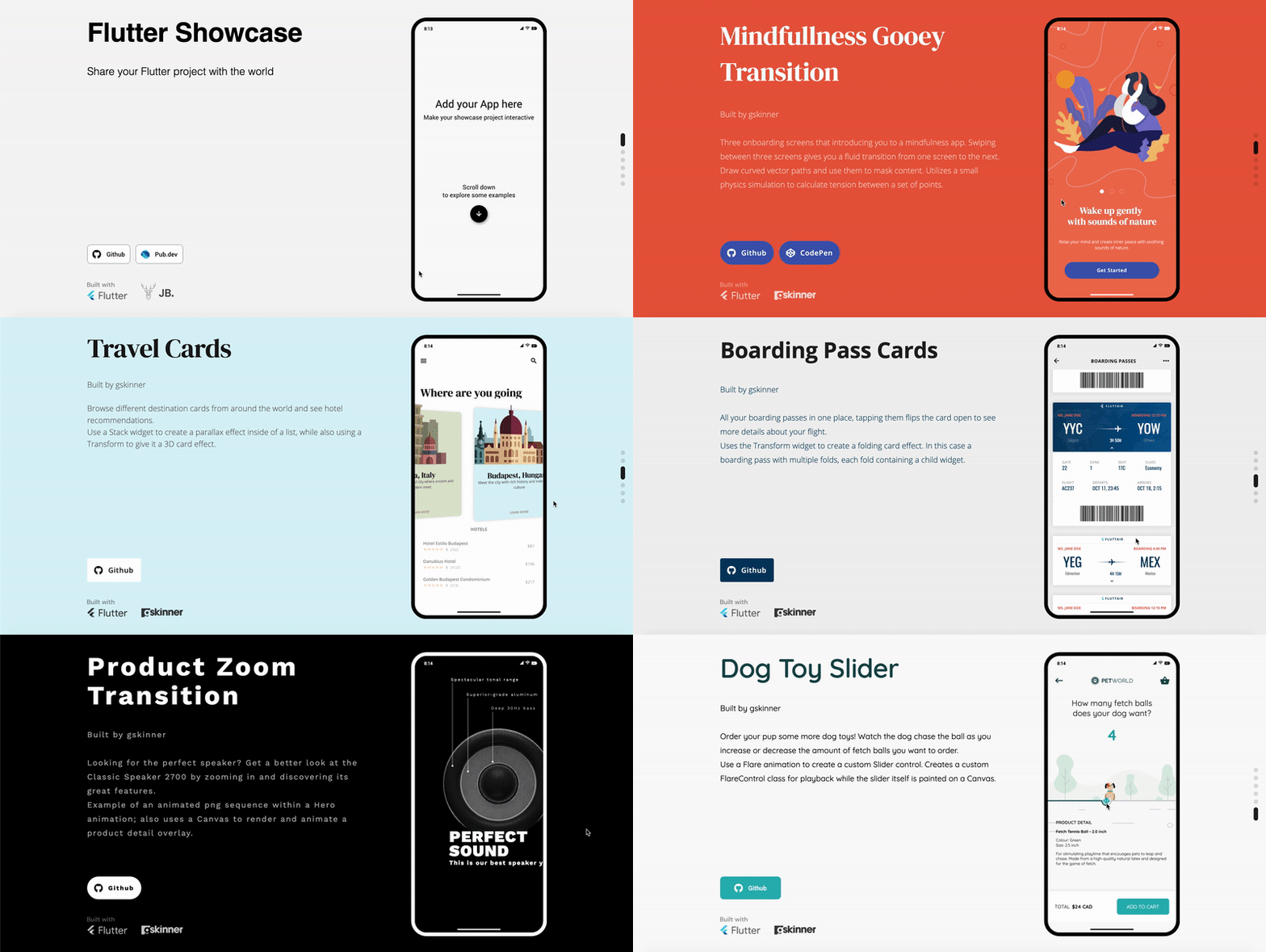
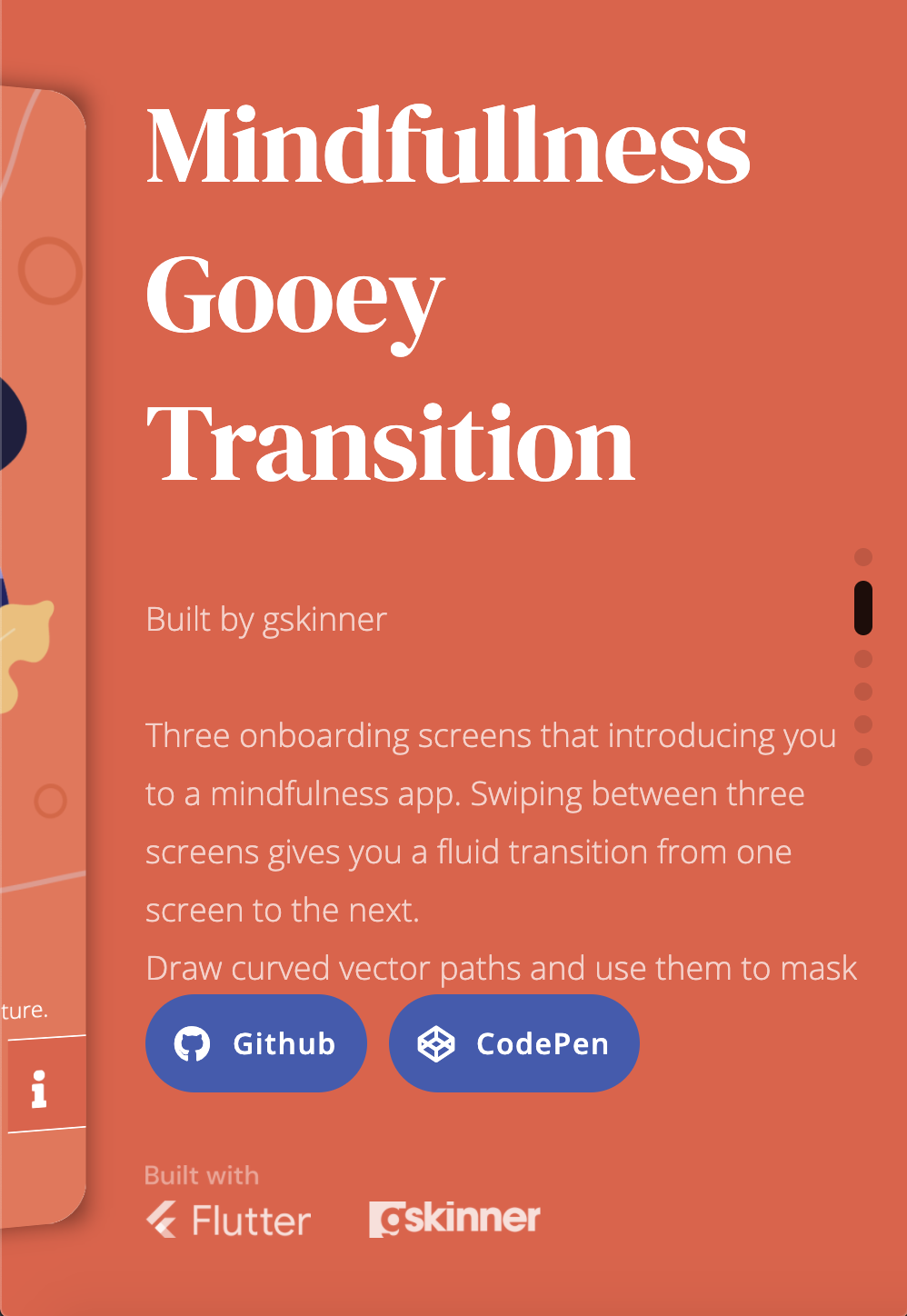
Flutter Showcase is a project that helps you share flutter your project online. While building your project as a website is enough, this package aims to empower your demo. You can can have different appareances, actionable links and social metadata.
Flutter Showcase is only displayed when building the web project. When compiling to other platforms your project will still look as before.
Right now there is only SimpleTemplate but the goal is to provide multiple options to share your project so you can choose the one that fits for you.
Check the web demo with the awesome vignettes from @gskinnerTeam
Install package Check last version
Wrap your app around a Showcase widget
runApp(Showcase(
  title: 'My Awesome Project',
  description: 'Hello World! Welcome to my awesome Flutter Project',
  app: MyApp()
))
MaterialApp(
  ....
  builder: Frame.builder,
  ....
)
Why is this needed? This builder is used to set new MediaQuery params with mobile size
Run Flutter build web
Publish the web project: See this cool articles on how to publish your app
Keep reading for more detailed features
Choose the template you perfer from the class Templates.
Add actianable links
Showcase(
  // Add LinkData.github, LinkData.pub or create your custom LinkData()
  links: [
    LinkData.github(
      'https://github.com/jamesblasco/flutter_showcase'),
    LinkData.pub(
    'https://github.com/jamesblasco/flutter_showcase')
  ],
  //Add your brand logo next to the Flutter logo
  logoLink: LinkData(
      icon: Image.asset('assets/jaime_logo.png',
          fit: BoxFit.fitHeight),
      url: 'https://github.com/jamesblasco')
)
Showcase(
  theme : TemplateThemeData(
    brightness: Brightness.dark,
    backgroundColor: Colors.black,
    titleTextStyle: TextStyle(
      fontFamily: 'WorkSans',
      fontWeight: FontWeight.bold,
      color: Colors.white,
      height: 1.1,
      letterSpacing: 5),
    descriptionTextStyle: TextStyle(
        fontFamily: 'WorkSans',
        color: Colors.white70,
        fontWeight: FontWeight.w400,
        letterSpacing: 2),
    flutterLogoColor: FlutterLogoColor.white,
    frameTheme: FrameThemeData(
      frameColor: Colors.white,
      statusBarBrightness: Brightness.dark,
    ),
    buttonTheme: ButtonThemeData(
      buttonColor: Colors.white,
      shape:
          RoundedRectangleBorder(borderRadius: BorderRadius.circular(50)),
      textTheme: ButtonTextTheme.accent,
      padding: EdgeInsets.all(16),
    ),
    buttonTextStyle: TextStyle(
        fontFamily: 'WorkSans',
        color: Colors.black,
        fontWeight: FontWeight.bold,
        letterSpacing: 2),
    buttonIconTheme: IconThemeData(color: Colors.black)
  ),
)
CAUTION! This feature is still experimental; It generates a new index.html, if you add your own js scrips (as Firebase) it won't work for now.
This projects aims to generate social media tags title, description, url and image for your Flutter project so you don't have to do it.
ChromeDriver.Github Actions have ChromeDriver installed by default 🎉
Local instalation:
brew tap homebrew/cask && brew cask install chromedriversudo apt-get install chromium-chromedriverchoco install chromedriverSee here for installing manually
pubspec.yamlshowcase:
title: Your project name
description: This is the description of your project
url: https://showcase-custom-web.com
flutter build web we will use flutter pub run flutter_showcase build that will generate the web project in the folder in build/web_showcase
依存関係一覧 14 件
{"sdk":"flutter"}^5.4.2^8.8.1^0.1.0^1.1.1^1.3.4^0.39.6^2.1.0^1.6.0^2.2.0any{"sdk":"flutter"}{"sdk":"flutter"}{"sdk":"flutter"}用途で絞り込み、開発状況を比較し、採用前に元のリポジトリで要件を確認しましょう。
“A repository is the most basic element of GitHub.”
GitHub Docs — About repositories ↗