パッケージ、リポジトリ、アプリカテゴリを検索

パッケージ詳細v0.1.0

flutter_showcase

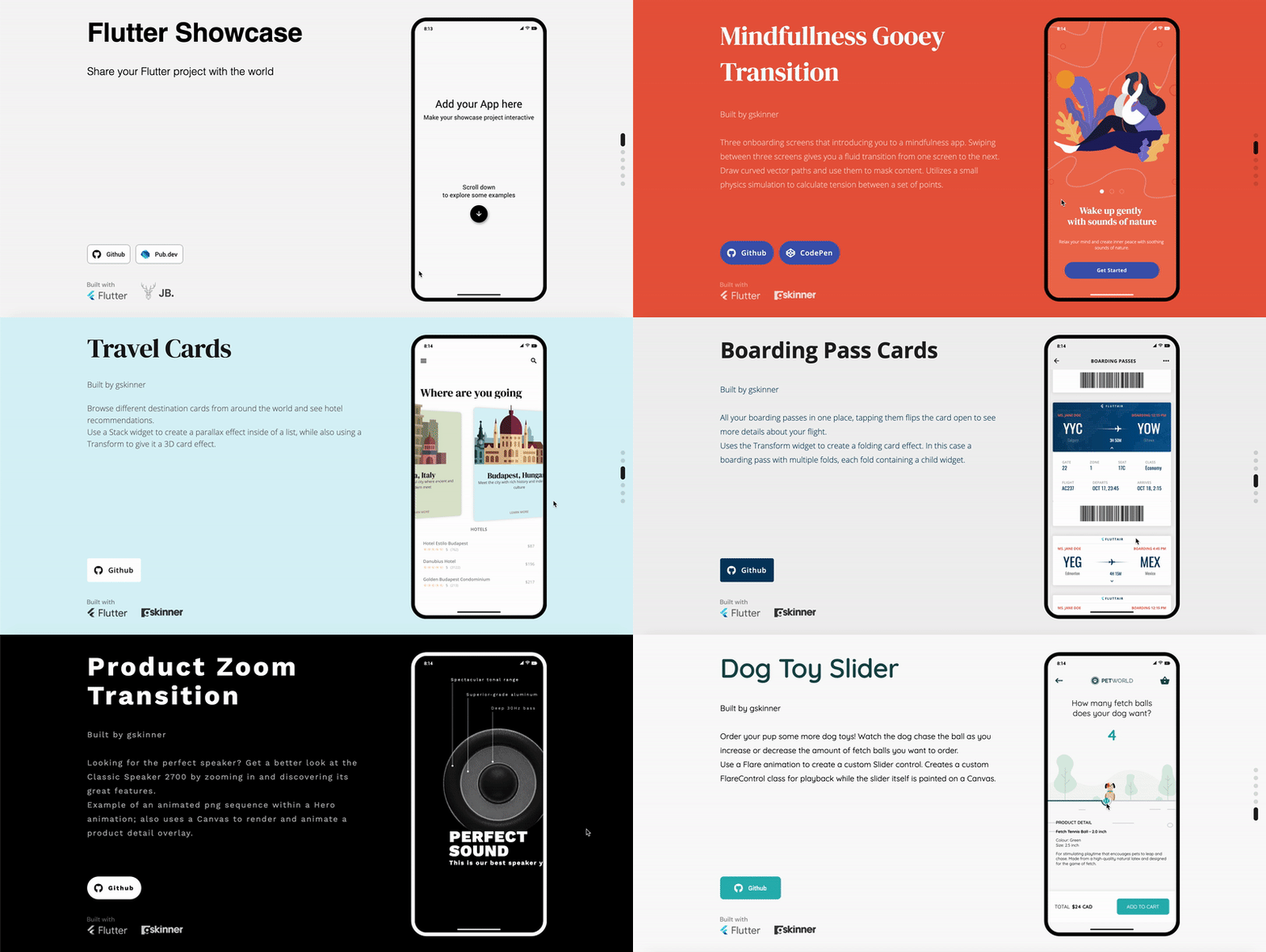
世界にあなたのFlutterプロジェクトを共有するための高速で簡単かつクールな方法。

30日間ダウンロード
73
いいね数
65
Pub ポイント
35

パッケージをインストール

flutter pub add flutter_showcase

パッケージ概要

公開情報に基づく選定ガイドです。参考としてご利用ください。

Flutter Showcase は、Flutter プロジェクトを他の人との間で素早く簡単に共有するための軽量パッケージです。開発者がアプリのインタラクティブで埋め込み可能なプレビューを生成できるようにし、ユーザーがプロジェクトをクローンまたはビルドする必要なく機能を簡単にデモできます。ウェブサイト、ポートフォリオ、ドキュメントでの紹介に最適で、リアルタイムの相互作用と視覚フィードバックをサポートしています。既存の Flutter ワークフローにスムーズに統合され、スピードとシンプルさを重視しています。

用途

  • オンラインでアプリデモを共有する
  • ポートフォリオ内のプロジェクトを紹介する
  • ドキュメントでのUI/UXのデモ
  • プレゼンテーション中にアプリを紹介する
  • インタラクティブなプレビューを素早く生成する

主な機能

  • Flutter との簡単な統合
  • インタラクティブなアプリプレビュー
  • 迅速なセットアップとデプロイ
  • 埋め込み可能なウェブビュー
  • 最小限の構成が必要

適している対象

  • 開発者がプロジェクトを共有しています
  • UI/UXデザイナー
  • オープンソース貢献者
  • 教育者によるアプリのデモ
  • ポートフォリオビルドツール

注意事項

  • Webベースのプレビューに限定
  • オフラインモードなし
  • ライブデモにはインターネット接続が必要です
  • 本番アプリ向けではありません
  • カスタム表示用に追加のスタイル設定が必要になる場合があります

元の README

関連するソースリポジトリの README 原文のスナップショットです。最新の内容はリポジトリをご覧ください。

Flutter Showcase

A simple, fast and easy way to share you flutter project or mockups with the world. Demo

Intro

Flutter Showcase is a project that helps you share flutter your project online. While building your project as a website is enough, this package aims to empower your demo. You can can have different appareances, actionable links and social metadata.

Flutter Showcase is only displayed when building the web project. When compiling to other platforms your project will still look as before.

Right now there is only SimpleTemplate but the goal is to provide multiple options to share your project so you can choose the one that fits for you.

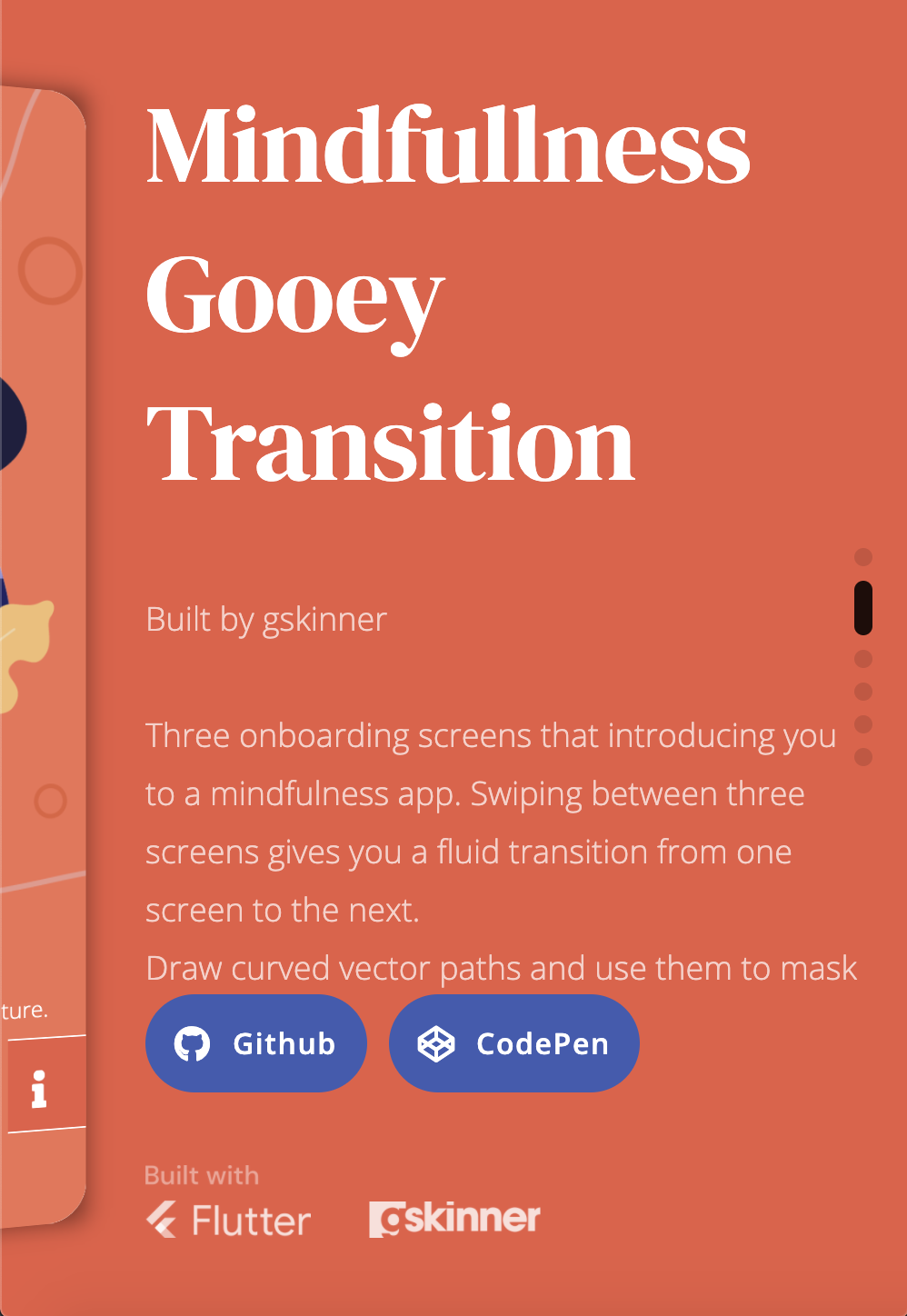
Check the web demo with the awesome vignettes from @gskinnerTeam

Getting Started

  1. Install package Check last version

  2. Wrap your app around a Showcase widget

runApp(Showcase(
  title: 'My Awesome Project',
  description: 'Hello World! Welcome to my awesome Flutter Project',
  app: MyApp()
))
  1. Add the frame builder inside Material App
MaterialApp(
  ....
  builder: Frame.builder,
  ....
)

Why is this needed? This builder is used to set new MediaQuery params with mobile size

  1. Run Flutter build web

  2. Publish the web project: See this cool articles on how to publish your app

That easy? Yess!!!

Keep reading for more detailed features

Customize my showcase

  1. Choose the template you perfer from the class Templates.

  2. Add actianable links

Showcase(
  // Add LinkData.github, LinkData.pub or create your custom LinkData()
  links: [
    LinkData.github(
      'https://github.com/jamesblasco/flutter_showcase'),
    LinkData.pub(
    'https://github.com/jamesblasco/flutter_showcase')
  ],
  //Add your brand logo next to the Flutter logo
  logoLink: LinkData(
      icon: Image.asset('assets/jaime_logo.png',
          fit: BoxFit.fitHeight),
      url: 'https://github.com/jamesblasco')
)      
  1. Create your custom theme
Showcase(
  theme : TemplateThemeData(
    brightness: Brightness.dark,
    backgroundColor: Colors.black,
    titleTextStyle: TextStyle(
      fontFamily: 'WorkSans',
      fontWeight: FontWeight.bold,
      color: Colors.white,
      height: 1.1,
      letterSpacing: 5),
    descriptionTextStyle: TextStyle(
        fontFamily: 'WorkSans',
        color: Colors.white70,
        fontWeight: FontWeight.w400,
        letterSpacing: 2),  
    flutterLogoColor: FlutterLogoColor.white,
    frameTheme: FrameThemeData(
      frameColor: Colors.white,
      statusBarBrightness: Brightness.dark,
    ),    
    buttonTheme: ButtonThemeData(
      buttonColor: Colors.white,
      shape:
          RoundedRectangleBorder(borderRadius: BorderRadius.circular(50)),
      textTheme: ButtonTextTheme.accent,
      padding: EdgeInsets.all(16),
    ),
    buttonTextStyle: TextStyle(
        fontFamily: 'WorkSans',
        color: Colors.black,
        fontWeight: FontWeight.bold,
        letterSpacing: 2),
    buttonIconTheme: IconThemeData(color: Colors.black) 
  ),
)  

Current package problems

  • Flutter web is still limited, some features are not available and performance can be a bit low sometimes
  • While most of the ui packages work on web, there are some packages that won't work or will not allow to compile the app
  • Creating a mobile frame inside a Flutter web app makes the global positions from gestures to be a reference for the whole screen and not the framed app, this might cause problems if you are using globalPosition in any GestureDetector or more advanced Widgets

Autogenerate social media tags - Experimental

CAUTION! This feature is still experimental; It generates a new index.html, if you add your own js scrips (as Firebase) it won't work for now.

This projects aims to generate social media tags title, description, url and image for your Flutter project so you don't have to do it.

  1. A WebDriver is needed for making a screenshot of the project For the experimental version I am using ChromeDriver.

Github Actions have ChromeDriver installed by default 🎉 Local instalation:

  • Mac users with Homebrew installed: brew tap homebrew/cask && brew cask install chromedriver
  • Debian based Linux distros: sudo apt-get install chromium-chromedriver
  • Windows users with Chocolatey installed: choco install chromedriver

See here for installing manually

  1. Add this at the bottom of your pubspec.yaml
showcase:
  title: Your project name
  description: This is the description of your project
  url: https://showcase-custom-web.com
  1. Instead of flutter build web we will use flutter pub run flutter_showcase build that will generate the web project in the folder in build/web_showcase

カテゴリー

依存関係

依存関係一覧 9 件

ソースリポジトリ

このパッケージを使用しているプロジェクト

データはまだありません。