

 v0.5.0
loading_overlay
フェードイン・アウトするモーダルプログレスインジケーターウィジェット。非同期呼び出し中にウィジェットへのアクセスをブロックするため、他のウィジェットをラップします。
192いいね 2万30日間ダウンロード150Pub ポイント
AndroidiOSWebmacOSWindowsLinux
Flutter用のシンプルなモーダルプログレスHUD(ヘッドアップディスプレイ、またはプログレスインジケーター)

以下は英語原文のスナップショットです。最新版は GitHub をご覧ください。
A simple widget wrapper to enable modal progress HUD (a modal progress indicator, HUD = Heads Up Display).
Started as a fork of modal_progress_hud Inspired by this article.
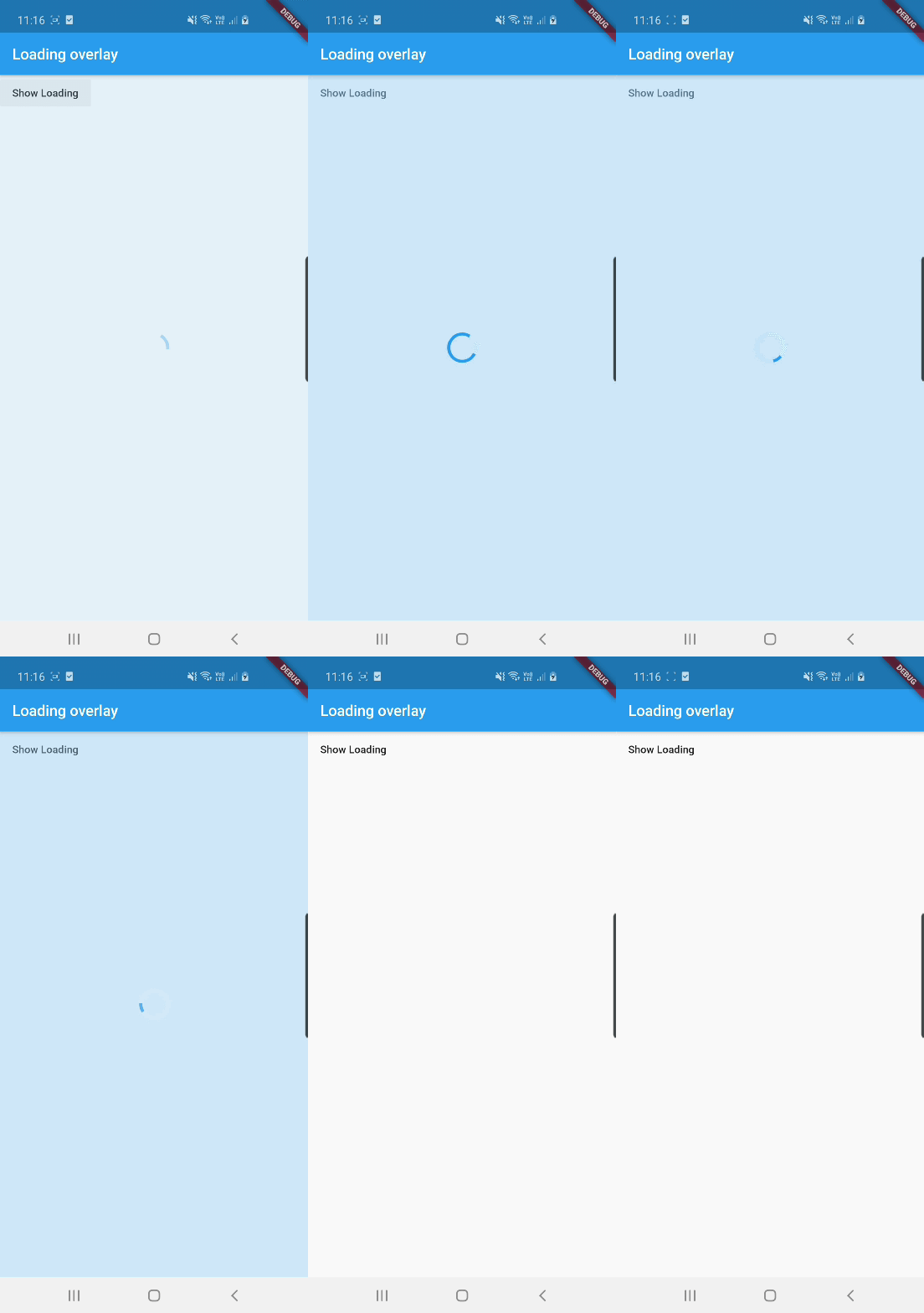
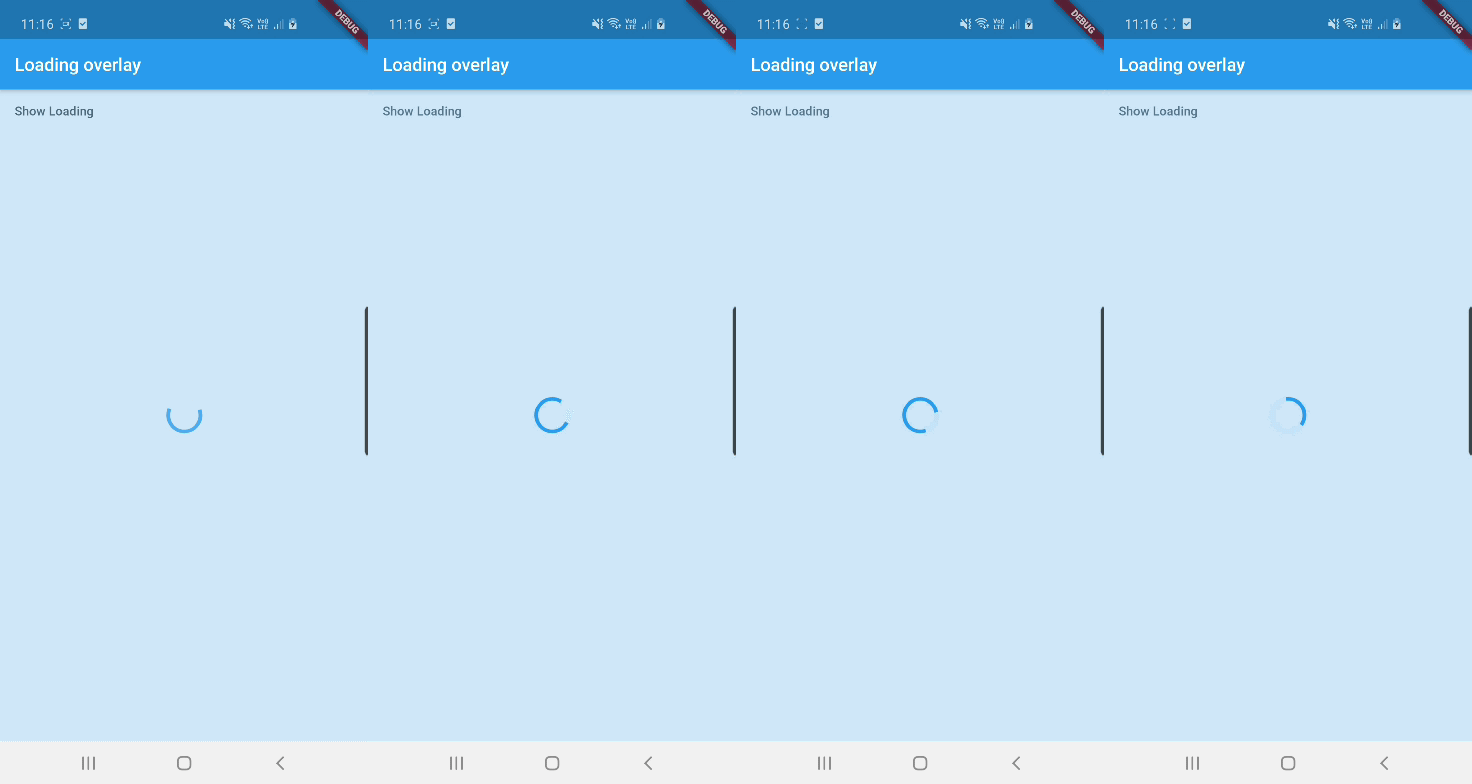
See example for details
Add the package to your pubspec.yml file.
dependencies:
  loading_overlay: ^0.4.0
Next, import the library into your widget.
import 'package:loading_overlay/loading_overlay.dart';
Now, all you have to do is simply wrap your widget as a child of LoadingOverlay, typically a form, together with a boolean that is maintained in local state.
...
bool _isSaving_ = false
...

@override
Widget build(BuildContext context) {
  return Scaffold(
     body: LoadingOverlay(
      color: Colors.black.withOpacity(0.5),
      child: Container(
       Form(...)
      ),
      isLoading: _isSaving_
      ),
  );
}
Alternatively, show the overlay until a Future completes (non-breaking new feature):
// Start an async operation
final saveFuture = _saveFormAsync();

return LoadingOverlay.withFuture(
  future: saveFuture,
  color: Colors.black.withOpacity(0.5),
  child: Form(...),
);
The current parameters are customizable in the constructor
LoadingOverlay({
  required bool isLoading,
  required Widget child,
  Widget progressIndicator = const CircularProgressIndicator(),
  Color? color,
});

// New: show overlay until a Future completes
LoadingOverlay.withFuture({
  required Future<void> future,
  required Widget child,
  Widget progressIndicator = const CircularProgressIndicator(),
  Color? color,
});
Update: See this article on Medium about async form validation
See the example application source for a complete sample app using the modal progress HUD. Included in the example is a method for using a form's validators while making async calls (see flutter/issues/9688 for details).
Please file issues to send feedback or report a bug. Thank you!
依存関係一覧 3 件
{"sdk":"flutter"}{"sdk":"flutter"}^6.0.0用途で絞り込み、開発状況を比較し、採用前に元のリポジトリで要件を確認しましょう。
“A repository is the most basic element of GitHub.”
GitHub Docs — About repositories ↗